Home
» WEB
»
FRFR Meaning in Text: How to Use It in Casual Chats
FRFR Meaning in Text: How to Use It in Casual Chats
FRFR means “for real, for real.” In a text, it usually adds extra emphasis: the writer is being sincere, strongly agreeing, or asking whether something is actually true. The intended meaning depends on the sentence and punctuation. It is casual shorthand, so it works best in texts and chats with people who are comfortable with informal language.
Think of FRFR as a more emphatic form of FR, short for “for real.” Merriam-Webster labels “for real” informal and gives senses such as genuine, honest or serious, in earnest, and actually. Repeating the phrase in FRFR intensifies that idea in a message. Merriam-Webster’s definition of “for real”.
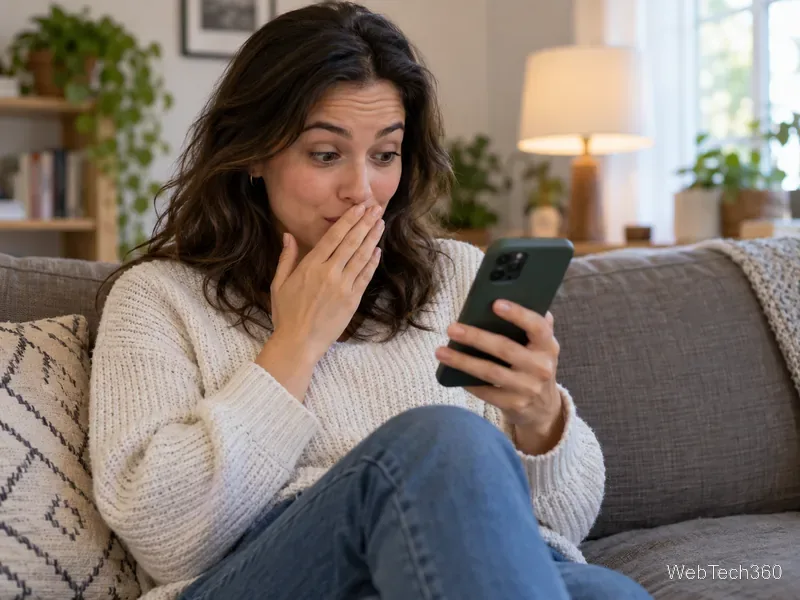
A relaxed conversation is the kind of setting where emphatic slang like FRFR fits naturally.
What does FRFR mean in different contexts?
FRFR does not have a single tone in every message. It can underline a serious statement, reinforce agreement, or signal surprise. Read the surrounding words to tell which meaning fits.
To stress sincerity: “I didn’t take your charger, frfr.” The sender is emphasizing that they mean what they said.
To show strong agreement: “That was the best concert all year.” “FRFR.” The reply means “Absolutely” or “I agree completely.”
To react with surprise: “They canceled the trip?” “FRFR?” The question asks whether the news is really true. In “You got the internship frfr?!” it can also intensify excitement or disbelief.
That range explains why FRFR can appear at the start, middle, or end of a message. At the start, it can set an emphatic tone (“FRFR, I need a quiet weekend”). At the end, it often reinforces the claim (“I’m staying in to study, frfr”). As a one-word reply, it commonly signals agreement. Punctuation and the earlier message help clarify the difference.
FRFR examples you can use in a chat
These original examples show how the same shorthand changes slightly with context:
“I’m not joking about being tired. I’m going straight home, frfr.” (sincerity)
“This playlist is perfect for the drive.” “FRFR, every song works.” (agreement)
“You found the keys in the freezer?” “FRFR? How did they get there?” (surprise and a request to confirm)
“I can help you move Saturday, frfr.” (a genuine offer)
If FRFR appears by itself after someone shares an opinion, it usually means “for real” or “I agree.” If it is followed by a question mark, it more often asks the other person to confirm an unexpected claim.
With a question mark, “FRFR?” can ask whether surprising news is really true.
FR vs. FRFR: what’s the difference?
FR is the shorter form of “for real.” It can mean “seriously,” “actually,” or “I agree,” depending on where it appears. FRFR repeats the abbreviation to make the emphasis stronger: “I truly mean it,” “absolutely,” or “really?” The distinction is a matter of tone, not a strict grammar rule, so people may use either one for agreement.
You may see it written as “FRFR,” “frfr,” or “fr fr.” There is no official spelling rule for this informal texting shorthand. Lowercase often blends into a sentence, while uppercase can make the emphasis stand out. The letters themselves do not change the meaning; context does.
When should you use FRFR?
Use FRFR in casual texts, direct messages, group chats, or social media comments when the other person is likely to understand it. It can make a quick reply feel more emphatic than a plain “yes,” “true,” or “I agree.” It also works when you want to reassure someone that an offer or statement is sincere.
In a work message, spelling out “seriously,” “honestly,” or “I agree” is clearer and more professional.
Skip it in formal emails, school assignments, applications, reports, or messages to someone who may not know the abbreviation. In those settings, write the meaning out: “I’m serious,” “I genuinely agree,” or “Is that true?” That keeps your message clear without asking the reader to decode slang.
FRFR can also sound playful or sarcastic if the rest of the message is joking, but the abbreviation alone does not prove that the writer is being sarcastic. If you are unsure, check the surrounding conversation or ask what they meant. And because it is an intensifier, repeating it in every sentence can make it lose its force.
Where did FRFR come from?
The exact first use of the abbreviation is difficult to establish. Informal internet shorthand rarely has a documented inventor or launch date, and the earliest entry someone can find on a user-submitted slang site would not prove that it was the first use. The older phrase “for real” has a traceable dictionary history: Merriam-Webster lists 1950 as its first known use. That date applies to the phrase, not to the texting abbreviation FR or the doubled spelling FRFR. It is safest to describe FRFR as a written shorthand that repeats “for real” for added emphasis rather than assign it a precise origin story.
Quick answer
In casual texting, FRFR means “for real, for real.” Use it to emphasize honesty, agreement, or surprise. If the audience or situation is formal, spell out what you mean instead.