Home
» WEB
»
How to Get a Disposable Email Address for One-Time Sign-Ups
How to Get a Disposable Email Address for One-Time Sign-Ups
A disposable email address is fastest to get from a temporary inbox: open a service, copy its address, and use it for a low-risk signup or one-time verification. If you may need the account later, use an email alias that forwards to your regular inbox. Choose based on whether you need the address for minutes or ongoing access.
Choose between a temporary inbox and an email alias
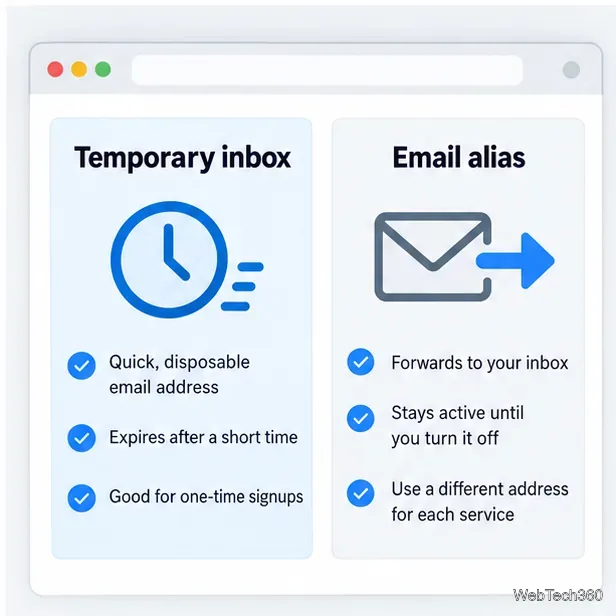
Both keep your primary address off a signup form, but they work differently:
Temporary inbox: A short-lived address with an inbox for reading incoming messages. It suits a one-time confirmation or low-stakes download. For example, 10 Minute Mail’s FAQ says its address and messages expire after 10 minutes and cannot be recovered afterward.
Email alias or mask: A separate address that forwards mail to an inbox you control. Keep it for a store, app, or newsletter and disable it later. Options include Firefox Relay, Apple Hide My Email with iCloud+, and Proton Pass; their setup and plan limits differ.
A temporary inbox is brief; a forwarding alias stays available until you turn it off.
Use a temporary inbox for one confirmation. Use an alias for a trial, store, or newsletter you may revisit, since it can still receive receipts and password resets. Neither option makes you anonymous; a site can collect other information about your visit or account.
Get a short-lived inbox in four steps
Choose a provider with an inbox. An address generator alone will not help if the site sends a verification email. Use the provider’s own site and confirm that you can view messages.
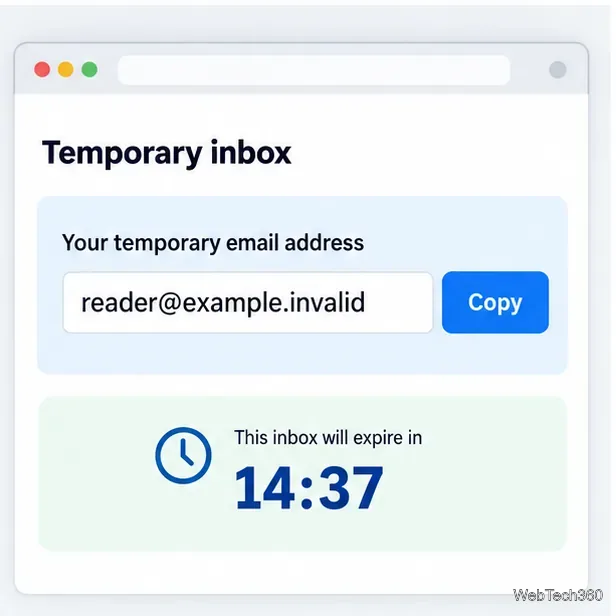
Copy the address and keep its page open. Copy the full address shown and leave the inbox tab open while you sign up. Temporary addresses can stop working when their timer expires.
Copy the displayed address and note the countdown before using it.
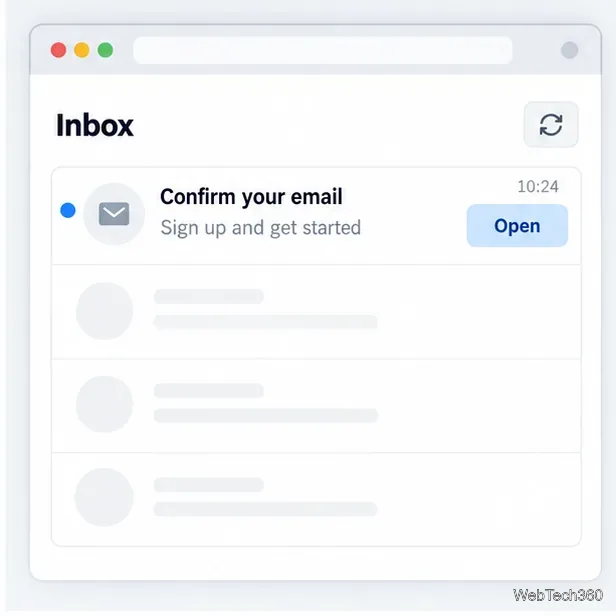
Submit the signup form. Paste the address into the email field. Return to the temporary inbox, refresh if needed, and open the expected confirmation message.
Open the confirmation message from the service you just signed up for.
Verify before expiration. Follow the link or enter the code on the signup site. Once the inbox expires, later messages and password resets may be inaccessible.
If no message arrives, check for a typo and refresh the inbox. Delivery can take a little time, and some sites block disposable domains. If the address is rejected or the timer is nearly up, switch to an alias or a mailbox you control long-term.
Use an alias when you may need future messages
Create the alias through a provider you can sign in to later, verify that messages reach an inbox you check, and use a different address for each service where possible.
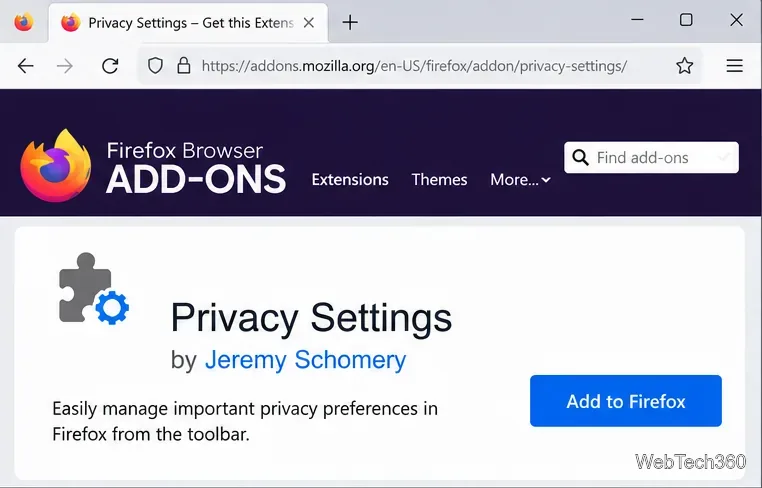
Firefox Relay: Sign in and create a mask from its dashboard, or use the option offered in a supported web form.
Apple Hide My Email: With iCloud+, open iPhone Settings, tap your name, then iCloud > Hide My Email > Create New Address. Apple says these addresses forward to your personal email and can be deactivated.
Proton Pass: Create a hide-my-email alias in its extension or app, then manage or disable it there. Features and limits depend on your plan.
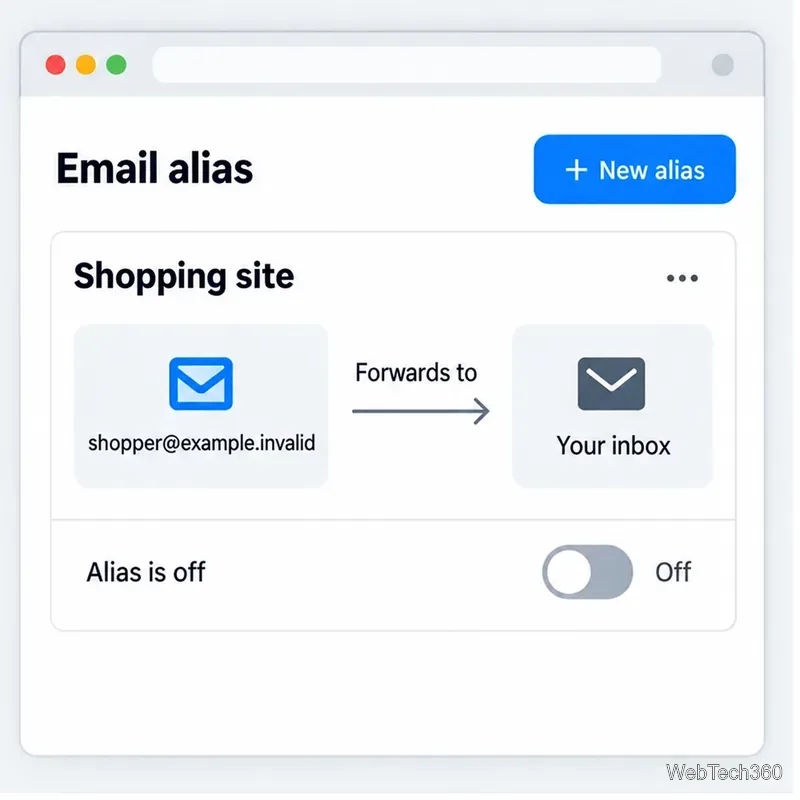
Turn off a forwarding alias when you no longer want mail from that site.
Keep the alias active as long as you need receipts, login codes, or password resets. Turning it off stops messages sent to it from reaching you.
Where not to use a disposable address
Use a stable address you control for banking, health care, government, work, travel, or any account where missed notices or lost recovery access could matter. Mozilla also advises against masks for identity verification and important messages, including banking, medical, legal, and travel communications.
If you registered with a temporary address but want to keep the account, change it to a lasting email before the inbox expires. Confirm the replacement address with the service and make sure you can sign in afterward.
If verification fails
Refresh the inbox, wait briefly, and use the signup site’s resend option once.
Check the spelling and expiration timer.
If the site blocks temporary mail, use a forwarding alias or a separate mailbox you own.
Never use a short-lived address as the only recovery method for an important account.