How to Disable JavaScript in Chrome for One Tab or a Site
Learn how to disable JavaScript in Chrome temporarily with DevTools, block it for one site, or change the browser default, plus how to restore it.
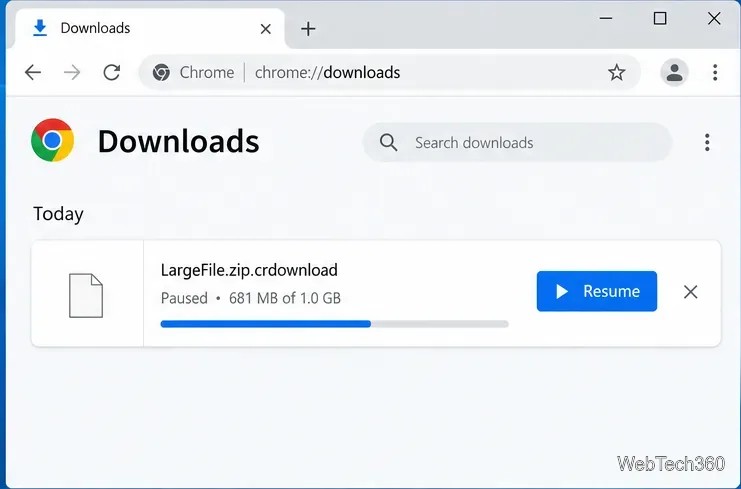
A .crdownload file is an unfinished Google Chrome download. Windows 10 cannot open it as the finished file because Chrome is still downloading the data, or the download stopped before completion. Open Chrome’s Downloads page and resume or restart the download. When it finishes, Chrome normally replaces the temporary filename with the file’s regular name and extension.
Chrome adds the .crdownload suffix to an intermediate download file. Chromium’s download code uses that suffix for the temporary path, then manages the final download through the browser. The file may appear while a download is in progress or paused, and it can remain behind if a download is interrupted. It is not a separate format such as ZIP, PDF, or MP4, so there is no special “CRDOWNLOAD opener” to install.
Renaming the file does not finish or convert it. Microsoft explains that changing a filename extension changes only the name, not the file’s contents. If bytes are missing, an app may reject the renamed file or show only a damaged fragment. Use renaming only as a last-resort experiment on a copy when you know the original file type and have reason to believe the download actually completed.
chrome://downloads in the address bar.Chrome’s default Windows download folder is C:\Users\<username>\Downloads. If you chose a different folder, open More > Settings > Downloads to see or change the download location.
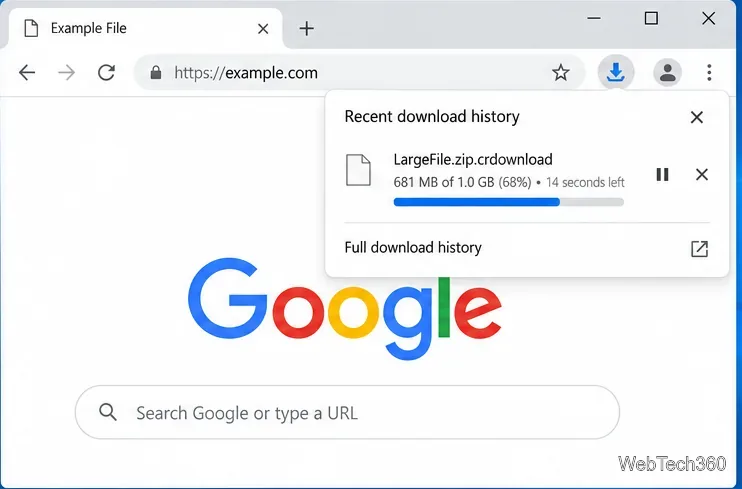
If the Downloads page shows a Resume control, select it and let the transfer continue. Google’s download guidance says you can resume a paused file from Chrome’s download controls. A resumed download may take time to reconnect or verify data, so keep the browser open and check its status instead of trying to open the temporary file.
If Chrome marks the item as failed, use a retry option if one appears. Otherwise, return to the original website, sign in if required, and start the download again from its official link. Chrome may resume interrupted downloads automatically, but a failed item is not guaranteed to be recoverable. The server may have removed the file or may require a fresh authorization.
Google’s Chrome download-error guide explains these messages and recommends checking the connection, trying again later, or contacting the website owner when appropriate.
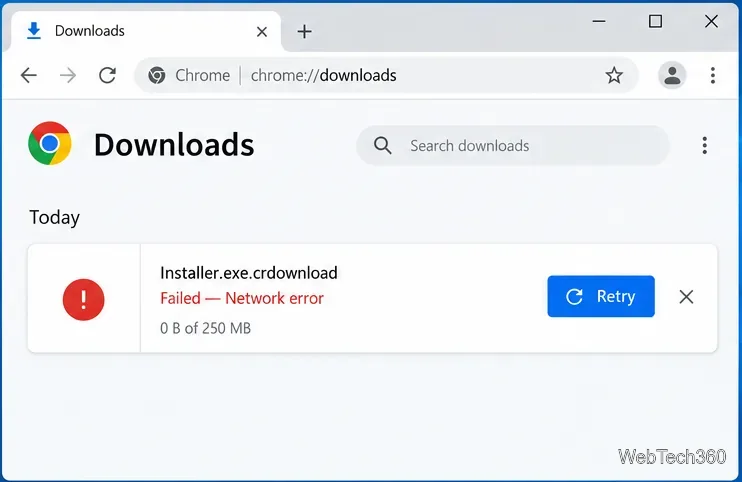
%USERPROFILE%\Downloads or the folder selected in Chrome settings..crdownload ending visible.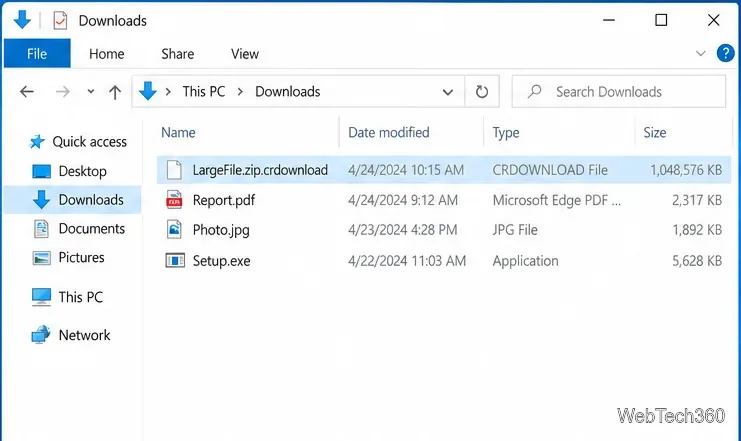
Usually, no. Changing video.mp4.crdownload to video.mp4, for example, only changes the label Windows sees; it does not restore missing video data. If Chrome still lists the transfer, resume it there. If Chrome no longer lists it, the dependable fix is to download the file again. A partial file might reveal a small preview in a specialized app, but that is not a reliable way to recover the complete download.
For reference, see Chromium’s download-path implementation, Google Chrome’s download instructions, and Microsoft’s explanation of Windows file extensions.
Learn how to disable JavaScript in Chrome temporarily with DevTools, block it for one site, or change the browser default, plus how to restore it.
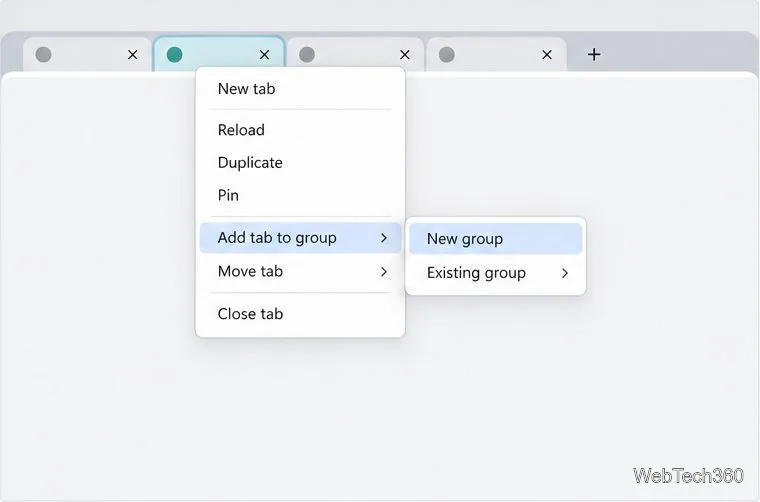
Organize related Chrome tabs into a group, then hide or reopen them with one click. See the current desktop steps, keyboard option, and what collapsing does.
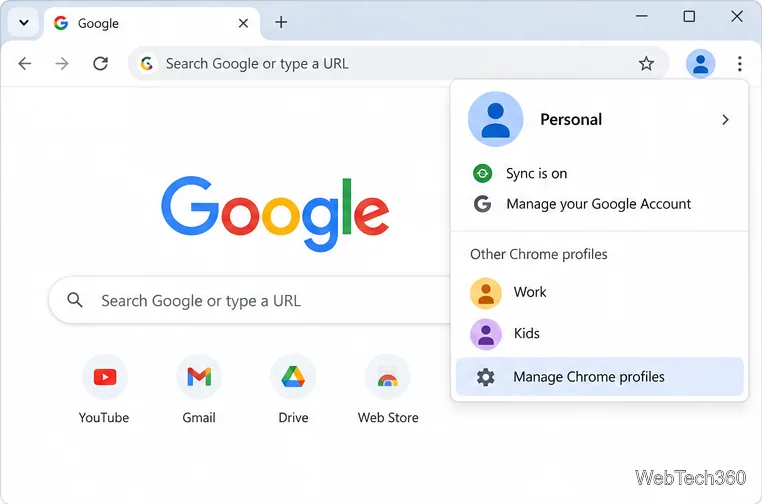
Rename a Chrome profile from its menu or profile manager, see what the label affects, and fix display delays without changing your Google Account name.
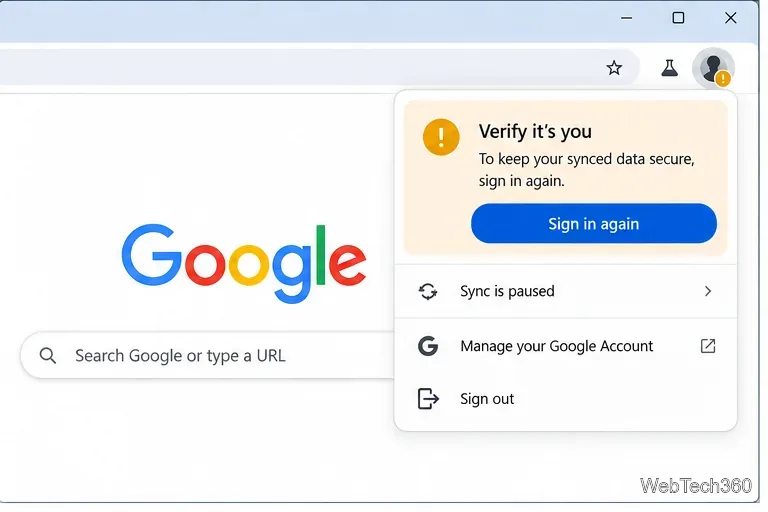
Fix Chrome sync pausing and repeated sign-in prompts by restoring account access, keeping site data, updating Chrome, and checking extensions or profiles.
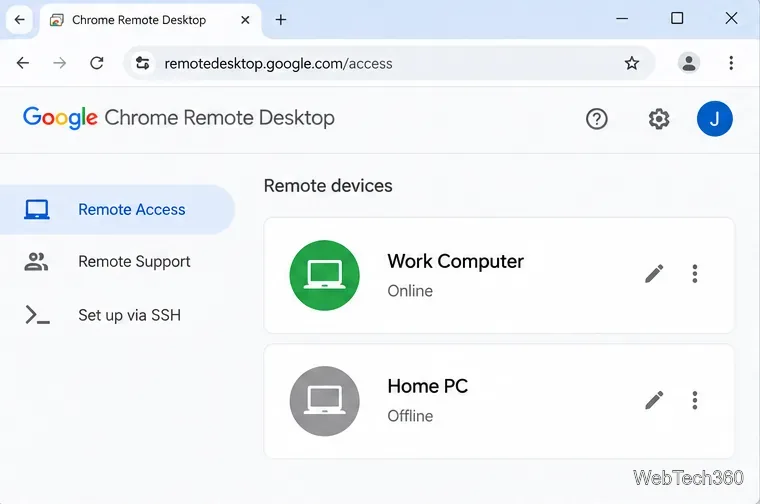
Chrome Remote Desktop not working? Fix offline hosts, update Chrome, reset remote access, check permissions, firewall rules, and managed-network restrictions.
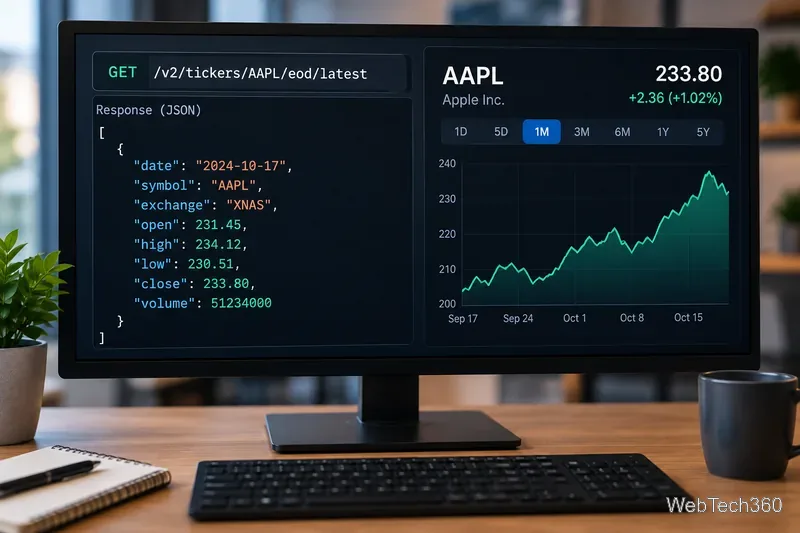
Marketstack review covering API v2, real-time and intraday data, historical coverage, pricing, limits, pros, cons, and who should use it.
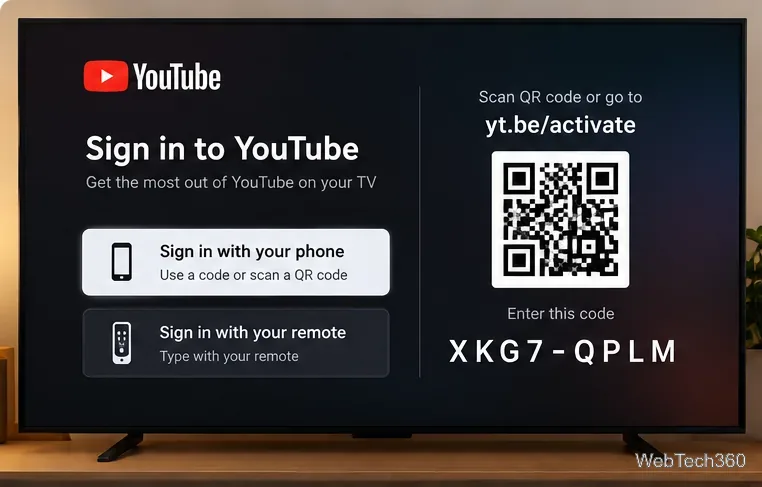
Learn how to activate YouTube at youtube.com/activate or yt.be/activate, enter your TV code, choose your Google Account, and fix sign-in problems.
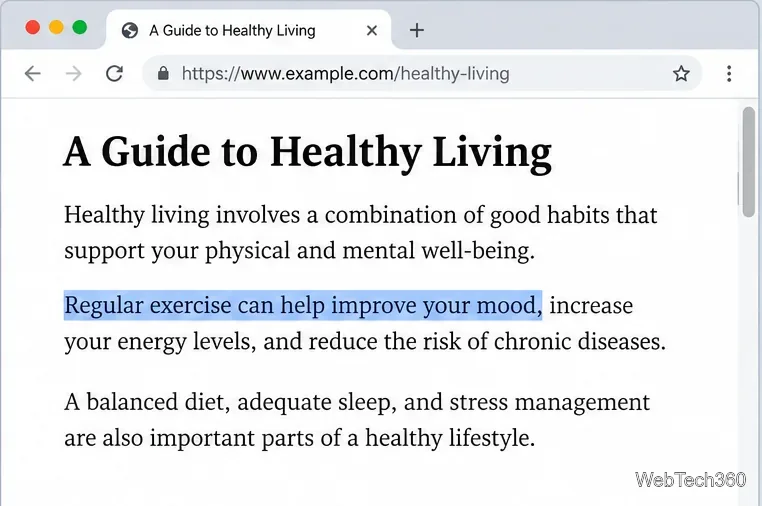
Learn how to link directly to selected text in Chrome with Copy link to highlight, how text-fragment URLs work, and what to do if a link fails.
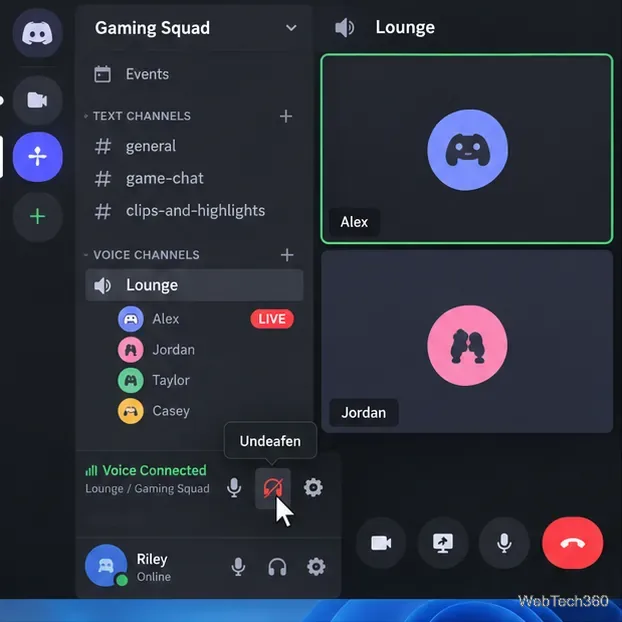
Can't hear anyone on Discord? Check Deafen and user volume, choose the right output device, reset Voice & Video, and fix Windows audio settings.
Learn how to add roles in Discord, change a role name, set permissions, assign or remove members, reorder roles, and delete roles safely.