Home
» WEB
»
How to Watch Netflix at Work Discreetly During an Approved Break
How to Watch Netflix at Work Discreetly During an Approved Break
Watching Netflix at work discreetly is appropriate only when your workplace allows personal streaming and you are on an approved break. The simplest option is to use your own phone or tablet in an authorized break area, keep the sound private, and stop when your break ends. “Discreet” should mean considerate and private; it should not mean disguising streaming as work.
1. Check the rules before opening Netflix
Read your workplace’s acceptable-use policy or break guidelines first. Some employers allow personal phone use during breaks but restrict streaming on company equipment or networks. If the rule is unclear, ask a supervisor or HR contact instead of testing the limits. Follow any rules about headphones, personal devices, shared spaces, and network access.
Do not watch while you are responsible for customers, equipment, safety, security, or a time-sensitive response. If your role requires you to stay alert or react quickly, save the episode for later. Ask for coverage before stepping away if your duties require it.
2. Use a personal device during a real break
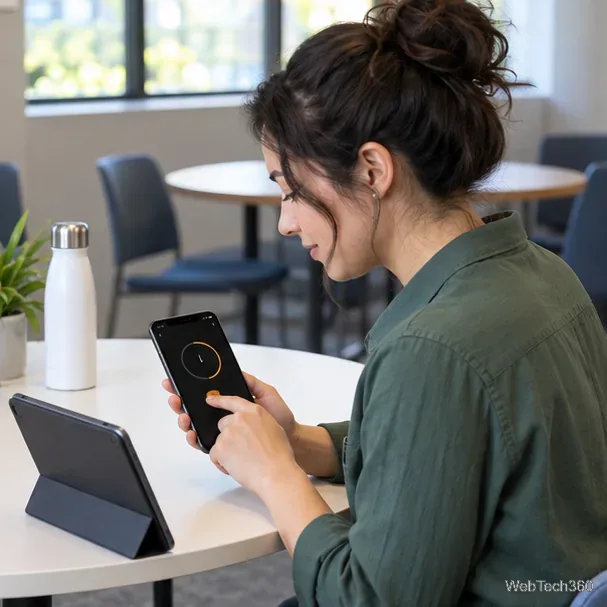
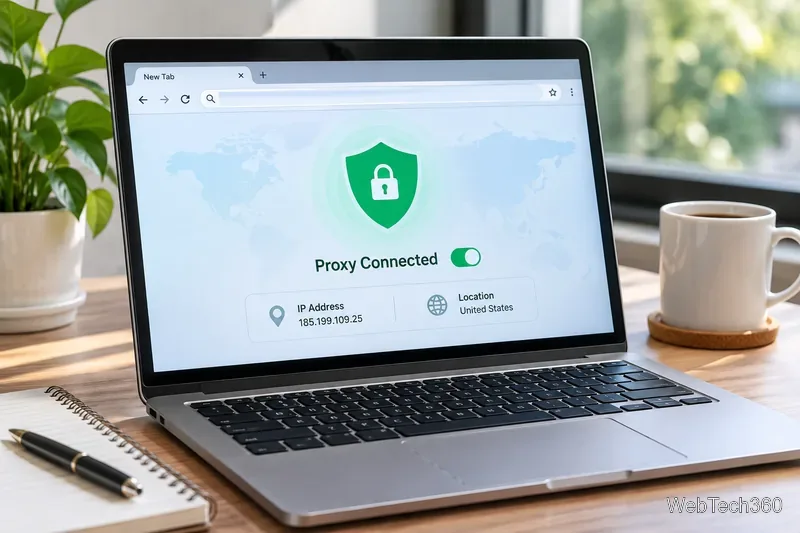
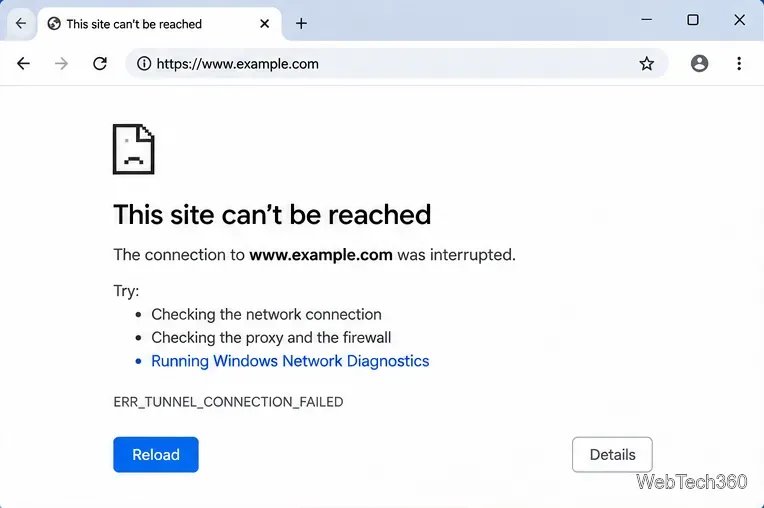
Choose your own phone or tablet rather than a company-managed computer. A personal device keeps your Netflix account and browser activity separate from work tools, and it avoids adding software to a managed browser. Use only a network your employer permits for personal use. If Netflix is blocked on the work network, do not try a proxy, VPN, alternate DNS, or another workaround; use an allowed personal connection or wait until you are off work.
Move to a break room or another place where personal screen use is permitted. Set the volume low and use headphones only if workplace rules allow them. Keep enough awareness of announcements and people who need your attention. A break is still a break, so do not stream in a shared meeting, customer, or production area.
3. Open Netflix on a supported personal device
On a personal phone or tablet, open the official Netflix app and sign in to your own account. On a personal computer, use a browser Netflix supports. Netflix currently lists Chrome, Edge, Firefox, Opera, and Safari among its supported browsers, although the minimum browser and operating-system requirements vary by device. Check Netflix’s supported browsers and system requirements if playback fails.
If you would rather avoid streaming over a connection, some titles can be downloaded in the Netflix app before your shift on a supported device. Availability depends on the title and device, and downloads can expire. Netflix explains the current steps and limits in its guide to downloading titles for offline viewing. Downloading does not override a workplace rule against watching during work hours; use saved episodes only during an approved break.
4. End the episode when your break ends
Pick a stopping point that fits the time you actually have. Set a timer on your own device if that helps, pause the show when it rings, and put the phone away before returning to your duties. Remove headphones so you can hear work-related instructions. If the device is shared, sign out of Netflix when you finish and avoid leaving account details visible.
Do not rely on a tab-switching shortcut as a substitute for stopping. If work calls you back early, pause immediately and return to the task.
Why the old Workflix shortcut is not a good workplace solution
The earlier version of this article recommended a Chrome extension called Workflix that could change a Netflix tab’s icon and switch to another tab. Those actions only alter what is displayed in the browser; they do not make streaming permitted or ensure that activity is private. This rewrite does not recommend installing Workflix or a similar tool to disguise personal viewing.
Chrome advises users to install only extensions they trust and explains that some extensions can request permission to read or change data on websites. Google also notes that a work or school organization may block extensions. Review Google’s current guidance for installing and managing Chrome extensions, and leave extensions off a managed work profile unless your IT team approves them.
Quick answers
Can I watch Netflix on my work computer?
Only if your employer’s policy explicitly permits personal streaming on that device and network. Netflix browser support describes technical compatibility, not permission to use workplace equipment for entertainment.
Can I watch during lunch?
That depends on your workplace’s rules and your responsibilities. Use a personal device in an approved area, and stay available if your role requires coverage.
Can I download an episode before work?
Netflix downloads are available for some titles on supported devices through the app. Check Netflix’s download guidance, and watch only during an approved break.