How to Disable JavaScript in Chrome for One Tab or a Site
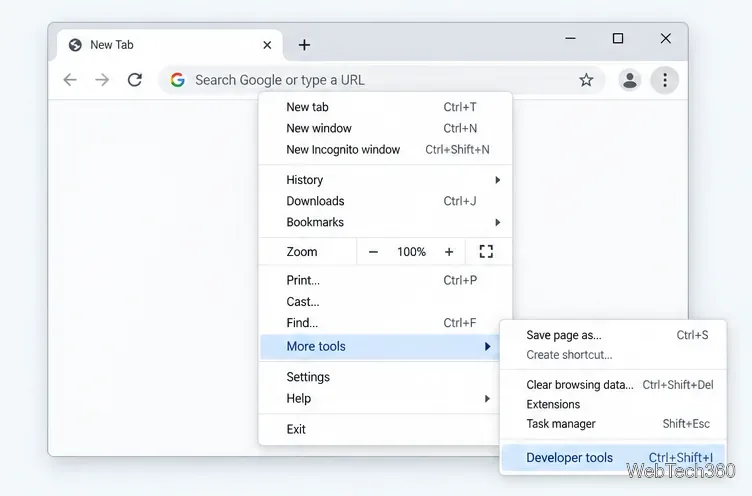
Learn how to disable JavaScript in Chrome temporarily with DevTools, block it for one site, or change the browser default, plus how to restore it.
If Instagram will not let you create an account, start with the basics: use an email address or mobile number you can access, enter the confirmation code correctly, provide your real birthday, and make sure the Instagram app is up to date. If the app still fails, try signing up at Instagram.com in a browser, then test a different network or temporarily disable a VPN. Avoid repeatedly submitting the form in rapid succession, because security systems can treat unusual signup activity as suspicious.
Instagram needs reliable contact information so it can confirm the account and help you recover access later. Before changing anything else, check the email address or phone number character by character and make sure you can actually receive messages at that address or number.
Meta's Instagram Help Center also stresses the importance of retaining access to the email address or phone number associated with an account. See the official guidance on email and phone access for Instagram.
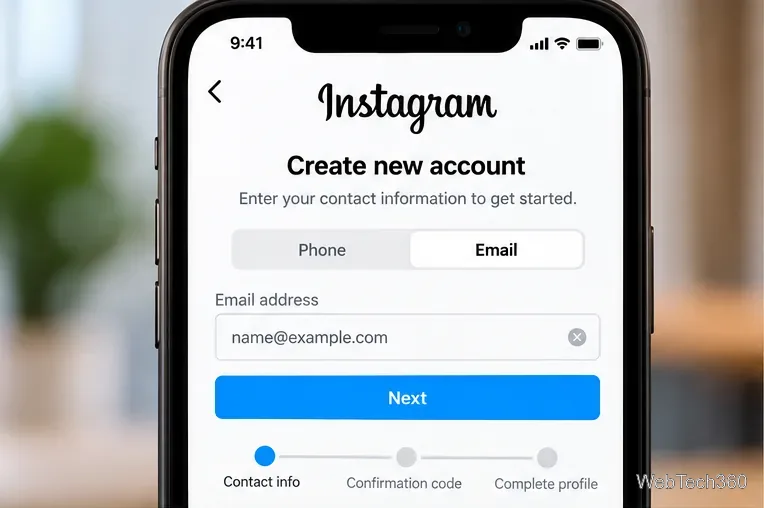
The email sign-up stage asks for contact information before the account can move on to confirmation.
A signup can stop if the birthday does not meet Instagram's eligibility rules. Meta says people must generally be at least 13 to use Instagram, although a higher minimum age can apply in some countries. Enter your real birthday rather than trying different dates to get past the age screen.
Meta has also said that it uses age-assurance systems and can restrict repeated attempts to enter inconsistent birthdays. You can review the current policy context in Meta's age assurance update and Instagram's Terms of Use.
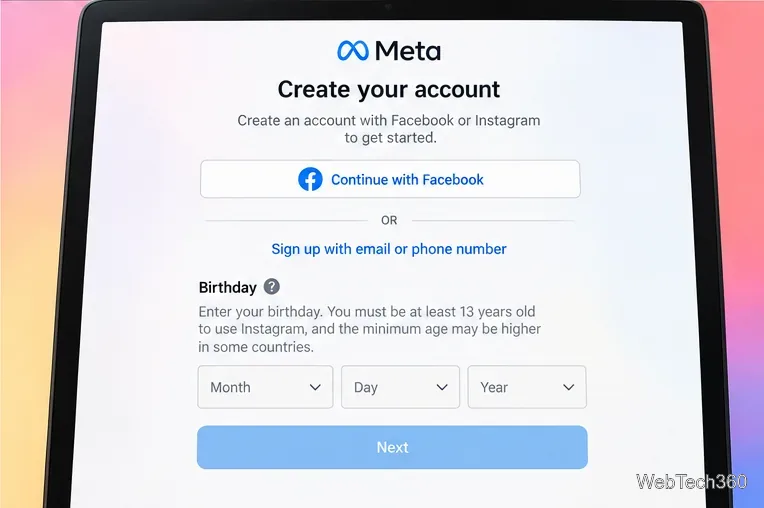
Birthday information is part of account creation and is used to apply age-appropriate rules.
You do not have to complete signup only in the mobile app. Instagram supports account creation on the web, so a browser is a useful way to separate an app problem from an account or server-side problem.
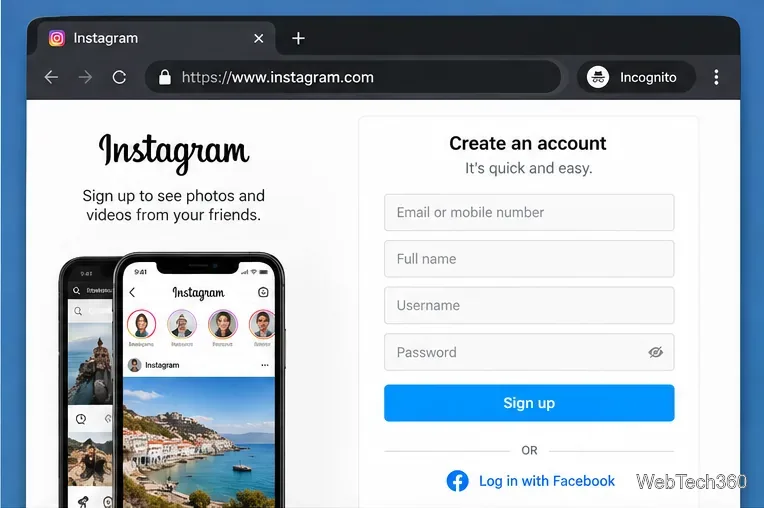
A desktop browser provides another supported path to the Instagram registration flow.
If the form loads but fails when you submit it, test the connection. Switch from Wi-Fi to cellular data, or from cellular data to a trusted Wi-Fi connection. If you are using a VPN, proxy, private relay, or filtering service, temporarily turn it off and retry.
Do not turn on a VPN specifically to bypass Instagram's signup limits. A VPN changes the network address seen by the service and can make an already unusual signup attempt look less consistent. The goal here is to use a stable, ordinary connection, not to evade a restriction.
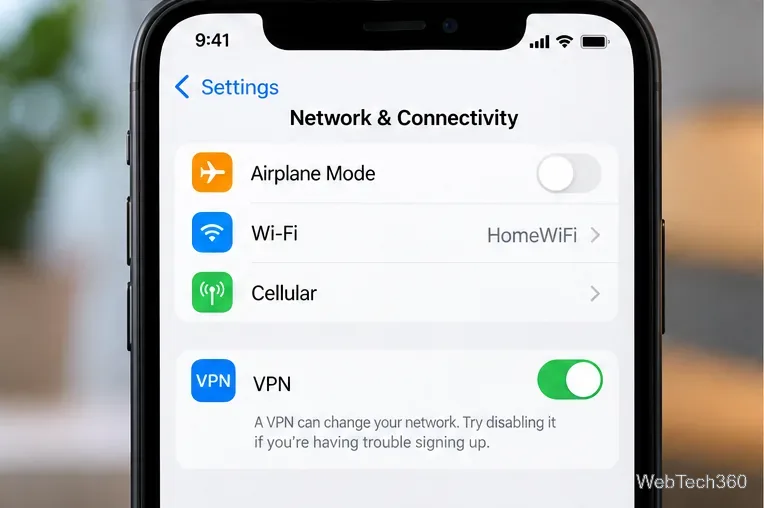
A stable connection without an unnecessary VPN can remove one source of signup failures.
The exact buttons you see may differ from older guides. Meta announced an improved Meta Account experience on April 23, 2026, bringing login and account management across services such as Facebook and Instagram into a more centralized system. Meta also allows people in supported flows to use an existing Facebook or Instagram login when creating additional accounts.
If Instagram offers a Facebook or Meta login option during signup, you can use it if you want the accounts connected. This is optional; you do not need to link accounts merely to troubleshoot a basic email or phone signup error. See Meta's official explanation of the Meta Account changes.
Stop submitting the form repeatedly and try again later from the same normal device and connection. Instagram does not publish a universal duration for every temporary signup restriction, so any message that tells you to wait, verify information, or complete an identity check should take priority over generic troubleshooting advice.
If the error persists across both the app and Instagram.com, open the Instagram Help Center and follow the guidance that matches the message on your screen. Avoid third-party services that promise to create, unlock, or verify an Instagram account for a fee, and never give another service your confirmation codes or password.
In most cases, the useful fixes are straightforward: correct the contact information, use an eligible birthday, update the app or switch to the website, use a stable network without an unnecessary VPN, and follow any verification prompt Instagram displays. Those steps address the common causes without relying on outdated advice or attempts to bypass Meta's safeguards.
Learn how to disable JavaScript in Chrome temporarily with DevTools, block it for one site, or change the browser default, plus how to restore it.
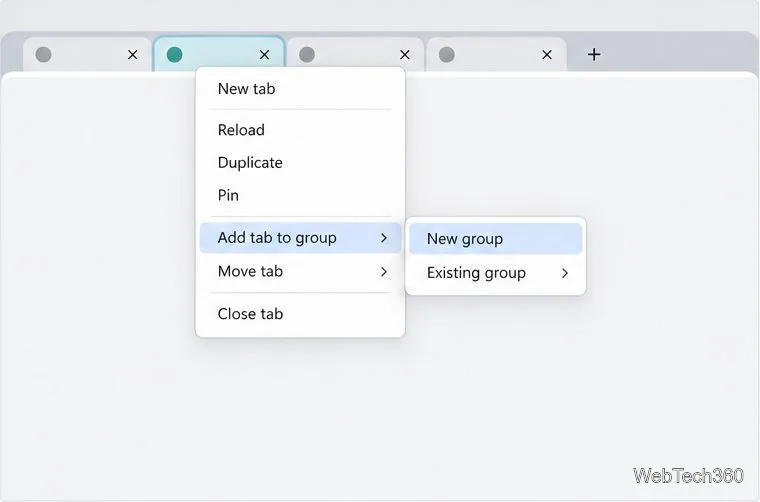
Organize related Chrome tabs into a group, then hide or reopen them with one click. See the current desktop steps, keyboard option, and what collapsing does.
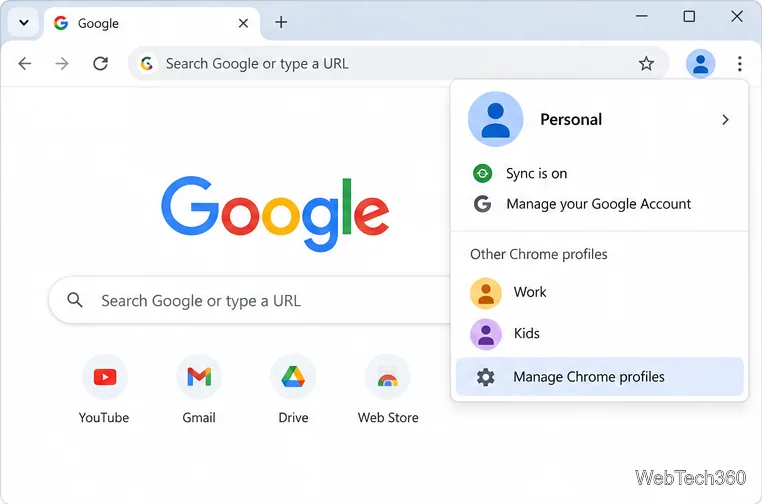
Rename a Chrome profile from its menu or profile manager, see what the label affects, and fix display delays without changing your Google Account name.
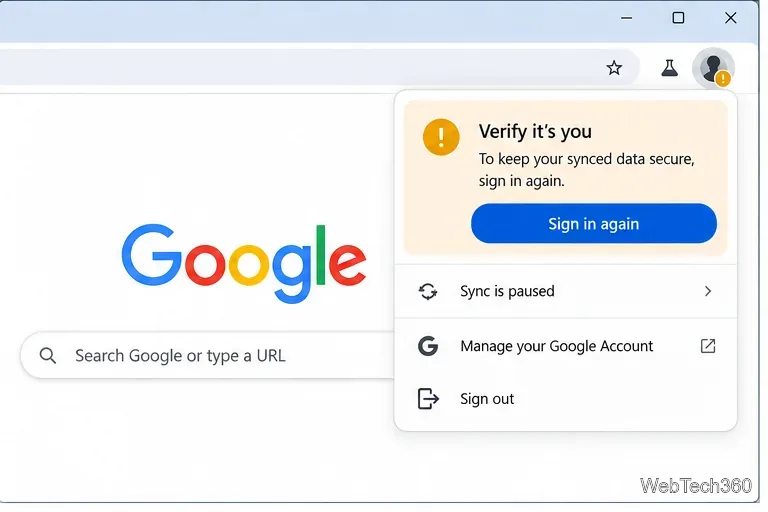
Fix Chrome sync pausing and repeated sign-in prompts by restoring account access, keeping site data, updating Chrome, and checking extensions or profiles.
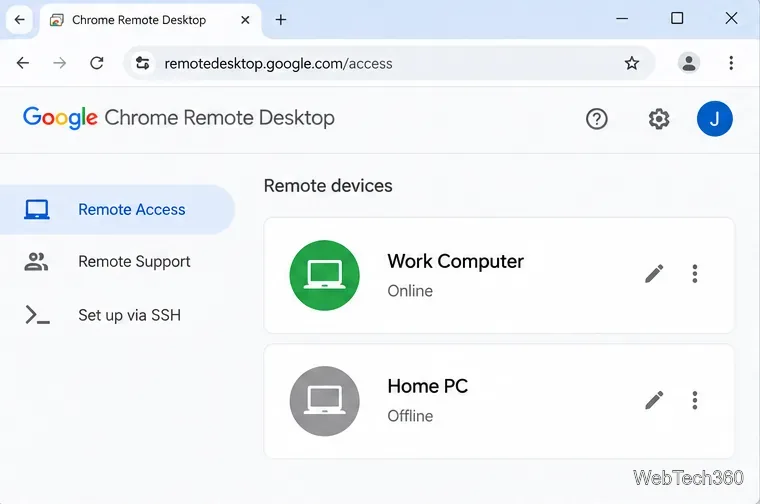
Chrome Remote Desktop not working? Fix offline hosts, update Chrome, reset remote access, check permissions, firewall rules, and managed-network restrictions.
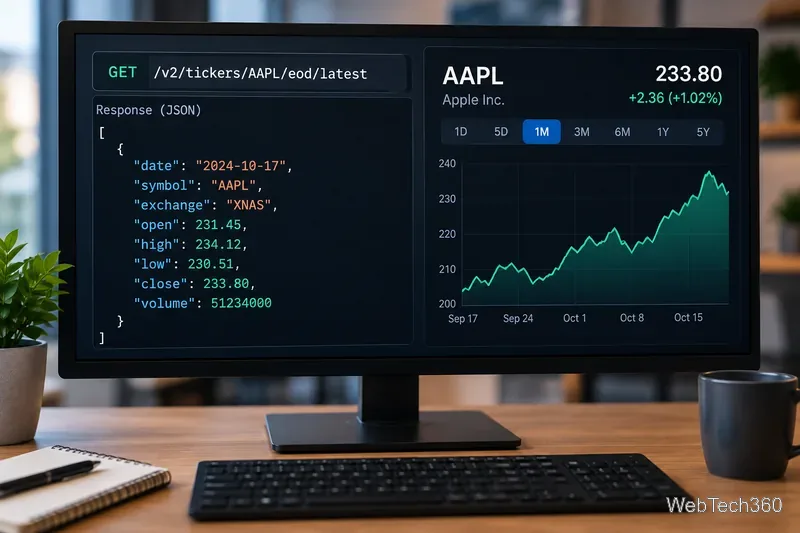
Marketstack review covering API v2, real-time and intraday data, historical coverage, pricing, limits, pros, cons, and who should use it.
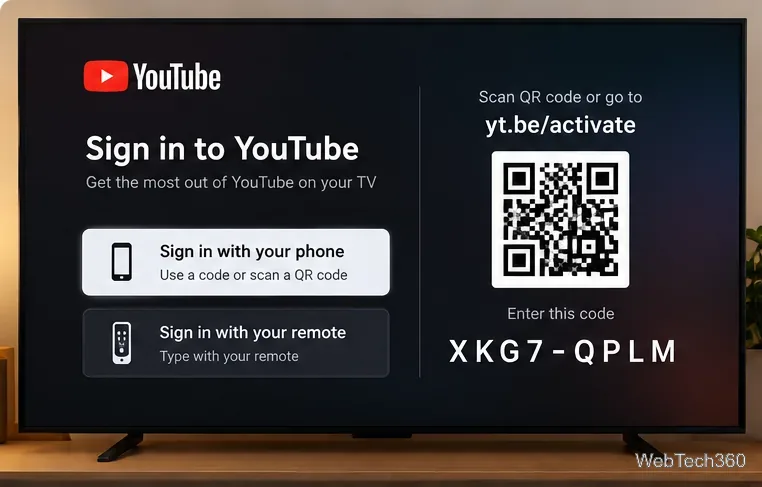
Learn how to activate YouTube at youtube.com/activate or yt.be/activate, enter your TV code, choose your Google Account, and fix sign-in problems.
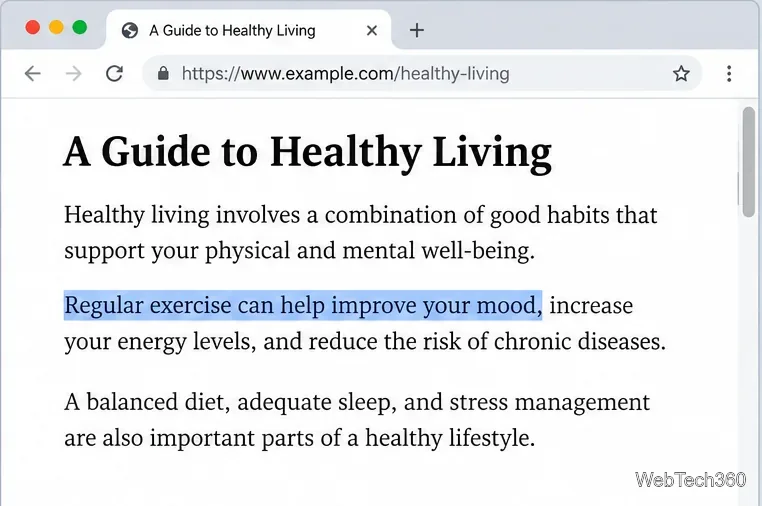
Learn how to link directly to selected text in Chrome with Copy link to highlight, how text-fragment URLs work, and what to do if a link fails.
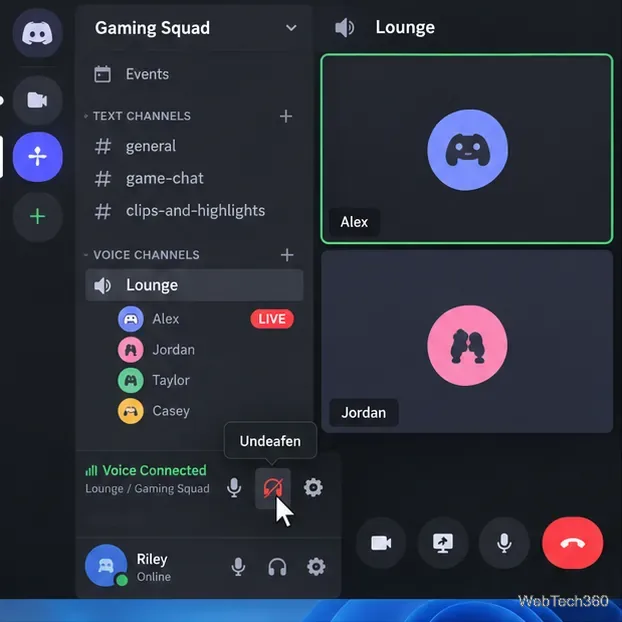
Can't hear anyone on Discord? Check Deafen and user volume, choose the right output device, reset Voice & Video, and fix Windows audio settings.
Learn how to add roles in Discord, change a role name, set permissions, assign or remove members, reorder roles, and delete roles safely.