How to Disable JavaScript in Chrome for One Tab or a Site
Learn how to disable JavaScript in Chrome temporarily with DevTools, block it for one site, or change the browser default, plus how to restore it.
Is uTorrent safe? It can be, but it is not risk-free. The safest approach is to use the current version from the official uTorrent website, keep your security software enabled, reject unwanted installer offers, and treat every downloaded torrent as untrusted until you verify the files inside it.
There is also a new reason not to keep an old copy of uTorrent Classic. On September 23, 2026, the official uTorrent team said some users of older versions had experienced crashes related to a cyberattack and advised everyone to update to the latest version. See the official uTorrent security update.
Downloading uTorrent from its official source is different from downloading a random repack or an old installer from a third-party archive. uTorrent's support documentation says official versions do not contain viruses or malware, although some antivirus products may classify the client as a potentially unwanted application because the installer can present optional third-party offers. uTorrent recommends rejecting any partner offer you do not want. You can read the vendor's explanation in its antivirus warning support article.

That does not mean every warning should be ignored. Microsoft describes potentially unwanted applications, or PUAs, as software that is not necessarily malware but may show advertising, bundle other software, or otherwise create an unwanted experience. Microsoft also includes torrent software as a PUA category in some enterprise environments. Its current criteria are explained in Microsoft Defender's PUA guidance.
A PUA alert is not automatically the same as a virus detection. However, you should still review the warning rather than immediately disabling Microsoft Defender or another security product. On Windows, keep reputation-based protection and potentially unwanted app blocking enabled. Microsoft says these controls can block unwanted apps and downloads before they run. See Microsoft's PUA protection instructions.
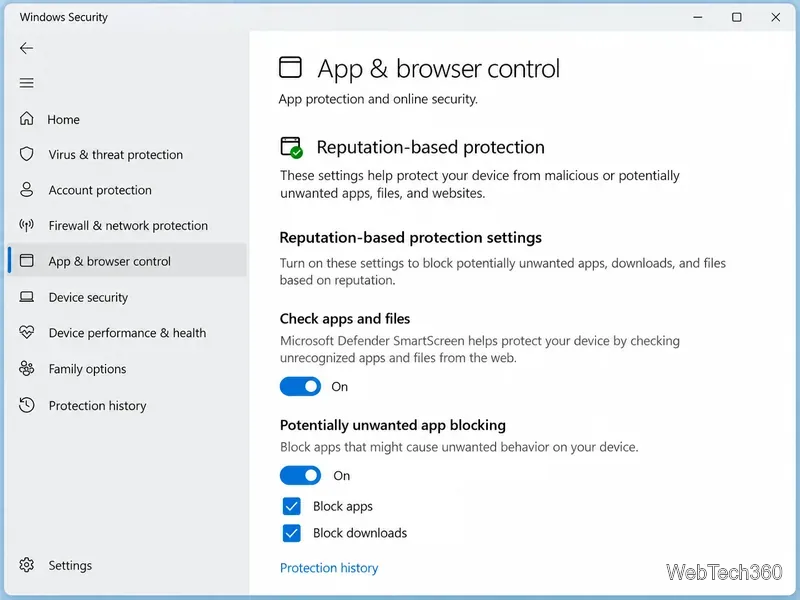
If the official installer is blocked, confirm that you downloaded it directly from utorrent.com, review the detection details in Windows Security, and make a decision based on the exact alert. Do not turn off your antivirus just to force an installer to run.
uTorrent is a transfer client. It cannot guarantee that the files shared by other people are safe. A torrent can contain legitimate software, media, documents, archives, scripts, or malicious executables. The danger increases when a download asks you to run an unexpected installer, disable security tools, enter an administrator password, or open a password-protected archive from an unknown source.
For safer use, prefer torrents published by a project or publisher you already trust, keep real-time protection enabled, and scan unfamiliar files before opening them. Be especially cautious with cracked software, key generators, unsolicited executable files, and archives that hide their contents behind a password. A VPN does not remove malware from a download.
BitTorrent is a peer-to-peer protocol, so computers in a swarm connect directly to one another. The BitTorrent protocol documentation notes that a tracker and peers reached over the public internet can see a peer's public IP address. The technical behavior is described in BitTorrent Enhancement Proposal 24.
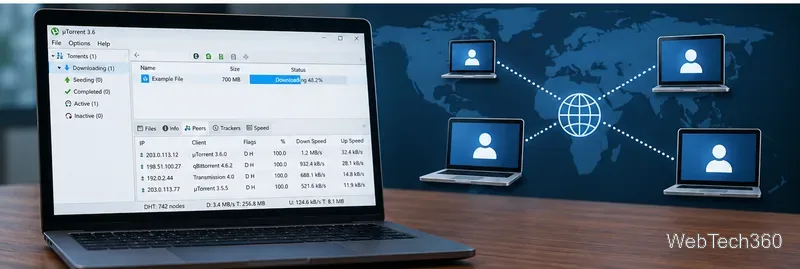
A reputable VPN can change the public IP address that other peers see, but it does not make a malicious file safe and it does not make unauthorized downloading lawful. Use torrents only for files you are allowed to download or share.
The official site currently offers both uTorrent Web and uTorrent Classic. uTorrent describes Web as the easier option for newer users and Classic as the desktop client for more experienced users. From a safety perspective, neither version can make an unsafe torrent payload trustworthy. The same rules still apply: use an official, up-to-date client and verify what you download.
uTorrent is reasonably safe when you install the latest official release and use it carefully, but it should not be treated as completely risk-free. The old advice to stay on legacy builds such as uTorrent 2.2.1 is no longer sensible, especially after the September 2026 warning about older Classic versions. Keep the client updated, keep security protections enabled, avoid questionable torrents, and remember that BitTorrent peers can see your network address unless you take separate privacy measures.
Learn how to disable JavaScript in Chrome temporarily with DevTools, block it for one site, or change the browser default, plus how to restore it.
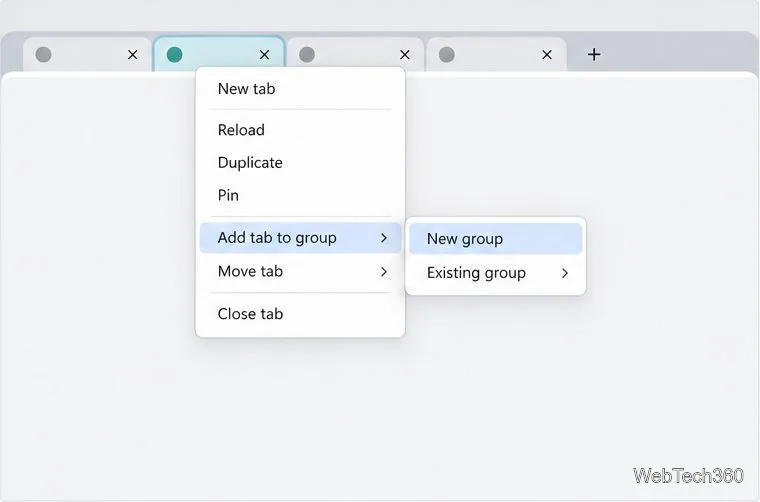
Organize related Chrome tabs into a group, then hide or reopen them with one click. See the current desktop steps, keyboard option, and what collapsing does.
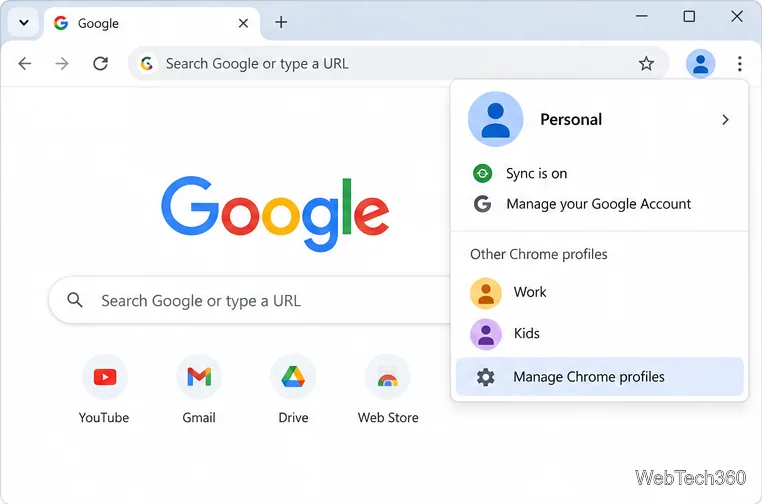
Rename a Chrome profile from its menu or profile manager, see what the label affects, and fix display delays without changing your Google Account name.
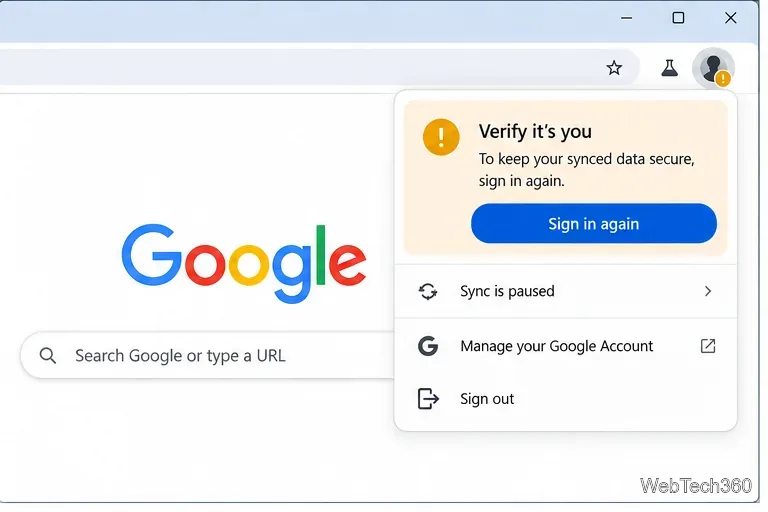
Fix Chrome sync pausing and repeated sign-in prompts by restoring account access, keeping site data, updating Chrome, and checking extensions or profiles.
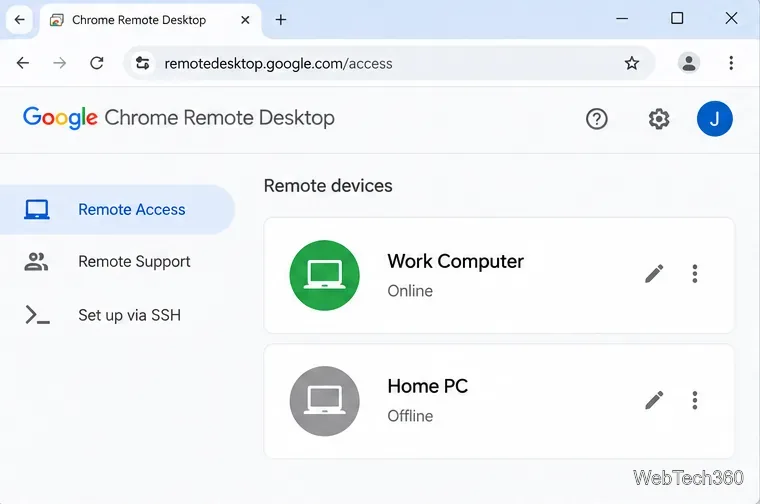
Chrome Remote Desktop not working? Fix offline hosts, update Chrome, reset remote access, check permissions, firewall rules, and managed-network restrictions.
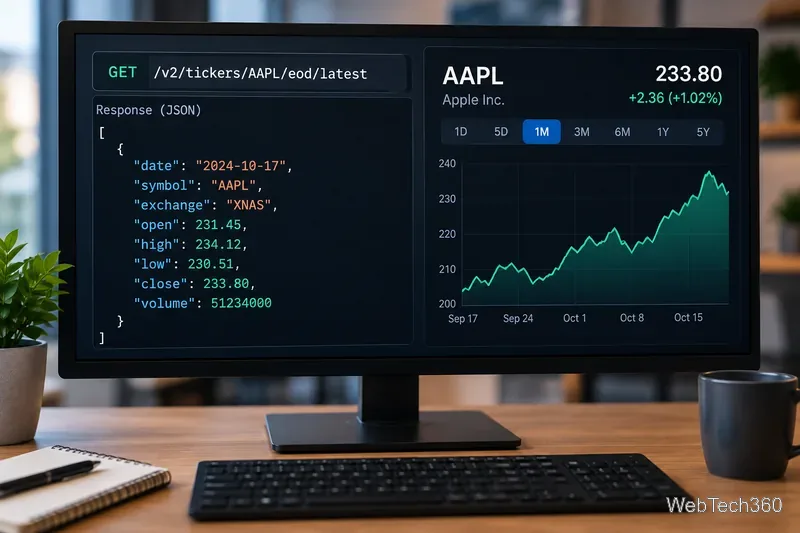
Marketstack review covering API v2, real-time and intraday data, historical coverage, pricing, limits, pros, cons, and who should use it.
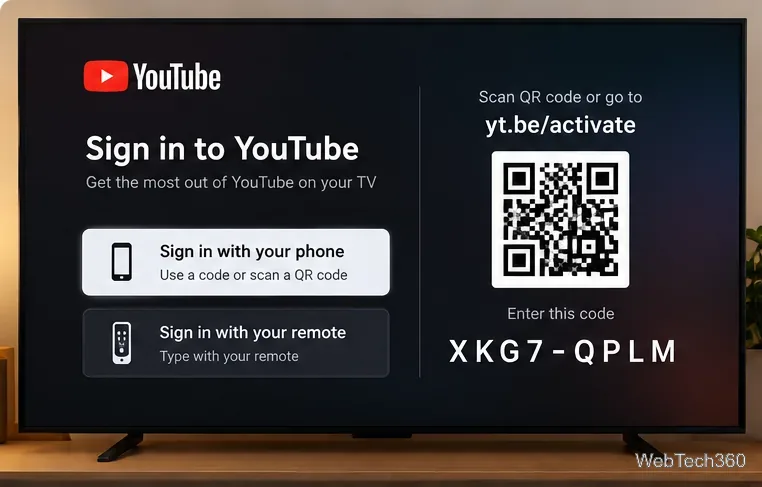
Learn how to activate YouTube at youtube.com/activate or yt.be/activate, enter your TV code, choose your Google Account, and fix sign-in problems.
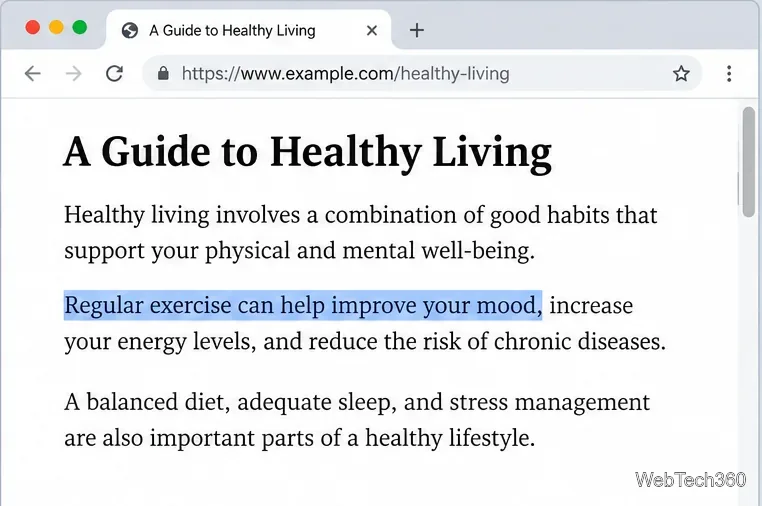
Learn how to link directly to selected text in Chrome with Copy link to highlight, how text-fragment URLs work, and what to do if a link fails.
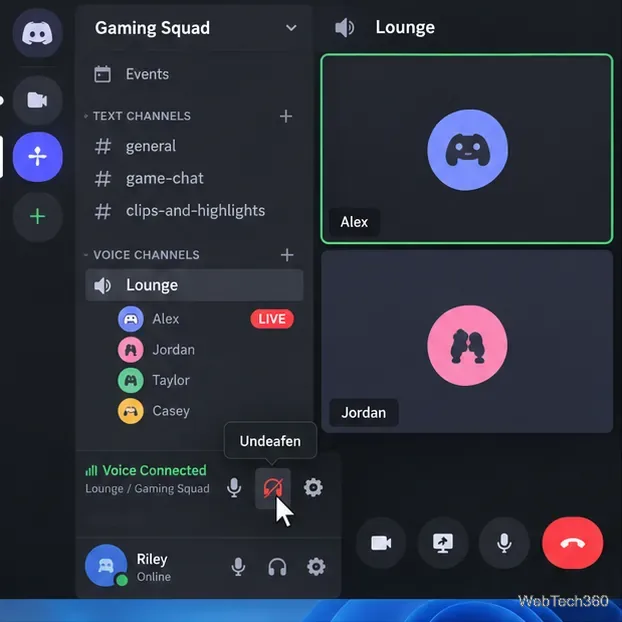
Can't hear anyone on Discord? Check Deafen and user volume, choose the right output device, reset Voice & Video, and fix Windows audio settings.
Learn how to add roles in Discord, change a role name, set permissions, assign or remove members, reorder roles, and delete roles safely.