How to Disable JavaScript in Chrome for One Tab or a Site
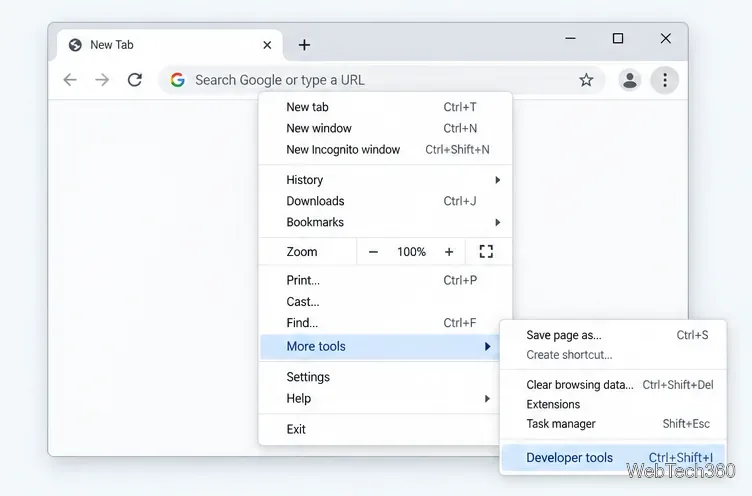
Learn how to disable JavaScript in Chrome temporarily with DevTools, block it for one site, or change the browser default, plus how to restore it.
Marketstack is a REST API for developers who need stock-market data in JSON without building their own exchange-data pipeline. Its current offering covers end-of-day prices, U.S. intraday data, real-time updates on higher tiers, historical data, ticker and exchange metadata, corporate actions, market indices, bonds, ETF holdings, commodities on higher plans, and newer EDGAR endpoints. The biggest change from older Marketstack reviews is that new integrations should use API v2; Marketstack says v1 was deprecated after June 30, 2025.
For a lightweight market-data API, Marketstack remains appealing because the entry price is low and the REST model is simple. The trade-offs are equally important: the free quota is now only 100 requests per month, intraday coverage is centered on U.S. IEX data, real-time access requires Professional or higher, and Marketstack does not provide WebSocket streaming.
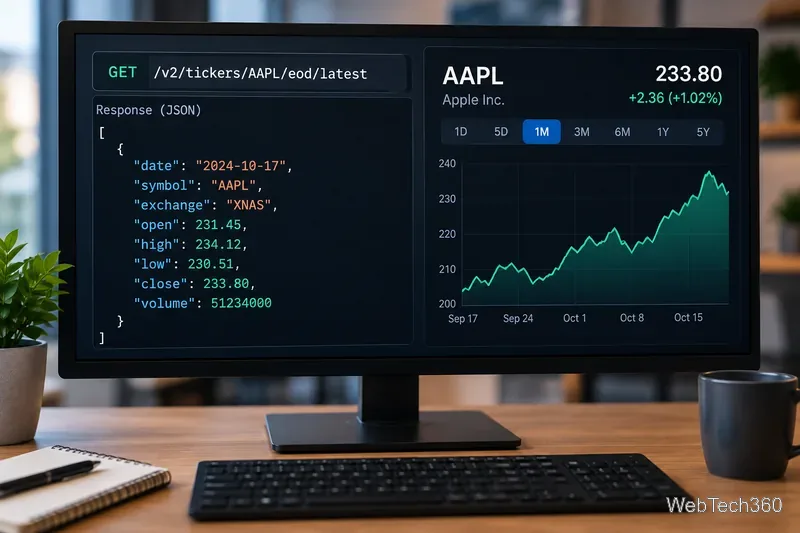
Marketstack is part of APILayer and returns market data through standard HTTP requests. Its official API Playground shows current v2 examples such as /v2/tickers/AAPL/eod/latest, ticker search, and exchange listing. That makes it straightforward to prototype requests before writing application code.
The core data categories are:
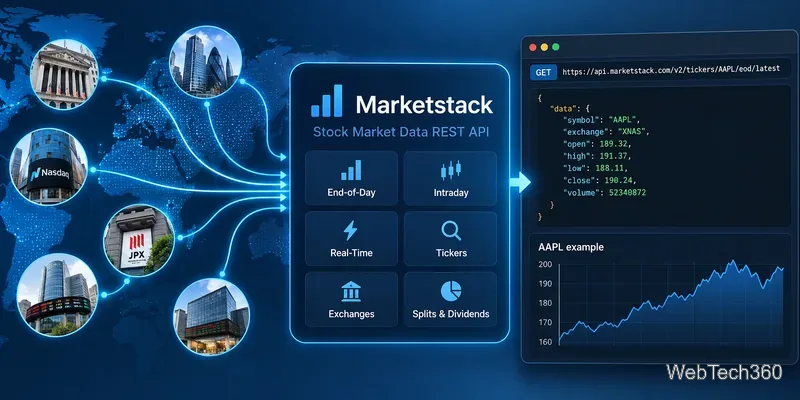
The API is approachable if you already work with REST services. Authentication uses an access key, responses are JSON, and common endpoints support filtering and pagination. A current single-ticker example is GET https://api.marketstack.com/v2/tickers/AAPL/eod/latest?access_key=YOUR_ACCESS_KEY.
One important migration detail is easy to miss: Marketstack's v1 documentation explicitly says v1 was deprecated after June 30, 2025 and directs developers toward v2. If an older integration still uses /v1/, updating it should be a priority.
Marketstack's official FAQ also confirms that this is a REST API, not a WebSocket or streaming API. You can poll for current prices, but applications that require persistent tick-by-tick streaming should evaluate whether that request-response model fits their architecture.
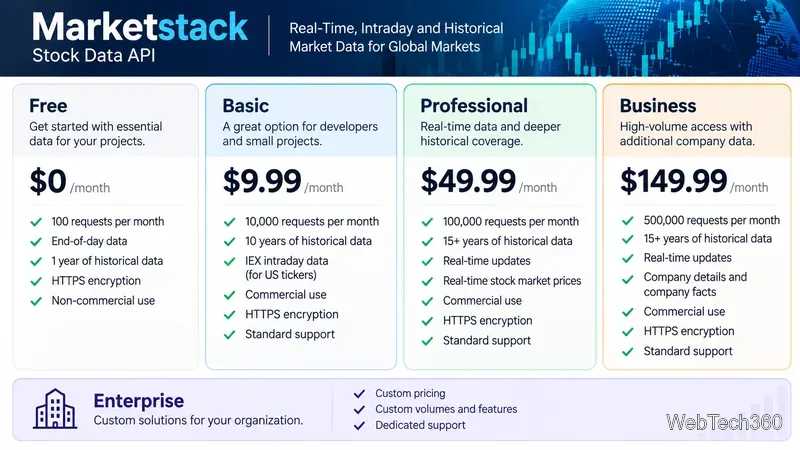
| Plan | Monthly price | Requests/month | Key access |
|---|---|---|---|
| Free | $0 | 100 | End-of-day, 1 year of history, non-commercial use |
| Basic | $9.99 | 10,000 | 10 years of history, U.S. IEX intraday, commercial use |
| Professional | $49.99 | 100,000 | 15+ years of history, real-time updates, real-time stock prices, commodities |
| Business | $149.99 | 500,000 | Professional features plus company details and company facts |
| Enterprise | Custom | Custom | Custom volume and data requirements |
These are the current monthly list prices shown on Marketstack's official pricing page. Annual billing is cheaper: the site currently shows $8.99 per month for Basic, $43.99 for Professional, and $127.99 for Business when billed yearly.
Quota accounting deserves attention. Marketstack says each ticker looked up consumes one request, so asking for five symbols in one call consumes five requests. API errors do not count. Paid plans also list per-request overage charges, so production users should monitor usage rather than treating the monthly limit as a hard stop.
Marketstack promotes broad global coverage, but its own public pages currently present different headline ticker totals. The safer approach is to verify the symbols and exchanges your application actually needs with the official Stock Search instead of choosing a plan from a marketing count alone.
For reliability, Marketstack publishes a live API status page with endpoint-level checks and states that its infrastructure operates at close to 100% uptime. That is useful operational transparency, but it is not a substitute for benchmarking latency from your own deployment region and workload.
Marketstack has also expanded beyond the feature set described in older reviews. Its site now advertises six EDGAR endpoints for SEC company information, submissions, filings, and financial facts. That can be valuable for research or compliance applications that want market data and regulatory filings through the same provider.
Marketstack is a good fit for developers who want a simple REST stock-data API, predictable entry-level pricing, JSON responses, and a clear upgrade path from end-of-day data to intraday and real-time use. Basic is the practical starting point for commercial apps that need U.S. intraday data; Professional makes more sense when one-minute updates and larger quotas matter.
The main limitations are the tiny free quota, REST polling instead of WebSockets, request consumption per ticker, and plan-dependent coverage. Before committing, test your required symbols in the Playground, confirm licensing for your use case, and calculate request volume using your real number of tickers rather than the number of HTTP calls.
Learn how to disable JavaScript in Chrome temporarily with DevTools, block it for one site, or change the browser default, plus how to restore it.
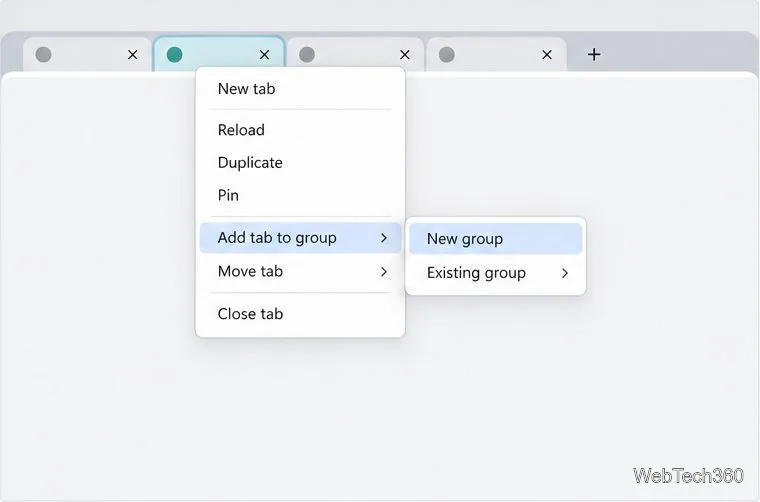
Organize related Chrome tabs into a group, then hide or reopen them with one click. See the current desktop steps, keyboard option, and what collapsing does.
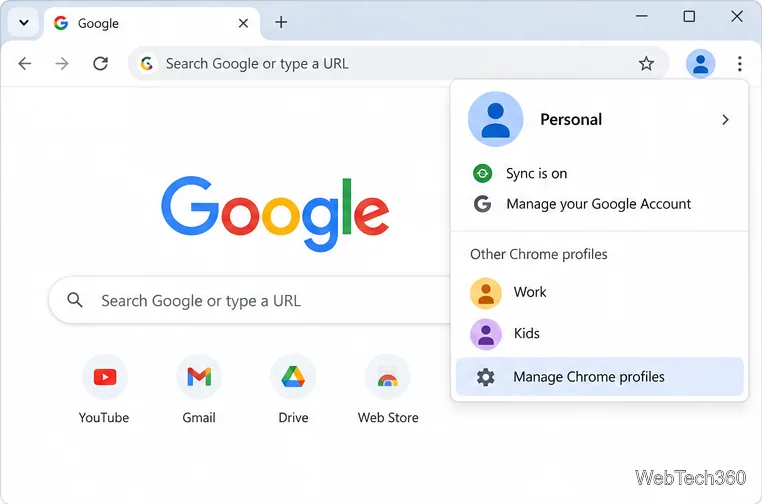
Rename a Chrome profile from its menu or profile manager, see what the label affects, and fix display delays without changing your Google Account name.
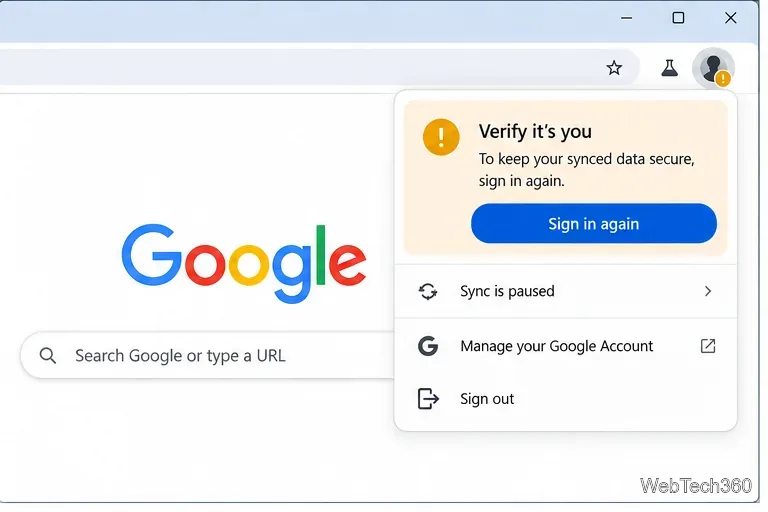
Fix Chrome sync pausing and repeated sign-in prompts by restoring account access, keeping site data, updating Chrome, and checking extensions or profiles.
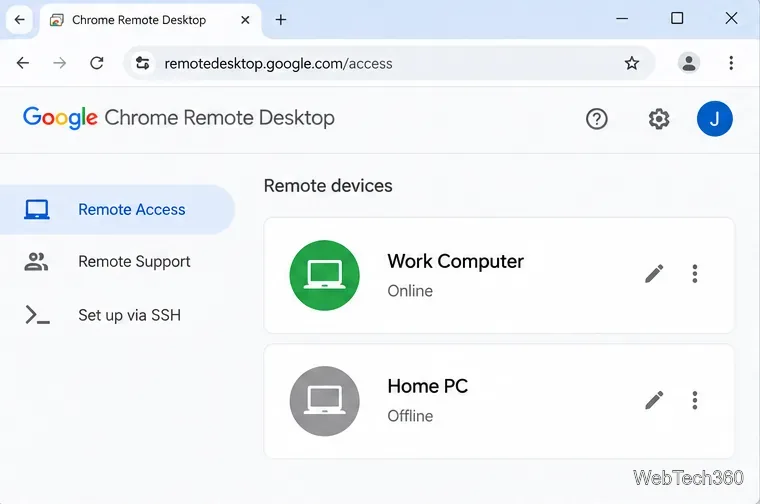
Chrome Remote Desktop not working? Fix offline hosts, update Chrome, reset remote access, check permissions, firewall rules, and managed-network restrictions.
Marketstack review covering API v2, real-time and intraday data, historical coverage, pricing, limits, pros, cons, and who should use it.
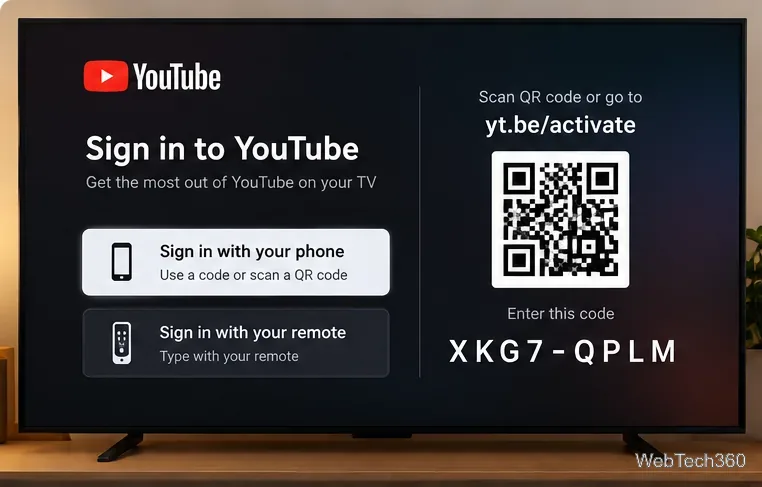
Learn how to activate YouTube at youtube.com/activate or yt.be/activate, enter your TV code, choose your Google Account, and fix sign-in problems.
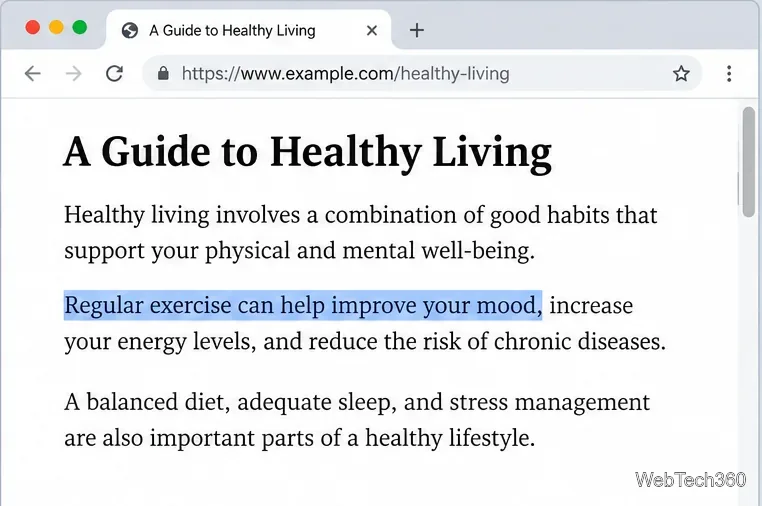
Learn how to link directly to selected text in Chrome with Copy link to highlight, how text-fragment URLs work, and what to do if a link fails.
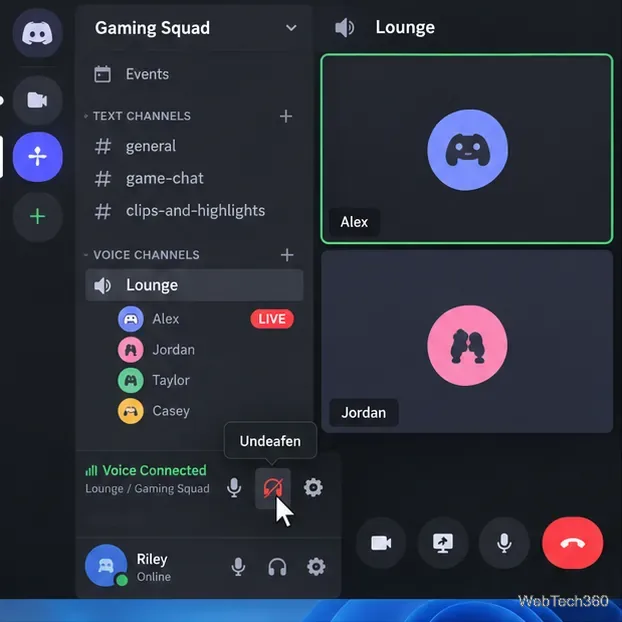
Can't hear anyone on Discord? Check Deafen and user volume, choose the right output device, reset Voice & Video, and fix Windows audio settings.
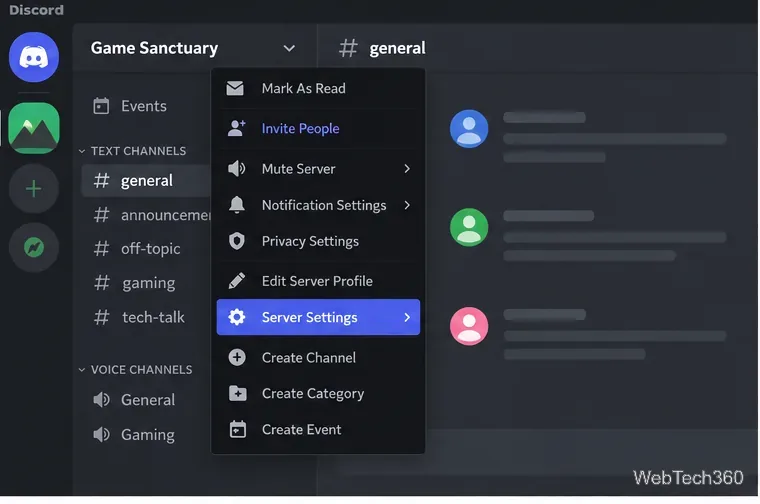
Learn how to add roles in Discord, change a role name, set permissions, assign or remove members, reorder roles, and delete roles safely.