Home
» WEB
»
What Does FR Mean? How to Read “For Real” in Texts
What Does FR Mean? How to Read “For Real” in Texts
In texts, direct messages, and social posts, FR most often means “for real.” It can show agreement, stress that a statement is sincere, or ask whether surprising news is true. The same letters can also appear as a country or language label, so the surrounding context matters.
What FR means in texting
FR is informal shorthand for “for real”—an expression used to mean genuinely, seriously, or actually. In writing, it is more precisely an initialism made from the first letters of the phrase, though people commonly call it an acronym. The phrase “for real” is labeled informal in the Cambridge English Dictionary; the shortened form is especially common in quick, casual online messages.
Its meaning depends on where it appears. As a reply, fr often means “I agree” or “that’s true.” Added to a sentence, it can underline that the writer means what they said. With a question mark, FR? usually asks “Seriously?” or “Is that actually true?”
Three common ways people use FR
Example
Likely meaning
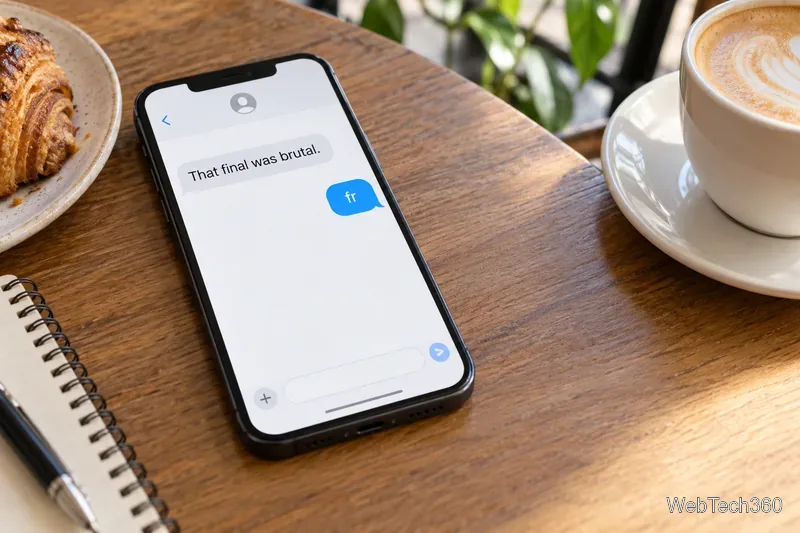
“That final was brutal.” “fr”
Agreement: “I agree; it really was.”
“I finished the whole book in one night, fr.”
Emphasis: “I really did.”
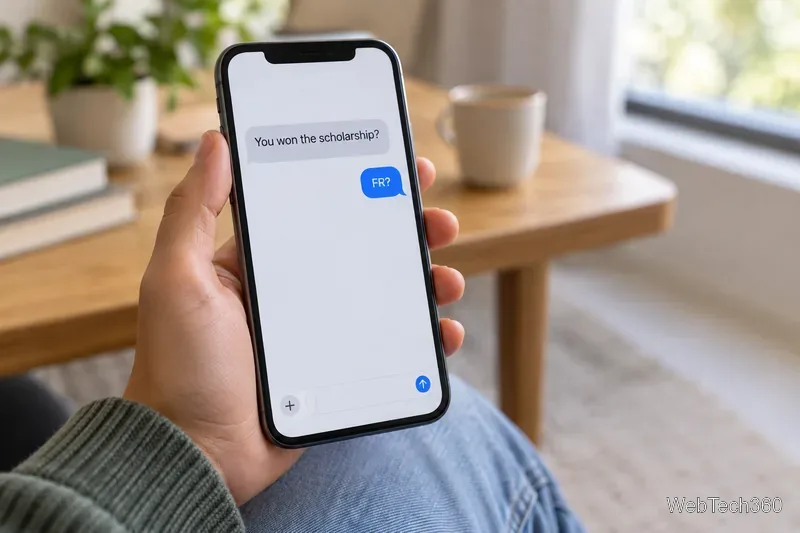
“You won the scholarship?” “FR?”
A request to confirm surprising news.
As agreement
A one-word fr reply is similar to “exactly,” “same,” or “I know, right?” It usually responds to an opinion or experience rather than introducing a new fact. For example, if a friend says, “This week has been exhausting,” replying “fr” signals that you feel the same way.
A short “fr” reply agrees that an exam was difficult.
For emphasis or sincerity
At the beginning or end of a casual message, FR can strengthen a claim: “That was the best meal I’ve had all year, fr.” It may also reassure someone that you are not joking. There is no fixed placement rule; the sentence around it supplies the tone.
As a question
When someone shares news that sounds unlikely, “FR?” is a quick way to ask whether they are serious. A question mark makes the request clearer, but informal messages do not follow strict punctuation rules. Without one, the same letters may read more like surprise or emphasis than a direct question.
A message asks whether surprising scholarship news is true, followed by “FR?”
What does FRFR mean?
FRFR stands for “for real, for real.” Repeating the phrase adds emphasis, much like “I’m serious” or “I really mean it.” It can also heighten agreement: “That was the best concert, frfr.” The tone is still casual, and it may be playful or earnest depending on the conversation.
Use FR and FRFR mainly with friends or in informal online spaces. They can sound too casual in a work email, a formal announcement, or a message to someone who may not know the shorthand. If clarity matters, write “for real,” “seriously,” or “I agree” instead.
When FR means France or French
Outside a conversation, FR may be a code rather than slang. A country selector, shipping form, or website address may use it to refer to France. ISO explains that its country-code standard uses two-letter alpha-2 codes and identifies .fr as France’s internet country-code domain. The UNGEGN country database lists France’s ISO alpha-2 code as FR.
For language settings and software locale tags, the distinction is usually written in lowercase: fr is the two-letter language code for French. The Library of Congress’s ISO language-code list maps French to fr, and the IANA registry uses the subtag fr for French. A tag such as fr-FR combines a language with a region. Interfaces do not always follow capitalization consistently, so look at the menu or field label as well as the letters.
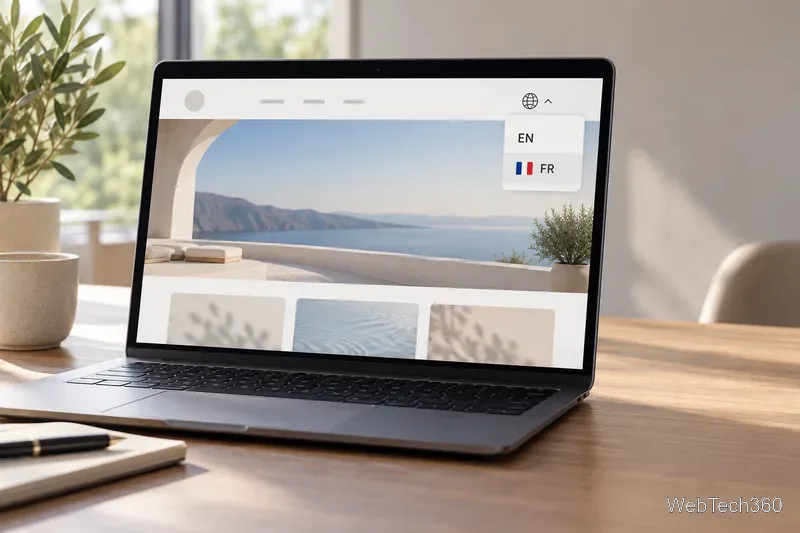
A generic site language menu shows EN and FR beside a French flag.
How to tell which meaning fits
In a text or comment: read FR as “for real” first, then check whether it agrees, emphasizes, or asks for confirmation.
In settings, a language menu, a form, or a web address: it may identify French or France.
If the message is still unclear: ask what the sender meant. Short abbreviations are informal and can depend on a group’s habits.
In short, FR usually means “for real” in texting, while a label in a language or location field may point to French or France. Context is the quickest way to tell them apart.