Home
» WEB
»
What Does LMK Mean in Texting? Meaning, Tone, and Examples
What Does LMK Mean in Texting? Meaning, Tone, and Examples
In texting, LMK means “let me know.” It is a quick way to ask someone to send you information, a decision, or an update—often when they have an answer later. “LMK when you get home,” for example, means “Send me a message when you arrive.” The Collins English Dictionary and Dictionary.com give the same standard definition.
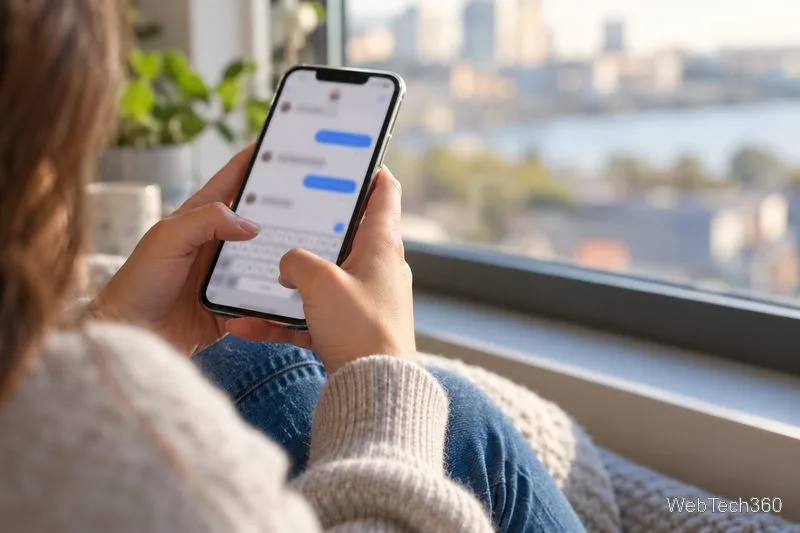
A text asking someone to share an update once they have new information.
What does LMK ask the other person to do?
LMK is usually a request for a response when the recipient knows more. It can ask for a status update, a choice, or a yes-or-no answer. The abbreviation does not specify exactly when the reply is due, so add a time or date when timing matters.
An update: “LMK when your train gets in.”
A decision: “We can meet Friday or Saturday. LMK which day works.”
A confirmation: “LMK if you’re coming to dinner.”
A response by a deadline: “LMK by noon if you can cover the shift.”
In each case, the sender expects the conversation may continue later. The letters themselves do not mean “reply immediately”; the surrounding words set the timing.
How to use LMK naturally
Place LMK where you would use “let me know.” It works at the beginning or end of a sentence, and people commonly write it in either uppercase or lowercase: “LMK what you think” and “lmk what you think” have the same meaning. It is an abbreviation, so the reader does not need to pronounce the letters aloud.
Give the other person enough context to answer. “LMK” by itself can leave them wondering what information you need. A short detail makes the request easier to act on: “I sent two color options—LMK which one you prefer.” If the person may need time, name that too: “No rush; LMK after you’ve checked your calendar.”
Among friends, LMK can keep a plan flexible while someone checks their schedule.
Does LMK sound rude or impatient?
Usually, LMK is neutral and direct. It is not automatically rude, flirty, or annoyed. Tone depends on the relationship, the request, and the surrounding message. A bare “LMK” after a complicated favor can feel abrupt; adding a greeting, a reason, or a thank-you can make the same request warmer.
Compare “LMK” with “When you get a chance, LMK if that time works for you—thanks.” The second version gives the recipient room and explains what you need. By contrast, “LMK ASAP” adds urgency because ASAP means “as soon as possible.” Use it when a quick answer is genuinely important. If there is a real cutoff, a specific time such as “by 2 p.m.” is clearer than an open-ended demand for speed.
Punctuation can add emphasis, but it is not a reliable tone guide by itself. “LMK!” may sound enthusiastic in one conversation and impatient in another. Read the full exchange rather than guessing from the abbreviation alone.
Is LMK appropriate in work messages?
It can fit a casual team chat when coworkers already use shorthand. For a formal email, a first message to a client, or a note to someone whose style you do not know, writing out “let me know” is safer and more polished. Purdue University’s email etiquette guidance recommends avoiding text abbreviations in professional email.
Instead of “Hi Jane, I sent the updated design—LMK what you think,” try: “Hi Jane, I sent the updated design. When you have a chance, please let me know which version you prefer.” That keeps the request clear and courteous without assuming the reader welcomes texting shorthand.
In a formal email, spelling out “let me know” makes a request clear to any recipient.
Can LMK have a different or dirty meaning?
In ordinary texting, the standard meaning is “let me know.” Someone could invent a private joke or a suggestive expansion in a particular conversation, but that is not the default meaning of LMK. Do not assume a sexual meaning from the letters alone; use the surrounding message or ask what the sender meant if it is unclear.
How should you reply to LMK?
Answer the question when you have the information. If you need time, say when you expect to know: “I’ll check and let you know tonight.” If you cannot meet the requested deadline, give a realistic alternative. That closes the loop and prevents “LMK” from turning into an unanswered request.