How to Disable JavaScript in Chrome for One Tab or a Site
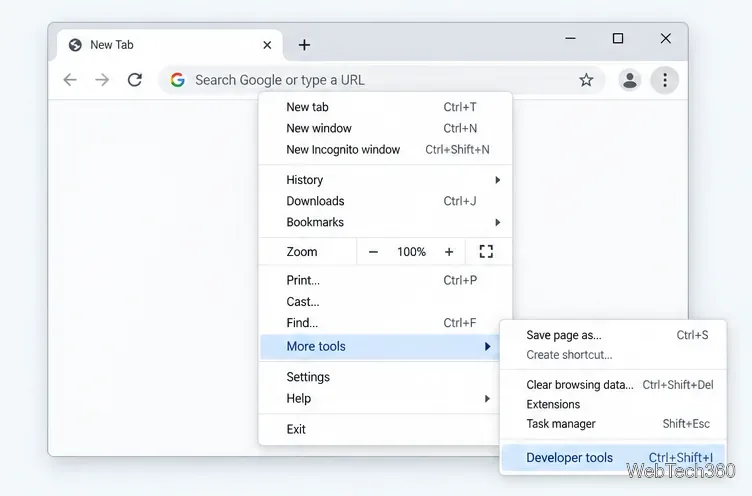
Learn how to disable JavaScript in Chrome temporarily with DevTools, block it for one site, or change the browser default, plus how to restore it.
Quick answer: the most dependable torrenting sites still working are official publishers and purpose-built repositories that clearly authorize BitTorrent distribution. As of October 22, 2026, Ubuntu, Debian, Fedora, Arch Linux, and Academic Torrents all provide active torrent downloads or torrent infrastructure. General-purpose indexes can appear and disappear, change domains, or contain files that are not authorized or safe, so they are much harder to recommend reliably.
BitTorrent itself is simply a peer-to-peer file-transfer protocol. It can be used legally for operating-system images, open-source software, research datasets, public data, and other material the publisher has chosen to distribute this way.
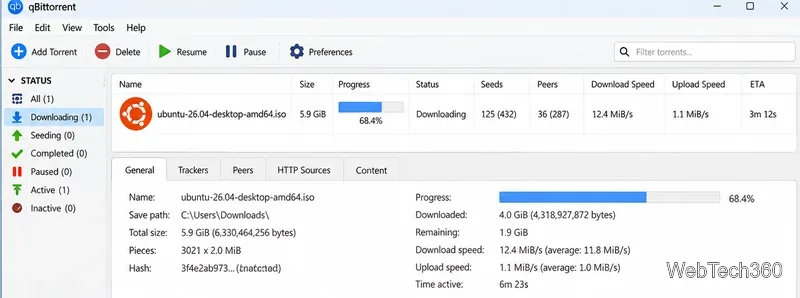
The safest approach is to start with the organization that owns or publishes the file. These sources were checked immediately before this rewrite.
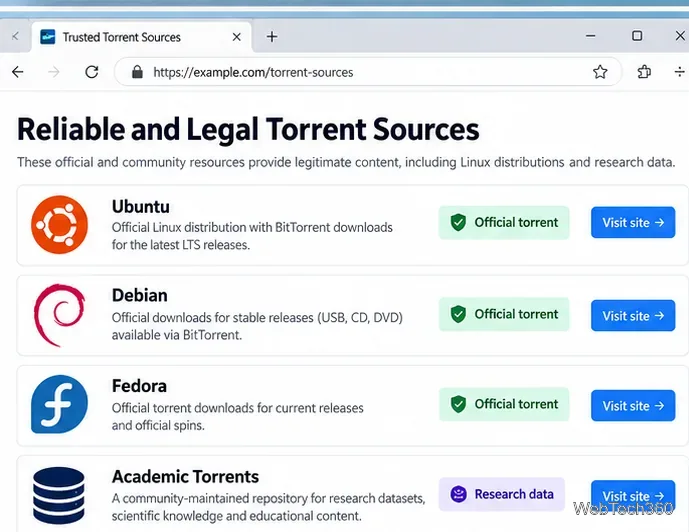
| Source | Best for | Why it is a strong choice |
|---|---|---|
| Ubuntu | Ubuntu Desktop and Server images | Canonical's official alternative-download page explicitly offers BitTorrent for supported releases. |
| Debian | Debian installation media | Debian publishes official torrents for stable CD/USB and DVD/USB images across supported architectures. |
| Fedora | Fedora Workstation, Server, spins, and other editions | The Fedora Project maintains an official BitTorrent tracker and torrent download area. |
| Arch Linux | Current Arch Linux installation ISO | Arch labels BitTorrent as a recommended download method and publishes checksums and PGP verification information. |
| Academic Torrents | Research datasets and scientific material | It is a community-maintained distributed repository designed for large research datasets and scientific knowledge. |
The older version of this article recommended RARBG, The Pirate Bay, 1337x, Torlock, Torrentz2, and Zooqle. That list no longer works well as a reliable guide. Most importantly, the original RARBG shut down on May 31, 2023. Sites using the RARBG name today are not the original service, so an old bookmark or a look-alike domain should not be treated as proof of authenticity.
Other general torrent indexes may be reachable on some networks and blocked on others. Their domains, mirrors, operators, and catalog quality can change without warning. They may also list copyrighted material that was uploaded without permission. For those reasons, this rewrite does not present changing mirror URLs as stable recommendations.
No. A VPN is not required to use BitTorrent, and it does not make unauthorized downloading or sharing legal. BitTorrent is also not inherently anonymous: peers participating in the same transfer can normally see network addresses involved in the swarm. A VPN may change which public IP address peers see and may reduce what a local network provider can observe directly, but it shifts trust to the VPN provider and does not verify the files you download.
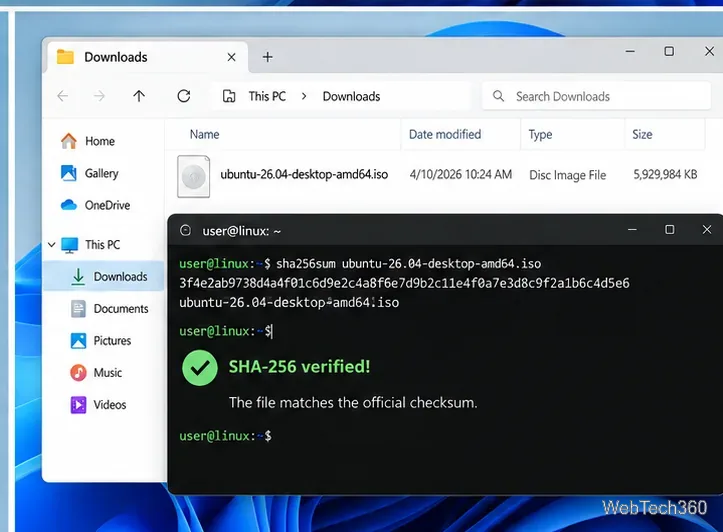
For lawful torrents, the more important checks are simpler: use an authorized source, verify the file, understand the license, and download only material you have the right to obtain and share.
For Linux installation images, start with Ubuntu, Debian, Fedora, or Arch Linux's official download pages. For large public research datasets, Academic Torrents remains a useful specialist repository. If the file you want is commercial software, a current movie, a TV episode, or another copyrighted work, use the publisher's authorized store, streaming service, library, or download page rather than assuming that a torrent listing has permission to distribute it.
Bottom line: torrenting still works, but the most reliable sites are no longer a list of constantly changing public indexes. Official publishers and clearly authorized repositories give you a much better way to confirm that the download is current, authentic, and legitimately distributed.
Learn how to disable JavaScript in Chrome temporarily with DevTools, block it for one site, or change the browser default, plus how to restore it.
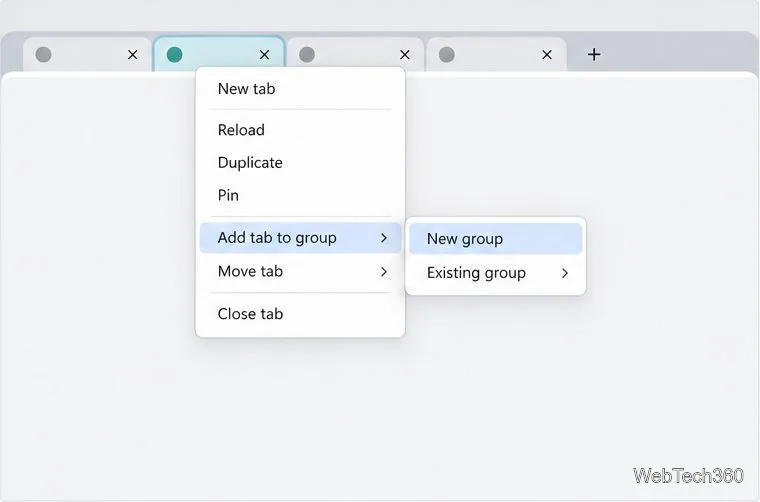
Organize related Chrome tabs into a group, then hide or reopen them with one click. See the current desktop steps, keyboard option, and what collapsing does.
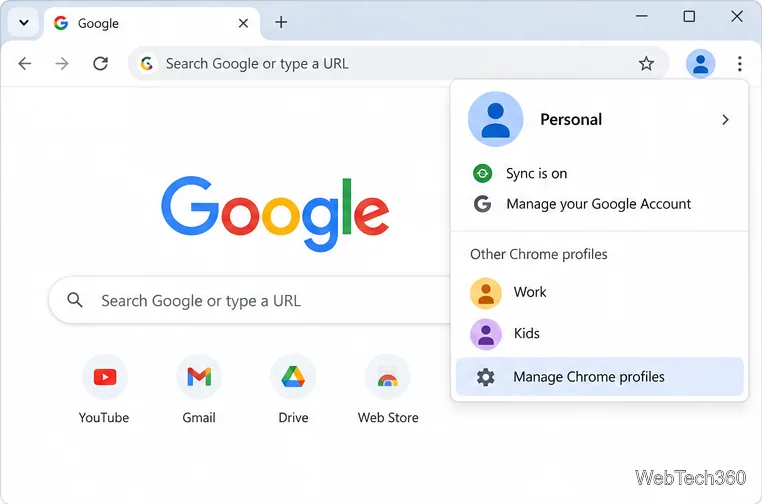
Rename a Chrome profile from its menu or profile manager, see what the label affects, and fix display delays without changing your Google Account name.
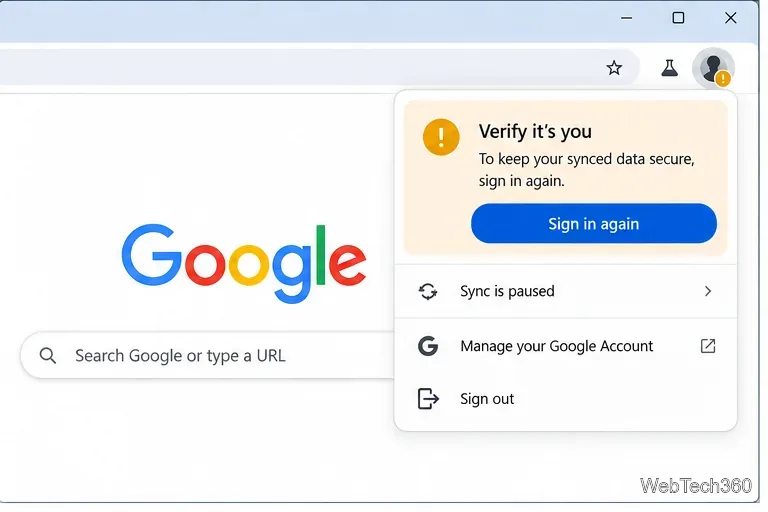
Fix Chrome sync pausing and repeated sign-in prompts by restoring account access, keeping site data, updating Chrome, and checking extensions or profiles.
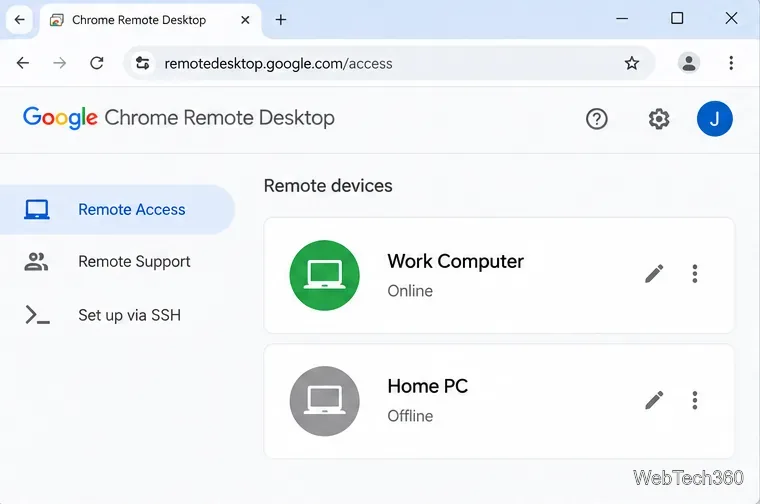
Chrome Remote Desktop not working? Fix offline hosts, update Chrome, reset remote access, check permissions, firewall rules, and managed-network restrictions.
Marketstack review covering API v2, real-time and intraday data, historical coverage, pricing, limits, pros, cons, and who should use it.
Learn how to activate YouTube at youtube.com/activate or yt.be/activate, enter your TV code, choose your Google Account, and fix sign-in problems.
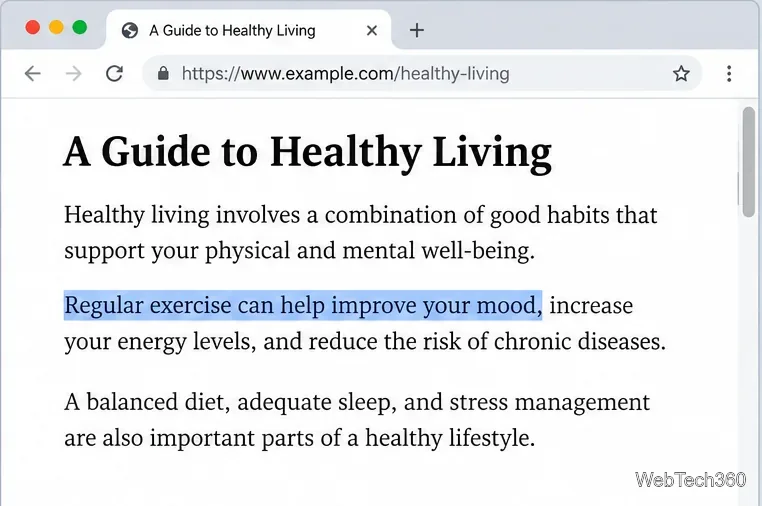
Learn how to link directly to selected text in Chrome with Copy link to highlight, how text-fragment URLs work, and what to do if a link fails.
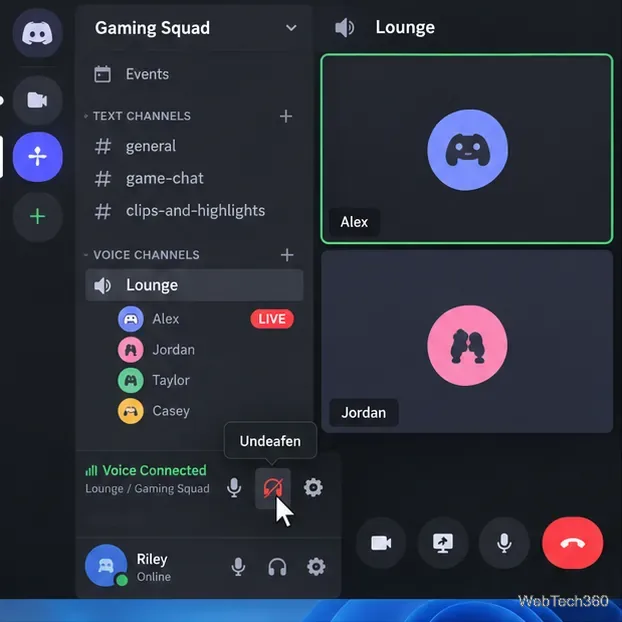
Can't hear anyone on Discord? Check Deafen and user volume, choose the right output device, reset Voice & Video, and fix Windows audio settings.
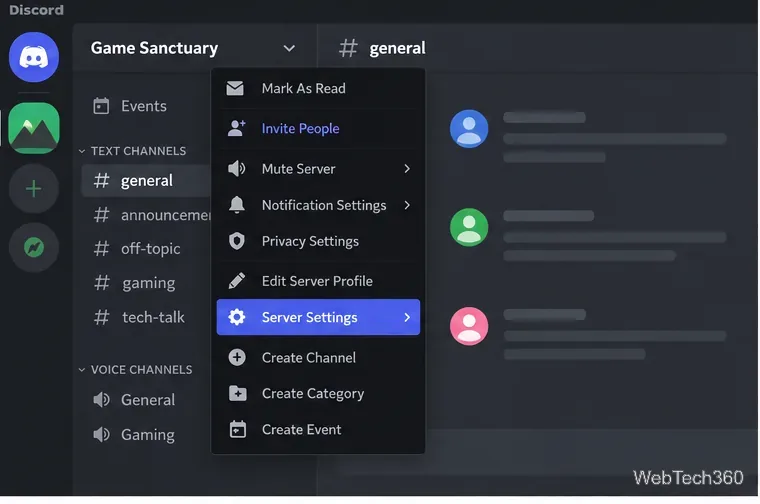
Learn how to add roles in Discord, change a role name, set permissions, assign or remove members, reorder roles, and delete roles safely.