How to Disable JavaScript in Chrome for One Tab or a Site
Learn how to disable JavaScript in Chrome temporarily with DevTools, block it for one site, or change the browser default, plus how to restore it.
ZeroSSL is a domain-validation (DV) certificate authority service built for people who want more than a bare certificate issuer. It combines free 90-day SSL/TLS certificates with a browser-based management console, domain validation tools, ACME automation, monitoring features, and a REST API for certificate workflows. For developers and small teams, the main appeal is having manual management and automation in the same service.
The older version of this review is now substantially out of date. ZeroSSL is currently presented as part of HID Global Corporation, part of ASSA ABLOY, and its certificate durations, plans, API documentation, and automation options have changed. The summary below reflects ZeroSSL's current official documentation and pricing information.
ZeroSSL issues DV certificates; it does not offer Organization Validation (OV) or Extended Validation (EV) certificates. Its current certificate options include 90-day certificates plus "Annual" coverage, along with single-domain, multi-domain, and wildcard options. ZeroSSL explains the available certificate types in its official certificate guide.
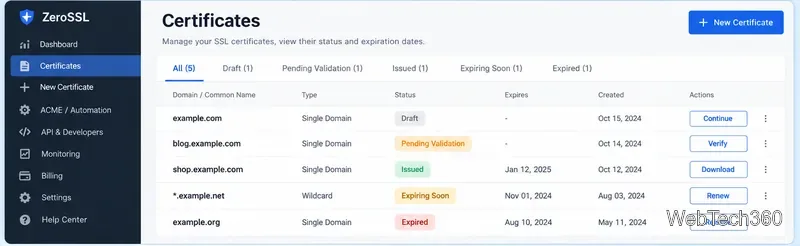
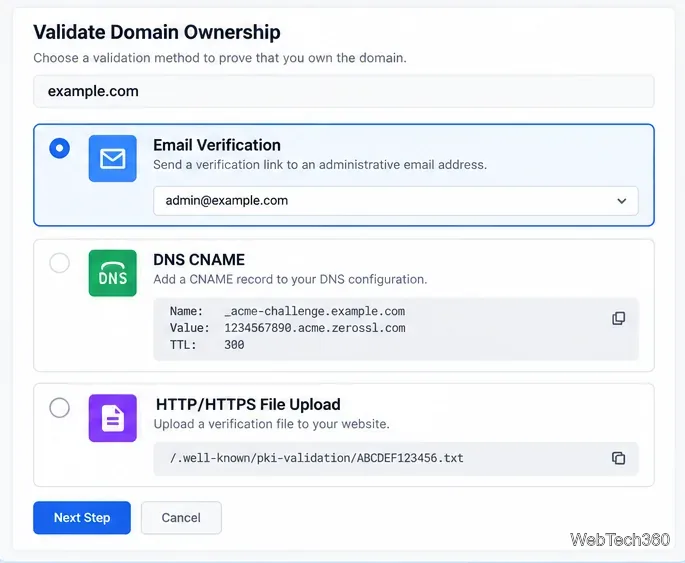
The web flow is straightforward: enter the domain or domains, choose the certificate type, provide or generate a CSR, then prove control of the domain. ZeroSSL's validation documentation lists email verification, DNS CNAME validation, and HTTP file upload as the primary options.
Email validation is convenient when an approved administrative mailbox is available. DNS CNAME validation is often better for infrastructure teams because it works without placing a file on the web server. HTTP/HTTPS file validation requires placing ZeroSSL's validation file at the specified path. After issuance, certificates can be downloaded in formats suitable for server installation. ZeroSSL's download guidance also recommends protecting any downloaded private key carefully.
The REST API is the most useful part of ZeroSSL for teams that need certificate operations inside an application, deployment pipeline, or internal control plane. The API uses https://api.zerossl.com and authenticates requests with an access_key. The current developer documentation covers certificate creation, verification, listing, retrieval, download, revocation, cancellation, CSR validation, CA certificate operations, and error codes.
| Task | Typical API operation |
|---|---|
| List certificates | GET /certificates with status, type, search, and pagination filters |
| Get one certificate | GET /certificates/{id} |
| Create a certificate | POST /certificates |
| Cancel a draft or pending certificate | POST /certificates/{id}/cancel |
| Download an issued certificate | GET /certificates/{id}/download/{method} |
The download endpoint currently supports ZIP, JSON, PEM, chain, and XML responses; the older return format is marked deprecated. List operations also support pagination and special filters such as expiring_soon. Error responses are structured JSON with a numeric code and text type, which makes them practical to handle programmatically.
curl "https://api.zerossl.com/certificates?access_key=YOUR_ACCESS_KEY&certificate_status=issued&limit=10"Because the access key is a credential, keep it out of public repositories, screenshots, and client-side code.
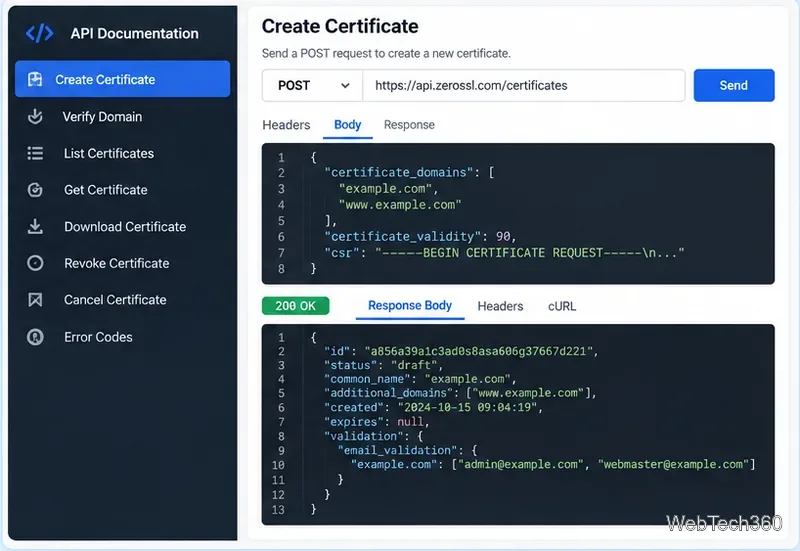
For standard server certificate renewal, ACME is usually the simpler choice. ZeroSSL's ACME documentation publishes the endpoint https://acme.zerossl.com/v2/DV90 and uses External Account Binding (EAB) credentials. The service works with ACME clients such as acme.sh, win-acme, Caddy/CertMagic, Certbot, and others.
ZeroSSL says ACME-created 90-day certificates are free and can include multi-domain and wildcard certificates. Use the REST API instead when you need application-level inventory, custom validation flows, reporting, or lifecycle orchestration that goes beyond normal ACME issuance and renewal.
As checked on October 22, 2026, ZeroSSL's public pricing page lists a Free plan and paid Basic, Premium, Business, and Platinum tiers. The Free plan includes three 90-day certificates. Paid tiers increase certificate quotas, annual-certificate allowances, wildcard capacity, support, and related features. Because pricing and quotas can change, verify the live pricing page before committing to a plan.
The most important limitation is that ZeroSSL is a DV-only service. Also, "Annual" no longer means one certificate remains valid for 365 days: current industry rules require a renewal during that coverage period. Teams should therefore treat automation and expiration monitoring as essential, not optional.
ZeroSSL is a strong fit when you want a friendly dashboard for occasional manual work but also need a clean path to ACME or REST API automation. The Free tier is useful for small deployments, while paid plans are more relevant when certificate counts, annual coverage, support, or centralized management grow. For most production systems, the best ZeroSSL setup is to automate renewals with ACME and reserve the REST API for workflows that genuinely need custom orchestration.
Learn how to disable JavaScript in Chrome temporarily with DevTools, block it for one site, or change the browser default, plus how to restore it.
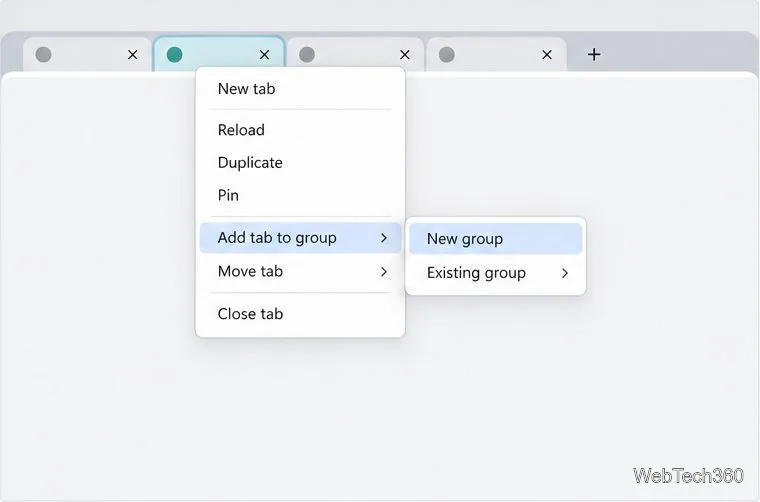
Organize related Chrome tabs into a group, then hide or reopen them with one click. See the current desktop steps, keyboard option, and what collapsing does.
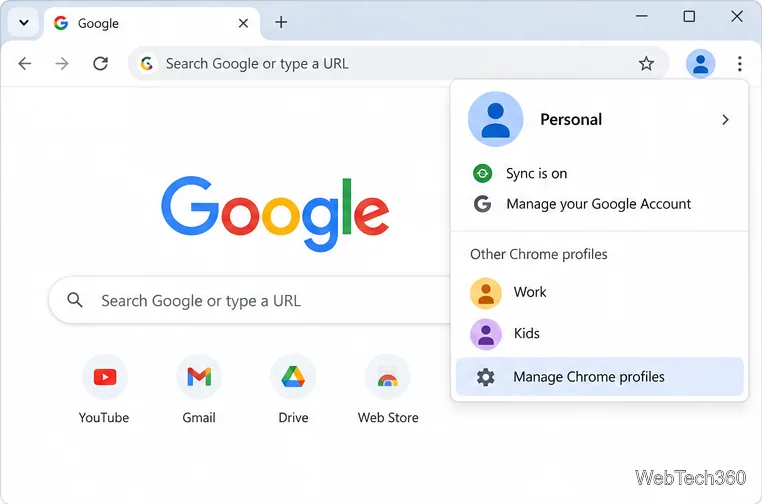
Rename a Chrome profile from its menu or profile manager, see what the label affects, and fix display delays without changing your Google Account name.
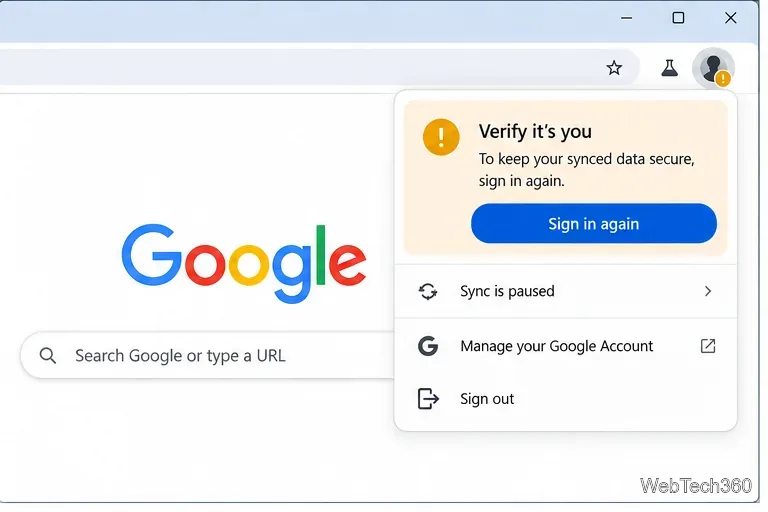
Fix Chrome sync pausing and repeated sign-in prompts by restoring account access, keeping site data, updating Chrome, and checking extensions or profiles.
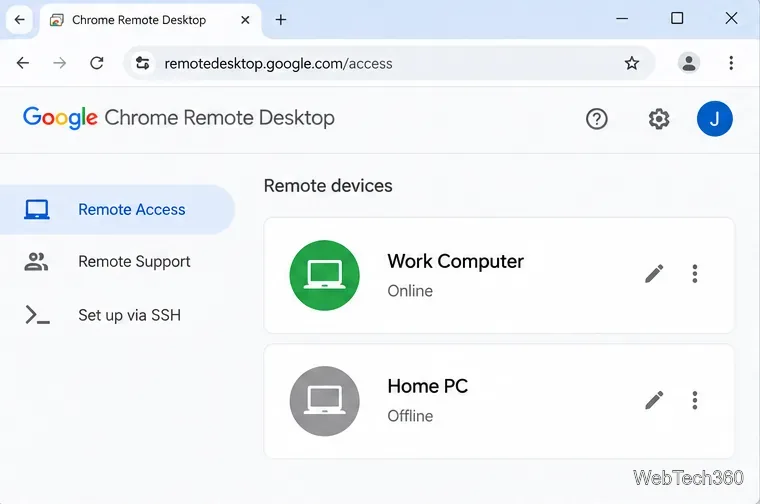
Chrome Remote Desktop not working? Fix offline hosts, update Chrome, reset remote access, check permissions, firewall rules, and managed-network restrictions.
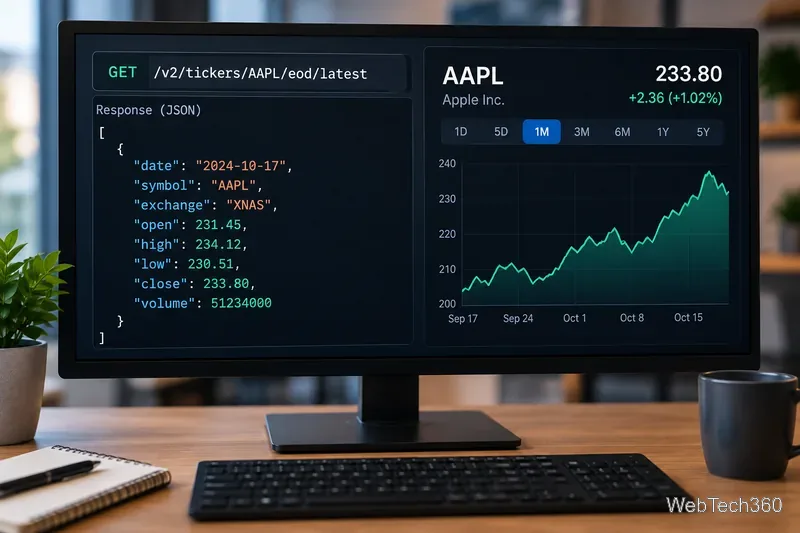
Marketstack review covering API v2, real-time and intraday data, historical coverage, pricing, limits, pros, cons, and who should use it.
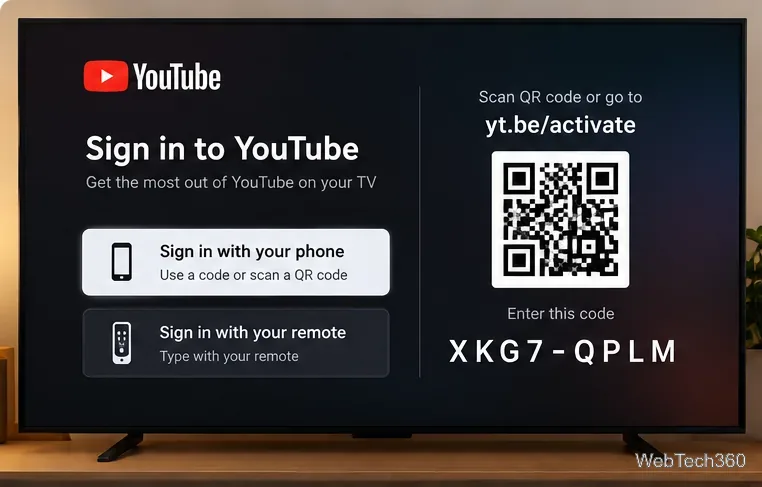
Learn how to activate YouTube at youtube.com/activate or yt.be/activate, enter your TV code, choose your Google Account, and fix sign-in problems.
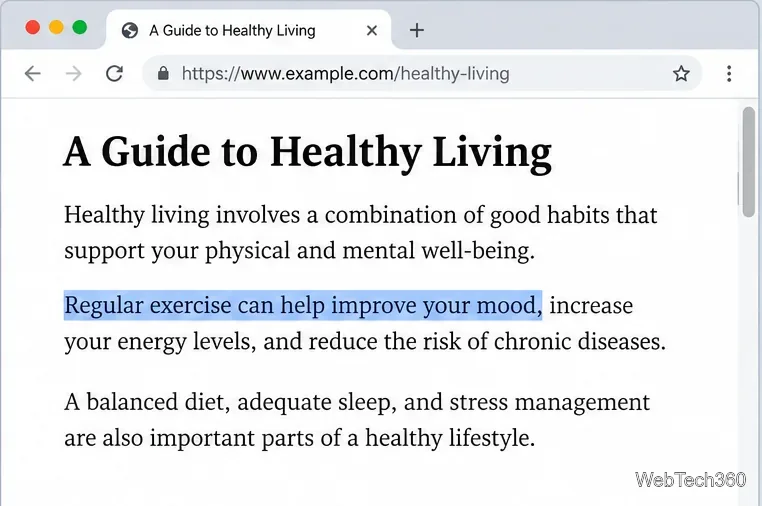
Learn how to link directly to selected text in Chrome with Copy link to highlight, how text-fragment URLs work, and what to do if a link fails.
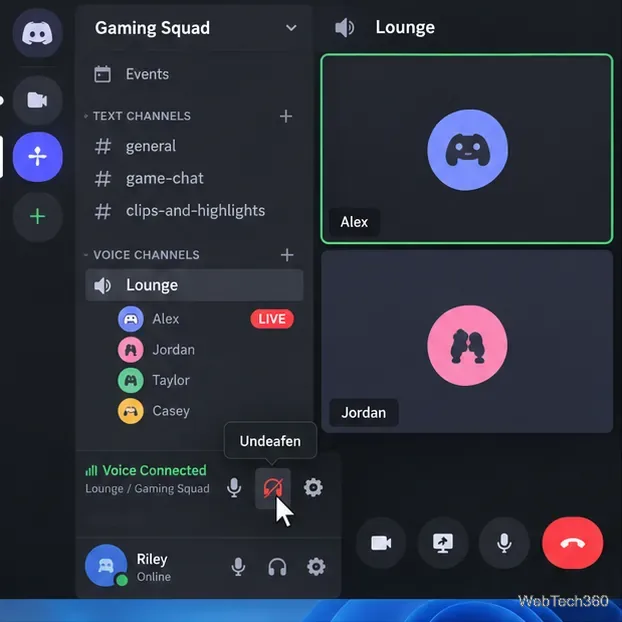
Can't hear anyone on Discord? Check Deafen and user volume, choose the right output device, reset Voice & Video, and fix Windows audio settings.
Learn how to add roles in Discord, change a role name, set permissions, assign or remove members, reorder roles, and delete roles safely.