How to Play Minecraft Offline on Windows 10: Java and Bedrock
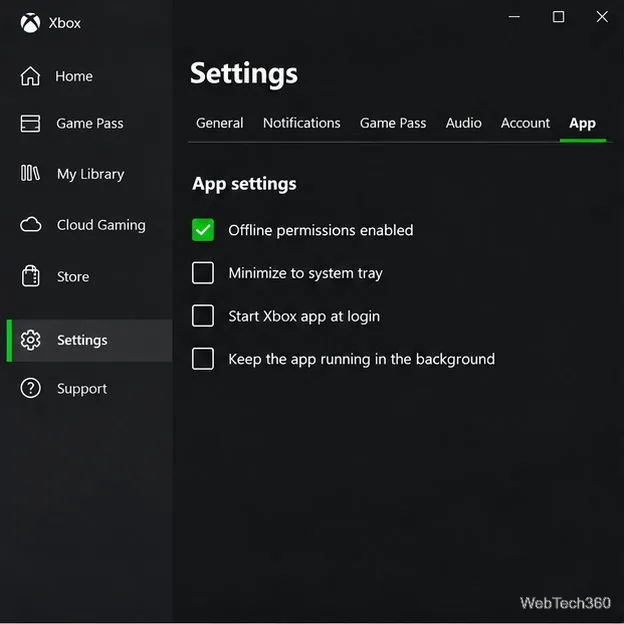
Prepare Java or Bedrock on Windows 10 for offline single-player, enable the right Xbox setting, and back up your local Minecraft worlds.
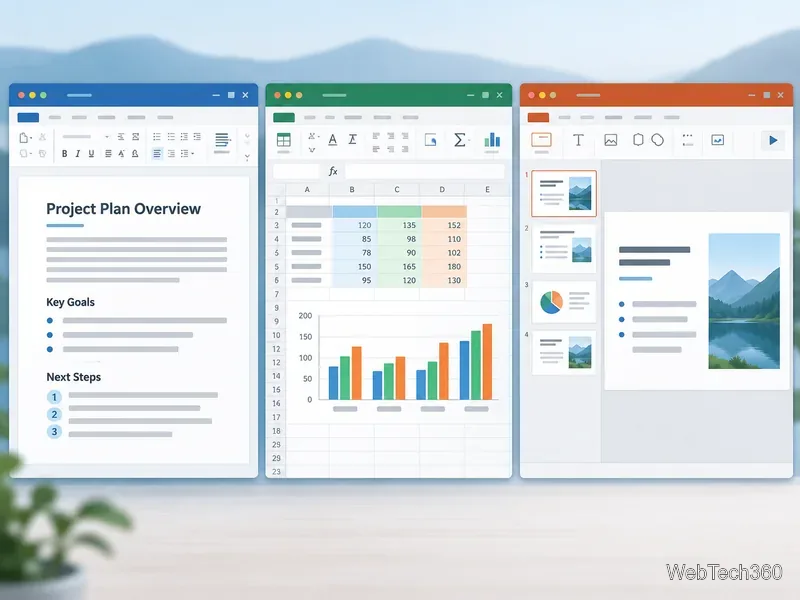
Yes. Free office software can handle documents, spreadsheets, and presentations. Try Microsoft 365 for the web for familiar Office files, LibreOffice for offline desktop work, or Google Docs, Sheets, and Slides for browser collaboration. Choose based on whether you need format compatibility, offline access, or shared editing.
| Suite | Best for | Main trade-off |
|---|---|---|
| Microsoft 365 for the web | Working with Word, Excel, and PowerPoint files in a browser | Some desktop features require a paid Microsoft 365 plan |
| Google Docs, Sheets, and Slides | Sharing and co-editing online | Advanced controls and offline use are more limited or require setup |
| LibreOffice | Free, offline editing on a computer | Complex Microsoft Office layouts may need cleanup |
| ONLYOFFICE Desktop Editors | Desktop editing with common Microsoft file formats | Some collaboration features depend on connecting to a cloud service |
| WPS Office | A familiar interface and an all-in-one app | The free edition includes ads and some tools are paid |
| FreeOffice | A lightweight desktop alternative for the three core apps | It does not include every extra application found in larger suites |
“Compatible” does not mean every font, macro, animation, formula, or page break will transfer perfectly. If a document is important, work on a copy and check the result in the app your recipient uses.
Microsoft offers free browser versions of Word, Excel, and PowerPoint with a Microsoft account. They open and share Office files and feel familiar to current Microsoft users. The web apps cover everyday work, while some advanced features remain in the paid desktop apps. They are a practical pick when coworkers exchange Microsoft-format files. See Microsoft’s free Microsoft 365 web apps.
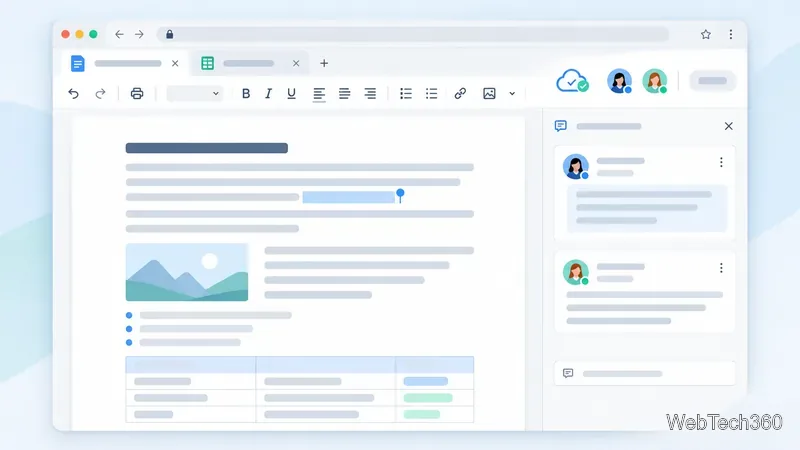
Google’s free personal apps run in a browser and make sharing, comments, and simultaneous editing easy. In Drive, you can edit many Office files in their original format; conversion to Google formats is optional for some workflows. Offline access is possible but must be enabled in advance and has browser and device requirements. Choose Google for mostly online team work. Check Google Docs, Sheets, and Slides, its Office-file editing guide, and offline access requirements.
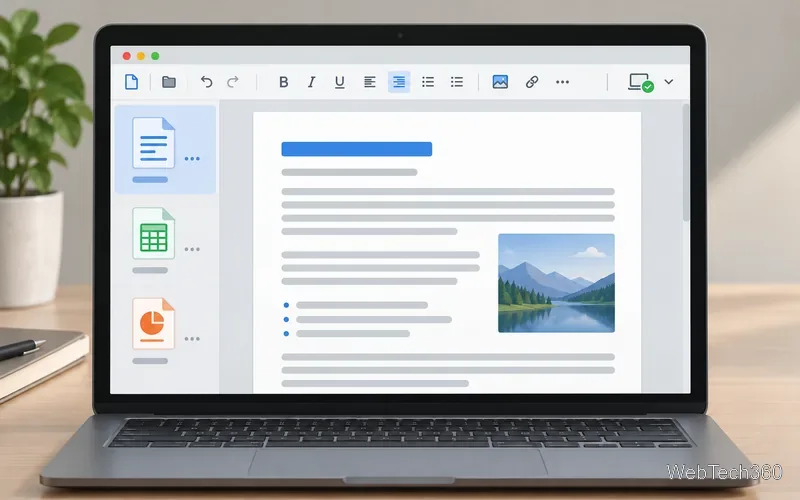
LibreOffice is free, open-source desktop software. Writer, Calc, and Impress cover documents, spreadsheets, and presentations; the suite also has diagram, database, and formula tools. It opens and saves Microsoft formats and supports OpenDocument. Complex files can reflow, so verify layout, formulas, and animations before sharing. It is a strong choice for a full local suite without a subscription. See LibreOffice’s official overview and its Microsoft-format conversion notes.
ONLYOFFICE offers free desktop editors for Windows, macOS, and Linux. They handle DOCX, XLSX, PPTX, and several open formats. Local editing works on your computer; team collaboration may require connecting a supported cloud platform. See the official desktop editor page and format and feature guide.
WPS Office combines word processing, spreadsheets, presentations, and PDF tools in one product, with desktop and mobile apps. Its familiar layout can ease the switch. The free version includes ads, while some PDF, cloud, and premium tools require an upgrade. Check WPS Office and its current ad information.
FreeOffice includes TextMaker, PlanMaker, and Presentations for writing, spreadsheets, and slides. SoftMaker offers versions for Windows, macOS, and Linux and says they open and save common Microsoft Office files. Consider it for conventional desktop work if you do not need a database or collaboration platform. See FreeOffice’s official overview and current downloads.
There is no universal winner. Start with Microsoft 365 for Office files, Google for shared online work, or LibreOffice for a free offline suite. Test one representative document and spreadsheet before moving your workflow.
Prepare Java or Bedrock on Windows 10 for offline single-player, enable the right Xbox setting, and back up your local Minecraft worlds.
Change a file type icon in Windows 10 while keeping its current default app. Follow the FileTypesMan steps, handle icon picker issues, and restore the original setting.
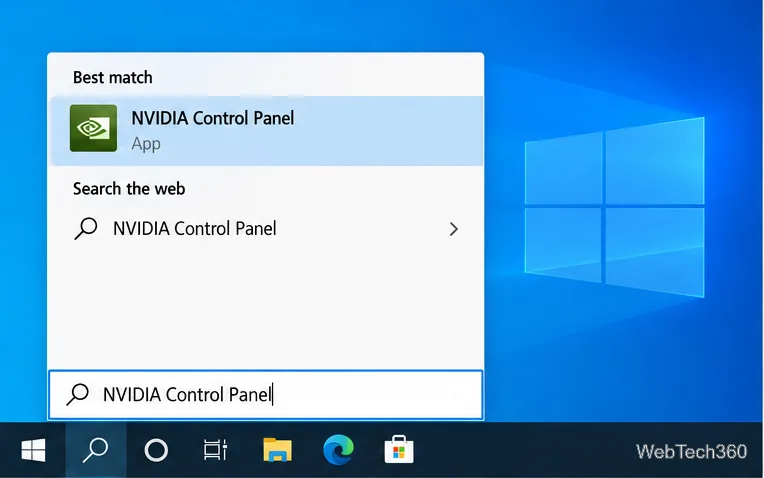
Set PhysX in NVIDIA Control Panel on Windows 10, understand Auto-select vs. CPU or GPU, and learn when to use Windows Graphics settings instead.
Compare six free office suites for documents, spreadsheets, and presentations, including browser-based collaboration and offline desktop options.
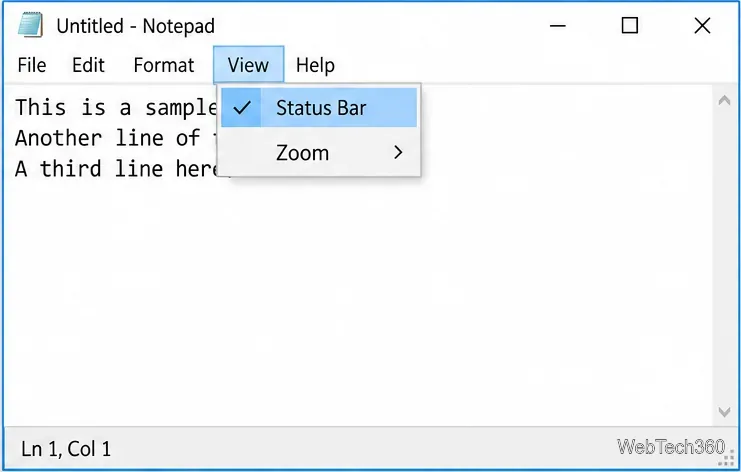
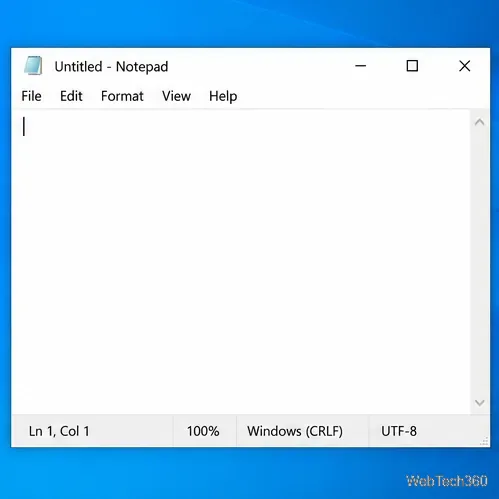
Turn on Notepad’s Status Bar to see the current line and column in Windows 10, troubleshoot a disabled option, and learn when you need a line-number gutter.
Display a custom Windows dialog with a short PowerShell command, Command Prompt, or a reusable .bat or .ps1 file, including a title, icon, and buttons.
Fix Windows 10 update error 0x80071160 with Microsoft’s troubleshooter, a safe update-cache reset, DISM and SFC repairs, and a careful manual-install check.
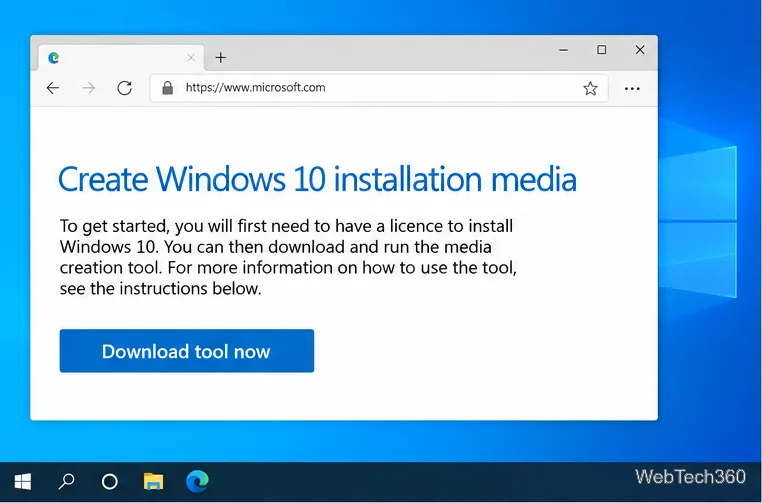
Create a Windows 10 UEFI installer with Microsoft’s Media Creation Tool or Rufus, then boot and install safely without wiping the wrong drive.
Stop individual Edge tabs from crowding the Windows 10 Alt+Tab switcher. Change one Multitasking setting, limit recent tabs, and check why the option may be missing.
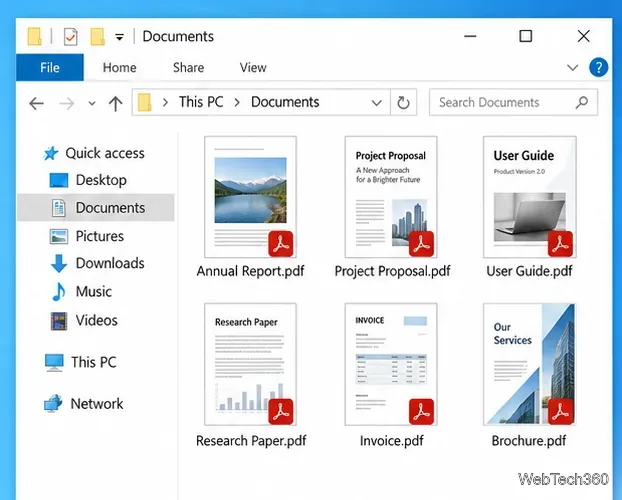
Enable Adobe’s PDF thumbnail handler, correct File Explorer’s icon settings, rebuild the thumbnail cache, and check OneDrive files that are not stored locally.