How to Play Minecraft Offline on Windows 10: Java and Bedrock
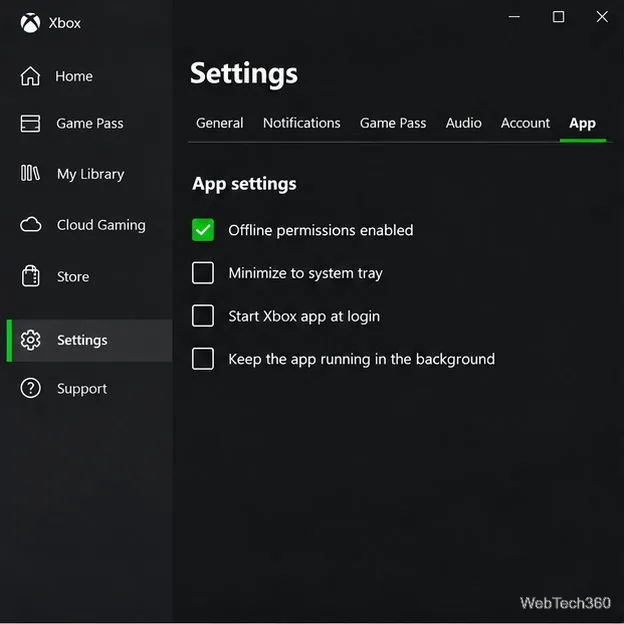
Prepare Java or Bedrock on Windows 10 for offline single-player, enable the right Xbox setting, and back up your local Minecraft worlds.
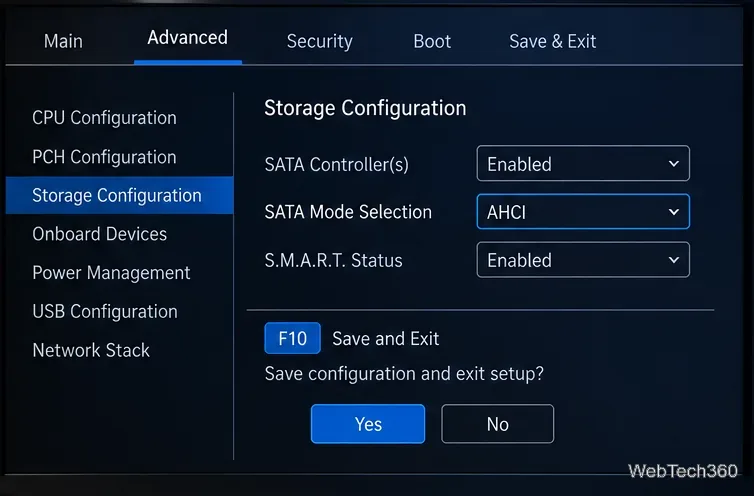
To enable AHCI mode, open your PC's BIOS/UEFI setup, find the SATA or storage controller setting, change it to AHCI, then save and restart. That is straightforward on a new build or before installing Windows. If Windows is already installed while the controller is set to RAID, Intel RST, or IDE, do not switch the setting blindly: Windows can fail to boot with an INACCESSIBLE_BOOT_DEVICE error.
AHCI, or Advanced Host Controller Interface, is a controller mode for SATA storage. It enables SATA features such as Native Command Queuing (NCQ) and hot plugging on supported hardware. Intel's AHCI documentation explains that NCQ lets compatible drives accept and reorder multiple commands for more efficient random workloads.
First, confirm that you actually need AHCI. AHCI applies to SATA drives and controllers. An NVMe SSD uses the NVMe protocol over PCIe rather than AHCI; the NVM Express specification overview describes NVMe as the interface used for PCIe SSDs. Some PC makers combine the wording in a setting such as “SATA/NVMe Operation,” but that does not turn an NVMe drive into an AHCI device.
Also take these precautions:
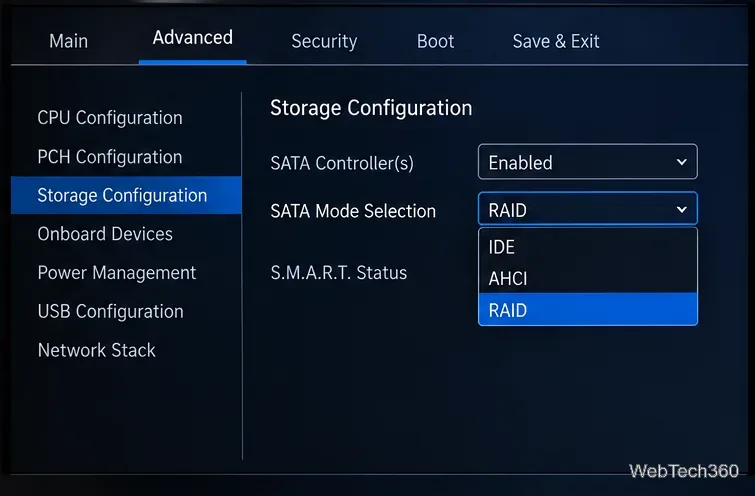
The menu layout is motherboard-specific. For example, MSI's official storage-detection guide shows a SATA Mode setting that can be changed to AHCI. BIOS names and locations still vary by model.
If Windows was installed while the controller used RAID, RST, or another mode, prepare Windows to start once in Safe Mode before changing the firmware setting. Dell documents this approach for systems that otherwise blue-screen after a SATA-mode change, and Microsoft documents BCDEdit as the Windows tool for changing boot configuration.
bcdedit /set {current} safeboot minimal.bcdedit /deletevalue {current} safeboot.You can verify the command syntax in Microsoft's BCDEdit documentation and compare the workflow with Dell's SATA-mode recovery procedure.
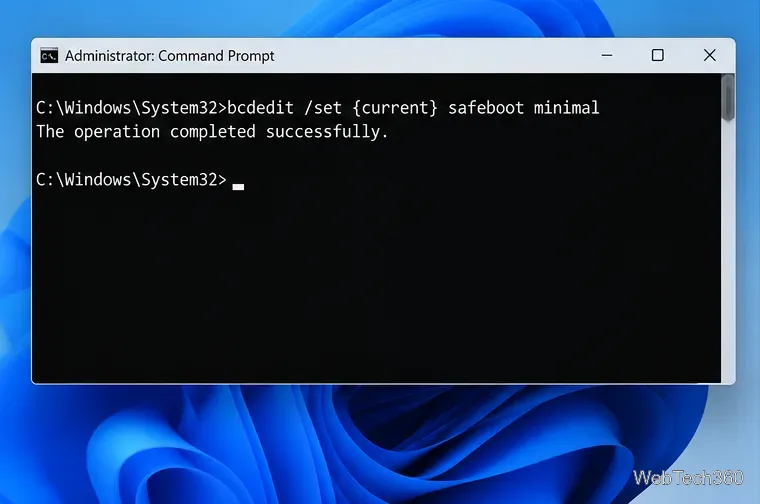
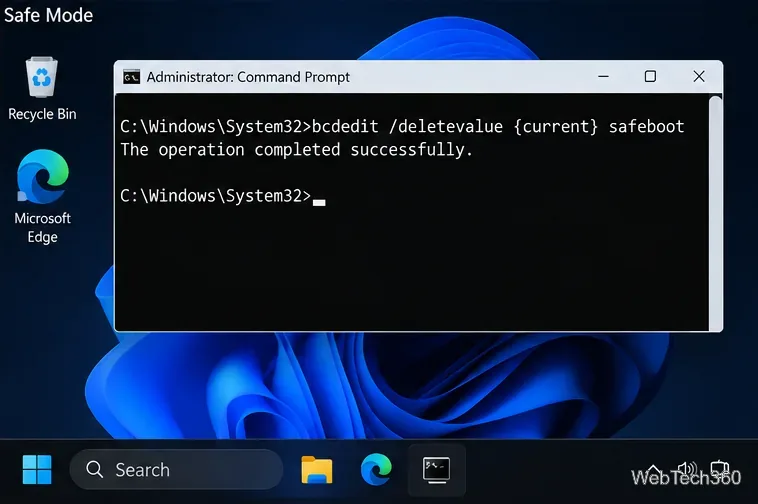
Return to BIOS/UEFI and restore the previous storage mode. Dell notes that changing between AHCI and RAID can trigger INACCESSIBLE_BOOT_DEVICE when Windows is not prepared for the new controller mode. Once Windows boots again, confirm that the required storage drivers are installed, then use the Safe Mode procedure above if the machine and storage configuration support AHCI.
If there is no AHCI option at all, do not try to create one with a Windows Registry edit. The available controller modes are determined by the motherboard, firmware, chipset, and OEM configuration. Check the PC or motherboard manual for the exact storage settings supported by your model.
Prepare Java or Bedrock on Windows 10 for offline single-player, enable the right Xbox setting, and back up your local Minecraft worlds.
Change a file type icon in Windows 10 while keeping its current default app. Follow the FileTypesMan steps, handle icon picker issues, and restore the original setting.
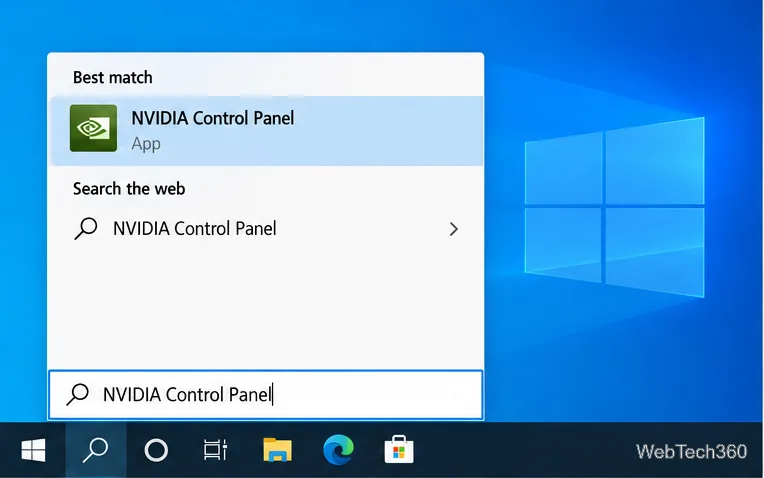
Set PhysX in NVIDIA Control Panel on Windows 10, understand Auto-select vs. CPU or GPU, and learn when to use Windows Graphics settings instead.
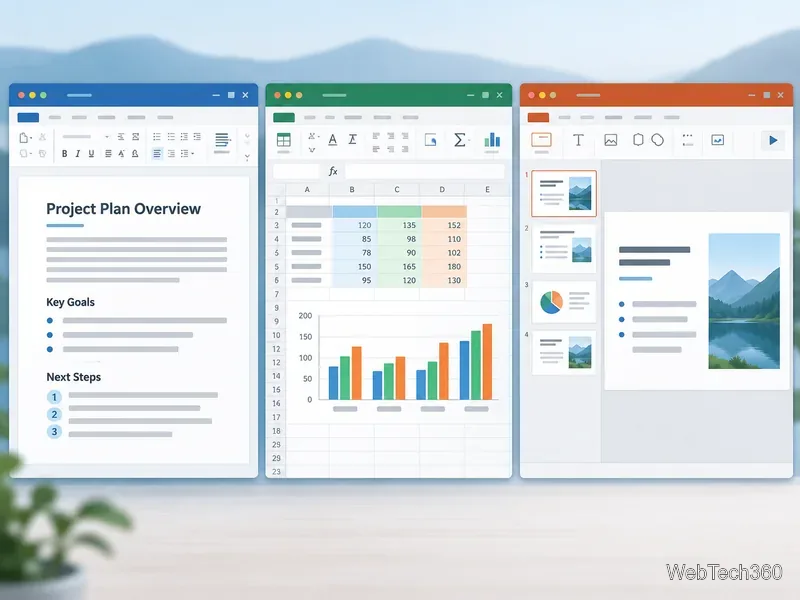
Compare six free office suites for documents, spreadsheets, and presentations, including browser-based collaboration and offline desktop options.
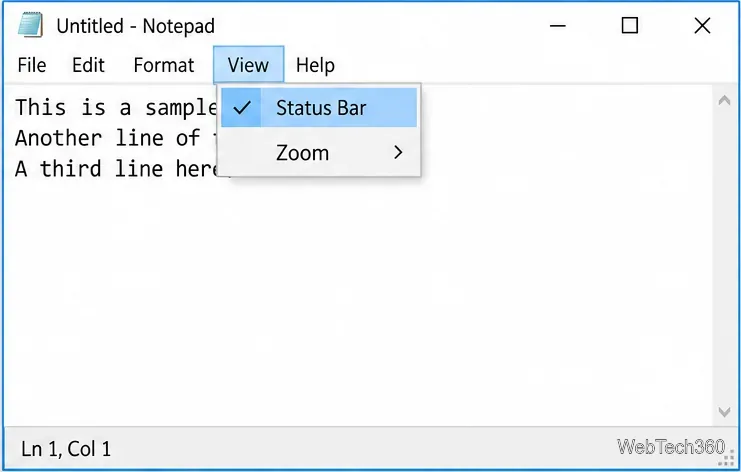
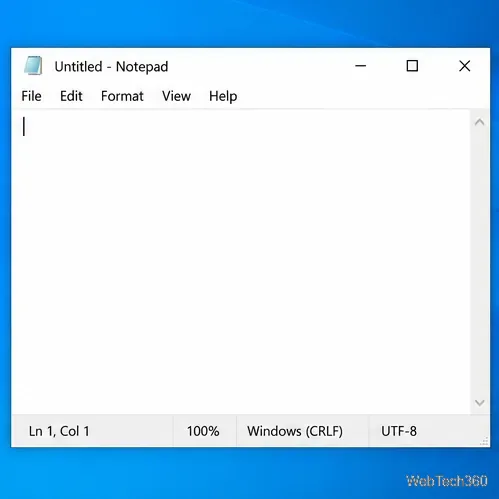
Turn on Notepad’s Status Bar to see the current line and column in Windows 10, troubleshoot a disabled option, and learn when you need a line-number gutter.
Display a custom Windows dialog with a short PowerShell command, Command Prompt, or a reusable .bat or .ps1 file, including a title, icon, and buttons.
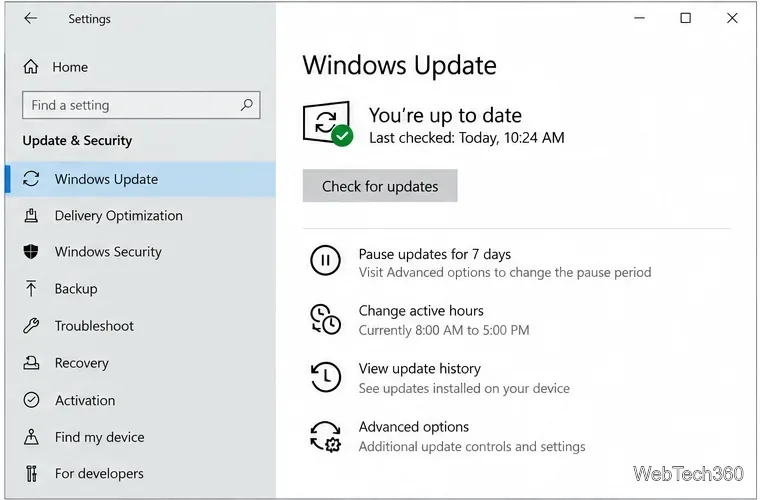
Fix Windows 10 update error 0x80071160 with Microsoft’s troubleshooter, a safe update-cache reset, DISM and SFC repairs, and a careful manual-install check.
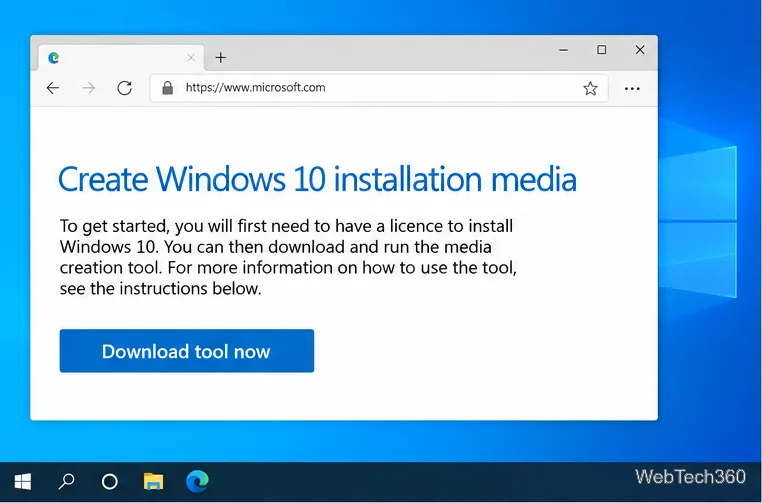
Create a Windows 10 UEFI installer with Microsoft’s Media Creation Tool or Rufus, then boot and install safely without wiping the wrong drive.
Stop individual Edge tabs from crowding the Windows 10 Alt+Tab switcher. Change one Multitasking setting, limit recent tabs, and check why the option may be missing.
Enable Adobe’s PDF thumbnail handler, correct File Explorer’s icon settings, rebuild the thumbnail cache, and check OneDrive files that are not stored locally.