How to Play Minecraft Offline on Windows 10: Java and Bedrock
Prepare Java or Bedrock on Windows 10 for offline single-player, enable the right Xbox setting, and back up your local Minecraft worlds.
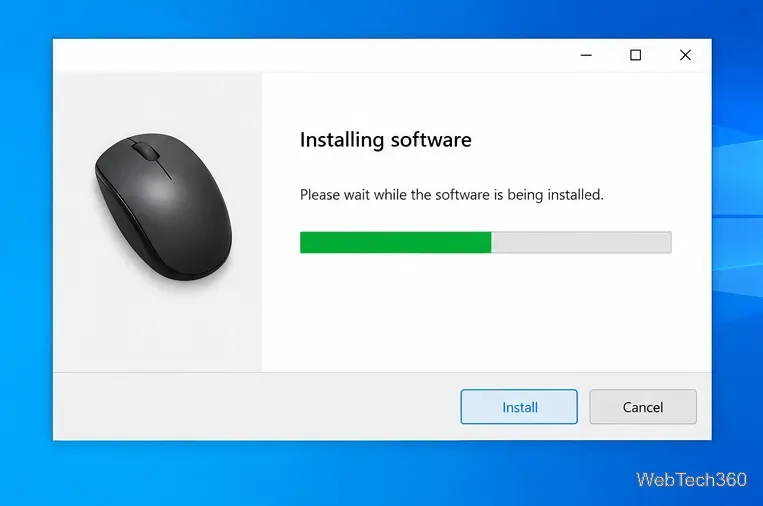
Most USB and Bluetooth mice work in Windows 10 as soon as you connect them because Windows includes a basic HID-compliant mouse driver. For extra features—such as programmable buttons or sensitivity profiles—install the maker’s software for your exact model. If the mouse malfunctions, try Windows Update or Device Manager before a manual driver package.
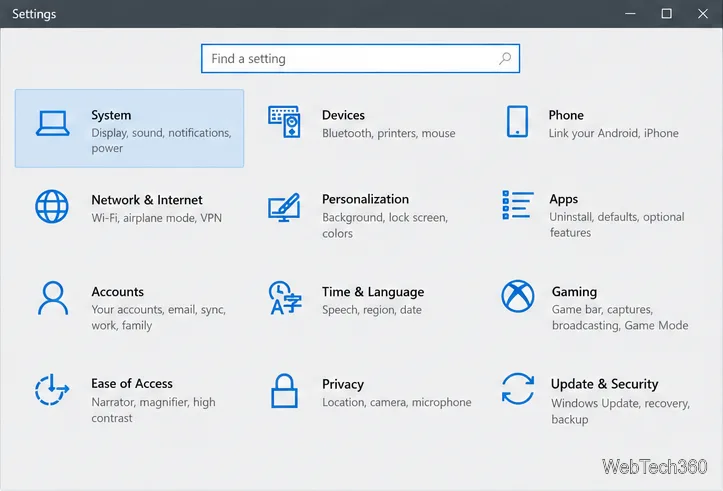
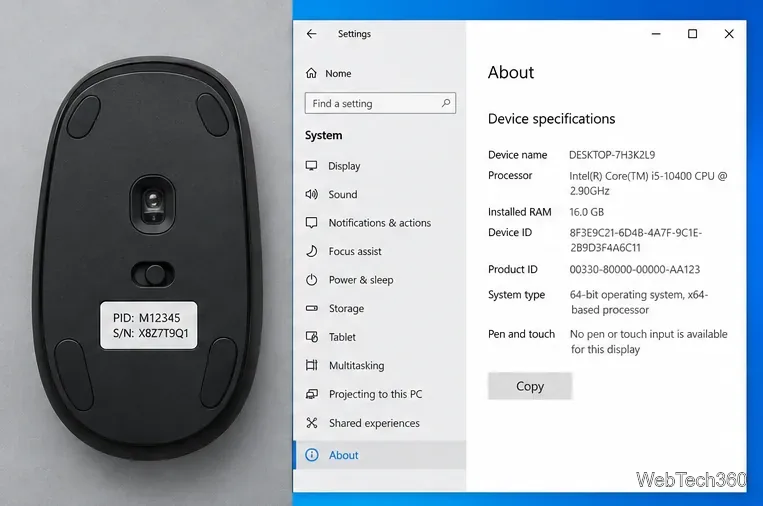
Find the exact model name or number on the mouse, its packaging, or your order record. Confirm Windows’ system type at Start > Settings > System > About. Not every mouse has a downloadable driver, and a laptop touchpad is a separate device.
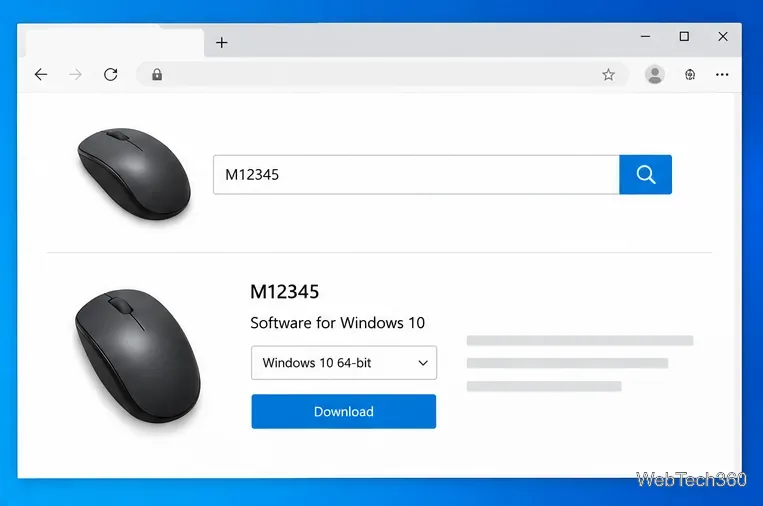
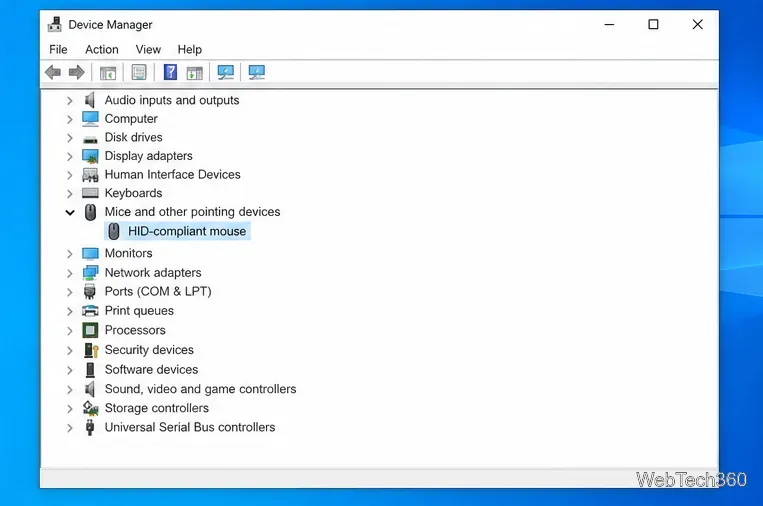
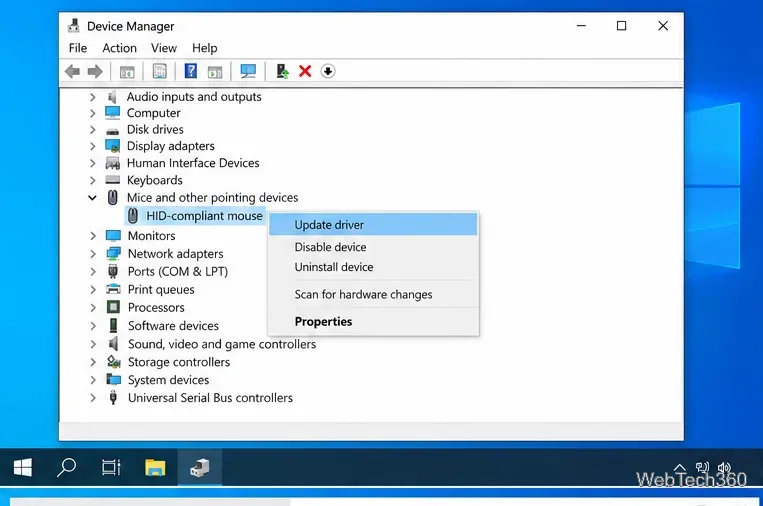
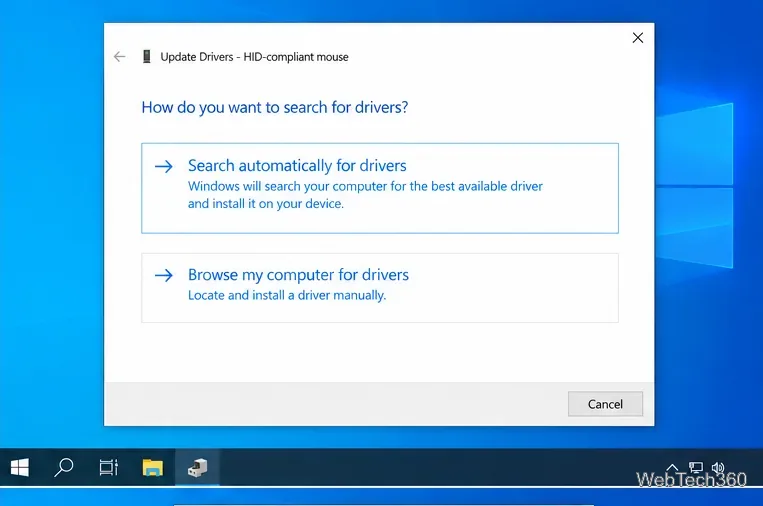
Use this route if the mouse is detected but may need an update. Windows may report that no newer driver is available.
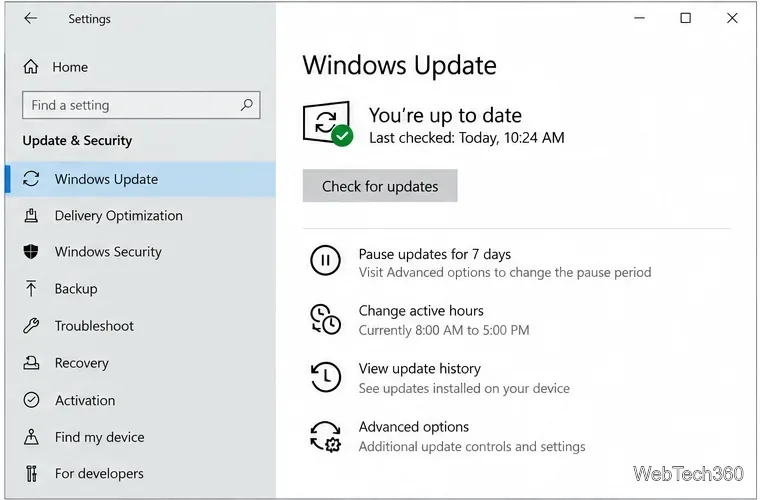
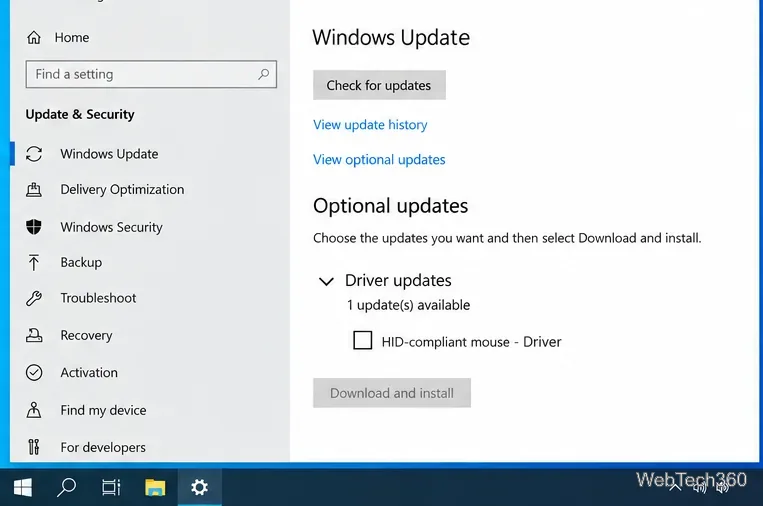
Optional driver updates are not necessarily installed automatically. Go to Settings > Update & Security > Windows Update, select Check for updates, then View optional updates if shown. Under Driver updates, choose only an entry matching the mouse and select Download and install. Restart if prompted; labels can vary by build.
If no optional update appears, none is listed there. Microsoft ended standard Windows 10 support on October 14, 2025. PCs continue to run, but regular free updates and support have ended; availability can depend on servicing or Extended Security Updates enrollment.
Use manual installation only when the manufacturer supplies a package and instructions. Extract a ZIP if needed. In Device Manager, right-click the mouse, choose Update driver > Browse my computer for drivers, select the driver folder, then choose Next. Do not force an incompatible or unknown driver.
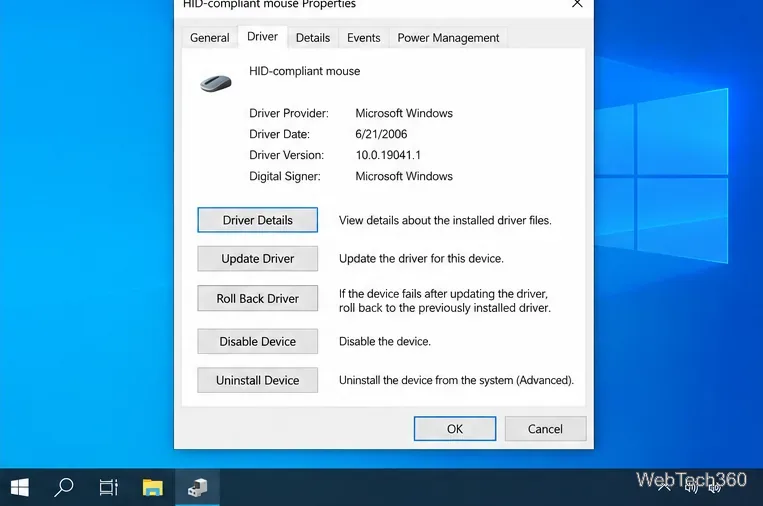
Try another USB port, reconnect the receiver, check the battery, and restart. If the problem followed an update, open Device Manager > mouse Properties > Driver > Roll Back Driver, if available, then restart. You can uninstall only the affected mouse and restart so Windows can try to reinstall a compatible driver. Do not remove every HID device; that category includes other input hardware.
An external mouse and laptop touchpad are separate devices. A touchpad may need a model-specific driver for gestures or scrolling; find it on the laptop maker’s support page. Install Synaptics or ELAN software only when listed for that exact touchpad.
For the basic pointer, start with the driver Windows already provides. Add the manufacturer’s supported software for extra controls, or use Device Manager and Windows Update to troubleshoot a driver problem. Microsoft’s current guidance is available in Update drivers through Device Manager and Automatically get recommended and updated hardware drivers.
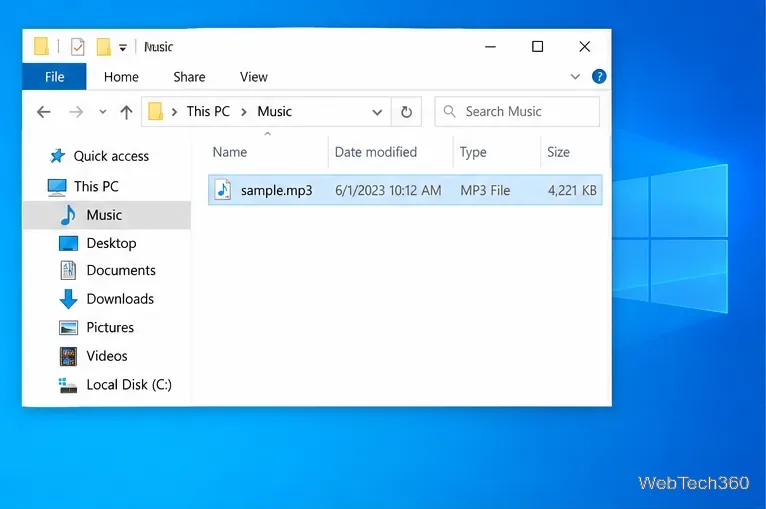
Prepare Java or Bedrock on Windows 10 for offline single-player, enable the right Xbox setting, and back up your local Minecraft worlds.
Change a file type icon in Windows 10 while keeping its current default app. Follow the FileTypesMan steps, handle icon picker issues, and restore the original setting.
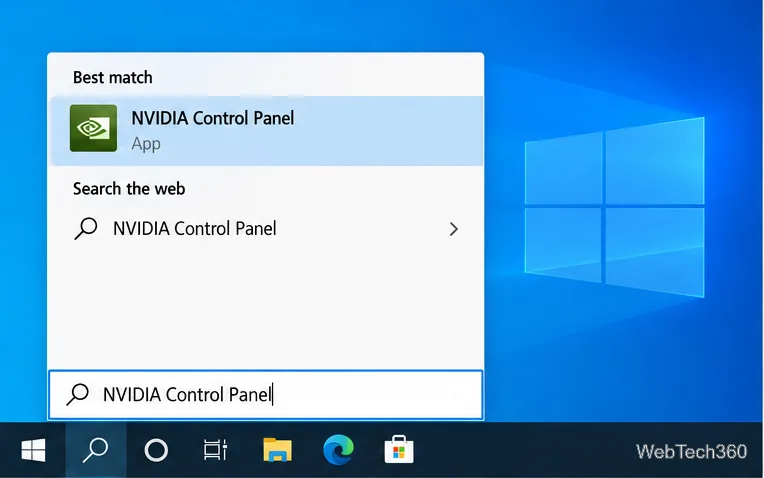
Set PhysX in NVIDIA Control Panel on Windows 10, understand Auto-select vs. CPU or GPU, and learn when to use Windows Graphics settings instead.
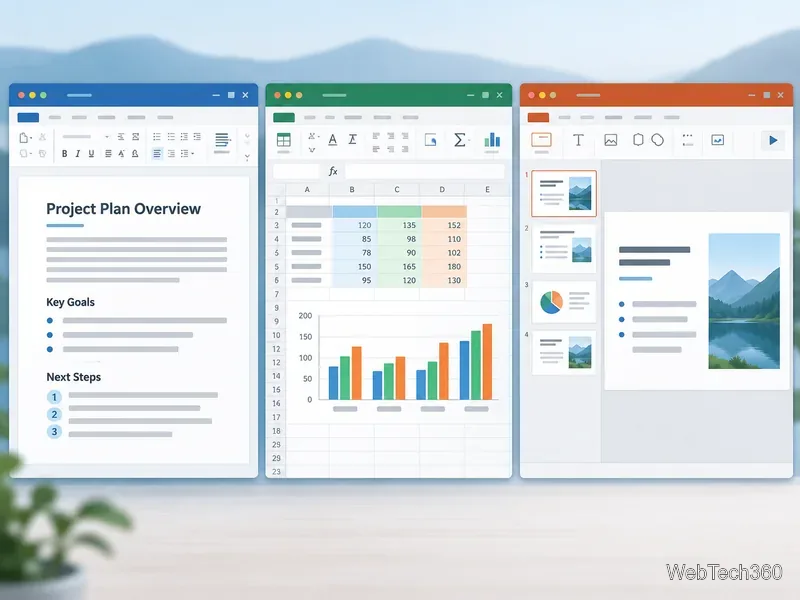
Compare six free office suites for documents, spreadsheets, and presentations, including browser-based collaboration and offline desktop options.
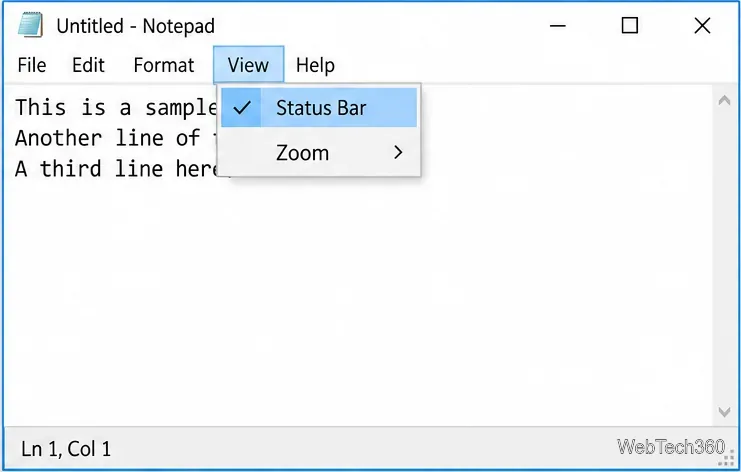
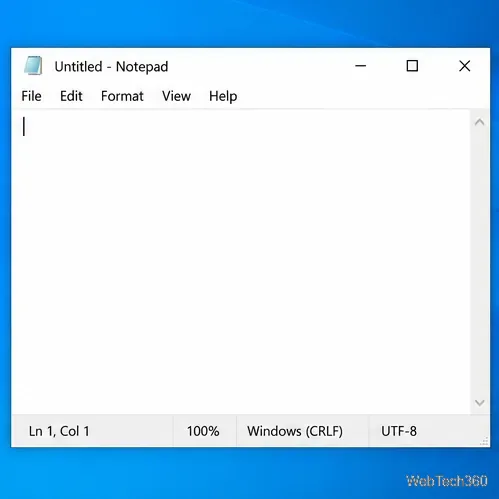
Turn on Notepad’s Status Bar to see the current line and column in Windows 10, troubleshoot a disabled option, and learn when you need a line-number gutter.
Display a custom Windows dialog with a short PowerShell command, Command Prompt, or a reusable .bat or .ps1 file, including a title, icon, and buttons.
Fix Windows 10 update error 0x80071160 with Microsoft’s troubleshooter, a safe update-cache reset, DISM and SFC repairs, and a careful manual-install check.
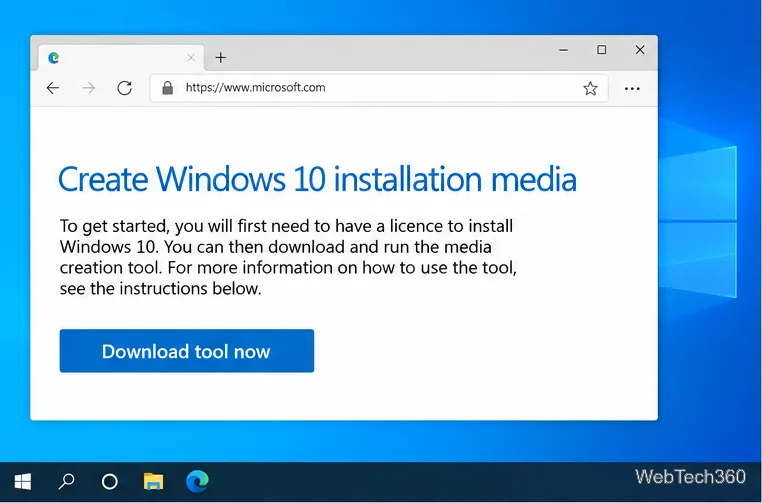
Create a Windows 10 UEFI installer with Microsoft’s Media Creation Tool or Rufus, then boot and install safely without wiping the wrong drive.
Stop individual Edge tabs from crowding the Windows 10 Alt+Tab switcher. Change one Multitasking setting, limit recent tabs, and check why the option may be missing.
Enable Adobe’s PDF thumbnail handler, correct File Explorer’s icon settings, rebuild the thumbnail cache, and check OneDrive files that are not stored locally.