How to Play Minecraft Offline on Windows 10: Java and Bedrock
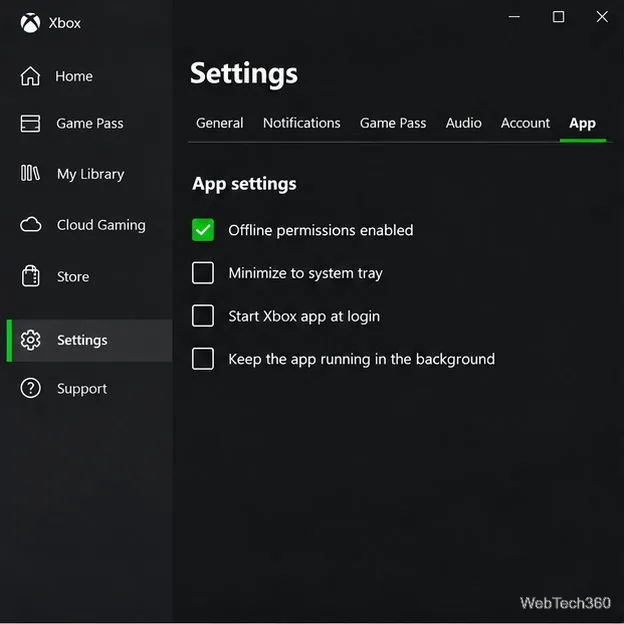
Prepare Java or Bedrock on Windows 10 for offline single-player, enable the right Xbox setting, and back up your local Minecraft worlds.
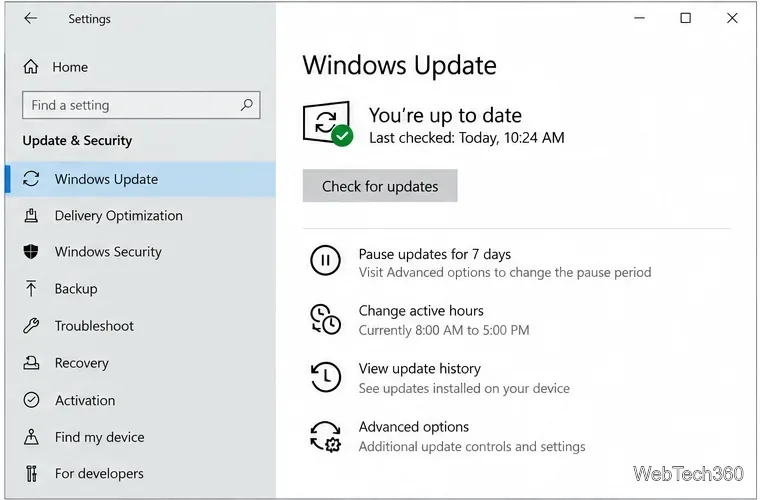
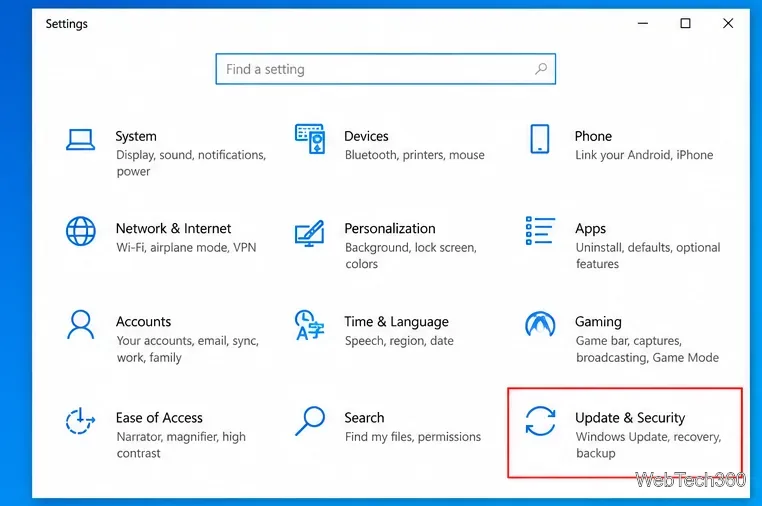
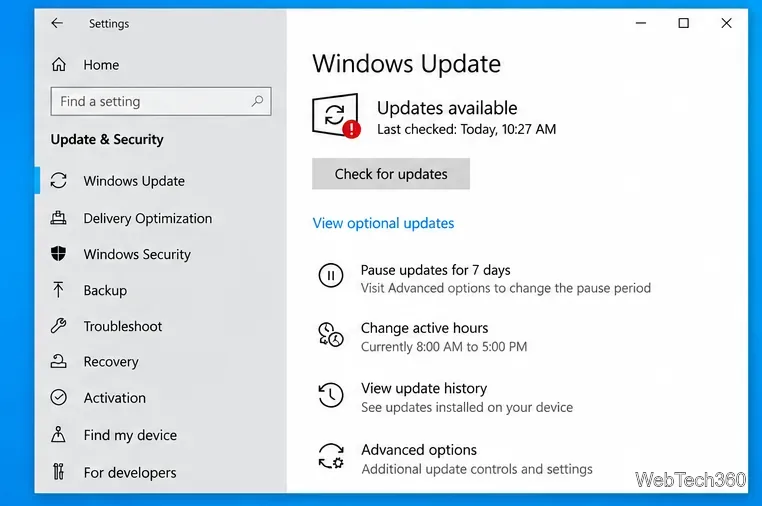
You can install optional updates on Windows 10 from Settings > Update & Security > Windows Update. Run a new update check, open View optional updates if it appears, select only the updates you want, and choose Download and install. Optional driver updates are not installed automatically.
There is one important current caveat: Microsoft ended standard Windows 10 support on October 14, 2025. Microsoft recommends moving to Windows 11 when possible. Windows 10 PCs can still run, and eligible devices may receive Extended Security Updates, but ESU does not add new features or non-security updates. See Microsoft's Windows 10 end-of-support guidance.
The steps below follow Microsoft's current Windows 10 driver-update guidance. Save any open work first because a restart may be needed.
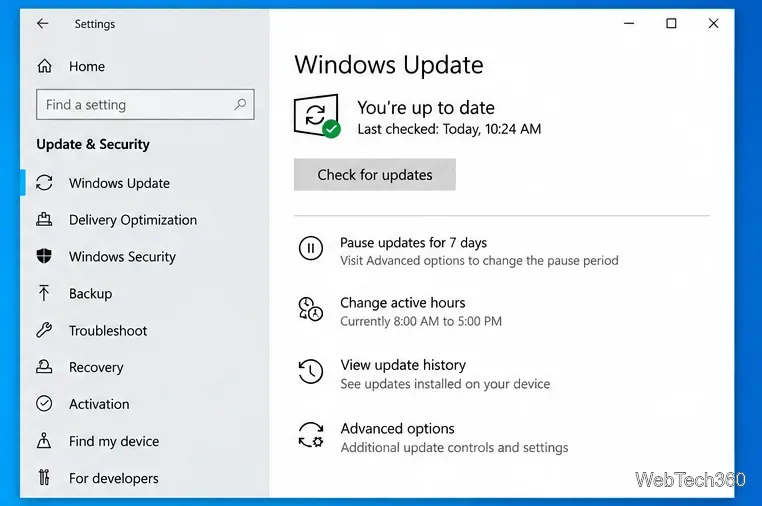
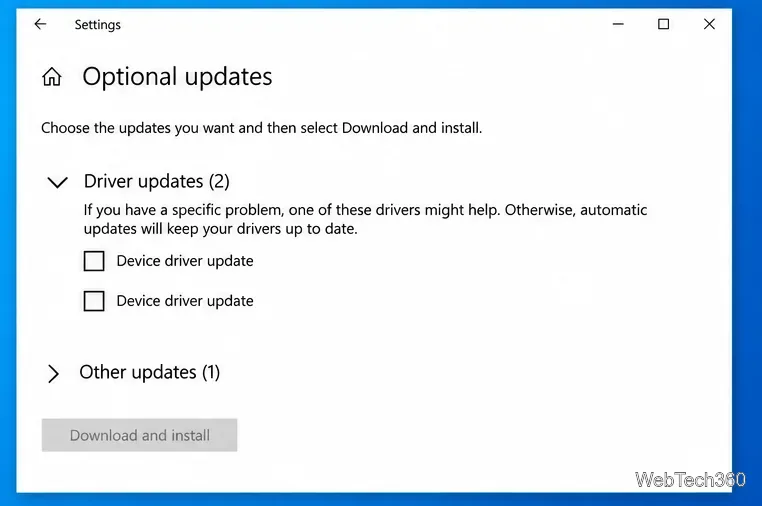
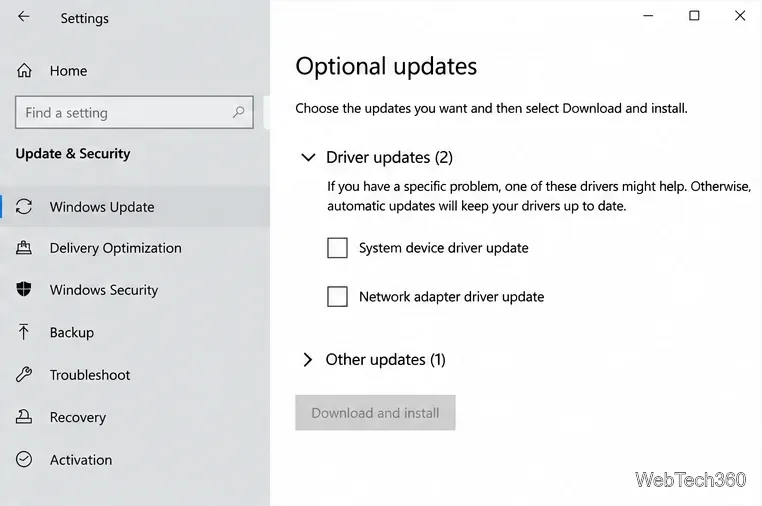
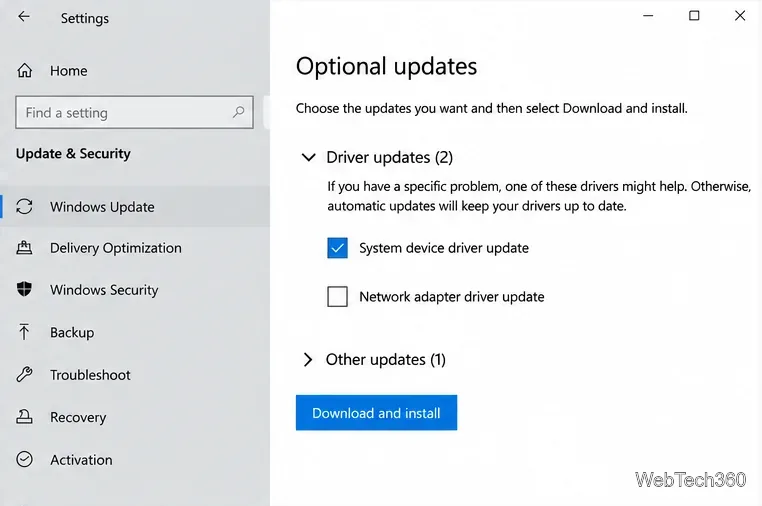
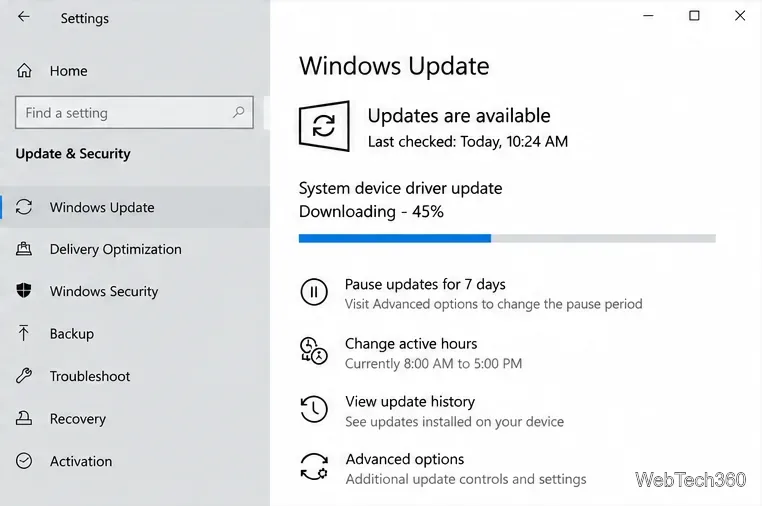
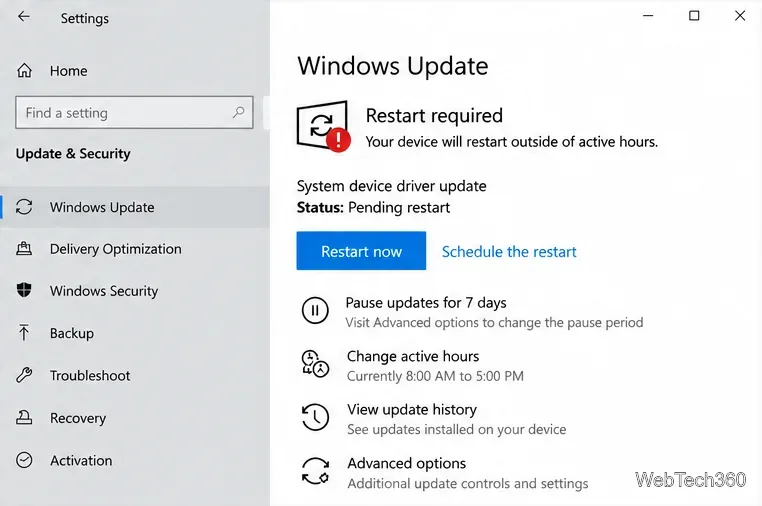
On Windows 10, the most relevant optional updates for many users are optional driver updates. Windows Update normally installs recommended drivers automatically, while optional drivers require you to choose them manually. Microsoft notes that these optional drivers can help with a specific device problem, while normal automatic updating is sufficient for most systems. The current Microsoft instructions are available in its hardware-driver update guide.
Before Windows 10 reached end of support, optional updates could also include non-security preview updates and other changes. Those should not be confused with security servicing. For Windows 10 ESU devices, Microsoft states that ESU is limited to eligible critical and important security updates and does not include new features or non-security updates.
If View optional updates is not shown after a completed scan, Windows usually has no optional items to offer that PC at that moment. Optional drivers are hardware-specific, so two Windows 10 computers can receive different lists.
Run Check for updates once more if you have not scanned recently. On a work or school PC, update policies set by an administrator can also affect which optional updates are offered. If you are looking for a driver that Windows Update cannot find, Microsoft recommends checking the hardware manufacturer's official support site for a version compatible with your Windows release.
No. If your keyboard, Wi-Fi adapter, graphics device, printer, or other hardware is already working properly, there is usually no reason to install every older or alternate driver listed under Optional updates. Treat these packages as targeted troubleshooting choices rather than a checklist.
Also, do not judge a driver only by an unusually old-looking date. Driver selection involves compatibility and ranking, not just the displayed date. Focus on the device name, vendor, version, and whether the update addresses a problem you actually have.
Open Device Manager, right-click the affected device, choose Properties, open the Driver tab, and select Roll Back Driver if that button is available. Microsoft notes that rollback requires administrator permissions and only works when a previous driver version is still present. See Microsoft's Device Manager driver guidance.
Prepare Java or Bedrock on Windows 10 for offline single-player, enable the right Xbox setting, and back up your local Minecraft worlds.
Change a file type icon in Windows 10 while keeping its current default app. Follow the FileTypesMan steps, handle icon picker issues, and restore the original setting.
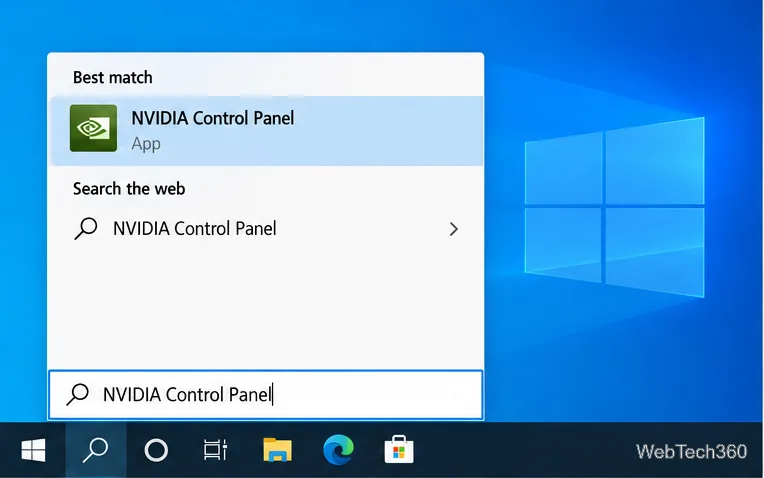
Set PhysX in NVIDIA Control Panel on Windows 10, understand Auto-select vs. CPU or GPU, and learn when to use Windows Graphics settings instead.
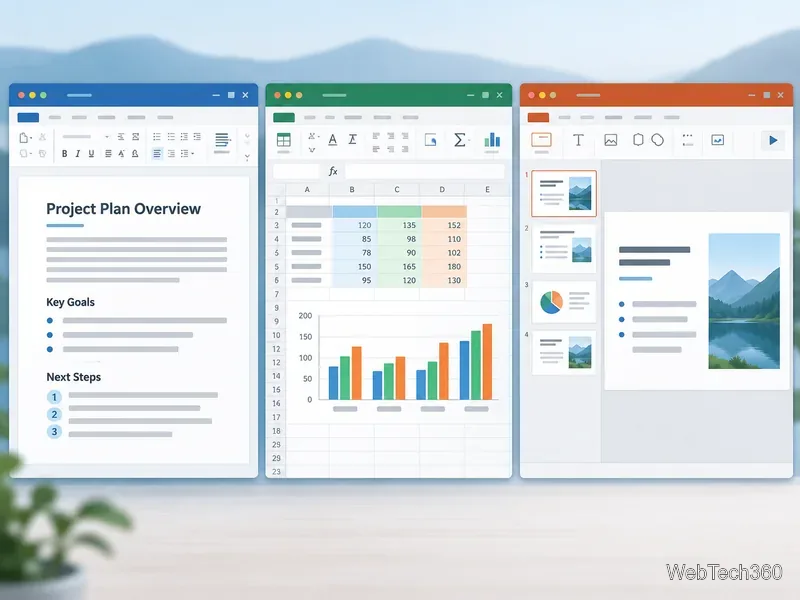
Compare six free office suites for documents, spreadsheets, and presentations, including browser-based collaboration and offline desktop options.
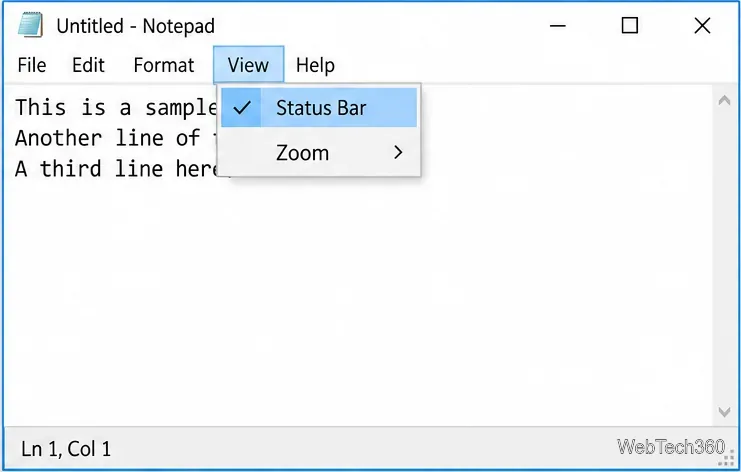
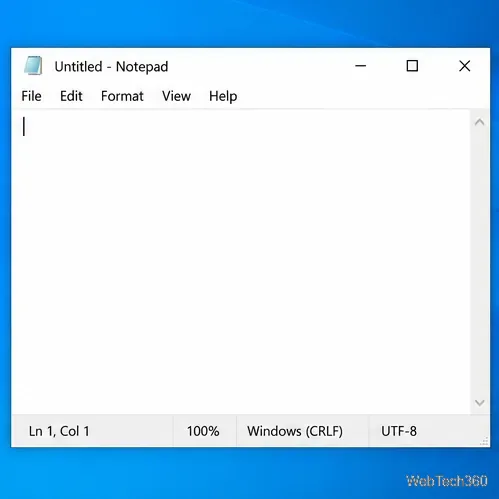
Turn on Notepad’s Status Bar to see the current line and column in Windows 10, troubleshoot a disabled option, and learn when you need a line-number gutter.
Display a custom Windows dialog with a short PowerShell command, Command Prompt, or a reusable .bat or .ps1 file, including a title, icon, and buttons.
Fix Windows 10 update error 0x80071160 with Microsoft’s troubleshooter, a safe update-cache reset, DISM and SFC repairs, and a careful manual-install check.
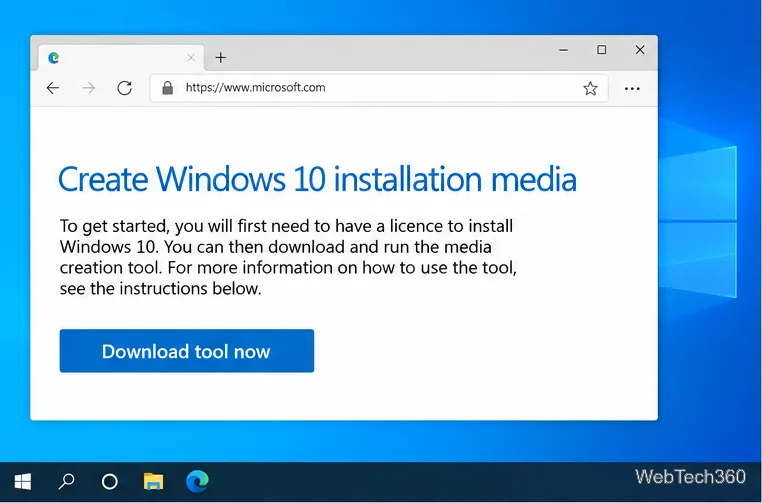
Create a Windows 10 UEFI installer with Microsoft’s Media Creation Tool or Rufus, then boot and install safely without wiping the wrong drive.
Stop individual Edge tabs from crowding the Windows 10 Alt+Tab switcher. Change one Multitasking setting, limit recent tabs, and check why the option may be missing.
Enable Adobe’s PDF thumbnail handler, correct File Explorer’s icon settings, rebuild the thumbnail cache, and check OneDrive files that are not stored locally.