How to Play Minecraft Offline on Windows 10: Java and Bedrock
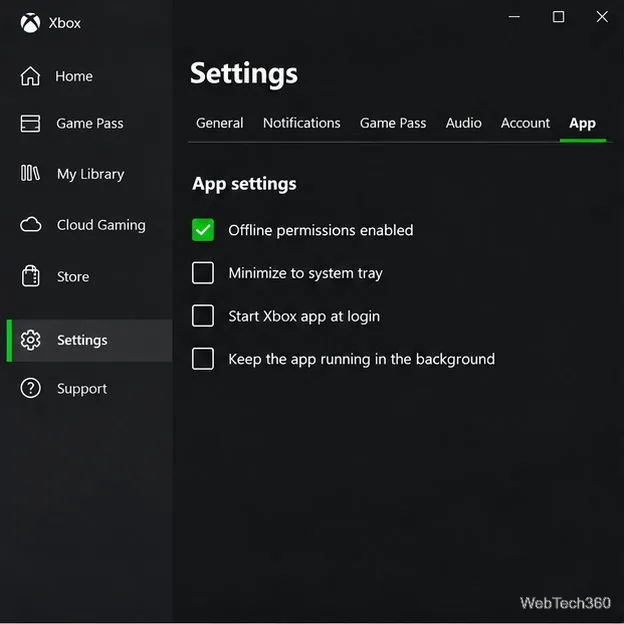
Prepare Java or Bedrock on Windows 10 for offline single-player, enable the right Xbox setting, and back up your local Minecraft worlds.
If Microsoft Defender Antivirus on Windows 10 quarantined a file you trust, the best place to recover it is Windows Security, not a third-party undelete tool. Open Virus & threat protection > Protection history, inspect the detection, and use Restore only when you are confident the file is a false positive. Microsoft notes that restoring a quarantined file can cause Defender to detect it again; if that happens, you must review the new alert and choose Allow on device only if you are sure the file is safe.
Security warning: Do not restore or allow a file merely because you need it. Confirm the file's source, path, publisher or signature when available, and why Defender flagged it. If you are unsure, leave it quarantined and obtain a clean copy from a trusted source.
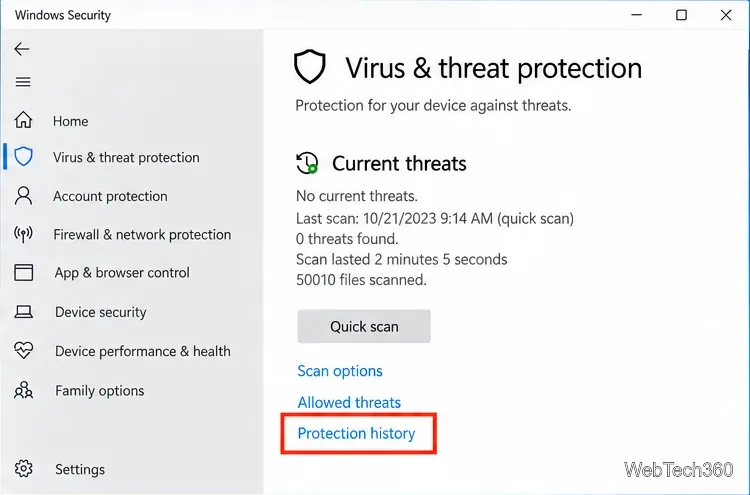
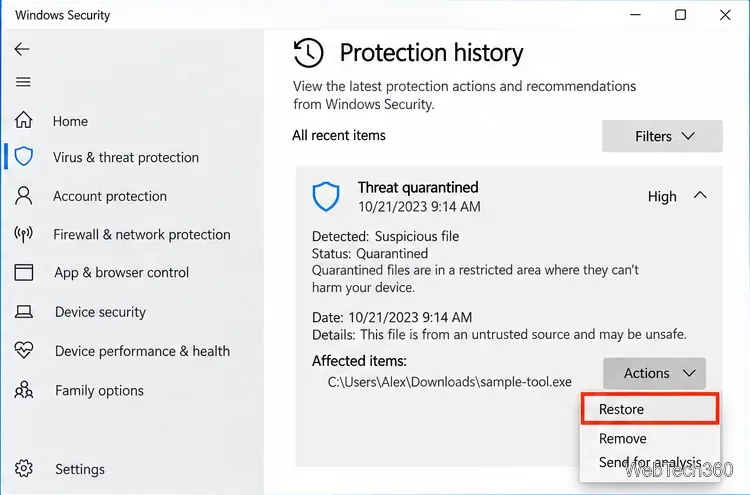
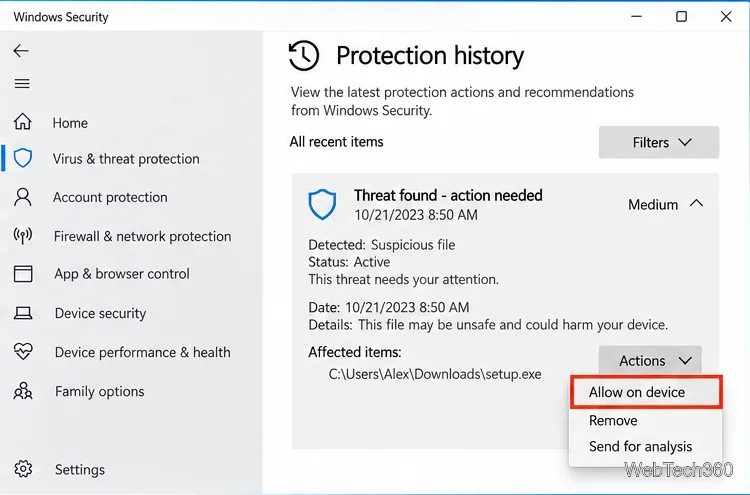
For Microsoft's current instructions, see Protection History in the Windows Security app and Restore quarantined files in Microsoft Defender Antivirus.
| Action | What it does | When to use it |
|---|---|---|
| Restore | Returns a quarantined file to the device. | When you have verified the quarantined file is safe. |
| Allow on device | Lets Defender accept the item instead of blocking it again. | Only for a confirmed false positive. |
| Remove | Deletes the quarantined threat from the device. | When you do not trust or need the file. |
If Protection history says Threat blocked rather than Threat quarantined, Microsoft says the threat has already been blocked and removed. In that state, choosing Allow affects what happens the next time Defender sees the file; it does not restore the already removed copy. If the source is trusted, allow it and download a fresh copy from the original source.
If the file is no longer available in quarantine and you cannot download it again, first check your normal backup or File History. For a file that was deleted from local storage and is not in the Recycle Bin, Microsoft's Windows File Recovery command-line app can be a last-resort option.
Stop using the source drive as much as possible before recovery. Deleted-file data can be overwritten by normal computer activity. Microsoft also requires the recovery destination to be on a different drive from the source.
For example, to search a recently deleted NTFS system drive for Word documents and write recovered files to drive E:, a typical command is:
winfr C: E: /regular /n *.docx
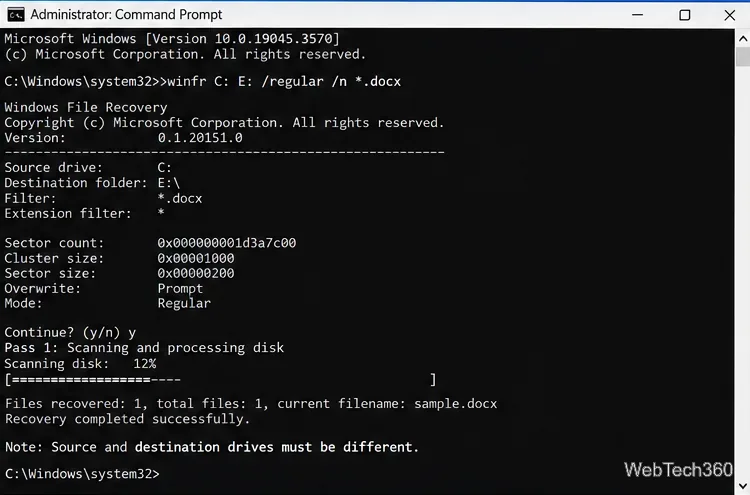
Use Regular mode for recently deleted files on a healthy NTFS drive. Microsoft recommends Extensive mode when a file was deleted longer ago, the disk was formatted or corrupted, or the source uses FAT or exFAT. Recovery is never guaranteed, especially after the free space has been overwritten. See Microsoft's Windows File Recovery guide for the current syntax and mode guidance.
Avoid turning off real-time protection or adding broad folder exclusions just to recover one file. A narrow decision on a verified false positive leaves the rest of Defender's protection in place, and you can later review allowed items from the Allowed threats page.
Microsoft ended standard Windows 10 support on October 14, 2025. Windows 10 PCs still run, and eligible systems can use Extended Security Updates, but Microsoft recommends moving to a supported Windows version where possible. See Microsoft's Windows 10 end-of-support guidance for current options.
Prepare Java or Bedrock on Windows 10 for offline single-player, enable the right Xbox setting, and back up your local Minecraft worlds.
Change a file type icon in Windows 10 while keeping its current default app. Follow the FileTypesMan steps, handle icon picker issues, and restore the original setting.
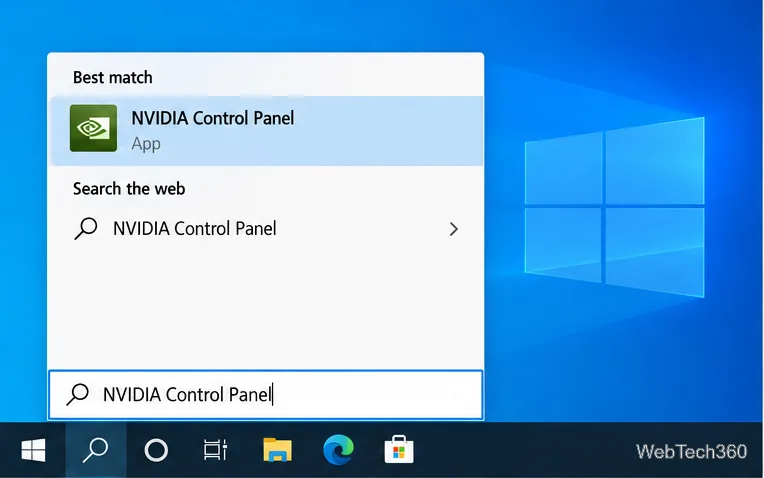
Set PhysX in NVIDIA Control Panel on Windows 10, understand Auto-select vs. CPU or GPU, and learn when to use Windows Graphics settings instead.
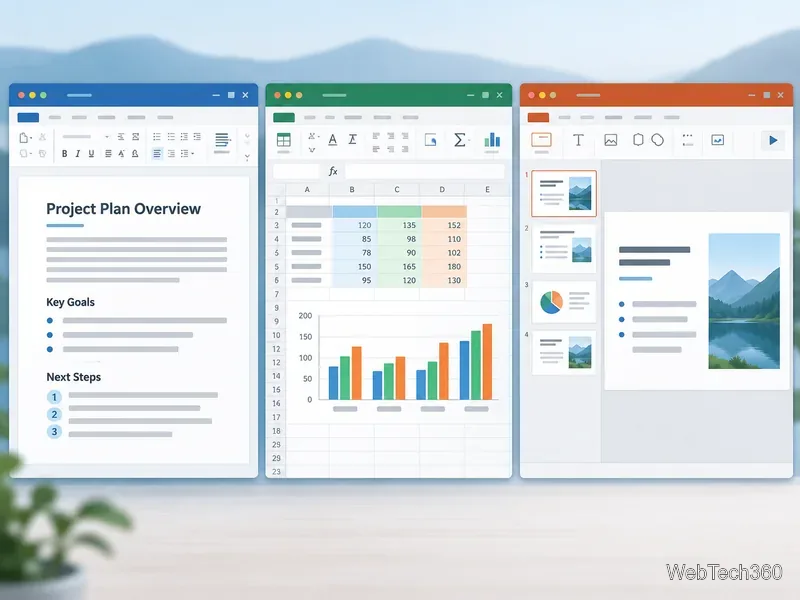
Compare six free office suites for documents, spreadsheets, and presentations, including browser-based collaboration and offline desktop options.
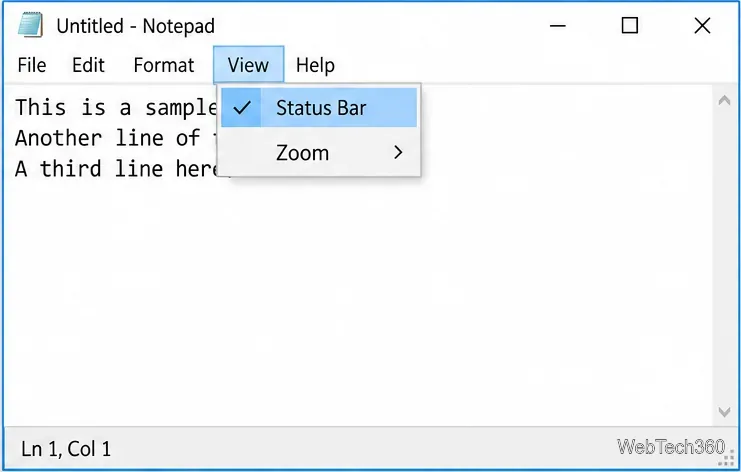
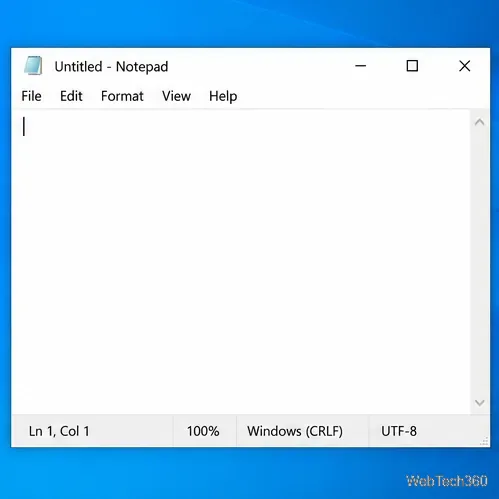
Turn on Notepad’s Status Bar to see the current line and column in Windows 10, troubleshoot a disabled option, and learn when you need a line-number gutter.
Display a custom Windows dialog with a short PowerShell command, Command Prompt, or a reusable .bat or .ps1 file, including a title, icon, and buttons.
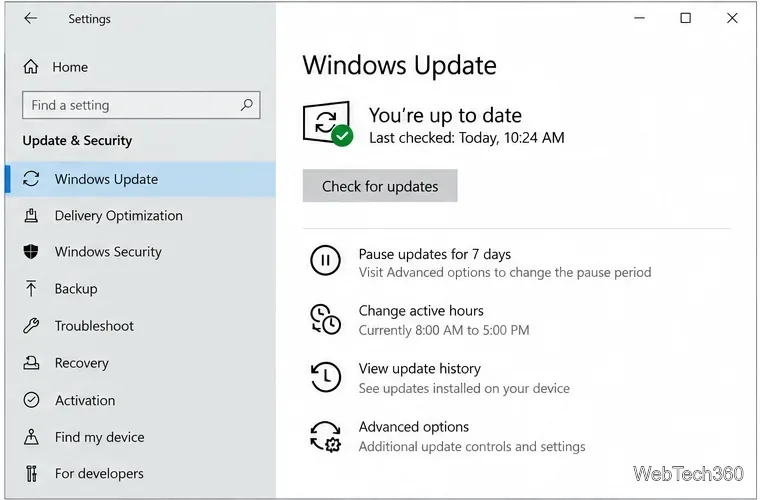
Fix Windows 10 update error 0x80071160 with Microsoft’s troubleshooter, a safe update-cache reset, DISM and SFC repairs, and a careful manual-install check.
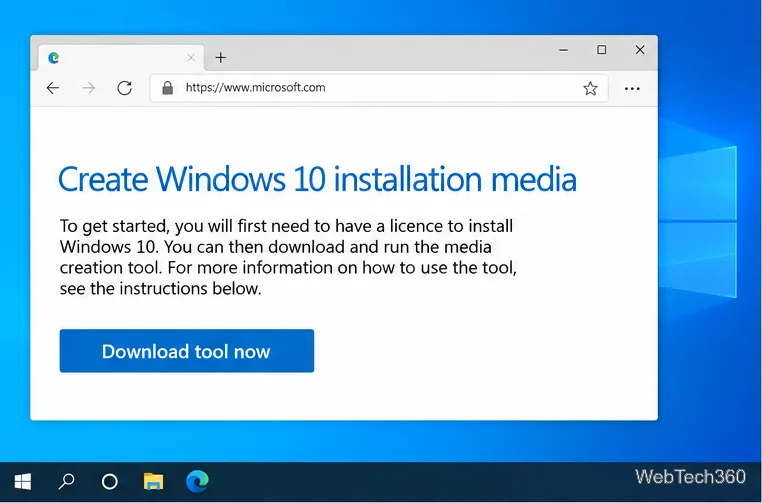
Create a Windows 10 UEFI installer with Microsoft’s Media Creation Tool or Rufus, then boot and install safely without wiping the wrong drive.
Stop individual Edge tabs from crowding the Windows 10 Alt+Tab switcher. Change one Multitasking setting, limit recent tabs, and check why the option may be missing.
Enable Adobe’s PDF thumbnail handler, correct File Explorer’s icon settings, rebuild the thumbnail cache, and check OneDrive files that are not stored locally.