How to Play Minecraft Offline on Windows 10: Java and Bedrock
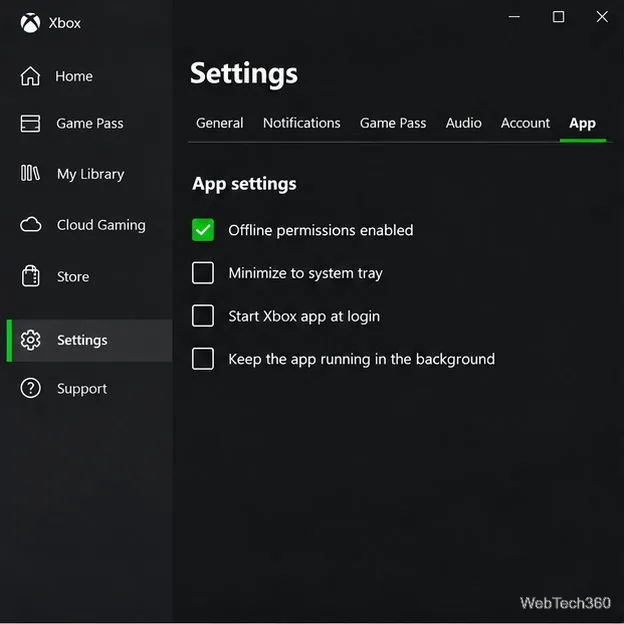
Prepare Java or Bedrock on Windows 10 for offline single-player, enable the right Xbox setting, and back up your local Minecraft worlds.
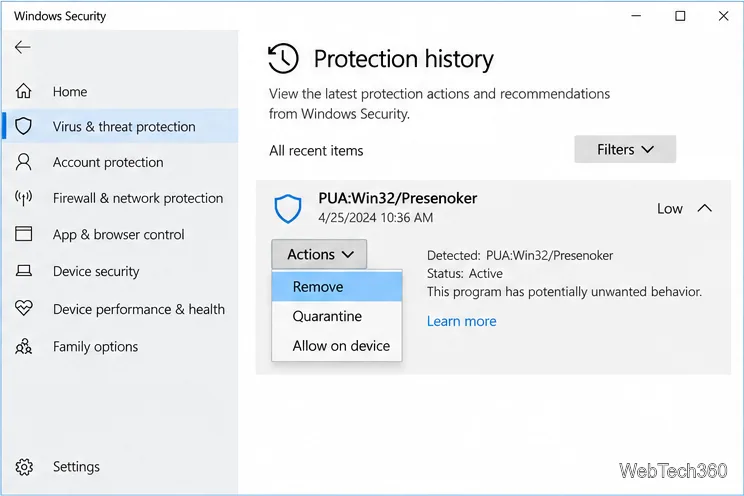
To remove PUA:Win32/Presenoker on Windows 10, open Windows Security > Virus & threat protection > Protection history, expand the detection, and choose Remove. If Windows first offers only Quarantine, quarantine it, then return to the item and remove it. Uninstall the related unwanted app if one is installed, then run a scan if the alert returns.
PUA means “potentially unwanted application.” Microsoft’s threat entry says Defender detects and removes Presenoker, but technical details are unavailable. The detection name alone does not identify the file, and a familiar app name does not prove it is safe. Review the file path and status before deciding what to remove. Microsoft Security Intelligence: PUA:Win32/Presenoker
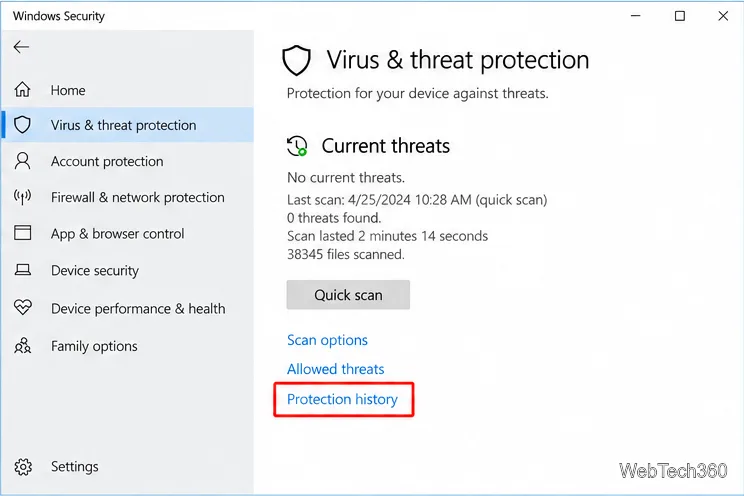
Use the action that matches the status shown on the expanded card:
Choices vary by detection. Avoid Restore or Allow on device unless you have verified that the exact file is legitimate. Restoring returns it to its original location, where Defender can detect it again; allowing an unsafe item can put your device and data at risk. See Microsoft’s Protection history guide.
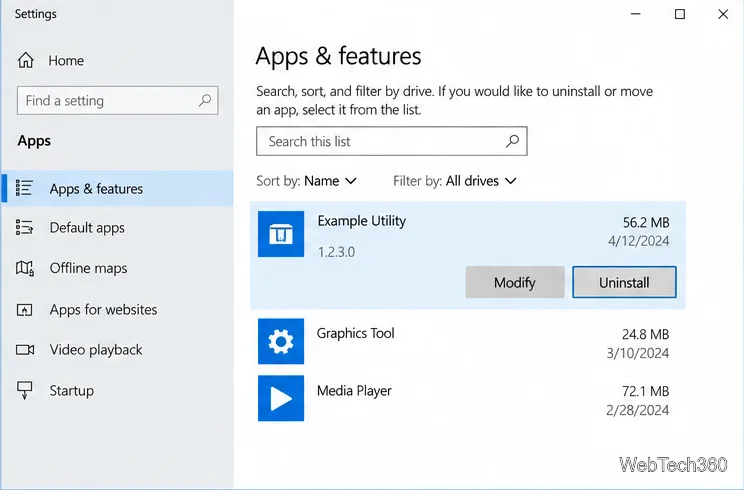
An installed program may leave another copy behind. Use the file path in Protection history to identify the associated app. If it is unwanted, open Start > Settings > Apps > Apps & features, select it, and choose Uninstall. Check the publisher and name first; unfamiliarity alone is not a reason to remove a program. If the alert points to an installer you downloaded but never installed, delete that installer instead of opening it again.
Do not manually delete files from Windows system folders or turn off Defender to stop the notification. If you are unsure which item is safe to remove, leave it quarantined while you investigate. Microsoft’s instructions for uninstalling apps in Windows cover the standard removal options.
Protection history can retain a card after Defender acts; check its status and date. Microsoft says history keeps events for two weeks. A new detection after removal suggests another copy remains in Downloads, a removable drive, a synced folder, or the installer’s source app.
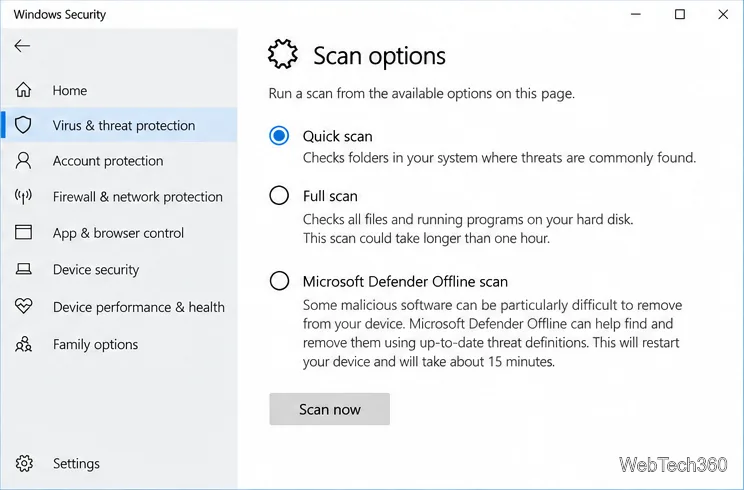
Microsoft recommends an offline scan for malware that repeatedly returns or is difficult to remove. For scan details, follow its guidance on troubleshooting malware detection and removal.
Recognition alone is not enough. Confirm the download came from the publisher’s official site and that the signature and file details match. If you still believe Defender flagged a safe file, submit it to Microsoft Security Intelligence for analysis. Keep it quarantined while you check; allow the exact file only if you can verify it is legitimate.
To reduce future unwanted downloads, open Windows Security > App & browser control > Reputation-based protection settings and review Potentially unwanted app blocking. Enable app and download blocking where available; download blocking applies to Edge. This setting does not remove a current alert. See Microsoft’s Windows 10 PUA protection instructions.
Windows 10 support ended on October 14, 2025. Windows Security can still handle this detection, but most Windows 10 devices no longer receive regular security updates unless covered by an applicable Extended Security Updates program or special edition. Plan to move to a supported Windows version for ongoing protection. Microsoft’s Windows 10 support notice explains the change.
Prepare Java or Bedrock on Windows 10 for offline single-player, enable the right Xbox setting, and back up your local Minecraft worlds.
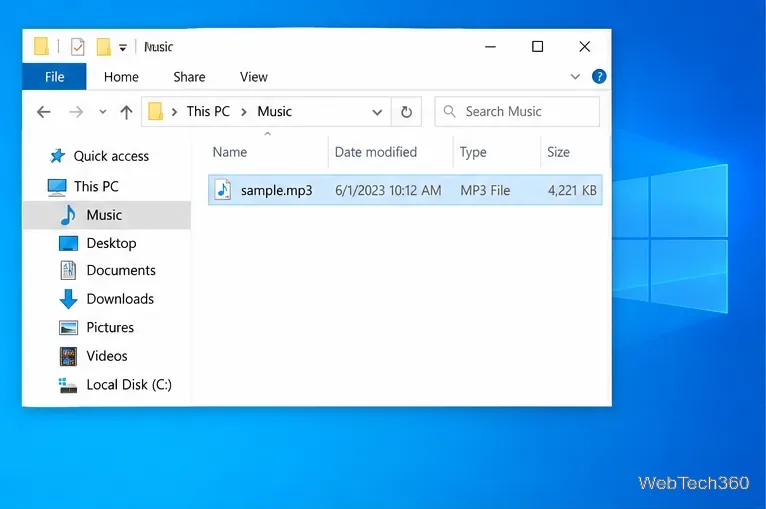
Change a file type icon in Windows 10 while keeping its current default app. Follow the FileTypesMan steps, handle icon picker issues, and restore the original setting.
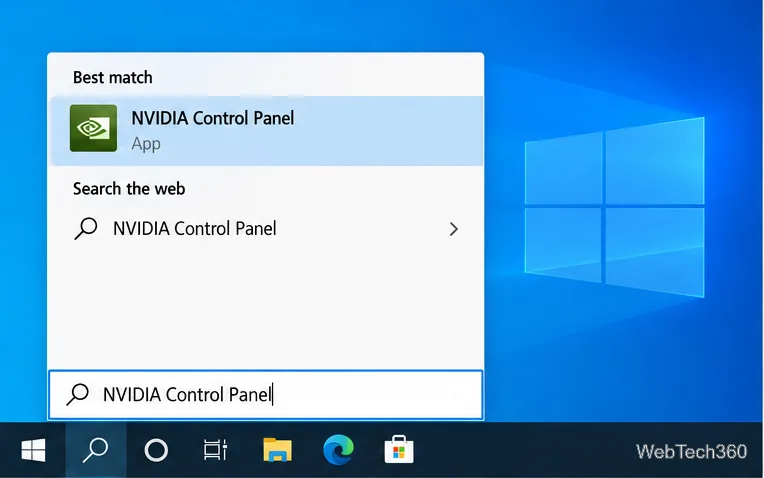
Set PhysX in NVIDIA Control Panel on Windows 10, understand Auto-select vs. CPU or GPU, and learn when to use Windows Graphics settings instead.
Compare six free office suites for documents, spreadsheets, and presentations, including browser-based collaboration and offline desktop options.
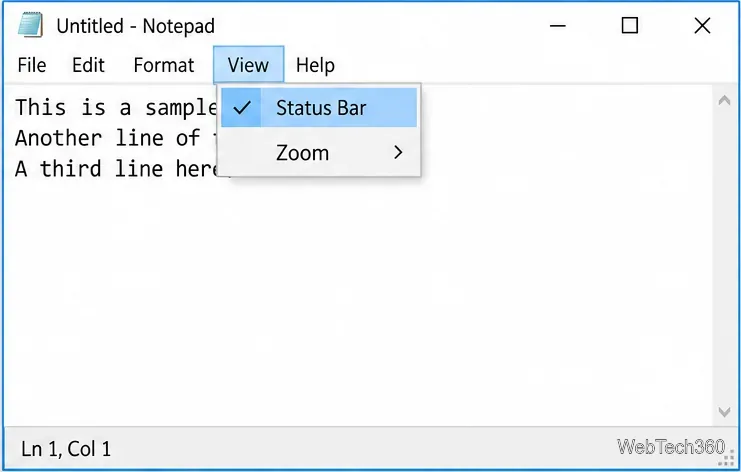
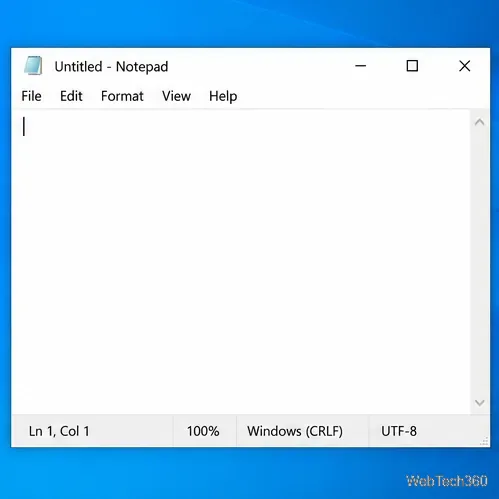
Turn on Notepad’s Status Bar to see the current line and column in Windows 10, troubleshoot a disabled option, and learn when you need a line-number gutter.
Display a custom Windows dialog with a short PowerShell command, Command Prompt, or a reusable .bat or .ps1 file, including a title, icon, and buttons.
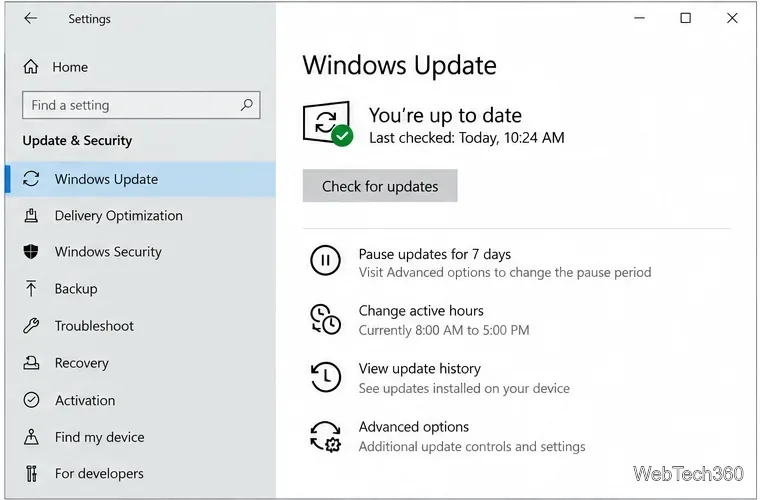
Fix Windows 10 update error 0x80071160 with Microsoft’s troubleshooter, a safe update-cache reset, DISM and SFC repairs, and a careful manual-install check.
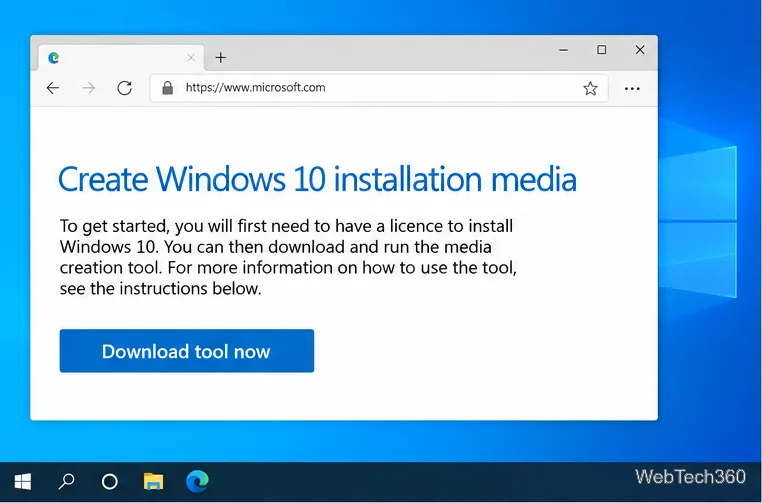
Create a Windows 10 UEFI installer with Microsoft’s Media Creation Tool or Rufus, then boot and install safely without wiping the wrong drive.
Stop individual Edge tabs from crowding the Windows 10 Alt+Tab switcher. Change one Multitasking setting, limit recent tabs, and check why the option may be missing.
Enable Adobe’s PDF thumbnail handler, correct File Explorer’s icon settings, rebuild the thumbnail cache, and check OneDrive files that are not stored locally.