How to Play Minecraft Offline on Windows 10: Java and Bedrock
Prepare Java or Bedrock on Windows 10 for offline single-player, enable the right Xbox setting, and back up your local Minecraft worlds.
Windows 10 can search for words and phrases inside supported documents, not just by file name. The most reliable built-in method is to search from File Explorer after making sure Windows Search is indexing both the folder and the contents of the file type you need.
Note: Microsoft ended free support for Windows 10 on October 14, 2025. These search and indexing features still work on Windows 10 PCs, but the operating system no longer receives normal free security updates or technical support. See Microsoft's Windows file search guidance for current support information.
"quarterly forecast".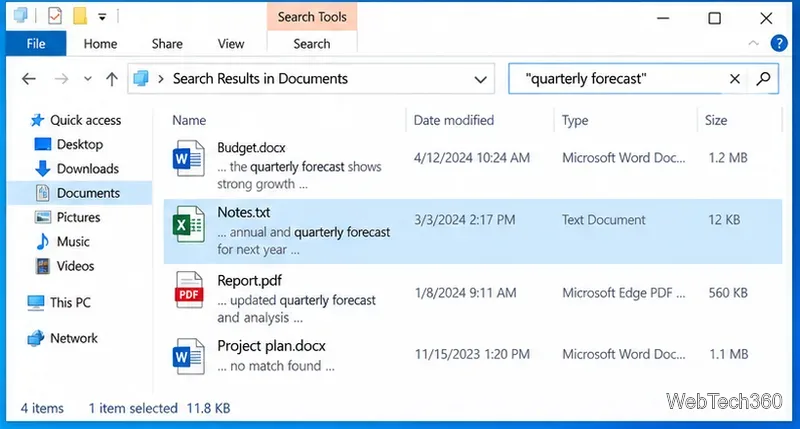
Microsoft documents that Windows Search can return a document by a keyword from its contents, and File Explorer uses the Windows search index to speed up those results. Advanced Query Syntax also supports quoted phrases and other filters when you need to narrow a search.
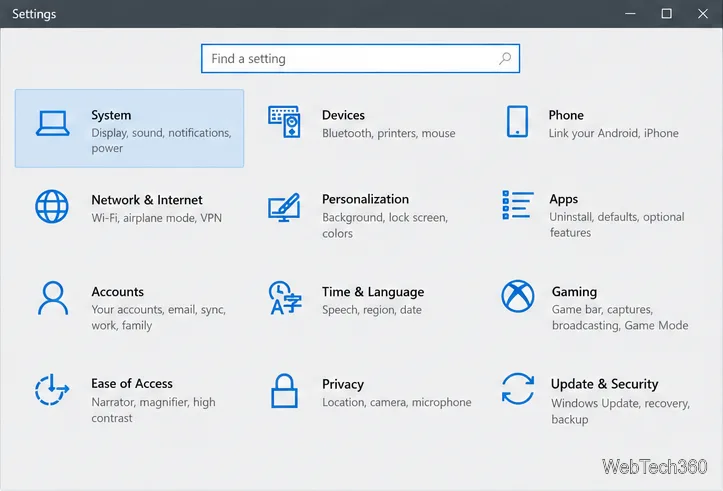
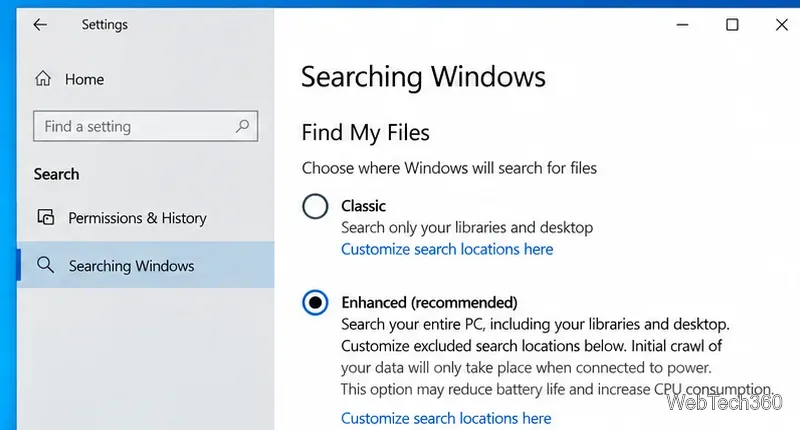
If a known document never appears, first check the search scope. In Windows 10, open Start > Settings > Search > Searching Windows. Under Find My Files, you can use Classic for the standard indexed locations or Enhanced to index a much broader set of files on the PC. Microsoft notes that broader indexing can use more system resources.
For more precise control, open Start, search for Indexing Options, and open it. Select Modify, then make sure the folder containing your documents is included. This is especially useful when you keep work files outside Documents, Desktop, Music, or Pictures.
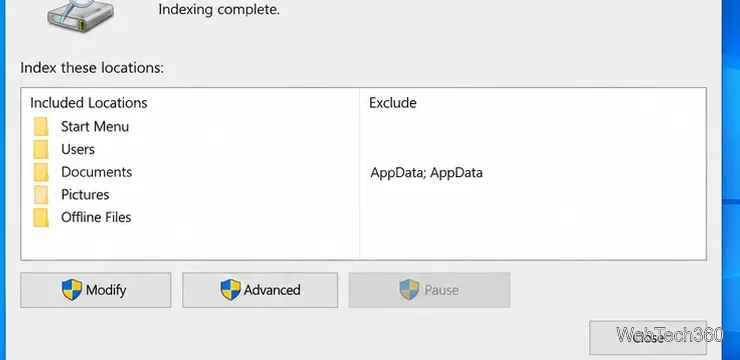
After adding a large folder, give Windows time to process it. Microsoft says the initial indexing pass can take up to a couple of hours, while later updates normally happen in the background. More details are available in Microsoft's search indexing documentation.
A folder can be indexed while a particular extension is still searchable only by properties. To check this:
txt, log, or a supported document format.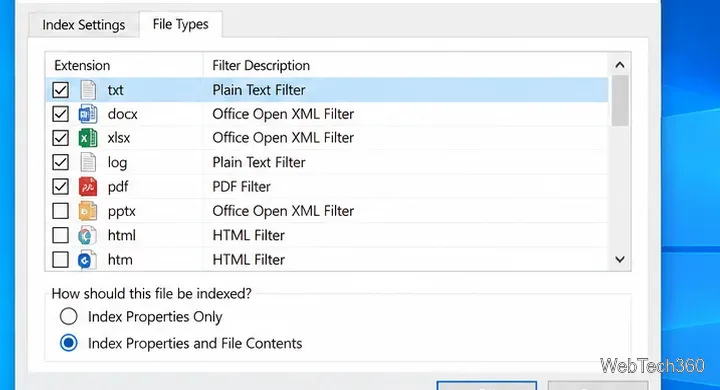
Windows Search relies on filter handlers (IFilters) to extract text from different file formats. Windows includes handlers for many common formats, and installed applications can add more. If a format has no suitable filter, content search may not work even when the folder itself is indexed. Microsoft explains this filter system in its Windows Search filter documentation.
For folders full of logs, scripts, or source files, PowerShell can search the actual files directly instead of relying on the Windows index. The Select-String cmdlet is designed to find text in strings and files. For example:
Get-ChildItem "C:\Work" -Recurse -File -Include *.txt,*.log,*.ps1 | ForEach-Object { Select-String -LiteralPath $_.FullName -Pattern "quarterly forecast" -SimpleMatch }Change C:\Work, the extensions, and the phrase to match your files. This approach is best for text-based formats; it is not a replacement for a document-format filter that can interpret Word, Excel, or PDF internals. See the official Select-String documentation.
For most Windows 10 users, File Explorer plus properly configured indexing is enough to search text inside documents without installing a separate search utility.
Prepare Java or Bedrock on Windows 10 for offline single-player, enable the right Xbox setting, and back up your local Minecraft worlds.
Change a file type icon in Windows 10 while keeping its current default app. Follow the FileTypesMan steps, handle icon picker issues, and restore the original setting.
Set PhysX in NVIDIA Control Panel on Windows 10, understand Auto-select vs. CPU or GPU, and learn when to use Windows Graphics settings instead.
Compare six free office suites for documents, spreadsheets, and presentations, including browser-based collaboration and offline desktop options.
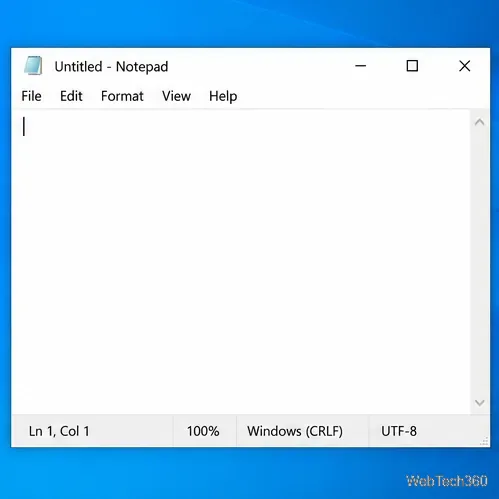
Turn on Notepad’s Status Bar to see the current line and column in Windows 10, troubleshoot a disabled option, and learn when you need a line-number gutter.
Display a custom Windows dialog with a short PowerShell command, Command Prompt, or a reusable .bat or .ps1 file, including a title, icon, and buttons.
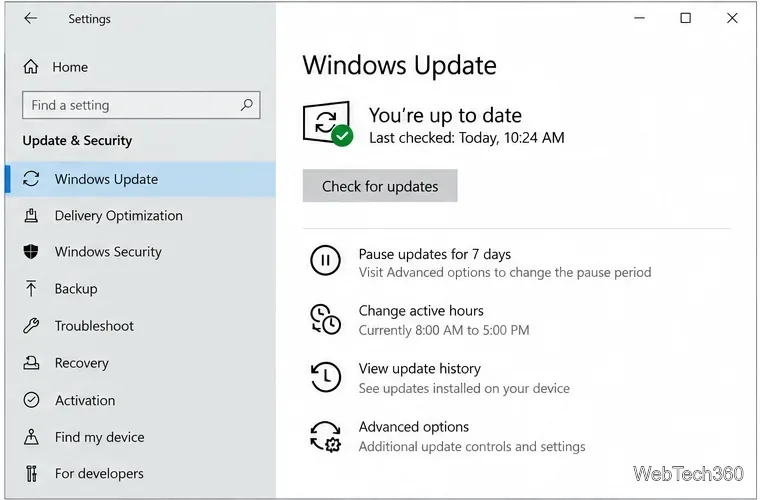
Fix Windows 10 update error 0x80071160 with Microsoft’s troubleshooter, a safe update-cache reset, DISM and SFC repairs, and a careful manual-install check.
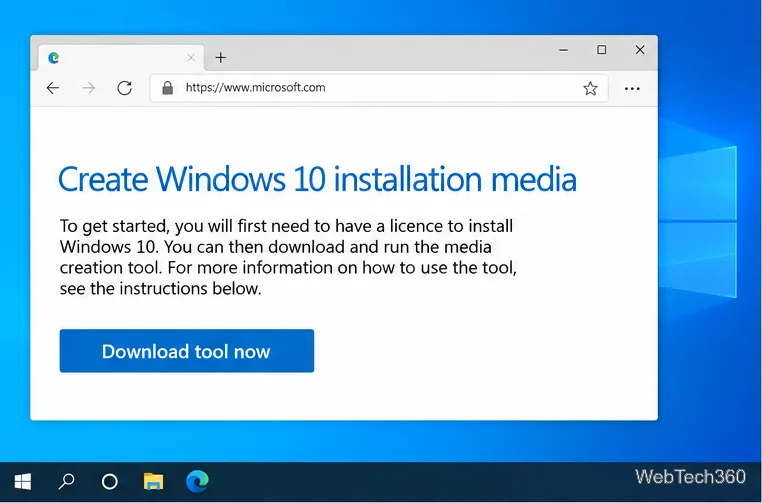
Create a Windows 10 UEFI installer with Microsoft’s Media Creation Tool or Rufus, then boot and install safely without wiping the wrong drive.
Stop individual Edge tabs from crowding the Windows 10 Alt+Tab switcher. Change one Multitasking setting, limit recent tabs, and check why the option may be missing.
Enable Adobe’s PDF thumbnail handler, correct File Explorer’s icon settings, rebuild the thumbnail cache, and check OneDrive files that are not stored locally.