How to Automatically Restart a Crashed App on Windows 10
Set up a PowerShell watcher and Task Scheduler task to relaunch a Windows 10 desktop app after it closes, then learn how to test and stop it.
To show all eligible notification area icons on a Windows 10 taskbar, open Settings > Personalization > Taskbar, select Select which icons appear on the taskbar, and turn on Always show all icons in the notification area. Windows will place the enabled app icons directly on the taskbar instead of keeping extra icons behind the hidden-icons arrow.
Windows 10 calls this area the notification area; many people call it the system tray. It sits near the clock and can contain status icons from Windows and apps. The steps below apply to the Windows 10 Settings layout. Individual app icons appear only when the app is running and has a notification area icon.
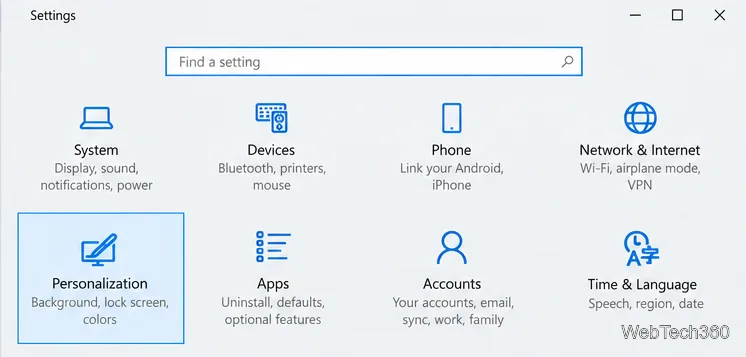
Select Start > Settings > Personalization > Taskbar. On the desktop, you can also right-click an empty part of the taskbar and choose Taskbar settings. If you do not see the notification area options right away, scroll down the Taskbar page.
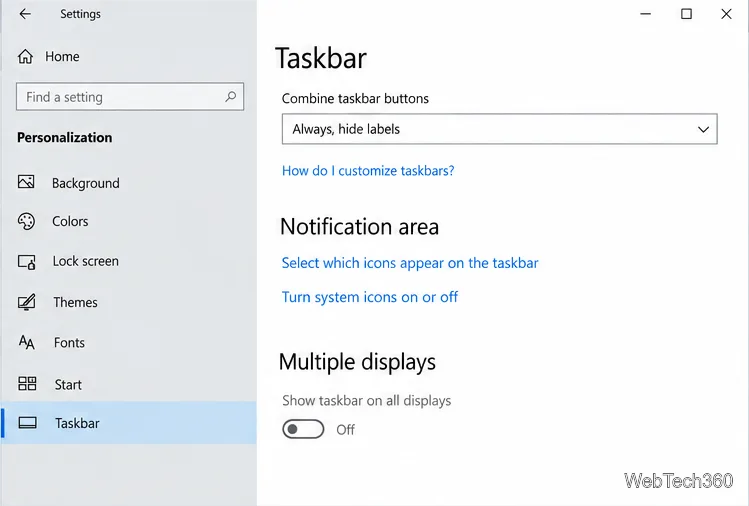
Under Notification area, select Select which icons appear on the taskbar. This opens a list of notification area icons and the setting that controls whether Windows keeps them all visible.
Switch on Always show all icons in the notification area. When the option is enabled, the notification area expands to show the icons that are allowed to appear there, including icons that would otherwise be in the hidden-icons flyout. The available app rows vary with the software installed on your PC.
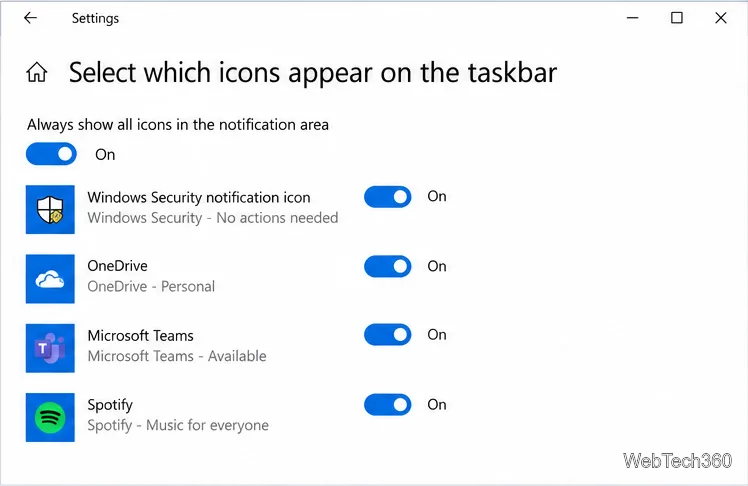
Close Settings and look beside the clock. The icons that were previously behind the Show hidden icons arrow should now be visible in the notification area. If you still see the arrow, it may be holding icons from a different area or the setting may not have applied; reopen the icon list and check the switch.
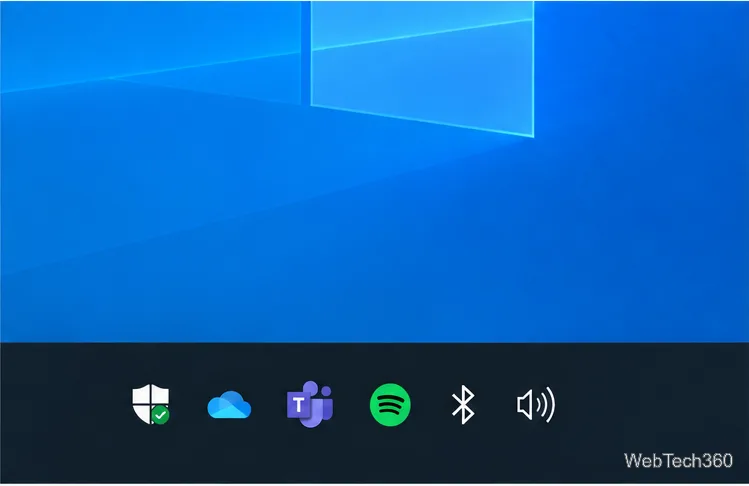
The all-icons option is for notification area icons, but it does not turn on every Windows system icon. If the clock, volume, network, power, or another built-in icon is missing, return to Settings > Personalization > Taskbar and select Turn system icons on or off. Switch on the item you need. The choices depend on the device and Windows configuration. Microsoft documents the two notification area controls separately in its taskbar customization guidance.
If you prefer a compact taskbar, turn off Always show all icons in the notification area and use the arrow to open the hidden-icons flyout when needed. You can also drag an icon between the visible area and the flyout. Showing everything saves a click, but takes space away from taskbar buttons, especially on a small display.
Windows 10 support note: Windows 10 continues to run, but Microsoft ended support on October 14, 2025. That does not change these taskbar steps; it does mean standard security and feature updates are no longer provided. See Microsoft’s Windows 10 end-of-support information.
For another Windows 10 example of the app-level control, see Microsoft’s instructions to show or hide the location icon in the notification area.
Set up a PowerShell watcher and Task Scheduler task to relaunch a Windows 10 desktop app after it closes, then learn how to test and stop it.
Keep app icons out of the hidden overflow in Windows 10. Turn on the all-icons option, then manage system icons separately if one is still missing.
Change the saved username or password Windows uses for a mapped drive or shared folder through Credential Manager, then reconnect to verify access.
Set a lower Defender scan CPU target in PowerShell, handle the idle-scan exception, and verify which Windows 10 scans the setting affects.
Import a Bedrock .mcpack or .mcaddon on Windows 10, activate it for a new or existing world, and avoid confusing add-ons with Java mods.
Restore the Windows 10 hotspot by checking the internet source and wireless adapter, repairing its driver, and saving Network reset for last.
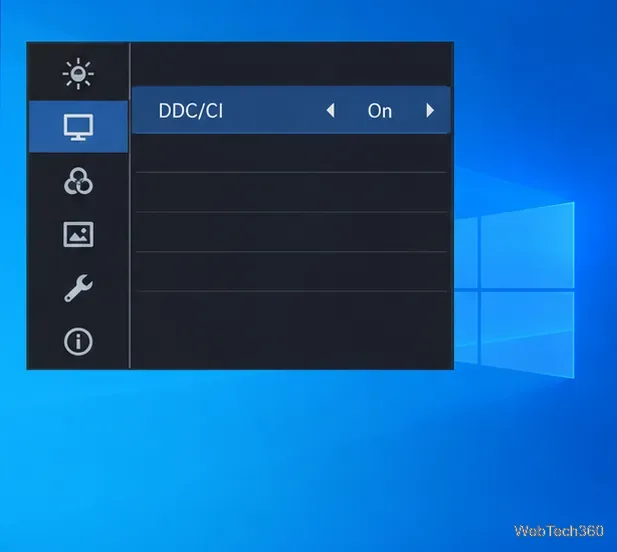
Set daytime and nighttime brightness levels on Windows 10 with ClickMonitorDDC 7.2, and learn about DDC/CI limits and the Night light alternative.
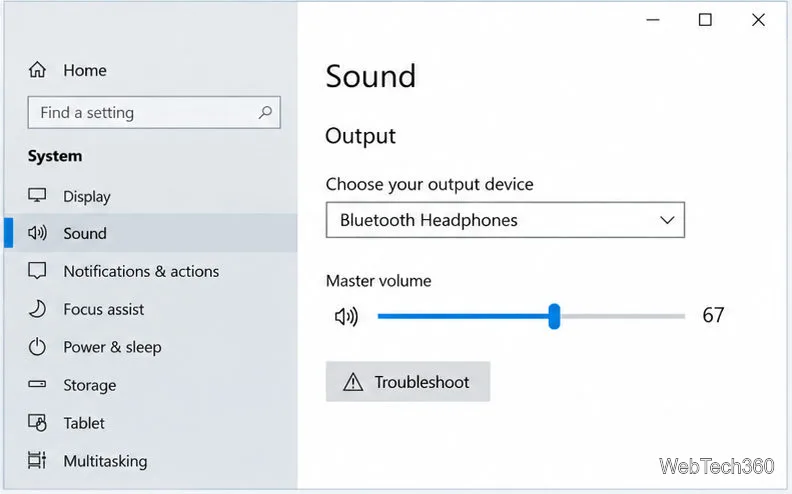
Find Windows 10’s left/right balance controls for Bluetooth headphones, with a cautious registry workaround when volume controls stay linked.
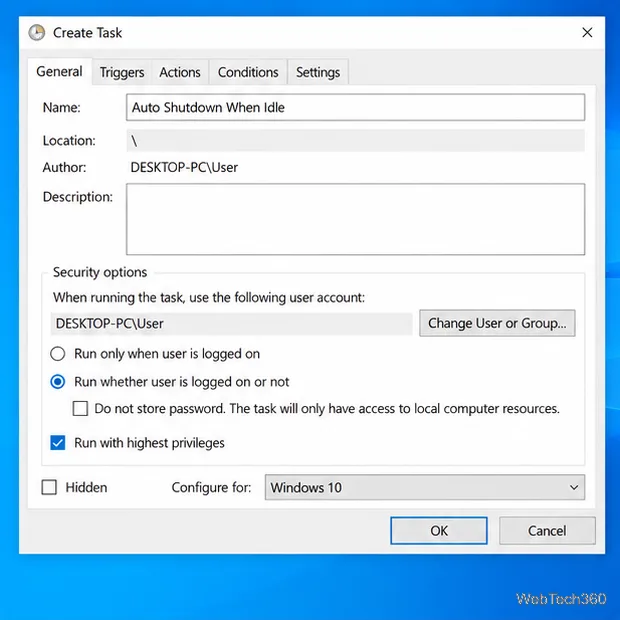
Set up Task Scheduler’s On idle trigger to shut down Windows 10 with a one-minute cancellation window, and learn how Windows defines idle.
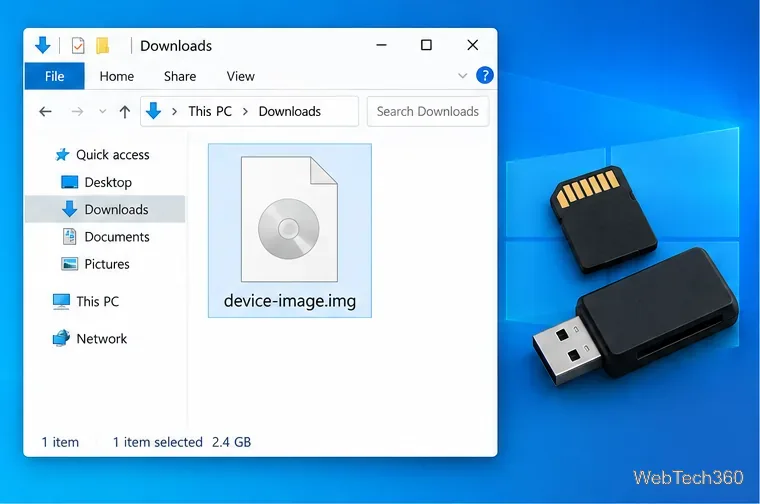
Learn how to burn a disc image to an SD card on Windows 10 with balenaEtcher, verify the target drive, and check whether the finished card can boot.