How to Play Minecraft Offline on Windows 10: Java and Bedrock
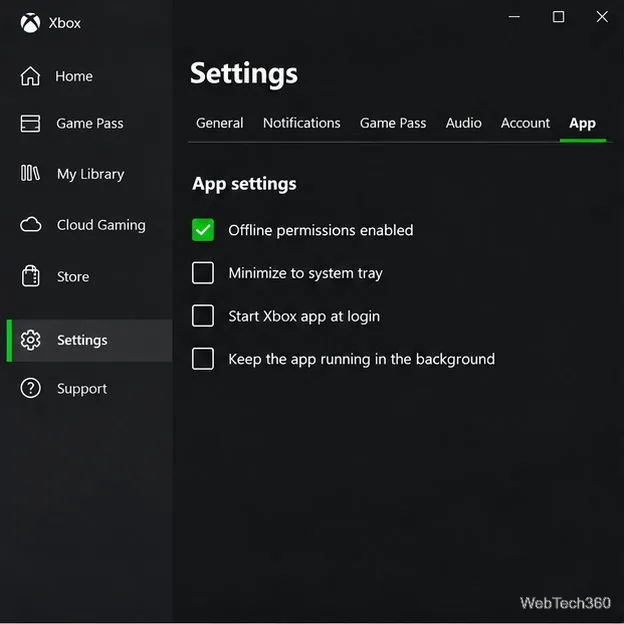
Prepare Java or Bedrock on Windows 10 for offline single-player, enable the right Xbox setting, and back up your local Minecraft worlds.
To toggle Fn keys on Windows 10, use the Fn Lock shortcut supported by your laptop, or change the keyboard behavior in its BIOS or UEFI setup. Windows does not provide one universal Fn Lock switch: the key combination and the default behavior depend on the computer or keyboard. On many Dell models, for example, Fn + Esc toggles Fn Lock; some HP models use Fn + left Shift. Check your model’s manual before trying a shortcut.
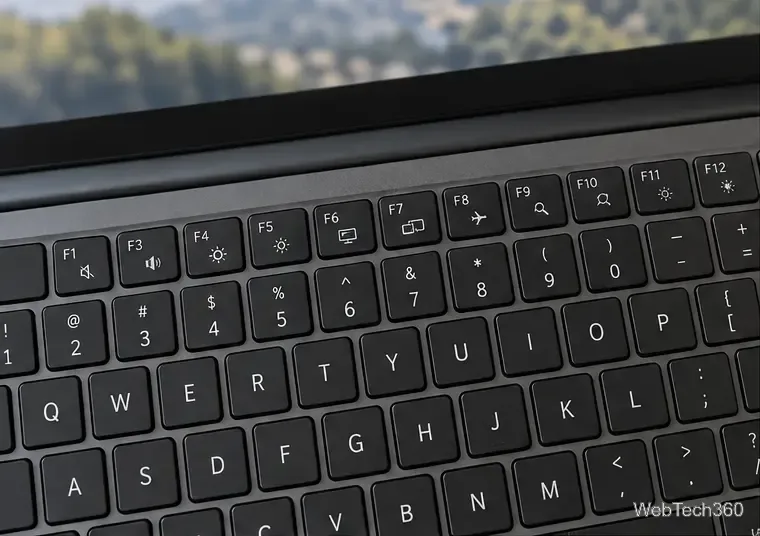
Keys from F1 through F12 can each have a standard function and a second action shown by a printed icon, such as changing volume, screen brightness, or keyboard lighting. Which action runs when you press a key by itself is set by the keyboard’s design and firmware. On one laptop, pressing F2 may lower the volume; on another, it may send the standard F2 command to an app.
The Fn key is usually a momentary modifier: hold it while pressing a second key to call that key’s alternate action. Fn Lock changes the default for the top row until you toggle it back. This is different from holding Fn down for a single keypress. Dell and HP describe both function-key and action-key behavior in their keyboard documentation and Fn key guide.
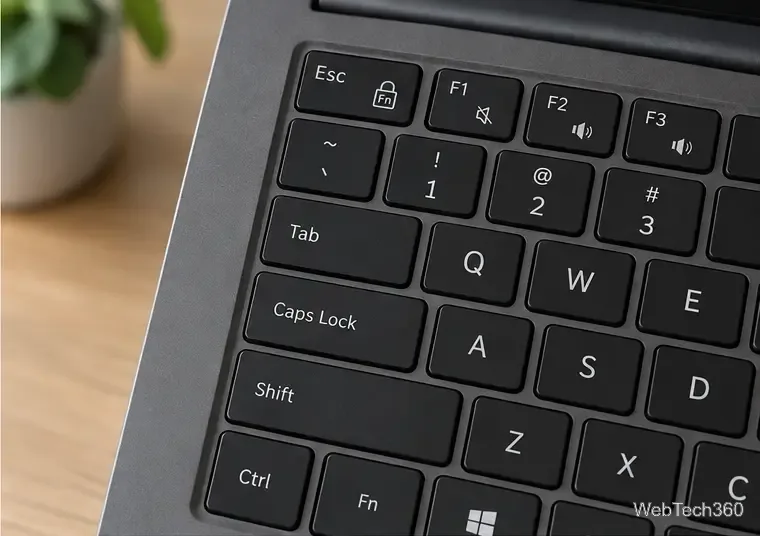
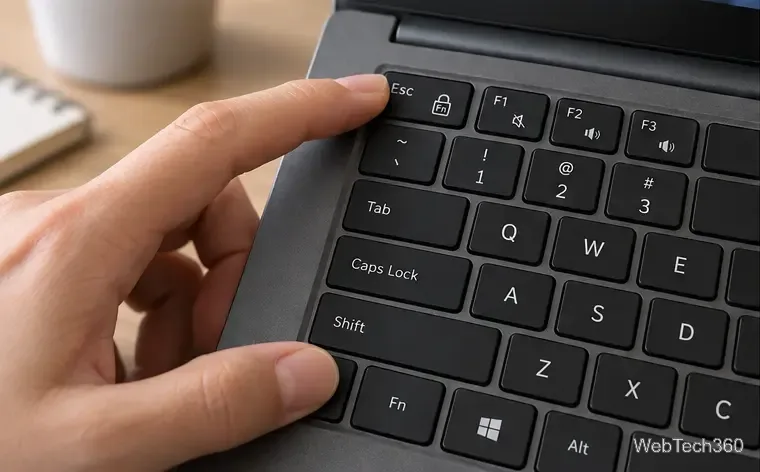
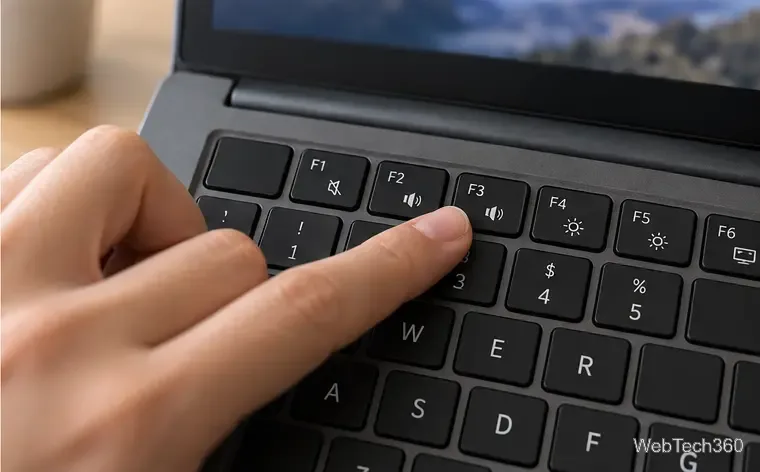
If your keyboard has no Fn Lock shortcut, or you want the same behavior every time the computer starts, look for a firmware setting. The exact menu depends on the manufacturer. It may be called Action Keys Mode, Hotkey Mode, Function Key Behavior, or Fn Lock. “Enabled” does not mean the same thing on every model, so read the description beside the option before saving.
If UEFI Firmware Settings does not appear in Advanced options, use the startup method in your manufacturer’s documentation. The firmware menus are not standardized; avoid changing unrelated boot or security settings.
In short, Windows 10 can take you to your PC’s firmware settings, but the Fn key toggle is controlled by your keyboard or its manufacturer-specific firmware. Use the model’s documented shortcut first, then adjust the firmware option if the shortcut is unavailable.
Prepare Java or Bedrock on Windows 10 for offline single-player, enable the right Xbox setting, and back up your local Minecraft worlds.
Change a file type icon in Windows 10 while keeping its current default app. Follow the FileTypesMan steps, handle icon picker issues, and restore the original setting.
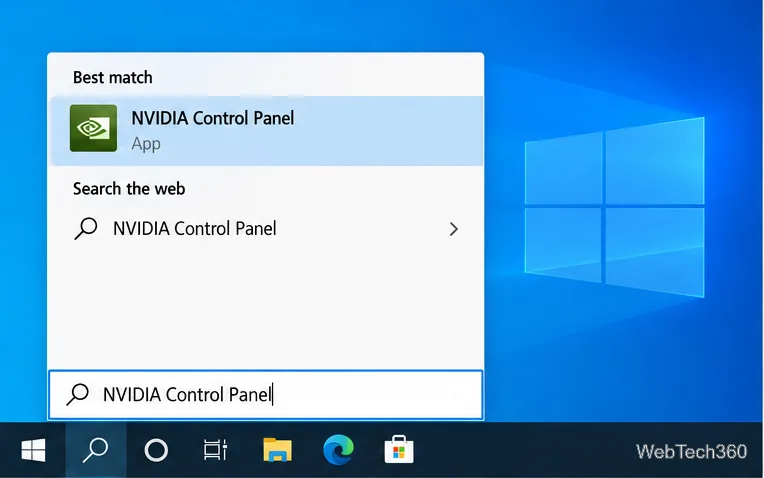
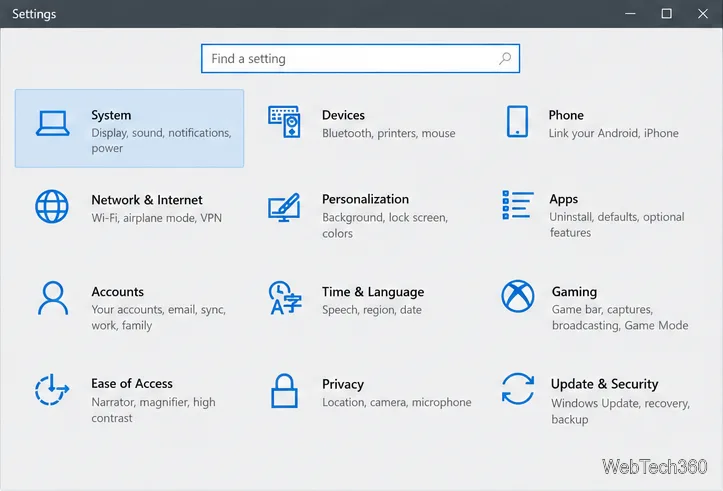
Set PhysX in NVIDIA Control Panel on Windows 10, understand Auto-select vs. CPU or GPU, and learn when to use Windows Graphics settings instead.
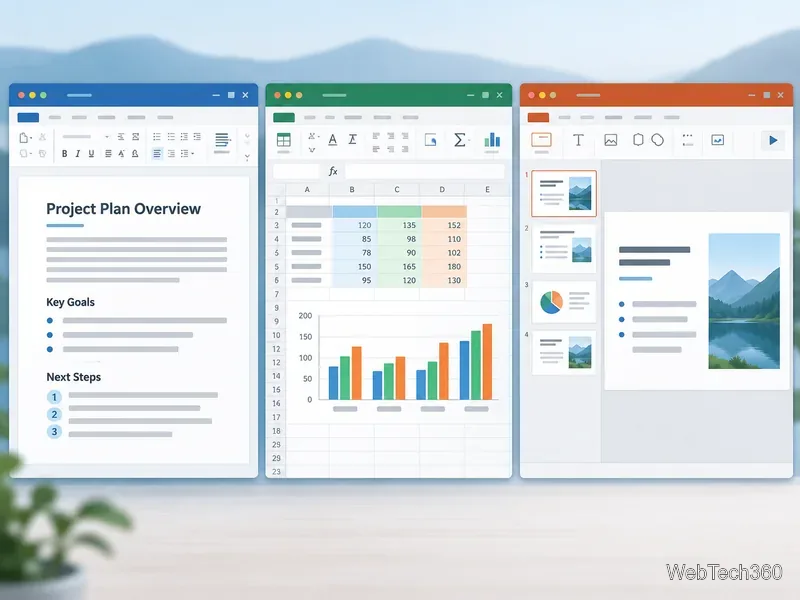
Compare six free office suites for documents, spreadsheets, and presentations, including browser-based collaboration and offline desktop options.
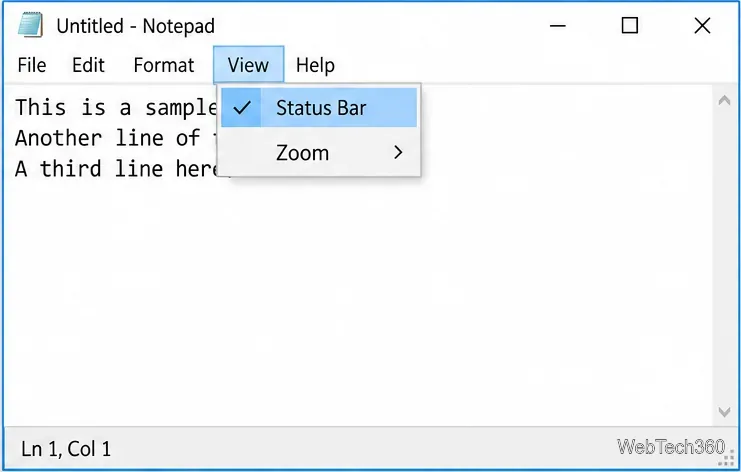
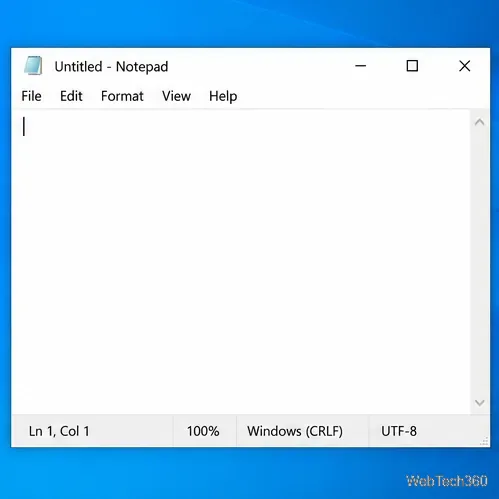
Turn on Notepad’s Status Bar to see the current line and column in Windows 10, troubleshoot a disabled option, and learn when you need a line-number gutter.
Display a custom Windows dialog with a short PowerShell command, Command Prompt, or a reusable .bat or .ps1 file, including a title, icon, and buttons.
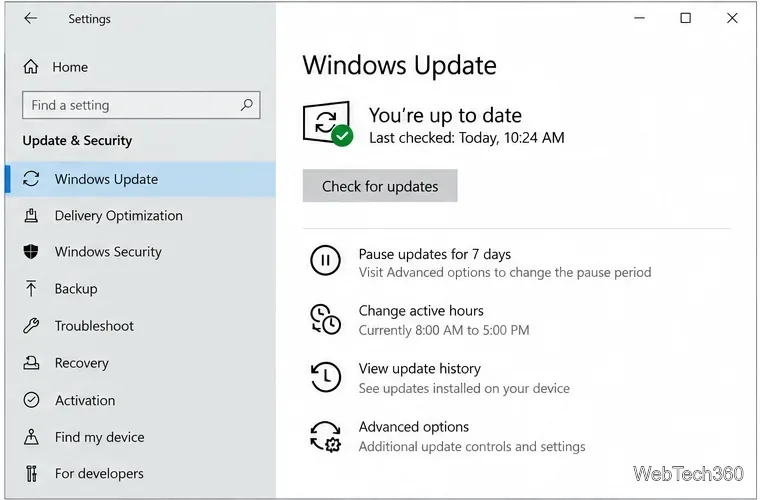
Fix Windows 10 update error 0x80071160 with Microsoft’s troubleshooter, a safe update-cache reset, DISM and SFC repairs, and a careful manual-install check.
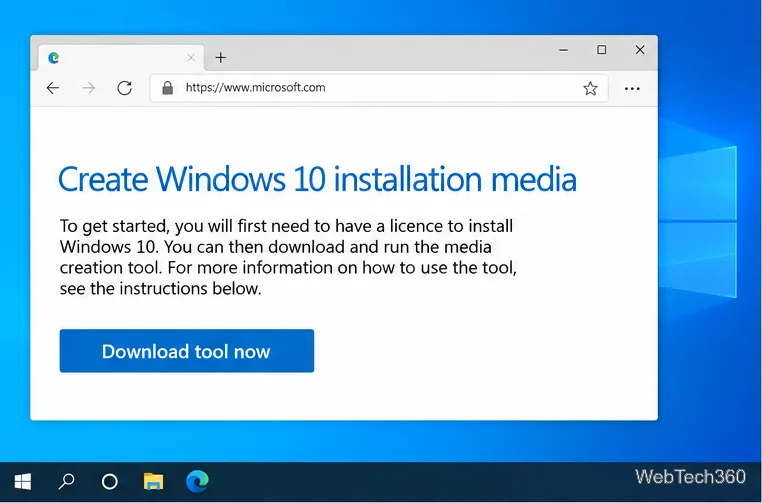
Create a Windows 10 UEFI installer with Microsoft’s Media Creation Tool or Rufus, then boot and install safely without wiping the wrong drive.
Stop individual Edge tabs from crowding the Windows 10 Alt+Tab switcher. Change one Multitasking setting, limit recent tabs, and check why the option may be missing.
Enable Adobe’s PDF thumbnail handler, correct File Explorer’s icon settings, rebuild the thumbnail cache, and check OneDrive files that are not stored locally.