How to Automatically Restart a Crashed App on Windows 10
Set up a PowerShell watcher and Task Scheduler task to relaunch a Windows 10 desktop app after it closes, then learn how to test and stop it.
Windows 10 does not reliably show Open with when you select several files at once. The simplest workaround is to add your preferred desktop program to the Send to menu, select the files, and choose that program from Send to. This keeps the normal default file association unchanged and does not require a Registry edit.
Microsoft documents Open With as a Windows Shell verb (the canonical openas verb), and Shell verbs can use different rules for single-item and multi-item selections. That is why a command that appears for one file may disappear for a group of files. See Microsoft's verb selection model documentation for the underlying behavior.
This method works best with traditional desktop applications that can accept one or more file paths when they launch. Text editors, image editors, media players, and similar programs often support this, but support is ultimately controlled by the application.
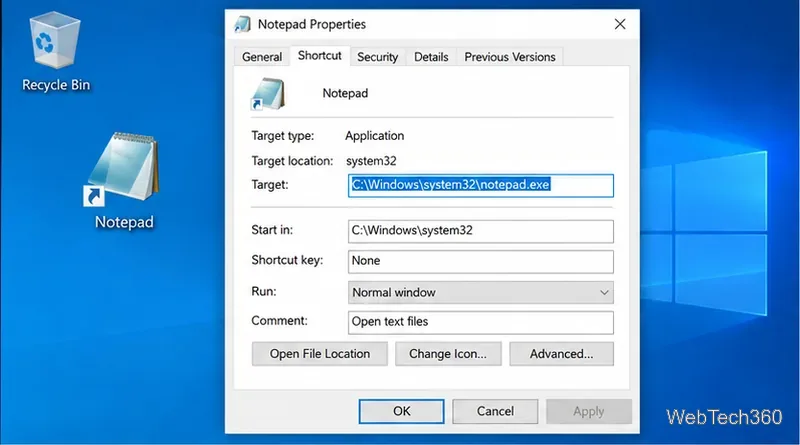
You only need a regular shortcut to the program. If you already have one on the desktop or in the Start menu, you can reuse it. Otherwise, right-click an empty area of the desktop, choose New > Shortcut, browse to the application's executable, and finish the wizard. Microsoft also documents desktop shortcut creation in its Windows shortcut guidance.
Do not add /a or another command-line switch unless the application's own documentation specifically requires it. The old workaround that appends /a is not a general Windows option; command-line switches are application-specific.
Press Win + R, type shell:sendto, and press Enter. You can also paste that command into File Explorer's address bar. Windows maps this per-user folder to %APPDATA%\Microsoft\Windows\SendTo. Microsoft lists the same location for FOLDERID_SendTo.
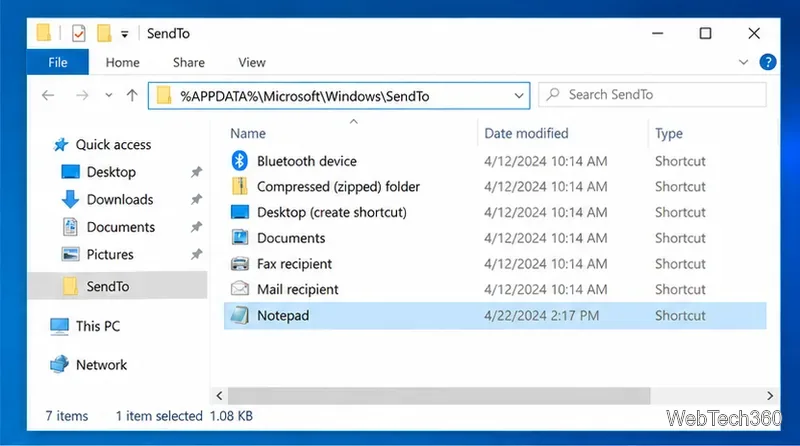
Copy or move the shortcut you created into the SendTo folder. You can rename the shortcut there to a short, clear label such as Notepad, Photoshop, or VLC. You do not need to change the original application's default-file settings.
Close any open context menu before testing. The new shortcut should appear the next time you right-click a file and open the Send to submenu.
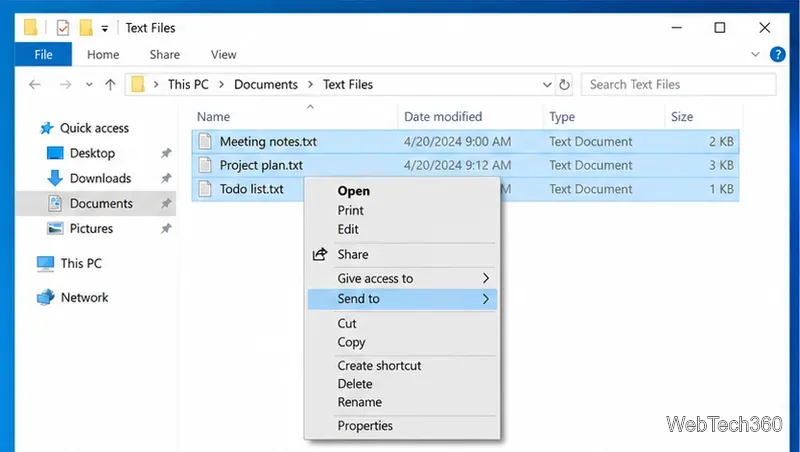
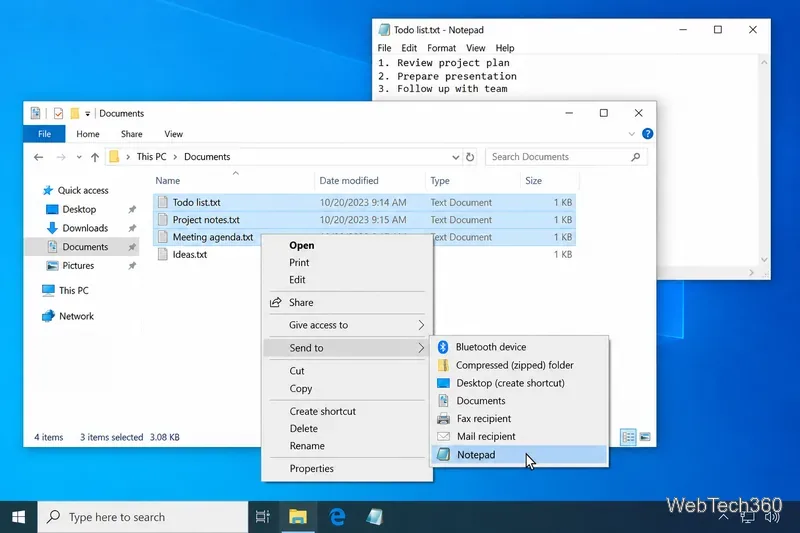
For executable drop targets, Windows can convert the selected files into command-line parameters and pass those paths to the application. Microsoft notes that some applications do not accept multiple file names, while others expect a different argument format. The technical details are covered in Microsoft's application registration documentation.
A quick compatibility test is to select two or three files and drag them onto the app shortcut. If the program opens those files, the Send to method should usually work as well. If the app starts but loads no files, or opens only the first file, the limitation belongs to that application's launch behavior rather than to the SendTo folder.
.lnk shortcut is inside shell:sendto, then close and reopen the context menu.No. This workaround is useful precisely because it is temporary. Double-clicking the files later still uses their normal default application. Use Windows default-app settings only if you want a file type to open in the same program every time.
Windows 10 support note: Microsoft ended standard Windows 10 support on October 14, 2025. Existing PCs continue to run, so this File Explorer technique remains useful, but Microsoft recommends moving to a supported version of Windows or using an eligible Extended Security Updates option during the transition. See Microsoft's Windows 10 end-of-support notice.
Set up a PowerShell watcher and Task Scheduler task to relaunch a Windows 10 desktop app after it closes, then learn how to test and stop it.
Keep app icons out of the hidden overflow in Windows 10. Turn on the all-icons option, then manage system icons separately if one is still missing.
Change the saved username or password Windows uses for a mapped drive or shared folder through Credential Manager, then reconnect to verify access.
Set a lower Defender scan CPU target in PowerShell, handle the idle-scan exception, and verify which Windows 10 scans the setting affects.
Import a Bedrock .mcpack or .mcaddon on Windows 10, activate it for a new or existing world, and avoid confusing add-ons with Java mods.
Restore the Windows 10 hotspot by checking the internet source and wireless adapter, repairing its driver, and saving Network reset for last.
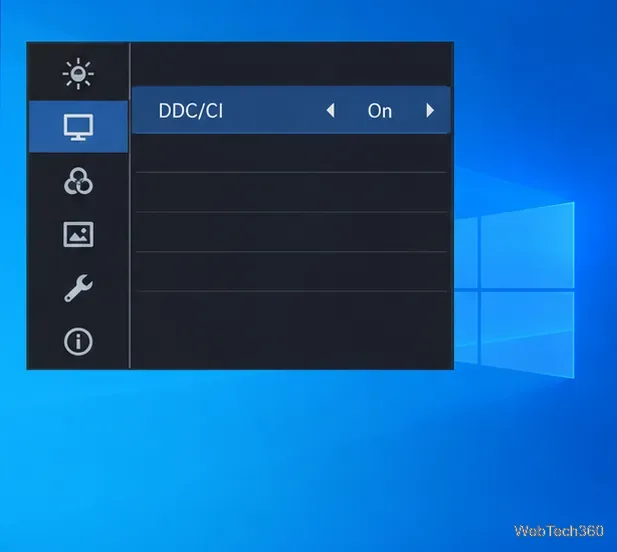
Set daytime and nighttime brightness levels on Windows 10 with ClickMonitorDDC 7.2, and learn about DDC/CI limits and the Night light alternative.
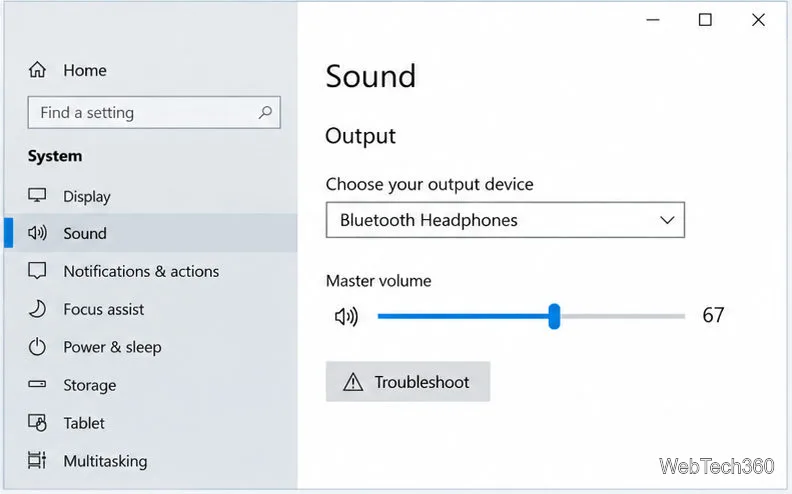
Find Windows 10’s left/right balance controls for Bluetooth headphones, with a cautious registry workaround when volume controls stay linked.
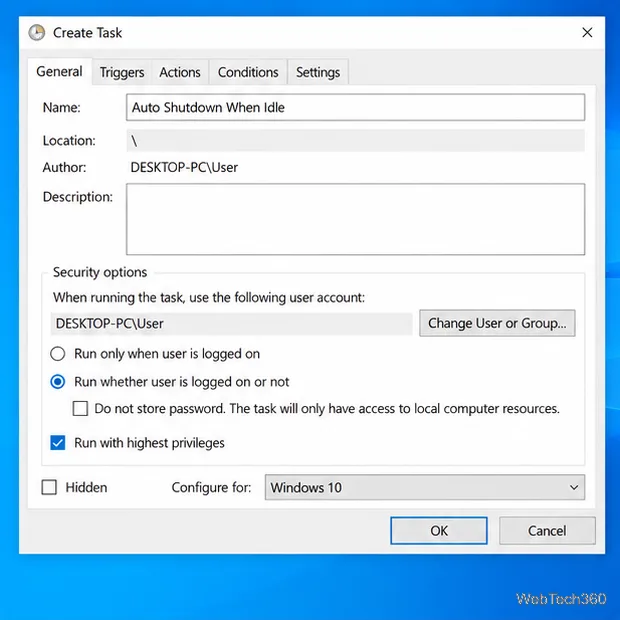
Set up Task Scheduler’s On idle trigger to shut down Windows 10 with a one-minute cancellation window, and learn how Windows defines idle.
Learn how to burn a disc image to an SD card on Windows 10 with balenaEtcher, verify the target drive, and check whether the finished card can boot.