How to Overclock a Monitor: A Safe, Step-by-Step Tutorial
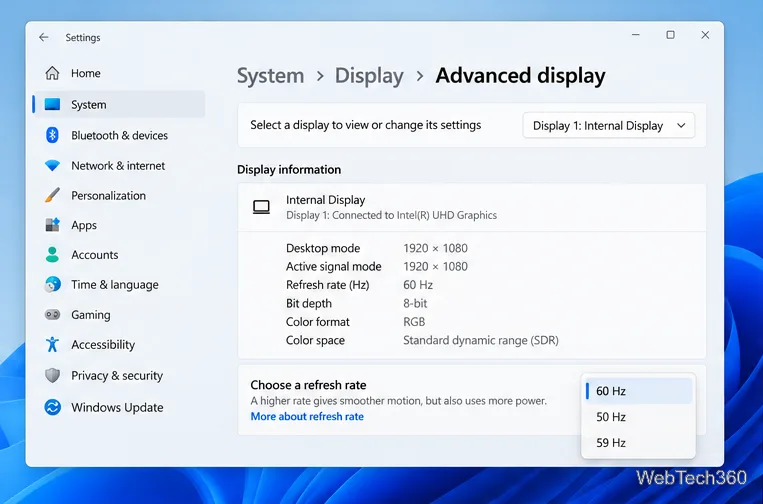
Learn how to test a higher monitor refresh rate with NVIDIA, AMD, or CRU, verify stability, and restore your original settings if the display goes blank.
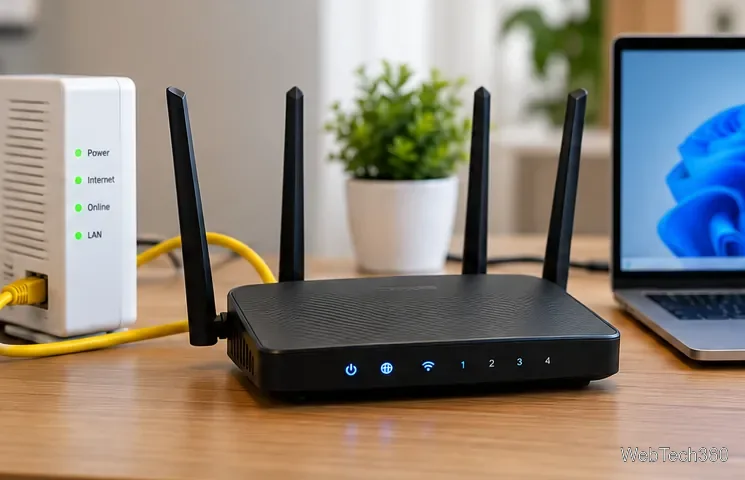
If you want one VPN connection to cover every device on your home network, a Linksys router can be a good platform—but only if the exact model and firmware can act as a VPN client. That distinction matters because many Linksys routers advertise VPN passthrough, which lets VPN traffic from a phone or computer pass through the router. It does not automatically make the router itself connect to a commercial VPN service. Linksys explains VPN passthrough here.
For most consumer Linksys models, the smoothest route is a VPN-compatible firmware such as DD-WRT or OpenWrt, or a provider-specific setup that explicitly supports your hardware. Based on current official documentation, NordVPN is the strongest overall fit for supported Linksys WRT hardware, while Surfshark, Proton VPN, and CyberGhost are also practical choices for the right firmware.

A router-level VPN can cover devices that cannot run a VPN app themselves, as long as their internet traffic goes through that router.
| VPN | Best fit | Typical Linksys setup path |
|---|---|---|
| NordVPN | Best overall for supported WRT hardware | DD-WRT with OpenVPN, or supported OpenWrt builds |
| Surfshark | Best if you already use DD-WRT | Custom firmware; stock Linksys firmware is generally not supported |
| Proton VPN | Best for OpenWrt flexibility and a free-plan option | DD-WRT or OpenWrt using OpenVPN; WireGuard is available on supported OpenWrt setups |
| CyberGhost | Simple DD-WRT alternative | DD-WRT with OpenVPN |
NordVPN maintains an official DD-WRT OpenVPN setup guide and also offers NordVPN Lite for supported OpenWrt builds. Its OpenWrt documentation specifically lists the ARM Cortex-A9 architecture used by the Linksys WRT family as an example supported target. That makes NordVPN especially attractive if you own a WRT1200AC, WRT1900-series router, WRT3200ACM, or WRT32X that is supported by your chosen OpenWrt release.
Do not assume that every hardware revision is interchangeable. Verify the exact model and revision in the OpenWrt Linksys WRT AC series documentation before downloading firmware.
Surfshark is very clear about the main Linksys limitation: standard Linksys firmware does not generally provide the VPN-client functionality Surfshark needs. If your exact router can safely run DD-WRT, Surfshark provides a current DD-WRT OpenVPN guide with manual credentials and server configuration steps.
Proton VPN supports routers that can operate as an OpenVPN or WireGuard client. Its router support page covers DD-WRT and OpenWrt, and router connections are available on all Proton VPN plans, including Proton Free. Its DD-WRT guide also explains that router-specific OpenVPN credentials are separate from your normal account password.
CyberGhost remains a reasonable choice for a Linksys router that already runs DD-WRT. Its official DD-WRT OpenVPN setup guide uses a Linksys WRT32X as the example hardware and warns that router CPUs are weaker than desktop CPUs, so VPN throughput can be lower than when you run the VPN app directly on a computer or phone.
Flashing custom firmware is the part that deserves the most caution. A file intended for a different model or hardware revision can leave a router unusable. Before changing anything, confirm your exact Linksys model and revision, check the official firmware compatibility table, download the correct recovery or stock firmware if available, and save any settings you may need later.
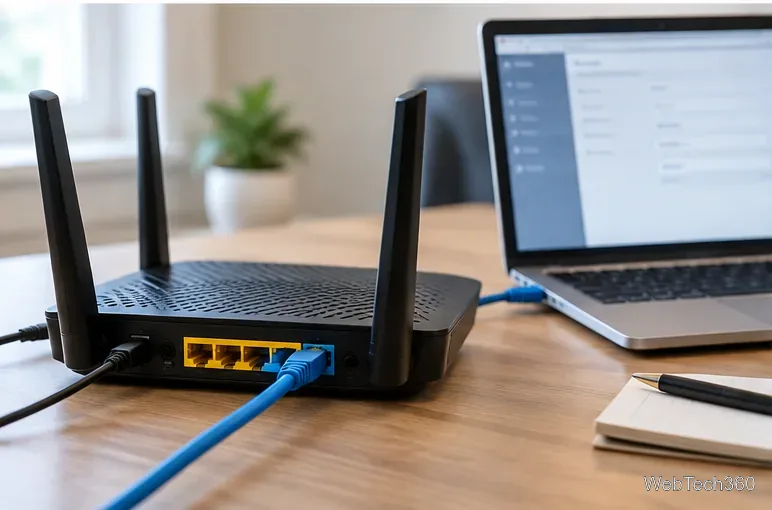
Use a wired Ethernet connection while changing router firmware or core VPN settings so a Wi-Fi interruption does not break the configuration session.
After the router is on a supported firmware, follow the VPN provider's own guide rather than copying settings from an old forum post. Manual router setups often use service credentials that are different from the password used in the VPN app. Once connected, verify the public IP address and DNS behavior from a device behind the router before relying on the tunnel.
If you do not want every device in the house to use the VPN, keep your existing gateway as the primary router and connect the Linksys router behind it as a secondary VPN router. Devices that need the VPN can join the Linksys Wi-Fi network, while everything else stays on the normal connection. This arrangement also makes testing and rollback less disruptive.
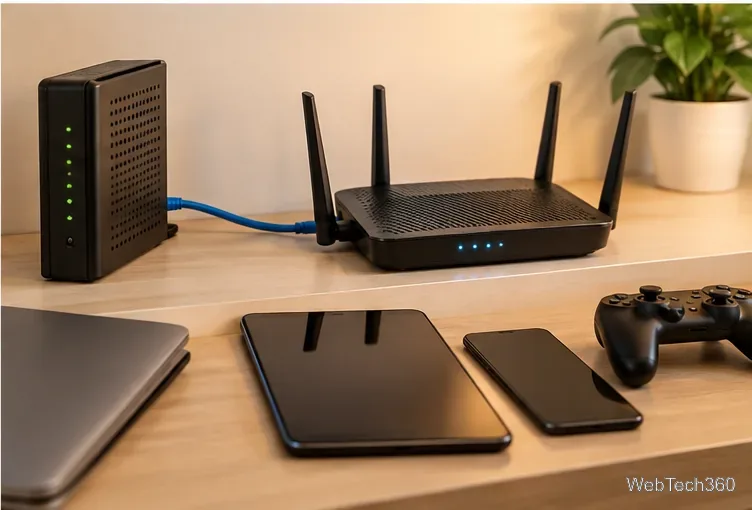
A secondary-router layout lets you dedicate one Wi-Fi network to VPN traffic without changing the primary home gateway.
ExpressVPN still documents installation of its router firmware on several older Linksys models, including the WRT1200AC, WRT1900 series, WRT3200ACM, and WRT32X. However, its current Linksys setup page states that security updates for all supported Linksys models have ended, and its router update timeline shows those support dates ending between 2022 and 2025. For a new installation, that makes the old ExpressVPN Linksys firmware a poor security choice compared with a currently maintained firmware path.
NordVPN is the best starting point for a compatible Linksys WRT router because it has current DD-WRT documentation and a modern OpenWrt option. Surfshark and CyberGhost are good DD-WRT choices, while Proton VPN is especially appealing if you want OpenWrt flexibility or to test router VPN functionality on a free plan. Whichever service you choose, verify the router model first: VPN passthrough alone is not enough, and firmware compatibility matters more than marketing claims.
Learn how to test a higher monitor refresh rate with NVIDIA, AMD, or CRU, verify stability, and restore your original settings if the display goes blank.
Learn how to GPU stress test safely, what to monitor, how long to run a test, and which current tools are best for checking graphics card stability.
Compare the best CPU and RAM stress-test tools, including OCCT, Prime95, MemTest86, Intel PDT, and HWiNFO, plus practical safety tips.
Learn how to underclock or undervolt a GPU with MSI Afterburner, plus Radeon Adrenalin options, stability checks, and safe rollback steps.
Choose a VPN for a Linksys router by checking firmware support first. Compare NordVPN, Surfshark, Proton VPN, and CyberGhost for a smoother setup.
Use the tv.youtube.com/start code to activate YouTube TV on a smart TV or console, and learn how it differs from regular YouTube TV-code pairing.
Set up ExpressVPN on a router with current Fortify steps, legacy router guidance, and manual OpenVPN instructions, plus key security caveats.
Compare 1440p QHD and 4K UHD monitors by sharpness, scaling, gaming performance, and work use to choose the resolution that fits your setup.