iMessage Is Signed Out on iPhone: How to Fix It

Fix the iMessage Is Signed Out error on iPhone by checking Apple Account sign-in, activation, connectivity, and settings—without erasing your messages.
Yes. The iPhone 11, iPhone 11 Pro, and iPhone 11 Pro Max all support wireless charging with Qi-certified chargers. Set the phone on a compatible charging pad or stand and it can charge without a cable plugged into the phone. Apple lists Qi charging in the iPhone 11 specifications; its comparison page lists Qi wireless charging up to 7.5 watts for the iPhone 11 family. The wireless charger and its power adapter are separate accessories.
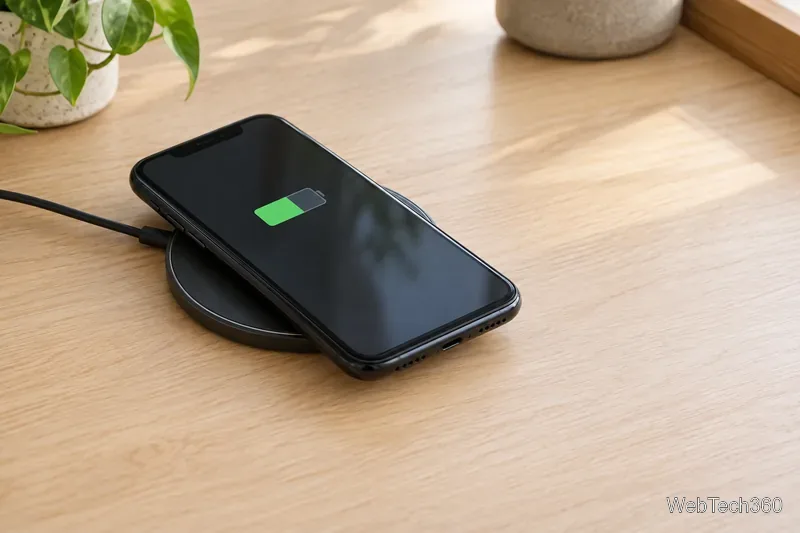
That answers the main question, but there is one important distinction: iPhone 11 supports the Qi wireless charging standard, not the magnetic MagSafe system built into newer iPhones. A MagSafe charger can still charge an iPhone 11, but the phone does not magnetically snap into alignment or receive the newer models’ faster MagSafe charging.
All three iPhone 11 models use Qi wireless charging. Apple’s model comparison lists a maximum of 7.5W for Qi charging. That is the phone’s supported limit, so buying a pad advertised at 15W or 20W will not make an iPhone 11 charge at that higher rate. Actual speed can also vary with the charger and adapter, how well the phone is aligned, what is between the phone and pad, battery level, and temperature.
Choose a Qi-certified pad or stand from a reputable manufacturer. The charging accessory itself must be connected to power; a basic wireless pad is not a portable battery. If you want the phone to charge as quickly as possible, use a wired fast charger instead. Apple says iPhone 11 can reach up to 50% charge in 30 minutes with a 20W-or-higher USB-C power adapter and a compatible cable, with actual results varying by conditions.
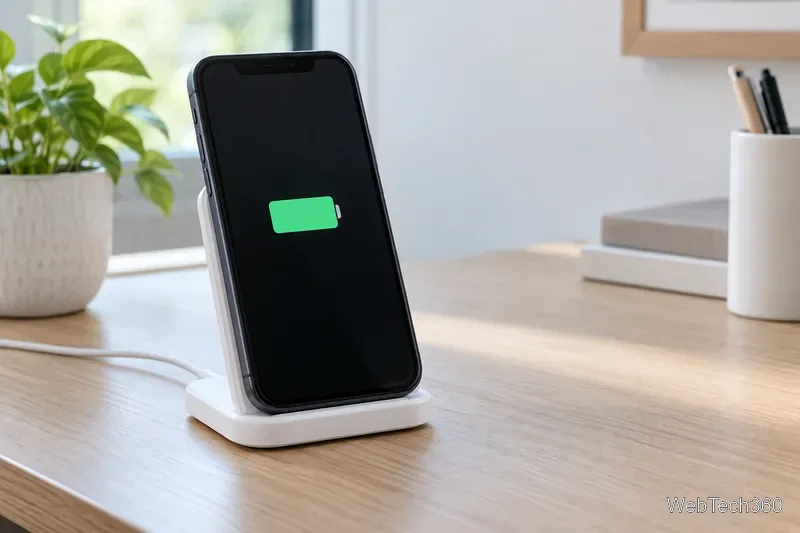
Wireless charging transfers power through magnetic induction, so correct positioning matters. Apple advises keeping objects out from between the iPhone and the charger. A wallet case, magnetic mount, metal plate, or card holder can interfere with charging. Magnets and nearby metal can also affect magnetic strips or RFID chips in items such as credit cards, access badges, passports, and key fobs. Remove those items from the back of the phone before charging.
Yes. An iPhone 11 can charge on an Apple MagSafe Charger because the puck also supports Qi charging. However, Apple classifies iPhone 11 models as non-MagSafe, Qi-compatible devices. The charger will not magnetically attach to the phone by itself, and charging behavior differs from using it with a MagSafe iPhone. The iPhone 11 remains limited to its Qi charging capability, up to 7.5W.
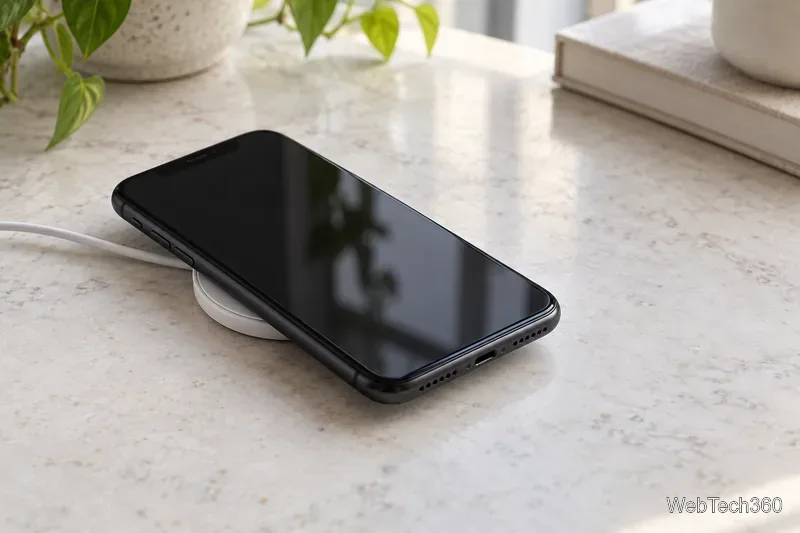
If you already own a MagSafe puck, you can place the phone manually on it and look for the charging icon. You do not need a MagSafe accessory to wirelessly charge an iPhone 11: an ordinary Qi-certified pad or stand is sufficient. A regular Lightning cable also remains an option, especially when charging speed matters.
If the battery icon does not appear, work through these checks before assuming the iPhone needs repair:
Wireless charging is convenient for a desk, nightstand, or short top-up because there is no need to connect a cable to the phone each time. It is not a special feature reserved for the Pro models: the standard iPhone 11, iPhone 11 Pro, and iPhone 11 Pro Max all support Qi. For the simplest setup, use a powered Qi-certified charger, center the phone, and confirm that the charging icon appears.
Fix the iMessage Is Signed Out error on iPhone by checking Apple Account sign-in, activation, connectivity, and settings—without erasing your messages.
Turn off your iPhone VPN in the app or Settings, confirm it disconnected, and stop automatic reconnections without deleting your account.
Learn how to encrypt your iPhone with a strong passcode, protect iCloud and computer backups, and secure your data if your phone is lost or stolen.
Learn how to clear Safari and Chrome cache on iPhone, manage app storage safely, and understand when clearing cached data actually helps.
Learn how to fight Gym Battles in Pokémon GO, pick effective attackers, use Charged Attacks and dodges, and claim a Gym after defeating its defenders.
Explore classic Cydia tweaks for jailbroken iPads, from SwipeSelection to Quasar, with compatibility warnings and modern alternatives.
Stop Apple Music signup prompts in the Music app. Learn where to find Show Apple Music on iOS and what turning it off does—and does not—change.
Set up a Shortcuts automation to text Mom when your iPhone battery gets low. Follow four steps, plus delivery checks and privacy tips.
Save posts on X in a few taps. Learn where to find the Bookmark button on iPhone, Android, and desktop, plus how to view, remove, and organize saved tweets.
Turn on AR mode in Pokémon GO during a wild encounter, find AR settings, and fix camera or device compatibility issues.








