Home
» IOS
»
Hidden Features in the iPhone 18 Pro You Probably Missed
Hidden Features in the iPhone 18 Pro You Probably Missed
The most useful new iPhone features are not always the ones that dominate a launch presentation. In 2026, that is especially true because the iPhone 18 Pro lineup combines several hardware changes with quieter iOS 27 additions that can save time, improve camera control, or change how two iPhones work together.
There is one important clarification before diving in. As of September 14, 2026, Apple has officially announced the iPhone 18 Pro and iPhone 18 Pro Max, with availability beginning September 18. Apple has not announced a standard model simply called “iPhone 18.” This article therefore uses “iPhone 18” as shorthand for the newly announced generation, while clearly identifying features that Apple says are specific to the Pro models. You can verify the current lineup in Apple’s September 9 iPhone 18 Pro announcement.
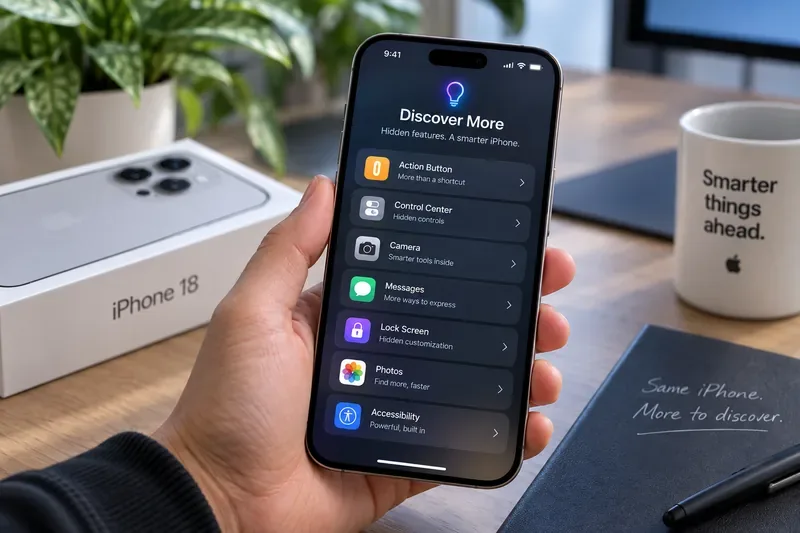
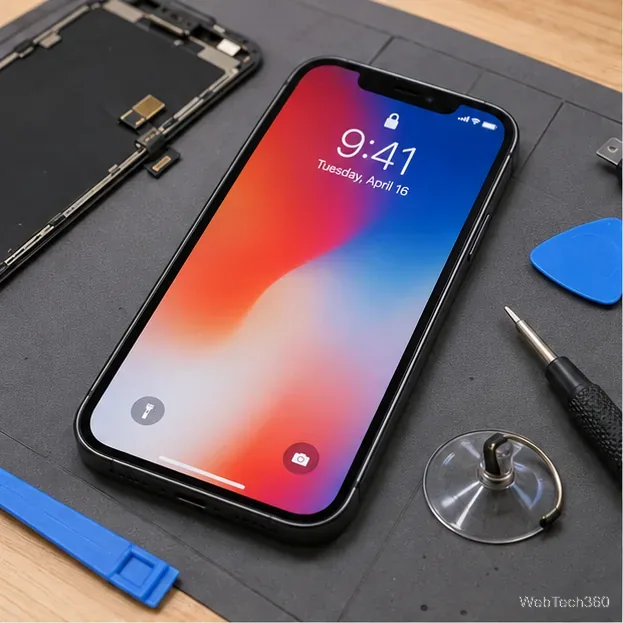
A product-style scene grouping familiar iPhone feature categories. Use Apple’s current iOS 27 menus and support pages for exact feature locations and availability.
What changed most recently?
The verified update is iOS 27, which Apple released on September 14, 2026, together with new Apple Intelligence features and Siri AI support on compatible devices. On iPhone 18 Pro and iPhone 18 Pro Max, iOS 27 also sits on top of hardware changes that include a smaller Dynamic Island, a 48MP Fusion Main camera with variable aperture, new Pro camera controls, and a redesigned thermal system.
The practical takeaway is that some “hidden” features are software features you can use across multiple compatible iPhones, while others require the new iPhone 18 Pro hardware. That distinction matters if you are deciding whether to upgrade. Apple’s official iOS 27 page is the best place to check which software features are part of iOS 27 rather than exclusive to the newest phones.
1. Dynamic Island can show three Live Activities at once
Apple redesigned the Dynamic Island on iPhone 18 Pro and iPhone 18 Pro Max so it occupies less space while showing more information. The easy-to-miss part is that Apple says the upgraded Dynamic Island can display three Live Activities at the same time.
That matters when several things are happening at once: a ride is approaching, a sports score is updating, and a food delivery is on the way. Earlier implementations could force you to switch attention between activities more often. The new design is meant to keep multiple ongoing events visible without taking over the whole display.
This is a hardware-specific reason to consider the Pro models, not a general iOS 27 feature. If Live Activities are not part of your daily routine, the smaller Dynamic Island is mostly a visual refinement rather than a major workflow change.
2. Apple Reference Image can create a signed photographic reference
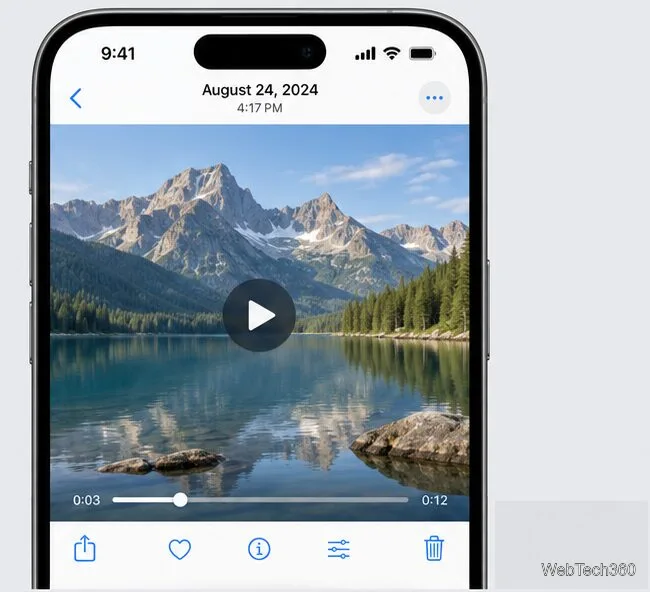
One of the least obvious camera additions is Apple Reference Image. Apple says the Main camera sensor on iPhone 18 Pro models can sign the pixels it captures. When the optional Reference mode is used, signed sensor data is processed through Private Cloud Compute into an unalterable reference image that can be viewed alongside the normal photo.
The point is not to make a prettier picture. It is to give photographers, journalists, investigators, and other users a way to compare an edited image against a trusted reference. Apple is also adding APIs so third-party apps can display these reference images.
There are limits. Apple says Reference Image is opt-in, is not available in China at launch, and capture is not initially available in the EU. It is therefore best thought of as a specialized authenticity tool rather than something every iPhone owner needs to enable.
3. The Camera app has genuine manual Pro controls now
The new 48MP Fusion Main camera has a variable aperture, but the hidden benefit is not only automatic low-light adjustment. Apple says iPhone 18 Pro users can manually choose among four aperture settings in the Camera app.
Pro controls also allow manual adjustment of shutter speed and white balance, plus a histogram for checking exposure across a scene. These are the kinds of controls photographers previously associated more strongly with dedicated cameras or third-party apps.
This changes how you can approach motion and depth. A slower shutter can intentionally blur movement, while aperture control can influence depth of field and light intake. The histogram can help prevent clipped highlights before you press the shutter.
The tradeoff is complexity. Automatic mode will still be the faster choice for most everyday photos. Manual control is most valuable when you know what visual result you want and are willing to spend a few seconds setting it up.
4. You can add Cinematic effects after recording
Another camera feature that is easy to overlook is post-capture flexibility. Apple says iPhone 18 Pro can apply Cinematic effects after capture to video recorded at up to 60 frames per second.
This is useful because it reduces pressure to make every creative decision while filming. You can capture the moment first and make some presentation choices later. Apple also says Time-lapse can now record in 4K with Dolby Vision HDR, while updated Audio Mix algorithms improve voice quality and can isolate music.
For casual users, the post-capture option may be more useful than the specifications themselves. For professional work, it is still wise to record deliberately and preserve original files rather than assuming every problem can be fixed after the fact.
5. eSIM-only iPhone 18 Pro models use the freed space for more battery
eSIM support is not new, but Apple is using it differently on this generation. In markets where the iPhone 18 Pro lineup is sold without a physical SIM tray, Apple says the extra internal space is used for a larger battery.
According to Apple, eSIM-only versions can deliver up to 36 hours of video playback on iPhone 18 Pro and 45 hours on iPhone 18 Pro Max, with the eSIM-only design contributing two additional hours of video playback compared with versions that retain physical SIM hardware.
This is a meaningful but region-dependent advantage. An eSIM-only model can be attractive if your carriers support easy eSIM activation and international travel is not a problem for your plan. A physical SIM model can still be more convenient in countries or situations where local prepaid SIM cards remain common.
6. Safari can monitor a web page for changes with Notify Me
One of the strongest iOS 27 features is easy to miss because it lives inside Safari rather than a dedicated automation app. Apple Intelligence adds Notify Me, which lets Safari monitor a web page for a change you describe.
Apple’s examples include a product coming back in stock or a price dropping. You tell Safari what change matters, and Safari can notify you when it detects that change. This is useful for limited-stock purchases, event registration pages, travel prices, or any page you would otherwise refresh repeatedly.
The feature is part of Apple Intelligence rather than an iPhone 18 Pro hardware exclusive. Apple says Apple Intelligence in iOS 27 is available on iPhone 16 models or later and iPhone 15 Pro models, subject to language and regional availability. For the underlying Apple Intelligence changes, see Apple’s next-generation Apple Intelligence announcement.
7. Messages can turn conversation context into a reminder or note
Messages now offers one-tap suggestions based on the context of a conversation. If someone tells you to bring something, meet at a certain time, or remember a task, the system can suggest creating a reminder or note without forcing you to copy and paste the text manually.
Apple also says Messages can help find the right photos when someone asks for them by recognizing keywords, places, and people in your library. Smart Reply can draw on your personalized writing style as well.
The time savings are small per interaction, but this is exactly the kind of feature that becomes useful because it removes repeated micro-steps. It is less important if you already use a separate task manager and deliberately keep Messages isolated from your planning workflow.
8. Call Context can surface the confirmation code you need during a call
Call Context is a particularly practical Apple Intelligence feature. When you call a business, the Phone app can proactively surface relevant information such as a confirmation code or reservation number from Mail.
Apple’s example is calling an airline to change a flight and having the booking information appear without manually leaving the call to search your inbox. Apple says Call Context looks at who you are calling rather than listening to the conversation, and that the feature runs on device.
This is most useful for airlines, hotels, delivery companies, banks, and other services where the first question is often “What is your confirmation number?” It is currently an English-language feature, so availability should be checked before relying on it.
9. iPhone Handoff can move one phone number between two iPhones
iOS 27 introduces a feature that sounds almost like a carrier trick: iPhone Handoff. Apple says two compatible iPhones can share one phone number, letting calls, voicemail, messages, and Find My location move to whichever phone you are actively using.
The use case is straightforward. You might keep a larger iPhone for workdays and a smaller or more rugged device for weekends, without maintaining two separate phone numbers. Unlock the device you want to use, and the number can become active there.
The catch is substantial: carrier support is currently limited. Apple’s support documentation lists T-Mobile in the United States and Telekom in Germany at the time of writing. Both devices need iOS 27 or later, Wi-Fi, the same Apple Account, Messages in iCloud, FaceTime and iMessage configured with that account, and a supported eSIM.
10. Siri AI has a Camera mode for what is in front of you
Siri AI is the headline AI upgrade, but Camera mode is one of its less obvious pieces. On supported devices, Apple says users can invoke Siri mode in the Camera app to ask for information about what is physically in front of the phone and take related actions.
That can be more useful than a generic chatbot when the task begins with the real world: identifying something, understanding an object or place, or acting on visible information. Siri AI also has onscreen awareness, personal context understanding across apps, and broader web knowledge.
However, Siri AI is rolling out in beta and starts in English, with regional restrictions. Apple also says some server-dependent Apple Intelligence features can be subject to daily usage limits. That makes Camera mode worth exploring, but not something to assume will work identically for every user on day one. Apple’s official Siri AI announcement explains the current capabilities and rollout conditions.
Which hidden features actually matter when deciding whether to upgrade?
If you care most about...
Feature to prioritize
Is iPhone 18 Pro hardware required?
Manual photography
Variable aperture and Pro controls
Yes
Photo authenticity
Apple Reference Image
Yes for capture
Video flexibility
Post-capture Cinematic effects
Yes for the announced iPhone 18 Pro implementation
Monitoring prices or restocks
Safari Notify Me
No; requires a compatible Apple Intelligence iPhone
Reducing communication busywork
Messages suggestions and Call Context
No; compatibility and language rules apply
Using two iPhones with one number
iPhone Handoff
No, but both phones need iOS 27 and a supported carrier
More at-a-glance information
Three simultaneous Live Activities in Dynamic Island
Yes, on iPhone 18 Pro models
Do these features justify upgrading from a recent iPhone?
Not automatically. If you use an iPhone 16 or newer, or an iPhone 15 Pro model, several of the most interesting iOS 27 and Apple Intelligence capabilities can arrive through software. Safari Notify Me, context-aware communication tools, and many Apple Intelligence features therefore should not be treated as exclusive reasons to buy a new phone.
The stronger upgrade case is hardware-specific: variable aperture, deeper manual camera control, Apple Reference Image capture, the redesigned Dynamic Island, higher sustained performance, and the battery configuration of eSIM-only iPhone 18 Pro models. Those differences are easiest to value if you already know that photography, video, gaming, or battery endurance is a daily constraint.
If you mainly want the newest software experience, update a compatible existing iPhone to iOS 27 first and test the features you can access. If that solves the problem you were hoping a new phone would solve, upgrading becomes less urgent.
Bottom line
The most interesting “hidden” iPhone 18 features are not secret codes or undocumented tricks. They are verified capabilities that can be easy to overlook because they sit behind a submenu, depend on a carrier, require a specific camera mode, or were announced alongside much louder headline features.
For photographers, manual aperture control and Apple Reference Image are the standouts. For everyday productivity, Safari Notify Me, Messages suggestions, and Call Context can remove repetitive steps. For people who own two iPhones, iPhone Handoff is potentially transformative once carrier support expands. And for users considering the new Pro hardware, the three-activity Dynamic Island and eSIM-only battery advantage are worth checking before choosing a regional model.
Because iOS 27 and Siri AI availability can vary by language, region, device, and carrier, use Apple’s official documentation as the final check before buying or changing your setup. That is especially important during the first weeks of a new iOS release, when feature availability can evolve quickly.