iMessage Is Signed Out on iPhone: How to Fix It

Fix the iMessage Is Signed Out error on iPhone by checking Apple Account sign-in, activation, connectivity, and settings—without erasing your messages.
To check an Apple device repair, sign in to My Support with the Apple Account you used when arranging service, then open the repair listed under Recent Activity. You can also check current or recent repairs in the Apple Support app. If the repair does not appear, Apple recommends contacting the Apple Authorized Service Provider that has your device.
The steps below work for repairs arranged through Apple or an Apple-authorized provider. The illustrations show the general route; Apple may change the exact layout or wording.
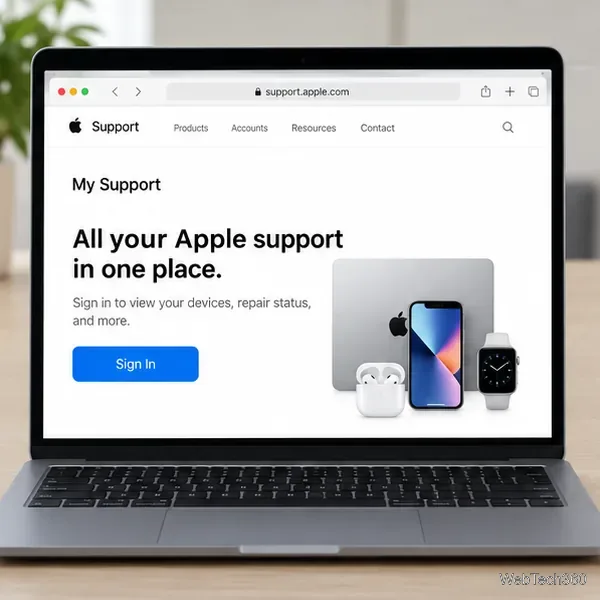
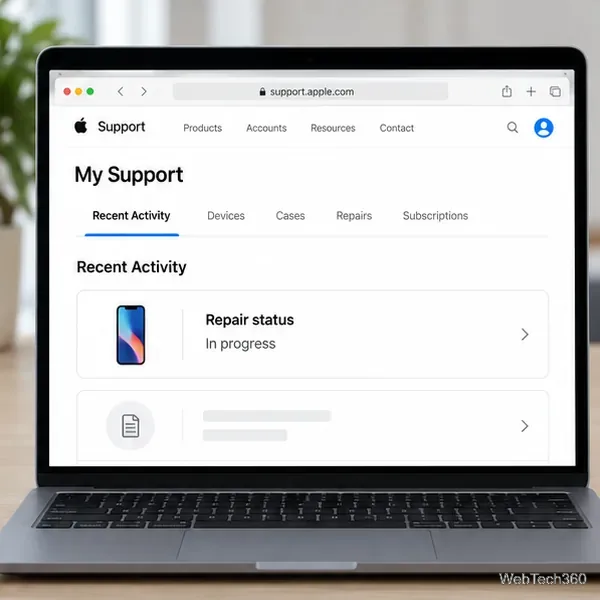
If you have an iPhone or iPad nearby, the Apple Support app is another way to check a repair. Sign in with the Apple Account connected to the service request, open the relevant device or support activity, and look for the current or recent repair. Apple’s support pages list both My Support and the Apple Support app as places to view repair information. The precise screens can vary by device, software version, and region.
If you do not have the app, use My Support in a browser instead. You do not need the device being repaired to be working in order to check online; you need access to the account used to start the service request.
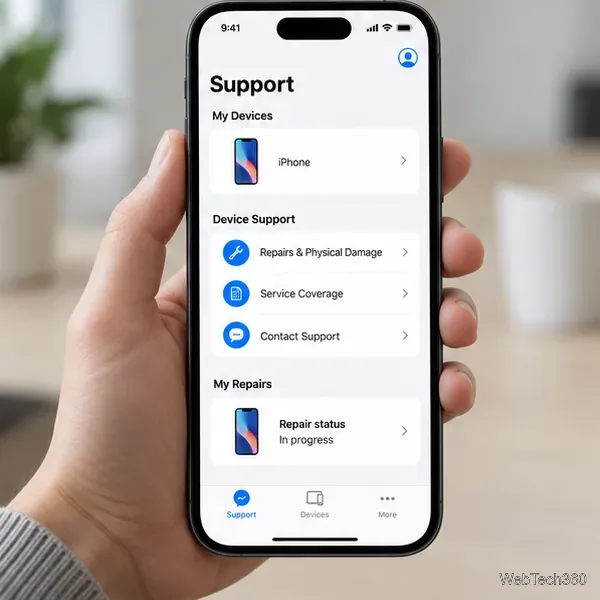
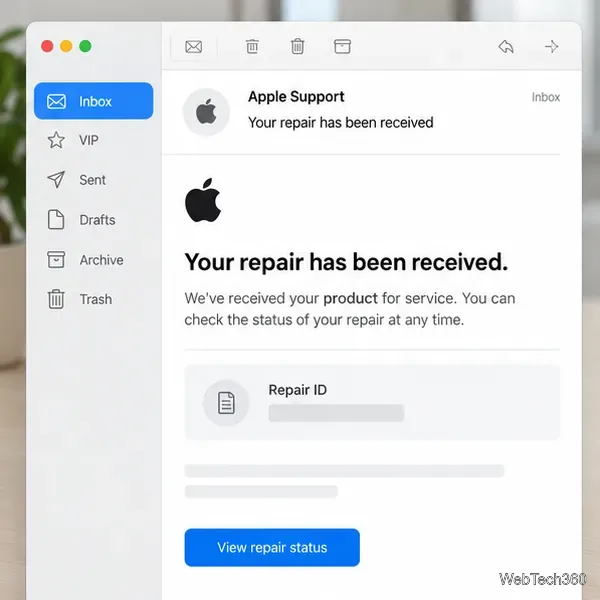
You may need the identifier when contacting Apple or the service provider. Apple says a Case ID and/or Repair ID is provided when you contact Support, request service online, or bring a product to an Apple Store or Apple Authorized Service Provider. To retrieve it, sign in to My Support with the same Apple Account and check Recent Activity. For a service or repair, you can also find the Repair ID in the confirmation email from Apple.
Search the inbox for the email account you used when arranging service. If it is not easy to find, search for “Apple repair” or “Repair ID,” and check spam or junk folders. Keep the full identifier available when you call or chat with support. The status-check instructions here do not require you to enter a device serial number or postal code into a separate form.
If the provider says the repair is complete, follow its instructions for pickup or delivery. If you are unsure which provider has your device, check the service confirmation or repair paperwork before contacting a location.
Fix the iMessage Is Signed Out error on iPhone by checking Apple Account sign-in, activation, connectivity, and settings—without erasing your messages.
Turn off your iPhone VPN in the app or Settings, confirm it disconnected, and stop automatic reconnections without deleting your account.
Learn how to encrypt your iPhone with a strong passcode, protect iCloud and computer backups, and secure your data if your phone is lost or stolen.
Learn how to clear Safari and Chrome cache on iPhone, manage app storage safely, and understand when clearing cached data actually helps.
Learn how to fight Gym Battles in Pokémon GO, pick effective attackers, use Charged Attacks and dodges, and claim a Gym after defeating its defenders.
Explore classic Cydia tweaks for jailbroken iPads, from SwipeSelection to Quasar, with compatibility warnings and modern alternatives.
Stop Apple Music signup prompts in the Music app. Learn where to find Show Apple Music on iOS and what turning it off does—and does not—change.
Set up a Shortcuts automation to text Mom when your iPhone battery gets low. Follow four steps, plus delivery checks and privacy tips.
Save posts on X in a few taps. Learn where to find the Bookmark button on iPhone, Android, and desktop, plus how to view, remove, and organize saved tweets.
Turn on AR mode in Pokémon GO during a wild encounter, find AR settings, and fix camera or device compatibility issues.








