iMessage Is Signed Out on iPhone: How to Fix It

Fix the iMessage Is Signed Out error on iPhone by checking Apple Account sign-in, activation, connectivity, and settings—without erasing your messages.
To connect Apple AirPods to a non-Apple device, turn on Bluetooth, put the AirPods in pairing mode, then choose them from the device list. They work as a Bluetooth headset for audio and calls; the pairing gesture depends on the model.
AirPods do not need a special app for basic Bluetooth pairing. Apple says you can listen and talk with them on non-Apple devices, but Siri is unavailable. Apple setup animations and automatic switching between devices on the same Apple Account are ecosystem features, so you may need to select AirPods manually when moving between a phone and computer. Some model-specific settings may require Apple software.
Charge the earbuds and case, keep the earbuds inside with the lid open, and place the case near the device. AirPods Max pair directly from the headphones.

Turn on Bluetooth on the device you want to connect. Then use the matching gesture. A flashing white status light means AirPods are discoverable.
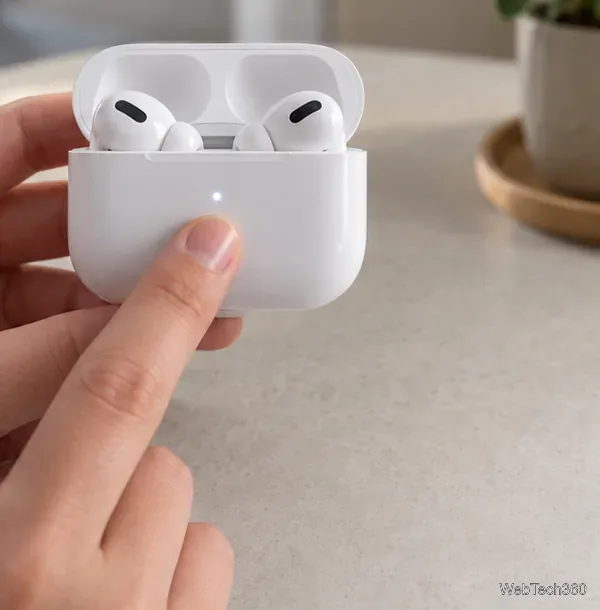

Apple’s non-Apple pairing guide has the current gesture for each model.
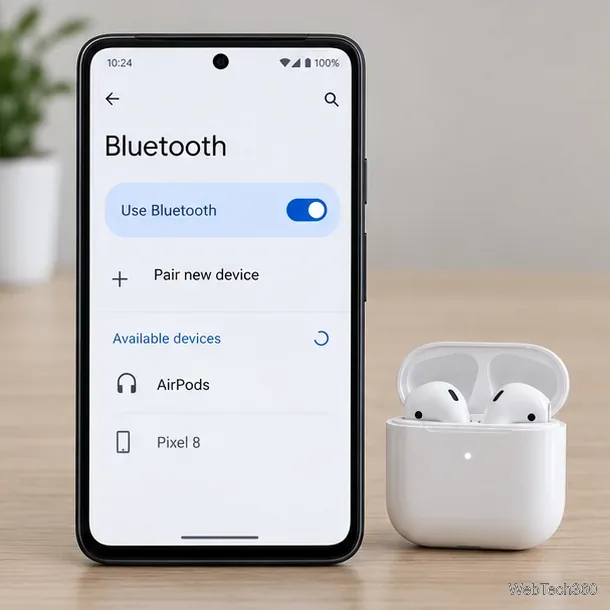
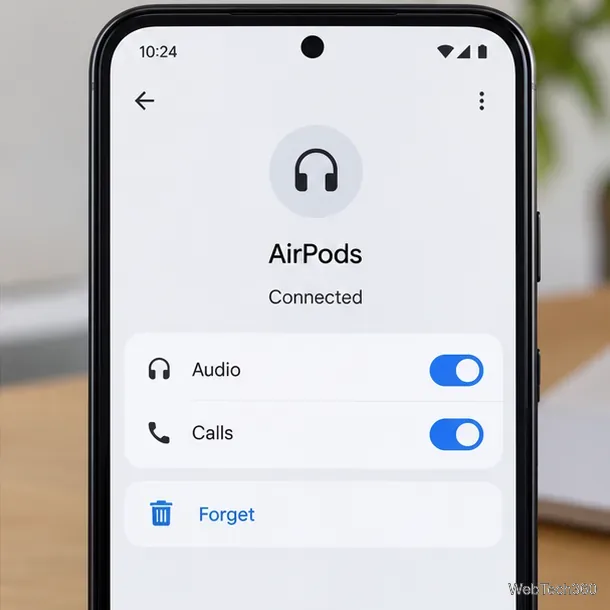
For later use, choose AirPods under saved devices if they do not reconnect. Android menu names vary; see Google’s Bluetooth setup guide.
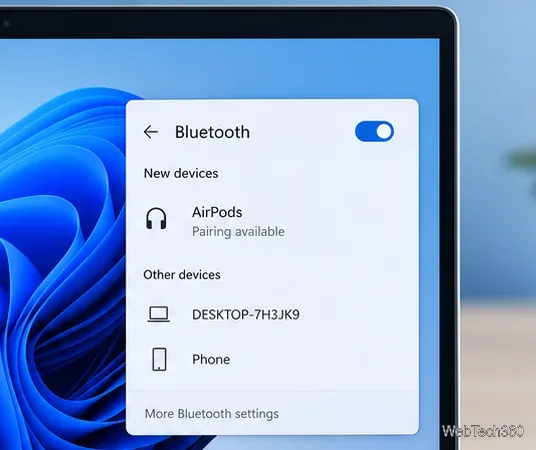
If they do not appear, go to Settings > Bluetooth & devices > Add device > Bluetooth. See Microsoft’s Windows pairing instructions.
If Bluetooth is not in Quick Settings, open Settings and find Bluetooth. Google’s Chromebook guide covers pairing and reconnecting.
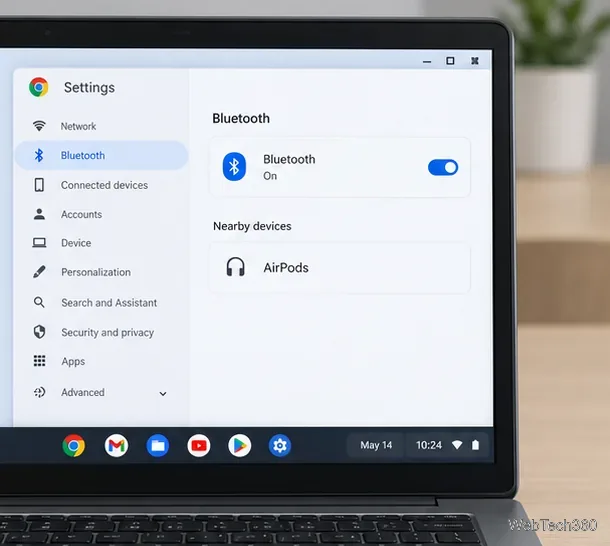
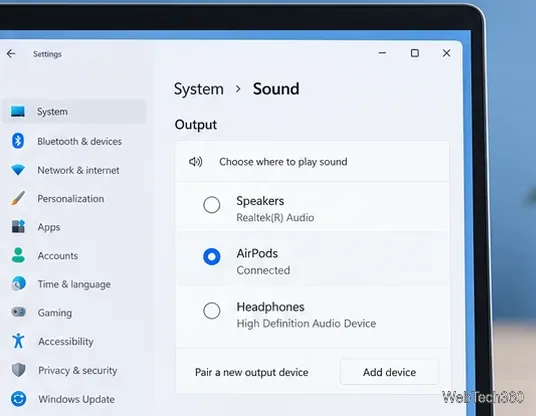
If pairing succeeds but sound still comes from the computer, select AirPods as the output. In Windows, use the taskbar sound control or open Settings > System > Sound > Output. On Android or Chromebook, check the media or Bluetooth panel and make sure AirPods is the active device.
You can also toggle Bluetooth off and on or restart the host device. Use factory reset only as a last resort: steps differ by AirPods model. Follow Apple’s model-specific reset instructions instead of holding one button on every case.
Fix the iMessage Is Signed Out error on iPhone by checking Apple Account sign-in, activation, connectivity, and settings—without erasing your messages.
Turn off your iPhone VPN in the app or Settings, confirm it disconnected, and stop automatic reconnections without deleting your account.
Learn how to encrypt your iPhone with a strong passcode, protect iCloud and computer backups, and secure your data if your phone is lost or stolen.
Learn how to clear Safari and Chrome cache on iPhone, manage app storage safely, and understand when clearing cached data actually helps.
Learn how to fight Gym Battles in Pokémon GO, pick effective attackers, use Charged Attacks and dodges, and claim a Gym after defeating its defenders.
Explore classic Cydia tweaks for jailbroken iPads, from SwipeSelection to Quasar, with compatibility warnings and modern alternatives.
Stop Apple Music signup prompts in the Music app. Learn where to find Show Apple Music on iOS and what turning it off does—and does not—change.
Set up a Shortcuts automation to text Mom when your iPhone battery gets low. Follow four steps, plus delivery checks and privacy tips.
Save posts on X in a few taps. Learn where to find the Bookmark button on iPhone, Android, and desktop, plus how to view, remove, and organize saved tweets.
Turn on AR mode in Pokémon GO during a wild encounter, find AR settings, and fix camera or device compatibility issues.








