iMessage Is Signed Out on iPhone: How to Fix It

Fix the iMessage Is Signed Out error on iPhone by checking Apple Account sign-in, activation, connectivity, and settings—without erasing your messages.
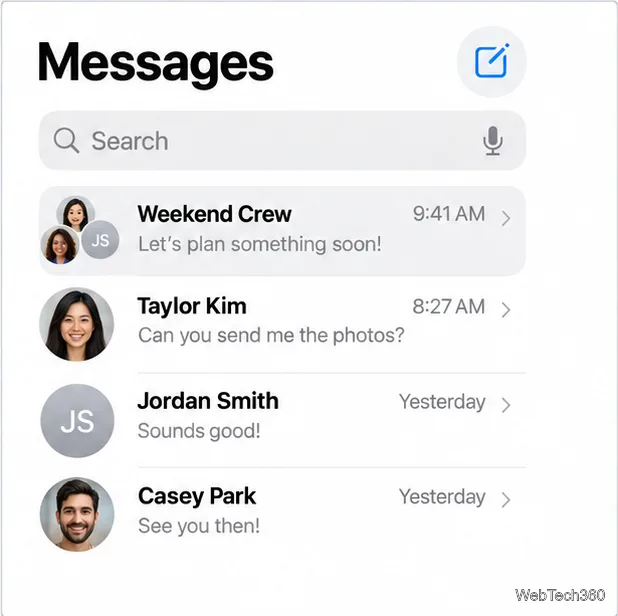
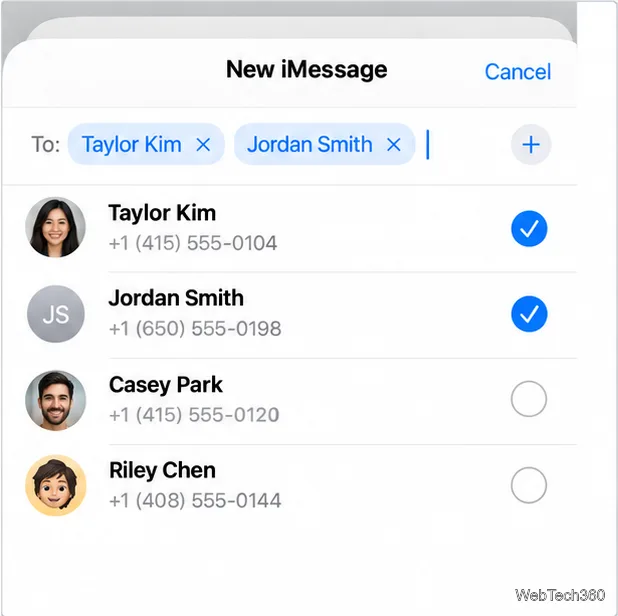
To create and name an iMessage group on iPhone, open Messages, tap Compose, add at least two other people who can use iMessage, and send a message. Open the new thread, tap the group icon, then in iOS 26 choose Edit > Edit Name & Photo. Enter a name, optionally choose a shared photo or icon, and tap Done. Apple does not let you name a one-to-one iMessage conversation.
Messages automatically selects a delivery type based on your recipients, settings, network connection, and carrier. When everyone in the group uses an Apple device with iMessage turned on, the conversation is a group iMessage and its bubbles are blue. If someone is not using iMessage, the conversation may use RCS, MMS, or SMS and appear green. Apple documents the group name and icon controls for group iMessage; the same controls are not guaranteed for a green-bubble conversation.
On iPhone, check Settings > Apps > Messages and turn on iMessage. If you use an iPad or Mac, sign in to iMessage with your Apple Account. A green bubble does not by itself prove that someone has an Android phone: iMessage may be turned off or temporarily unavailable, and iPhone can use RCS or SMS/MMS instead. See Apple’s explanation of green message bubbles and its guide to group message types.
To use the name feature, include at least two other people in the conversation. Apple says you can’t name an iMessage conversation with only one other person.
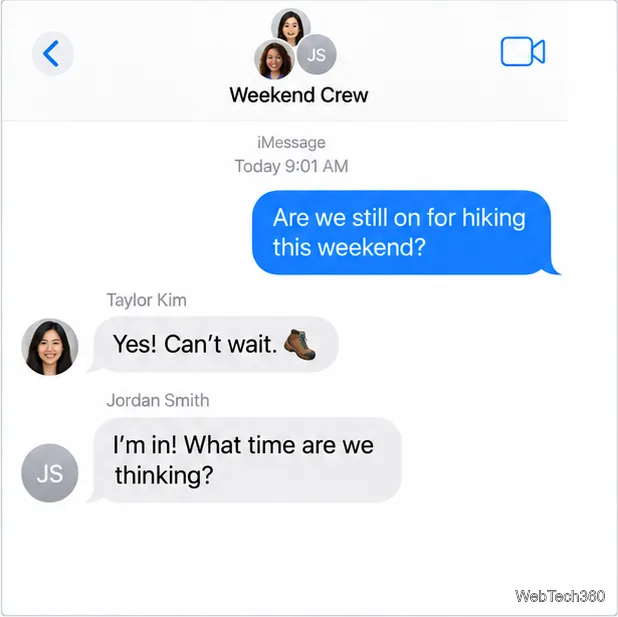
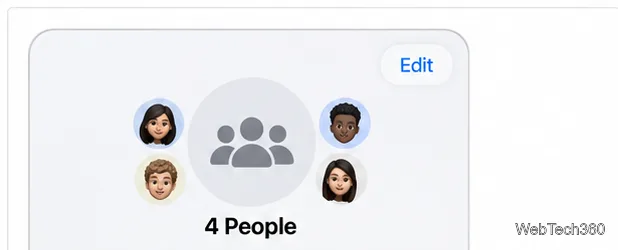
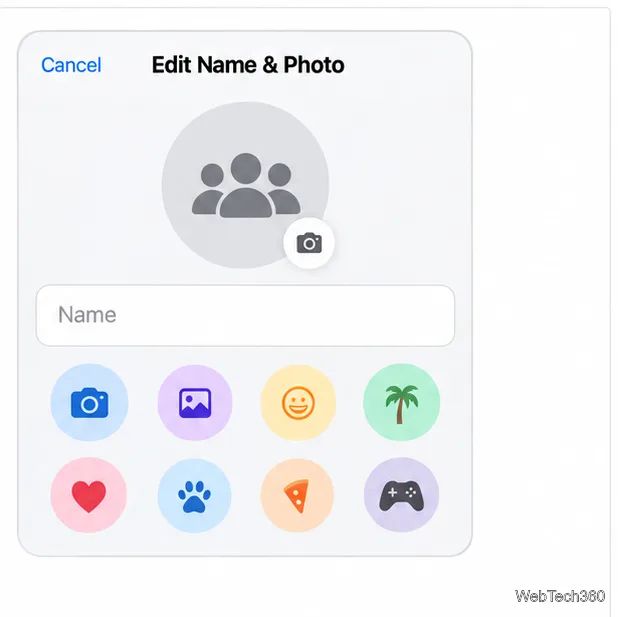
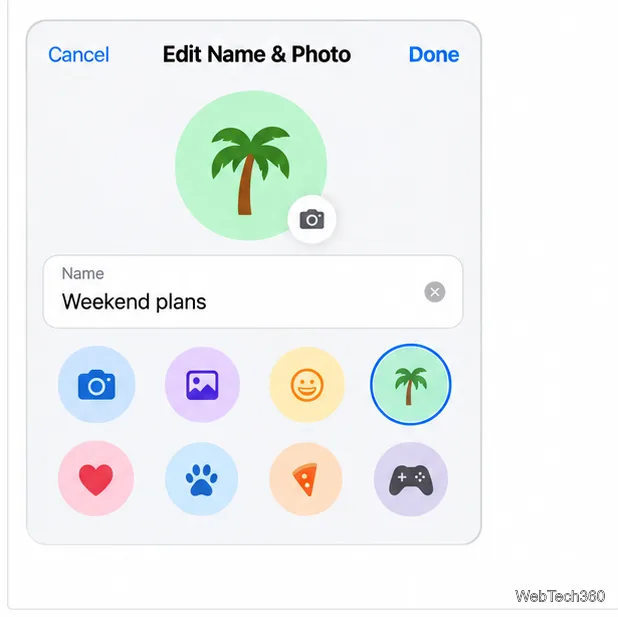
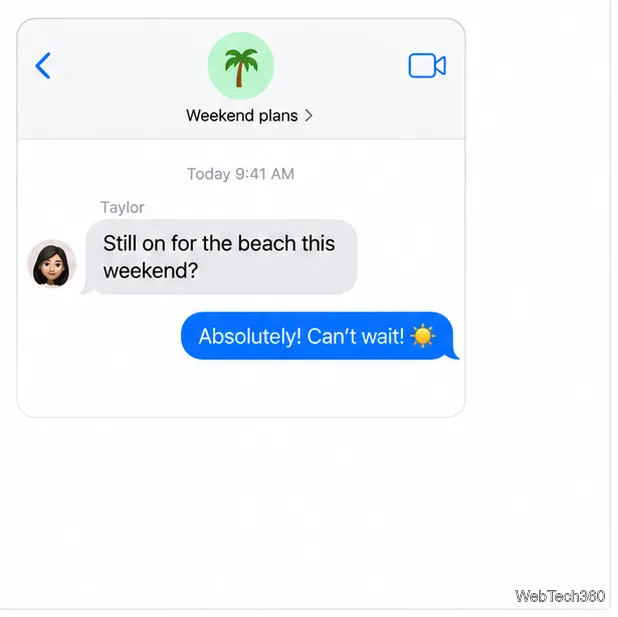
You can use the same path later to update the name or icon; changes are visible to everyone with iMessage on in the group.
The wording depends on iOS version. In iOS 18 and earlier, Apple places Change Name and Photo in blue text below the group icons and participants’ names. On iOS 14 or earlier, open the group icons and then tap the Info button. If you see the older label, use it to enter the group name and finish by tapping Done.
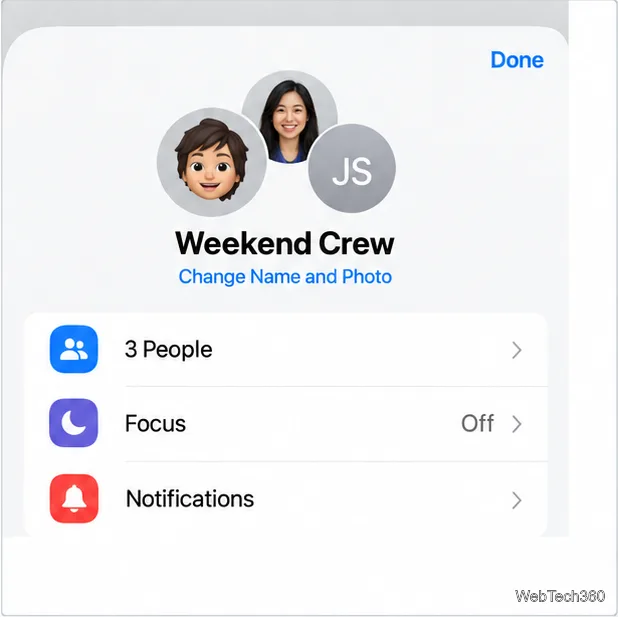
Apple’s group naming instructions list the iOS 26 and older menu paths. Its iPhone group conversation guide also covers starting a group, adding people, and naming the conversation.
Fix the iMessage Is Signed Out error on iPhone by checking Apple Account sign-in, activation, connectivity, and settings—without erasing your messages.
Turn off your iPhone VPN in the app or Settings, confirm it disconnected, and stop automatic reconnections without deleting your account.
Learn how to encrypt your iPhone with a strong passcode, protect iCloud and computer backups, and secure your data if your phone is lost or stolen.
Learn how to clear Safari and Chrome cache on iPhone, manage app storage safely, and understand when clearing cached data actually helps.
Learn how to fight Gym Battles in Pokémon GO, pick effective attackers, use Charged Attacks and dodges, and claim a Gym after defeating its defenders.
Explore classic Cydia tweaks for jailbroken iPads, from SwipeSelection to Quasar, with compatibility warnings and modern alternatives.
Stop Apple Music signup prompts in the Music app. Learn where to find Show Apple Music on iOS and what turning it off does—and does not—change.
Set up a Shortcuts automation to text Mom when your iPhone battery gets low. Follow four steps, plus delivery checks and privacy tips.
Save posts on X in a few taps. Learn where to find the Bookmark button on iPhone, Android, and desktop, plus how to view, remove, and organize saved tweets.
Turn on AR mode in Pokémon GO during a wild encounter, find AR settings, and fix camera or device compatibility issues.








