iMessage Is Signed Out on iPhone: How to Fix It

Fix the iMessage Is Signed Out error on iPhone by checking Apple Account sign-in, activation, connectivity, and settings—without erasing your messages.
To dial an extension on iPhone, enter the main phone number, add a pause or wait, and then enter the extension. Hold the * key to add a comma for a two-second pause, or hold # to add a semicolon that stops dialing until you tap Dial. If a phone tree needs you to listen for a prompt first, call the main number and enter the extension on the in-call keypad when asked.
For a number you call regularly, save the pause and extension in the contact. Apple documents both the keypad shortcuts and the Pause and Wait options in its iPhone calling guide and guide to automating extensions in Contacts. Menu names can vary slightly by iOS version.
| Method | What happens | Best for |
|---|---|---|
| Comma (Pause) | iPhone waits two seconds, then sends the remaining digits. | A system that accepts the extension shortly after answering. |
| Semicolon (Wait) | iPhone stops after dialing the main number; you tap Dial to send the rest. | A system that needs more time or a spoken menu prompt. |
| In-call keypad | You call the main number first, then enter digits during the call. | Long menus or an extension that must be entered only after a prompt. |
The comma and semicolon are controls in the saved dialing sequence. They do not change the extension itself. The examples below use a fictional sample number and extension; replace them with the full number and extension supplied by the person or organization you are calling.
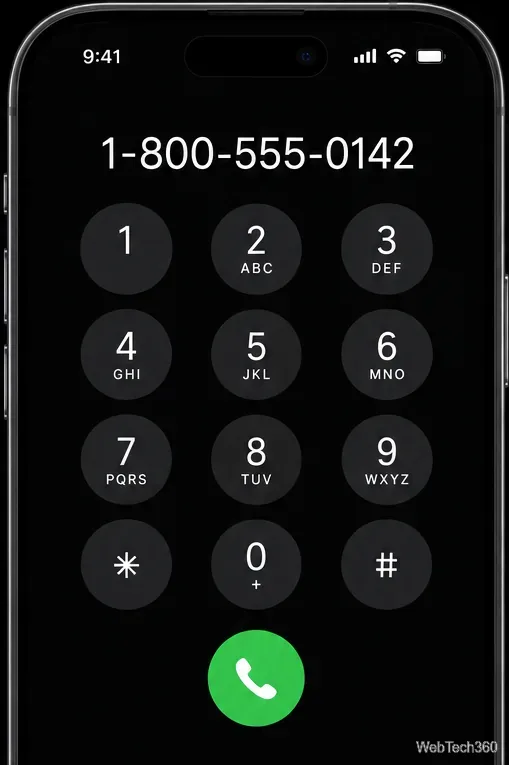
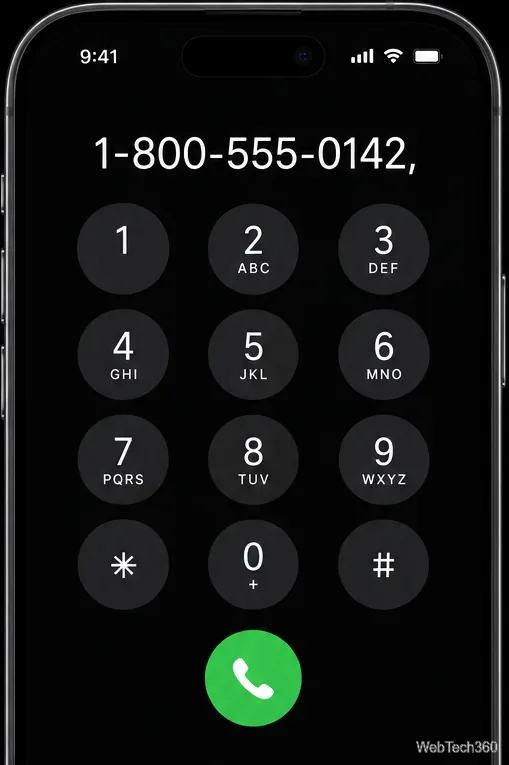
main-number,204 for Pause or main-number;204 for Wait. Keep the extension digits together after the comma or semicolon.
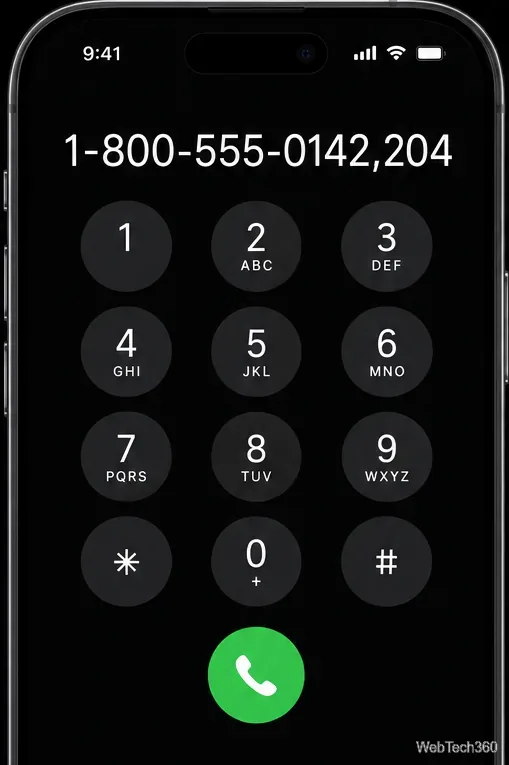
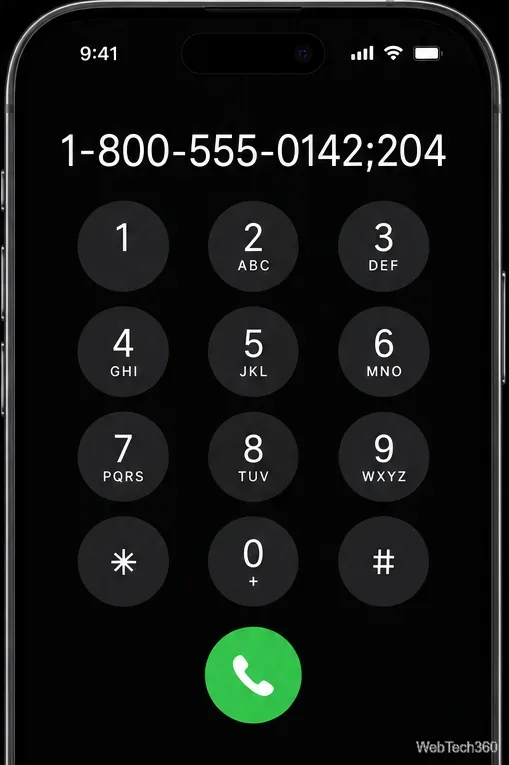
Use this method for a number you expect to call again. It keeps the sequence with the contact, so you do not have to re-enter it on the keypad each time.
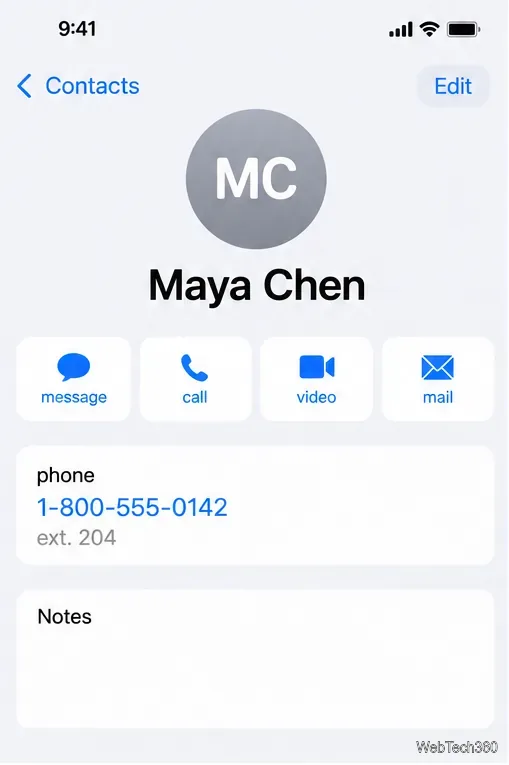
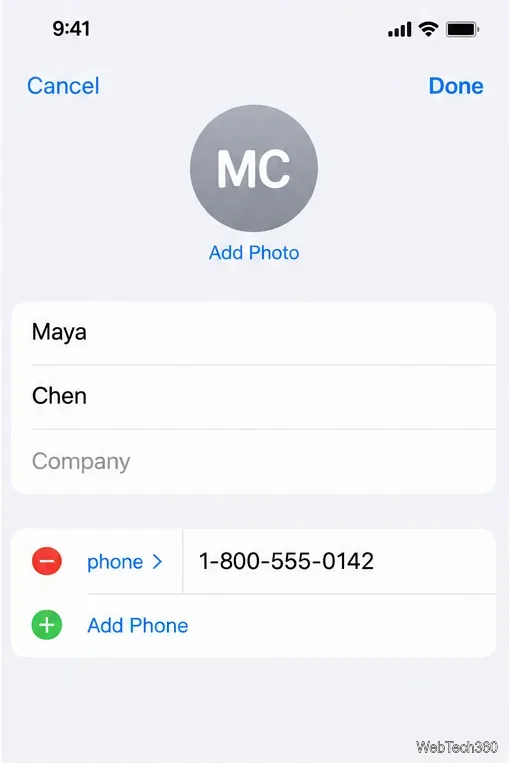
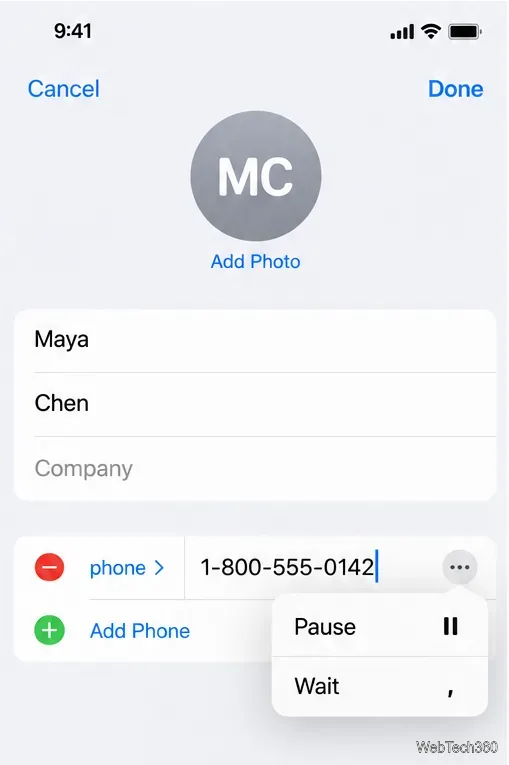
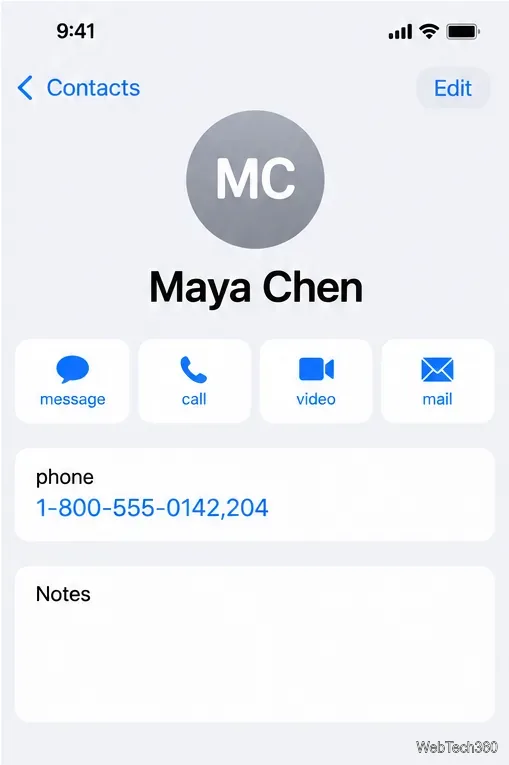
For a short, predictable delay, the comma is the quickest option. For a phone tree that makes you listen or choose a menu first, the semicolon or in-call keypad gives you control over when the extension is sent.
Fix the iMessage Is Signed Out error on iPhone by checking Apple Account sign-in, activation, connectivity, and settings—without erasing your messages.
Turn off your iPhone VPN in the app or Settings, confirm it disconnected, and stop automatic reconnections without deleting your account.
Learn how to encrypt your iPhone with a strong passcode, protect iCloud and computer backups, and secure your data if your phone is lost or stolen.
Learn how to clear Safari and Chrome cache on iPhone, manage app storage safely, and understand when clearing cached data actually helps.
Learn how to fight Gym Battles in Pokémon GO, pick effective attackers, use Charged Attacks and dodges, and claim a Gym after defeating its defenders.
Explore classic Cydia tweaks for jailbroken iPads, from SwipeSelection to Quasar, with compatibility warnings and modern alternatives.
Stop Apple Music signup prompts in the Music app. Learn where to find Show Apple Music on iOS and what turning it off does—and does not—change.
Set up a Shortcuts automation to text Mom when your iPhone battery gets low. Follow four steps, plus delivery checks and privacy tips.
Save posts on X in a few taps. Learn where to find the Bookmark button on iPhone, Android, and desktop, plus how to view, remove, and organize saved tweets.
Turn on AR mode in Pokémon GO during a wild encounter, find AR settings, and fix camera or device compatibility issues.








