iMessage Is Signed Out on iPhone: How to Fix It

Fix the iMessage Is Signed Out error on iPhone by checking Apple Account sign-in, activation, connectivity, and settings—without erasing your messages.
To save an iPhone voicemail as a separate audio file, open it in Phone, tap Share, and choose Save to Files. To archive several messages on a computer, export them from a connected iPhone or backup with iExplorer, a third-party Mac or PC utility.
These steps require the voicemail to appear as a message in Phone. If your carrier provides only a dial-in mailbox, you may be able to listen without a shareable file; ask the carrier about retention or export.
Apple does not set a universal seven-day limit. Its current guide says voicemails stay until you delete them or the carrier erases them if they are not stored in iCloud. Deleted messages may be permanently erased in some regions, and changing a SIM can remove messages. Save a copy before switching service or SIM.
Visual Voicemail and the Phone layout depend on your carrier, region, and iOS version. In Classic, open Phone > Voicemail. In Unified, open Phone > Calls > Filter > Voicemails; you can also tap a voicemail in Recents. Follow the labels on your iPhone.
The interface images are examples; labels and layout can vary by iOS version, carrier, and iExplorer release.
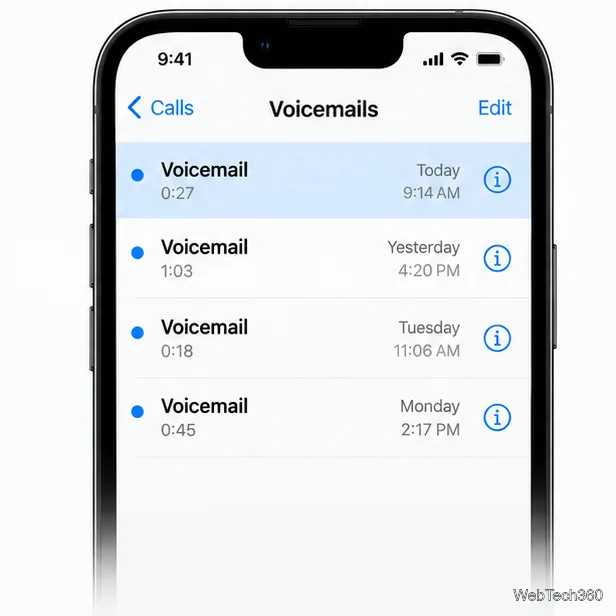
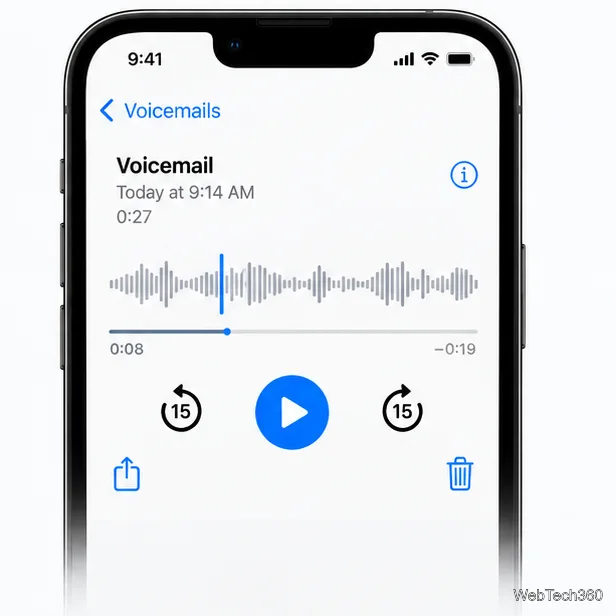
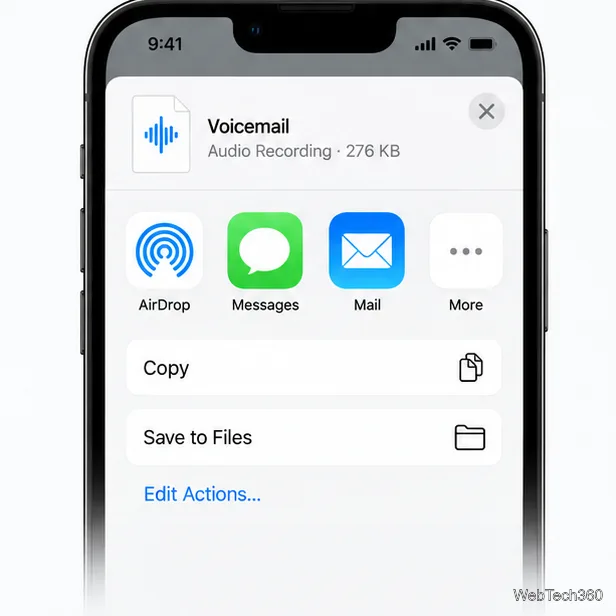
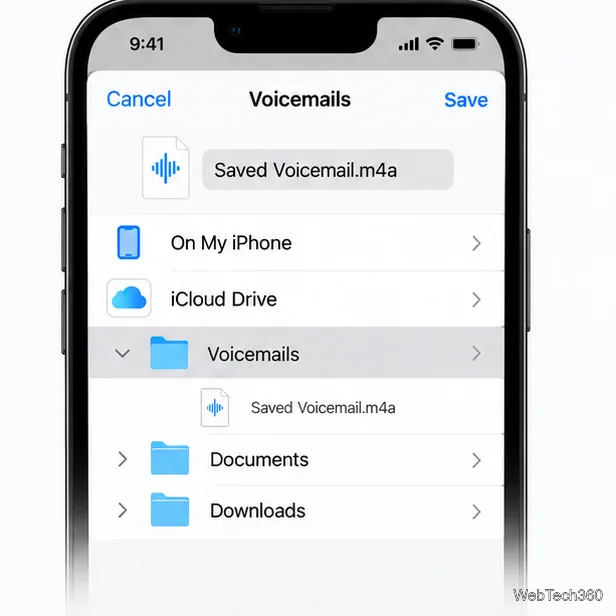
Which location? On My iPhone stores the file on that device, so it is not a backup if the phone is lost or erased. iCloud Drive syncs across devices, but deletions can sync too. Keep a second copy on a computer or external drive for important messages.
iExplorer is third-party software, not an Apple app. Macroplant says it can read voicemail from a connected iPhone or an existing iTunes backup. Its guide lists a USB cable and a Mac or PC with iTunes or Apple Music. Check current compatibility and pricing before installing it.
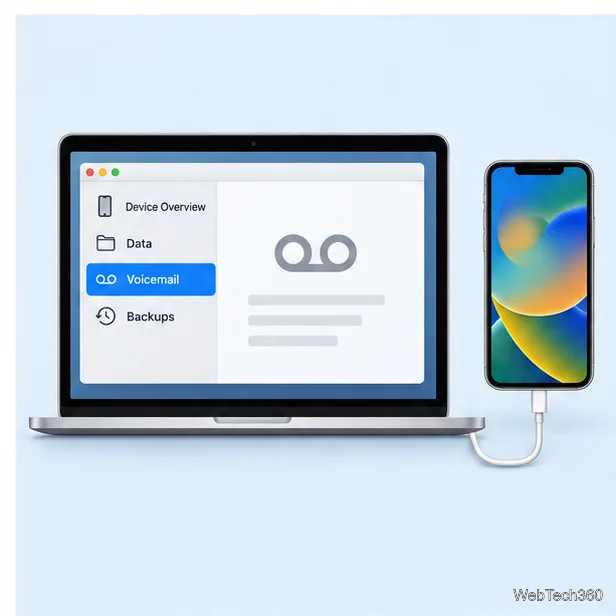
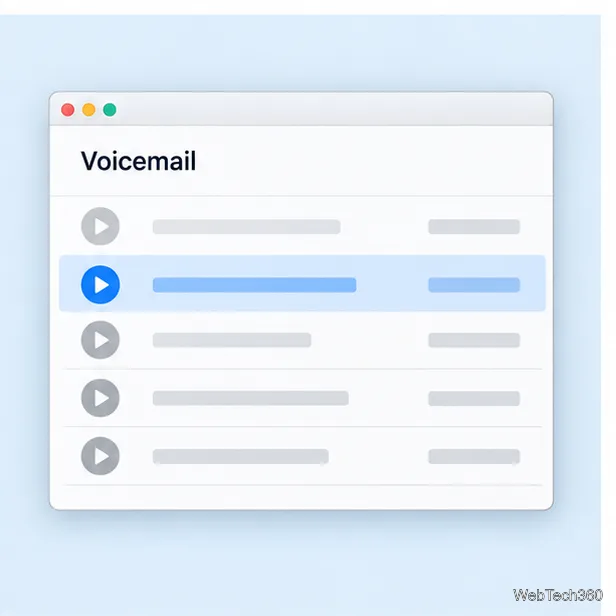

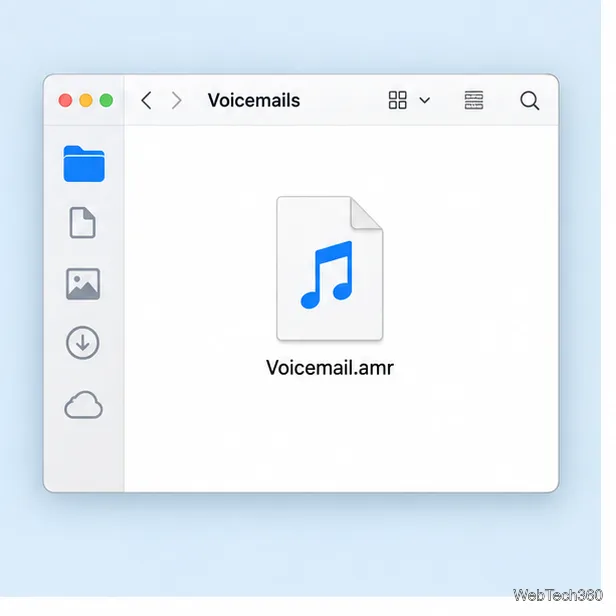
iExplorer can export only messages it can access on the device or in a backup. It cannot guarantee recovery of a message held only in a carrier mailbox or missing from the backup. If no message appears, contact your carrier.
Fix the iMessage Is Signed Out error on iPhone by checking Apple Account sign-in, activation, connectivity, and settings—without erasing your messages.
Turn off your iPhone VPN in the app or Settings, confirm it disconnected, and stop automatic reconnections without deleting your account.
Learn how to encrypt your iPhone with a strong passcode, protect iCloud and computer backups, and secure your data if your phone is lost or stolen.
Learn how to clear Safari and Chrome cache on iPhone, manage app storage safely, and understand when clearing cached data actually helps.
Learn how to fight Gym Battles in Pokémon GO, pick effective attackers, use Charged Attacks and dodges, and claim a Gym after defeating its defenders.
Explore classic Cydia tweaks for jailbroken iPads, from SwipeSelection to Quasar, with compatibility warnings and modern alternatives.
Stop Apple Music signup prompts in the Music app. Learn where to find Show Apple Music on iOS and what turning it off does—and does not—change.
Set up a Shortcuts automation to text Mom when your iPhone battery gets low. Follow four steps, plus delivery checks and privacy tips.
Save posts on X in a few taps. Learn where to find the Bookmark button on iPhone, Android, and desktop, plus how to view, remove, and organize saved tweets.
Turn on AR mode in Pokémon GO during a wild encounter, find AR settings, and fix camera or device compatibility issues.








