iMessage Is Signed Out on iPhone: How to Fix It

Fix the iMessage Is Signed Out error on iPhone by checking Apple Account sign-in, activation, connectivity, and settings—without erasing your messages.
A steady orange (also called amber) light on AirPods usually reports battery charge, not a failure. Apple says amber means less than one full charge remains. The light’s meaning depends on whether the earbuds are in the case, and brief amber pulses or flashes are normal on several newer models. You usually do not need to reset AirPods just because the light is orange.
Check what is inside the case when you look at the indicator:
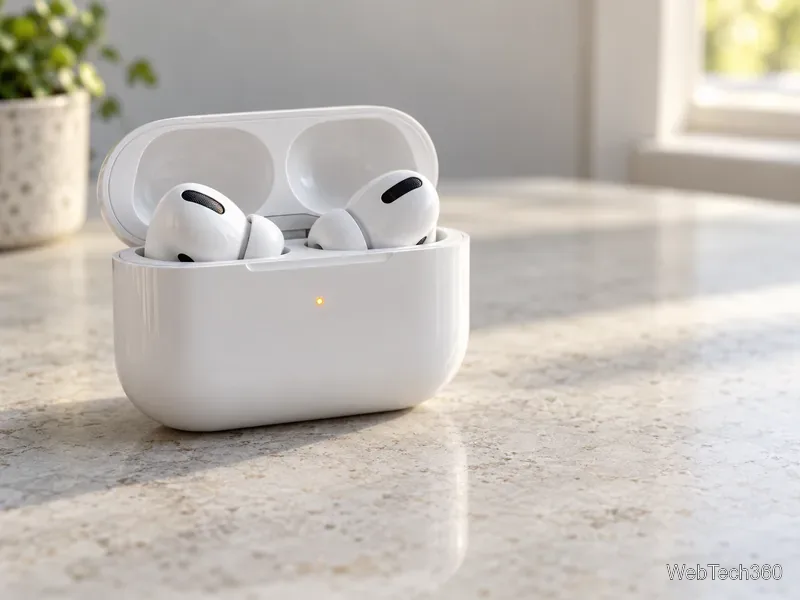
Most cases put the status light on the front. The Lightning Charging Case for AirPods 1 and AirPods 2 has its light inside, between the earbud wells. If the light is hard to find, identify your case model before following reset instructions; the reset controls vary by generation.
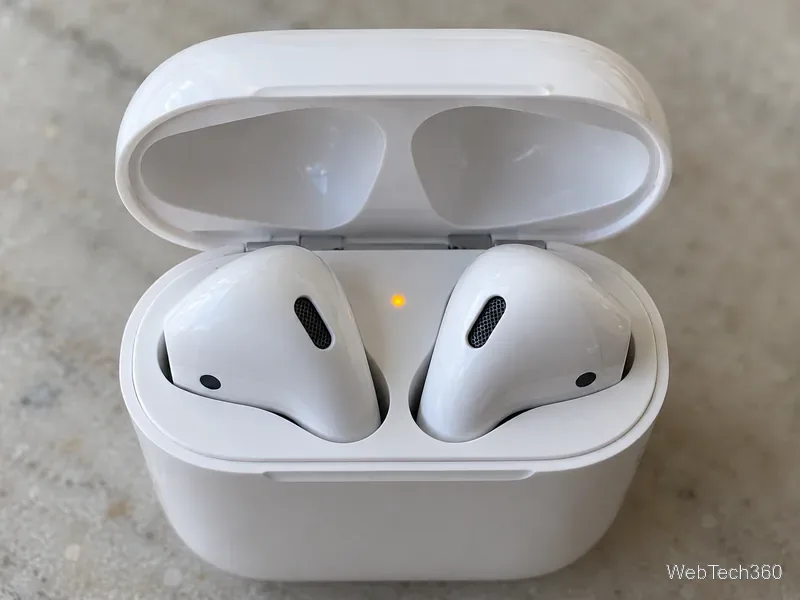
Not necessarily. Apple’s current charging guidance says that, with the latest firmware, AirPods 4 (both models), AirPods 5 (both models), AirPods Pro 2, and AirPods Pro 3 can briefly pulse amber when the earbuds or case are below 95% charge. Those models can also briefly flash amber when the earbuds are below 95% and the case is below 25%. In that situation, the pattern is a low-charge indicator, not proof of an error.
A light that keeps flashing on another model, or continues alongside a pairing or charging problem, deserves troubleshooting. Start by charging the case and earbuds, then check the battery levels rather than relying on the LED alone. Apple’s AirPods charging and status-light guide lists the model-specific behavior.
Open the case near your iPhone or iPad, or take the AirPods out, then check the AirPods battery information in Settings under Bluetooth. You can also use the Batteries widget or check the charge status on a Mac. This helps distinguish a case that is charging from earbuds that are still low.
If the level does not rise, seat both earbuds in their wells and make sure the case is connected to a compatible cable or, for a wireless-charging case, a supported charging mat. Apple says the case can charge with or without the AirPods inside. For a wireless charger, follow the placement instructions for your model; some cases show the current level for only a short time after placement or a tap.
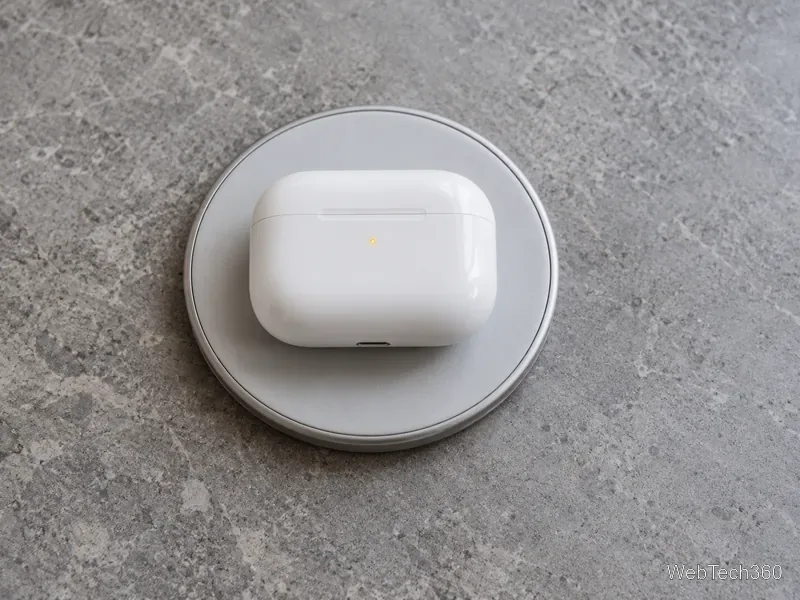
If charging still fails, inspect the charging port and contacts for debris and follow Apple’s cleaning guidance. Do not put liquid or sharp objects into the case. See Apple’s steps for AirPods that won’t charge.
Resetting is useful when AirPods still will not connect or charge after you have checked their battery and charging connection. A reset removes the existing pairing, so keep the paired iPhone or iPad nearby. Apple’s procedure is model-specific:
The amber-to-white sequence during a reset is expected. If the light never turns white, check Apple’s updated AirPods reset instructions for the exact model. A steady amber light during ordinary charging, by itself, is not a reason to reset.
Fix the iMessage Is Signed Out error on iPhone by checking Apple Account sign-in, activation, connectivity, and settings—without erasing your messages.
Turn off your iPhone VPN in the app or Settings, confirm it disconnected, and stop automatic reconnections without deleting your account.
Learn how to encrypt your iPhone with a strong passcode, protect iCloud and computer backups, and secure your data if your phone is lost or stolen.
Learn how to clear Safari and Chrome cache on iPhone, manage app storage safely, and understand when clearing cached data actually helps.
Learn how to fight Gym Battles in Pokémon GO, pick effective attackers, use Charged Attacks and dodges, and claim a Gym after defeating its defenders.
Explore classic Cydia tweaks for jailbroken iPads, from SwipeSelection to Quasar, with compatibility warnings and modern alternatives.
Stop Apple Music signup prompts in the Music app. Learn where to find Show Apple Music on iOS and what turning it off does—and does not—change.
Set up a Shortcuts automation to text Mom when your iPhone battery gets low. Follow four steps, plus delivery checks and privacy tips.
Save posts on X in a few taps. Learn where to find the Bookmark button on iPhone, Android, and desktop, plus how to view, remove, and organize saved tweets.
Turn on AR mode in Pokémon GO during a wild encounter, find AR settings, and fix camera or device compatibility issues.








