iMessage Is Signed Out on iPhone: How to Fix It

Fix the iMessage Is Signed Out error on iPhone by checking Apple Account sign-in, activation, connectivity, and settings—without erasing your messages.
Yes—on some older Apple devices. In 2012, the iPhone Dev Team added “DFU IPSW” to redsn0w 0.9.14b2. It created a modified IPSW that ended a restore in DFU mode, avoiding the usual Home/Power button sequence. The original instructions required a normal firmware file Apple was then signing for that exact device; the screen stays black while the computer detects it. Read the original DFU IPSW instructions.
This is a legacy workaround, not a current Apple-supported procedure. It is not guaranteed for every iPhone, iPod touch, iPad, firmware, or computer, and it does not jailbreak a device by itself. Apple’s current restore guidance uses model-specific physical buttons and says a device may need service if a button does not work or sticks. See Apple’s current restore guidance.
The visuals below are explanatory mockups of an older workflow, not current screenshots. Sample device and firmware names are historical examples, not a compatibility list or a recommendation to install that firmware.
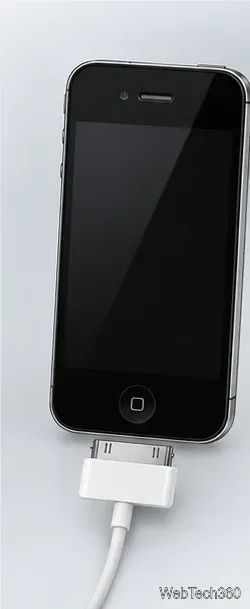
If you cannot confirm the signed firmware and a compatible computer setup, stop. Trying another IPSW is not a safe substitute.
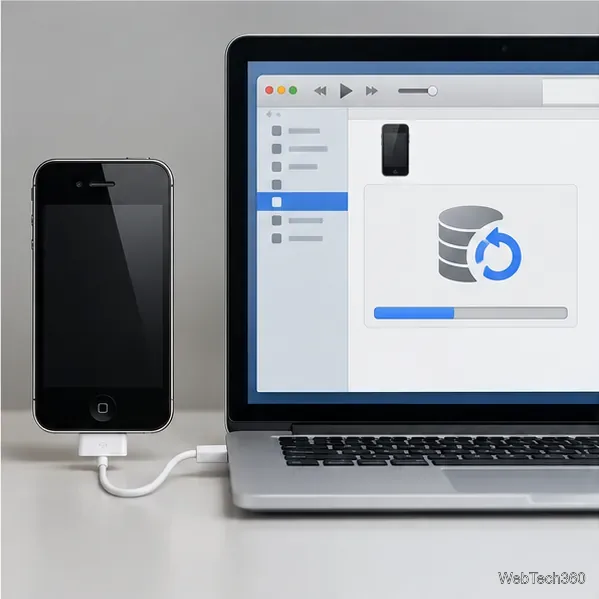
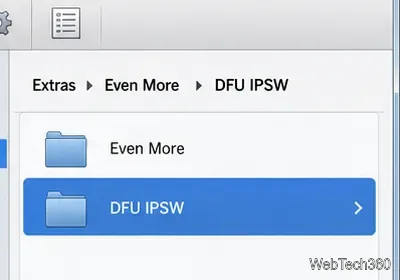
ENTER_DFU_, usually beside the original. Wait for the utility to finish. Keep the source file unchanged, and do not force a restore if redsn0w rejects it.ENTER_DFU_ file. These shortcuts describe the old iTunes workflow; current Finder or Apple Devices compatibility is not guaranteed.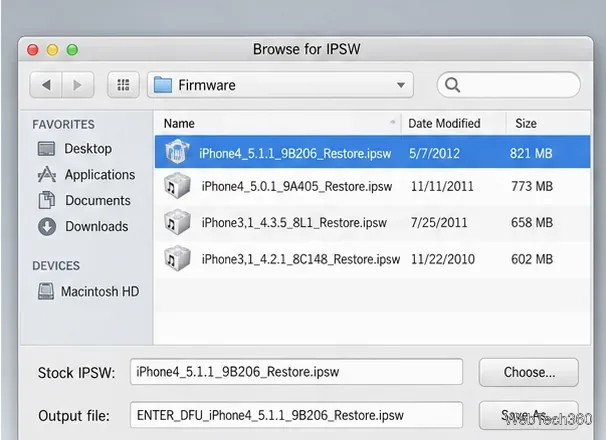
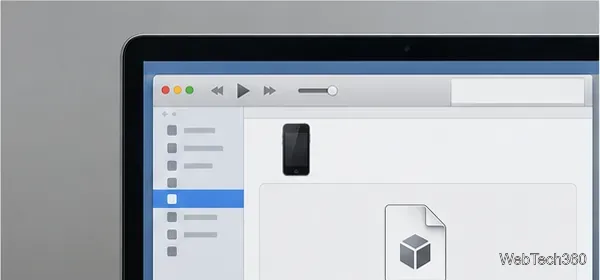
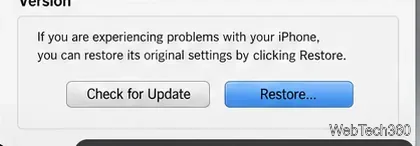
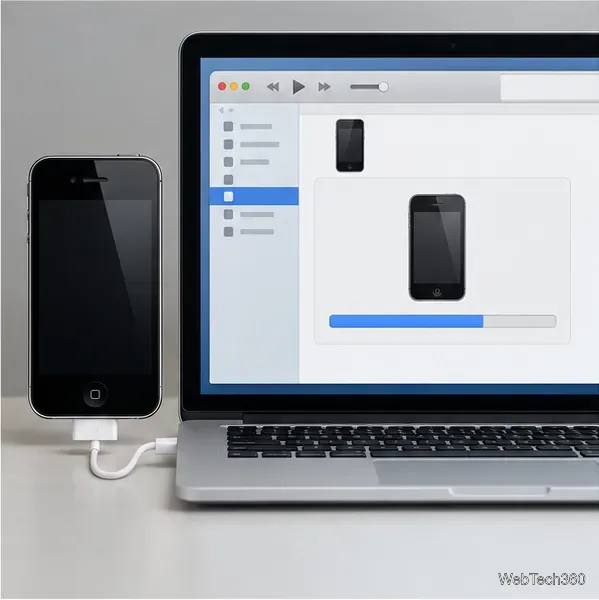
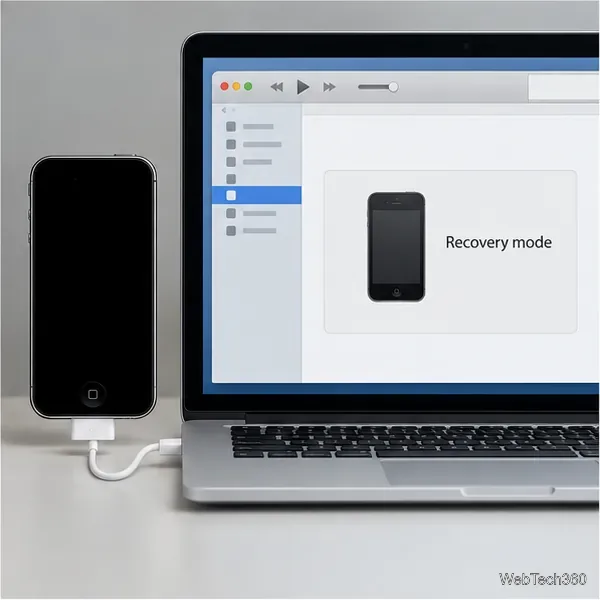
Do not confuse DFU with recovery mode. Apple’s supported restore steps use model-specific button sequences to enter recovery mode, then Finder on Mac or Apple Devices on PC. Apple says to seek service if a button does not work or sticks. For a modern device, follow Apple’s supported update and restore instructions or arrange service instead of relying on an unverified redsn0w download.
DFU is only a device state. It does not bypass a passcode or Activation Lock, and entering DFU does not install a jailbreak. A separate tool must support the exact device and iOS version. A black screen alone is not proof of DFU; the computer must detect the device.
Fix the iMessage Is Signed Out error on iPhone by checking Apple Account sign-in, activation, connectivity, and settings—without erasing your messages.
Turn off your iPhone VPN in the app or Settings, confirm it disconnected, and stop automatic reconnections without deleting your account.
Learn how to encrypt your iPhone with a strong passcode, protect iCloud and computer backups, and secure your data if your phone is lost or stolen.
Learn how to clear Safari and Chrome cache on iPhone, manage app storage safely, and understand when clearing cached data actually helps.
Learn how to fight Gym Battles in Pokémon GO, pick effective attackers, use Charged Attacks and dodges, and claim a Gym after defeating its defenders.
Explore classic Cydia tweaks for jailbroken iPads, from SwipeSelection to Quasar, with compatibility warnings and modern alternatives.
Stop Apple Music signup prompts in the Music app. Learn where to find Show Apple Music on iOS and what turning it off does—and does not—change.
Set up a Shortcuts automation to text Mom when your iPhone battery gets low. Follow four steps, plus delivery checks and privacy tips.
Save posts on X in a few taps. Learn where to find the Bookmark button on iPhone, Android, and desktop, plus how to view, remove, and organize saved tweets.
Turn on AR mode in Pokémon GO during a wild encounter, find AR settings, and fix camera or device compatibility issues.








