How to Access a Windows BitLocker Partition in Linux
Use Dislocker to unlock a BitLocker volume in Linux, mount its virtual NTFS file read-only, and safely unmount it without exposing your password in a command.
WhatsApp does not offer a native Linux desktop app; its Help Center directs users on other operating systems to WhatsApp Web. If you want an installable Linux client or a different messaging network, Telegram, Signal, Wire, and Element are four options worth comparing. The right choice depends on which people you need to reach, how each service handles encryption, and whether you want a simple app or more control over your server.
These apps are not interchangeable gateways into WhatsApp. Your friends and groups generally need to join the same service, so check who is willing to switch before moving an important conversation.
Telegram Desktop has an official Linux download, with Linux x64, Flatpak, and Snap options listed by Telegram. It is a good fit if you want a familiar chat layout, large communities, public channels, bots, and cloud sync across devices.
Understand its privacy defaults before using it for sensitive conversations. Telegram says regular cloud chats are stored in its cloud and are not end-to-end encrypted. Its separate Secret Chats use end-to-end encryption, but they are device-specific and do not sync through the cloud. Review Telegram's privacy policy and do not assume every Telegram conversation has the same protection.
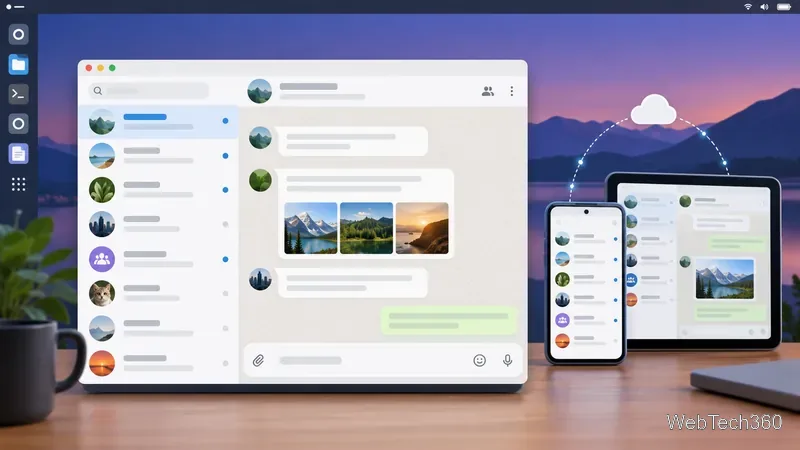
Signal provides a Linux desktop client, with an official Debian package recommended for Debian-based systems and an AppImage for many 64-bit Linux distributions. Signal Desktop is a linked device: you must first have Signal working on an Android phone or iPhone, then link the computer. It is not a standalone Linux signup.
Signal is a strong option when your contacts are willing to use it and you want end-to-end encryption to be central to everyday messages and calls. Linux support is limited to x86-64 distributions in Signal's current requirements. Check its current installation instructions before choosing a package, especially on ARM-based machines or less common distributions.
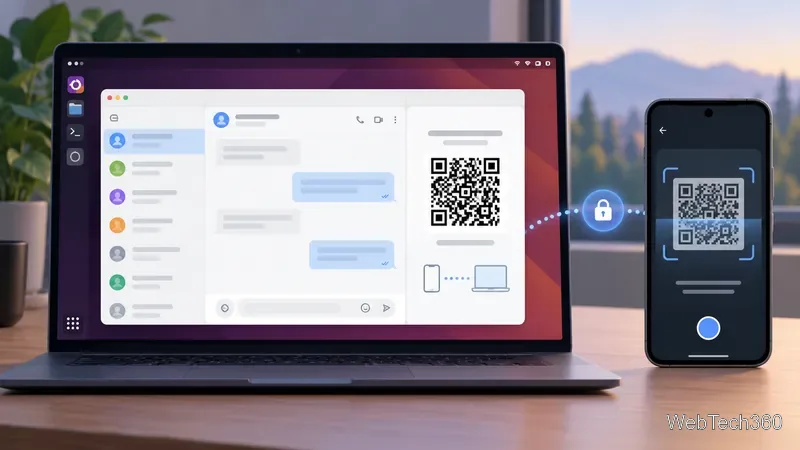
Wire combines messaging with audio and video collaboration and file sharing, making it more relevant to work groups than to replacing every family WhatsApp chat. Wire's download page lists Linux AppImage and Ubuntu/Debian packages, but labels Linux builds experimental and community-supported. Wire's support page also says Linux is not officially supported, even though the app works on many distributions.
That support caveat matters: test the current package on your distribution before relying on Wire for daily communication, and download it only from Wire's official download page. Its current site is aimed at team collaboration, so confirm that your intended contacts can create or join the kind of account or team you need.
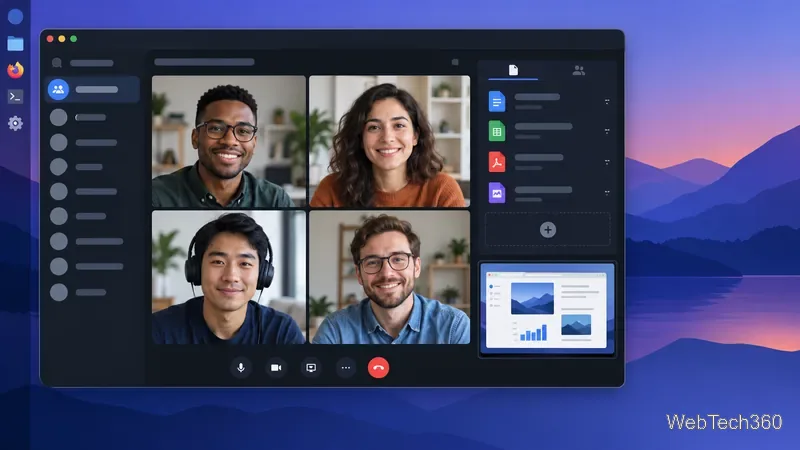
Riot, the name used in the older article, was renamed Element. Element Desktop is available for Linux, and its official download page provides Debian/Ubuntu installation instructions plus links to community-maintained packages for distributions such as Arch and NixOS.
Element connects to Matrix, a federated network. You choose a homeserver for your account, and users on different Matrix homeservers can communicate. That gives you more choice than a single centrally operated chat service, but it adds a decision: the homeserver provider has its own privacy and moderation policies. You can use a public server such as matrix.org or operate your own, which requires administration.
Do not assume every Element room is end-to-end encrypted. Element's Help Center says encryption applies only in rooms where it is enabled. Check the room's encryption status before sharing private information. Start with the official Element Linux download and read about the Matrix homeserver network.
| App | Best fit | Linux or privacy caveat |
|---|---|---|
| Telegram | Groups, channels, bots, and cloud sync | Cloud chats are not end-to-end encrypted by default |
| Signal | Private everyday conversations with willing contacts | Desktop must link to a phone; official Linux support is x86-64 |
| Wire | Team messaging, calls, and file collaboration | Linux builds are experimental and not officially supported |
| Element | Federated chat and choice of homeserver | More setup; room encryption must be enabled |
Choose Telegram if your priority is finding active groups and channels. Try Signal if your contacts will make the switch and you want a phone-linked desktop app centered on encrypted conversations. Consider Wire for a team that needs calls and file collaboration and is comfortable with experimental Linux support. Choose Element if you value federation or want to select a homeserver and can handle a little more setup.
If your contacts are staying on WhatsApp, WhatsApp Web remains the official browser option for Linux. You can also test one alternative with a small group first, confirm the Linux app works on your distribution, and only then decide whether to move larger conversations.
Use Dislocker to unlock a BitLocker volume in Linux, mount its virtual NTFS file read-only, and safely unmount it without exposing your password in a command.
Learn how to reduce RAM usage on Linux by finding memory-hungry apps, trimming browser and startup load, and testing a lighter desktop safely.
Compare four WhatsApp alternatives for Linux by privacy defaults, desktop support, setup requirements, and the people each app suits.
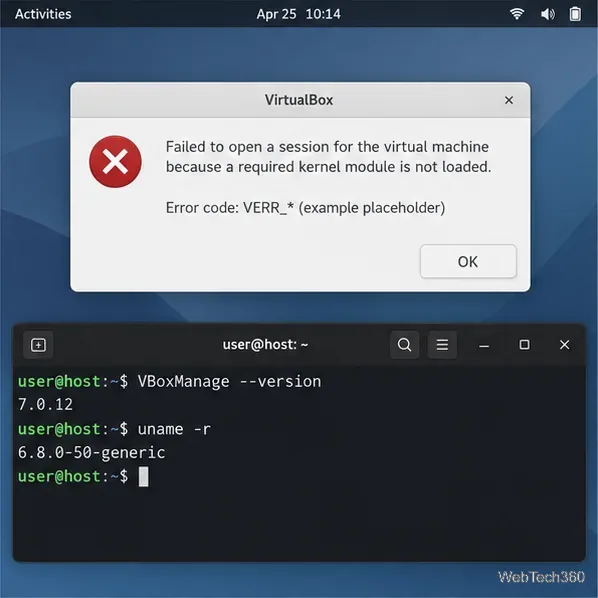
Troubleshoot a VirtualBox VM that will not start on Linux by checking vboxdrv, kernel headers, Secure Boot, Extension Pack versions, and VM logs.
Transfer your Ubuntu user data with a tar archive and external drive, then restore personal files and selected settings without overwriting the new setup.
Install gThumb on Linux, browse and make simple photo edits, then set it as the default app for the image types you choose in GNOME.
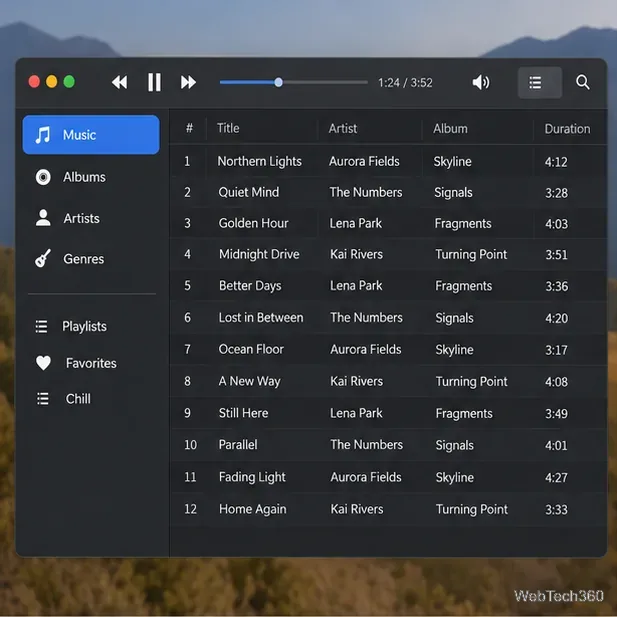
Create an organized playlist in Rhythmbox or save a reusable XSPF playlist in VLC. Learn how to add tracks, name a list, and reopen it on Linux.
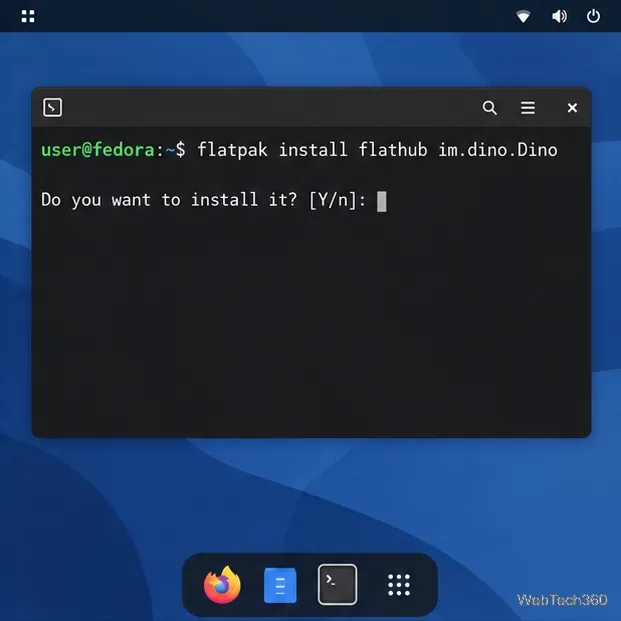
Install Dino on Linux with Flatpak or your distribution’s package manager. Get current Ubuntu, Debian, Fedora, and Arch commands, plus first-launch tips.
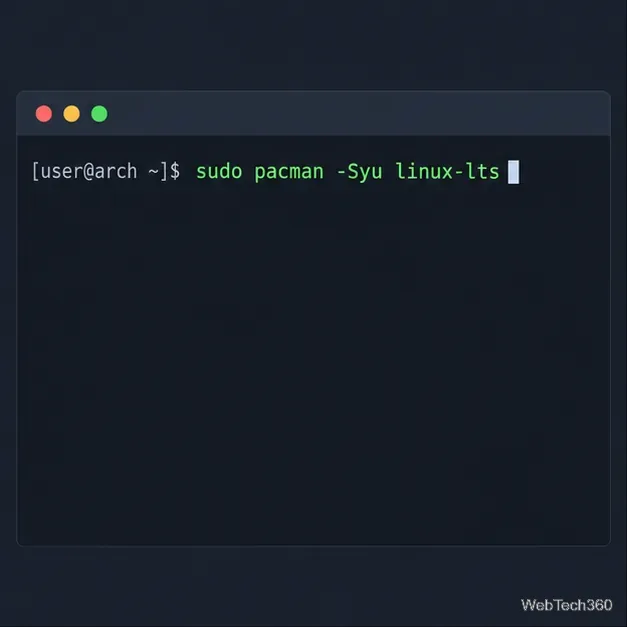
Install Arch Linux’s linux-lts kernel, add it to GRUB or systemd-boot, select it at startup, and verify it while keeping a fallback kernel.
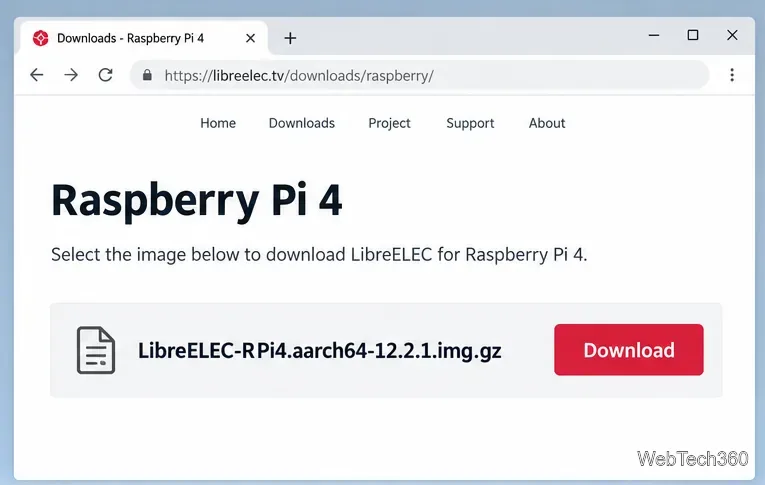
Download the right Pi 4 image, write it to a microSD card, and complete LibreELEC’s first-run setup with Raspberry Pi Imager.