Home
» LINUX
»
7-Zip on Ubuntu: How to Install and Use It
7-Zip on Ubuntu: How to Install and Use It
To install 7-Zip on Ubuntu, use Ubuntu's own 7zip package: run sudo apt update, then sudo apt install 7zip. On Ubuntu 24.04 LTS and newer, this is the current package name; the older p7zip and p7zip-full names are transitional or legacy packages. Ubuntu 22.04 also offers the 7zip package, but its main executable is 7zz rather than 7z.
This guide uses the official Ubuntu repositories rather than an old P7Zip Desktop Snap or a Synaptic-only workflow. Ubuntu's package index currently lists 7zip for supported releases, including Ubuntu 24.04 LTS and Ubuntu 26.04 LTS. You can confirm the package on the Ubuntu Packages search page.
How to install 7-Zip on Ubuntu
1. Update the APT package index
Open Terminal and refresh your local package list:
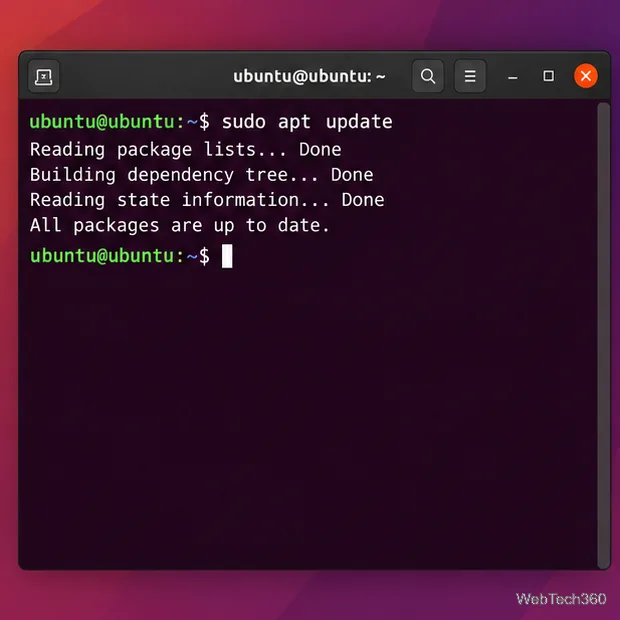
sudo apt update
Ubuntu recommends updating the package index before installing software so APT has the latest metadata from your configured repositories. The official Ubuntu package-management documentation uses the same workflow.
Terminal showing sudo apt update refreshing package metadata; the exact output varies by mirror and system.
2. Install the current 7zip package
Install 7-Zip with:
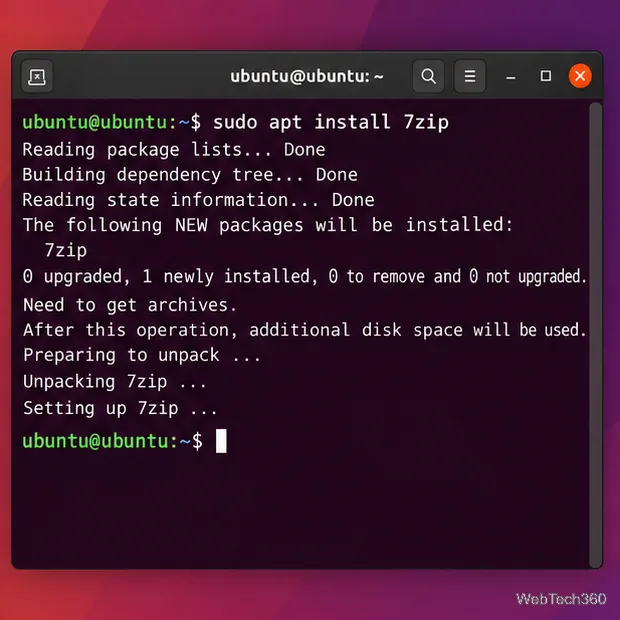
sudo apt install 7zip
Press Y if APT asks for confirmation. The 7zip package is in Ubuntu's Universe component. On a normal Ubuntu Desktop installation it is commonly available already; if APT reports that it cannot locate the package, check that the Universe repository is enabled, then run sudo apt update again.
APT installing the 7zip package from Ubuntu's repositories.
3. Verify the command
On Ubuntu 24.04 LTS and newer, verify the installation with:
7z
Running 7z without an archive displays the command help. On Ubuntu 22.04, the official 7zip package installs 7zz, so use this instead if 7z is not found:
7zz
You can also check which executable is available:
command -v 7z
command -v 7zz
Create a 7z archive on Ubuntu
The basic syntax is 7z a archive-name.7z files-or-folders. For example, this command compresses the Documents directory into archive.7z:
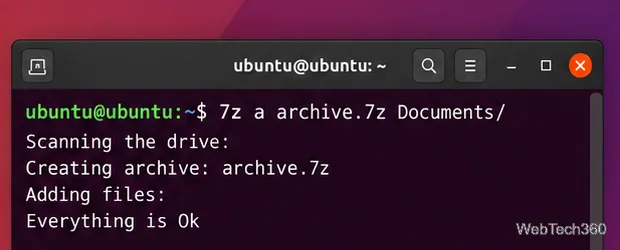
7z a archive.7z Documents/
If your Ubuntu release uses 7zz, substitute 7zz for 7z. The a command means add files to an archive.
Creating archive.7z from the Documents folder with the a command.
Extract a 7z archive on Ubuntu
To extract an archive while preserving its internal directory structure, use x:
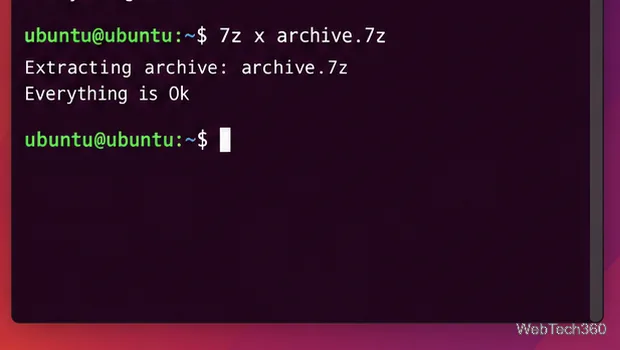
7z x archive.7z
To extract into a specific directory, add the output switch with no space after -o:
7z x archive.7z -o./extracted
The alternative e command extracts files without recreating their stored directory paths, so x is usually the safer choice for normal archives.
The 7z x command extracts the archive and keeps its directory structure.
Useful 7-Zip commands
Task
Command
Create an archive
7z a backup.7z folder/
List archive contents
7z l backup.7z
Test archive integrity
7z t backup.7z
Extract with paths
7z x backup.7z
Extract without paths
7z e backup.7z
What changed from older Ubuntu 7-Zip guides?
Older tutorials often tell Ubuntu users to install p7zip-full, P7Zip Desktop, or a third-party Snap. That advice is no longer the best default. Ubuntu 24.04 lists p7zip and p7zip-full as transitional packages provided by 7zip, while Ubuntu 26.04 ships the current 7zip package directly. Using sudo apt install 7zip keeps installation and future upgrades under APT.
Upstream 7-Zip also publishes Linux console builds as .tar.xz downloads on the official 7-Zip download page. For most Ubuntu users, however, the Ubuntu repository package is simpler because APT handles dependencies and updates for you.
Troubleshooting
APT says “Unable to locate package 7zip”
First run sudo apt update. If the package still cannot be found, make sure Ubuntu's Universe component is enabled. One supported command is sudo add-apt-repository universe; after enabling it, run sudo apt update and retry the installation. Avoid adding an unrelated PPA just to get 7-Zip when the package is already available from Ubuntu.
The 7z command is not found
Check your Ubuntu release with lsb_release -rs or cat /etc/os-release. If you installed the 7zip package on Ubuntu 22.04, try 7zz. On newer releases, confirm the package is installed with apt policy 7zip and locate the executable with command -v 7z.
Uninstall 7-Zip
If you no longer need it, remove the package with:
sudo apt remove 7zip
If you installed 7zip only for a temporary task, this removes the package while leaving the rest of your system untouched.