How to Access a Windows BitLocker Partition in Linux
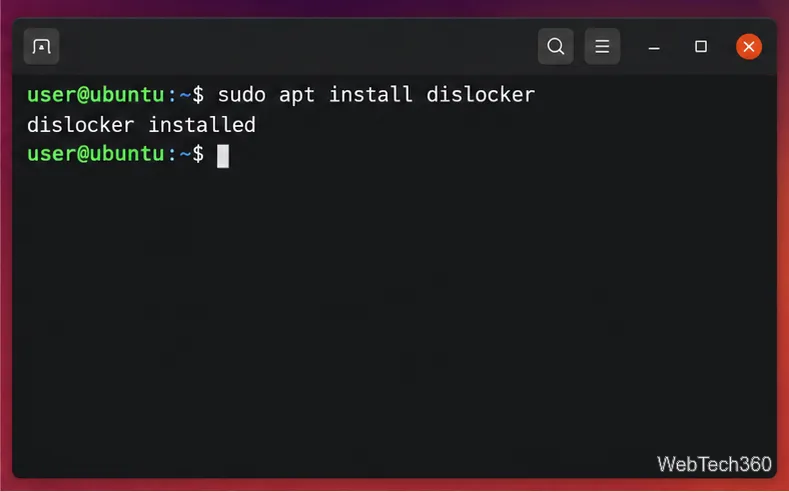
Use Dislocker to unlock a BitLocker volume in Linux, mount its virtual NTFS file read-only, and safely unmount it without exposing your password in a command.
Assessment date: October 6, 2026. HamoniKR 8 Paektu is a credible Korean-language desktop Linux candidate for a controlled enterprise pilot, especially where Korean input, familiar desktop workflows, and long hardware life matter. It is not yet an automatic enterprise-wide replacement for Windows or a fully documented managed-desktop platform. The key distinction is between a usable desktop release and an operating system with clearly defined commercial support, security coverage, fleet controls, and application guarantees.
The current official download page lists HamoniKR 8.0 Paektu as its newest desktop release. The project describes it as based on Ubuntu 24.04 LTS, with a dark desktop theme, Korean-focused features, and an update horizon through May 2034. That is a useful foundation, but procurement teams should validate the exact update scope and support terms before treating the date as a service commitment.
HamoniKR is a Linux desktop distribution developed for Korean users and organizations. It is an open-source project, not a separate server operating system. Version 8 Paektu builds on Ubuntu 24.04 LTS and uses the Linux 6.8 kernel according to the HamoniKR 8 user guide. The official download page currently offers LTS and Lite editions; it also lists a separate ARM64 image for Raspberry Pi 5 based on Debian Bookworm, so check the image’s base and hardware before standardizing.
The desktop is aimed at everyday PC work. The project documents Korean input and typography, desktop style choices, an application manager, and bundled utilities including Obsidian, Motrix, Mega Drive, and AskGPT. It also describes support for editing HWP and Microsoft Office files through its recommended software and a LibreOffice HWP conversion project. These are useful starting points, not proof that every document, macro, font, or workflow will behave exactly as it does in Microsoft Office or Hancom Office. The official Paektu download page provides the current feature and edition descriptions.
For a pilot or a defined desktop workload, potentially. The long-term base, Korean user experience, and public documentation make HamoniKR worth evaluating. The project also reports adoption in public and private organizations and says the OS has received GS software quality certification and software quality awards. These are relevant maturity signals, but they do not by themselves demonstrate that your own hardware, applications, security controls, or support requirements are covered.
For a broad production rollout, readiness depends on what your organization can verify. The reviewed public materials describe a desktop OS, a user guide, a community, and the downloadable release. They do not provide enough detail to assume a particular enterprise service-level agreement, guaranteed response times, centralized update rings, device compliance reporting, long-term replacement planning, or an organization-wide endpoint management console as part of the OS. Ask the provider for current written terms and identify which separate tools or services are required.
The project’s GitHub organization lists Hamonize as a remote PC management system. That is evidence of a related project, not evidence that centralized management is built into every HamoniKR installation or that it satisfies your management and audit requirements. Review its capabilities, licensing, maintenance status, and deployment model separately before counting it as an endpoint-management solution.
HamoniKR’s documentation and download page say version 8 receives feature and security updates through May 2034. Ubuntu’s own release information distinguishes standard support from extended coverage: Ubuntu 24.04 LTS is listed with standard support through May 2029 and Ubuntu Pro support through May 2034. That difference matters for risk planning.
Before relying on the HamoniKR date, request a written explanation of which packages are maintained through 2034, which repositories and components are included, how fixes are delivered, and whether any subscription or separate service is needed for extended coverage. Confirm who publishes and tests security updates for HamoniKR-specific packages. Track the date against your own patch policy, rather than assuming every application installed on the desktop inherits the same coverage.
GS certification also needs a narrow reading. The Telecommunications Technology Association’s GS definition describes a software quality certification. Treat it as evidence of product-quality evaluation, not as a substitute for a security certification, penetration test, compliance attestation, or proof that your particular deployment meets internal controls.
Use a representative pilot group and define pass/fail criteria before deployment. A good pilot should measure completed work, failure rates, and support effort—not just whether the desktop boots.
Set measurable acceptance thresholds. For example, you could require that every critical application has an approved route, all priority hardware works without unmanaged workarounds, updates meet your patch deadlines, and the help desk resolves common incidents within its normal target. Choose the thresholds based on your own policy; the examples are not HamoniKR performance claims.
Keep the deployment narrow or choose another supported desktop if a critical Windows-only application has no acceptable alternative, HWP or Office conversion breaks essential records, hardware drivers require fragile workarounds, or security tooling cannot report reliably. Change the rollout plan if support coverage through 2034 cannot be documented, if staff have no practical recovery route, or if the pilot creates more support incidents than your team can absorb.
Those outcomes do not make the operating system unusable. They show that the specific workload or support model is a poor fit. A practical alternative may be to deploy HamoniKR to a defined group, retain Windows for application-dependent roles, or use a managed virtual desktop for exceptions. Re-test after updates because compatibility and kernel support can change over time.
HamoniKR OS 8 is ready to be evaluated as a Korean-focused desktop Linux platform and may suit organizations that can standardize their applications, test hardware, and own or purchase the operational support around it. Its Ubuntu 24.04 LTS base, public documentation, and Korean-oriented usability are real advantages. Its enterprise case is less certain where an organization needs a fully specified support contract, centralized endpoint controls, or independently documented security assurances.
Recommendation: approve a time-boxed pilot, not a fleet-wide commitment, until the update-coverage question and enterprise support model are answered in writing and the pilot meets workload-specific acceptance criteria. For current release details, edition downloads, and published requirements, consult the HamoniKR 8 Paektu page and the HamoniKR 8 user guide.
Use Dislocker to unlock a BitLocker volume in Linux, mount its virtual NTFS file read-only, and safely unmount it without exposing your password in a command.
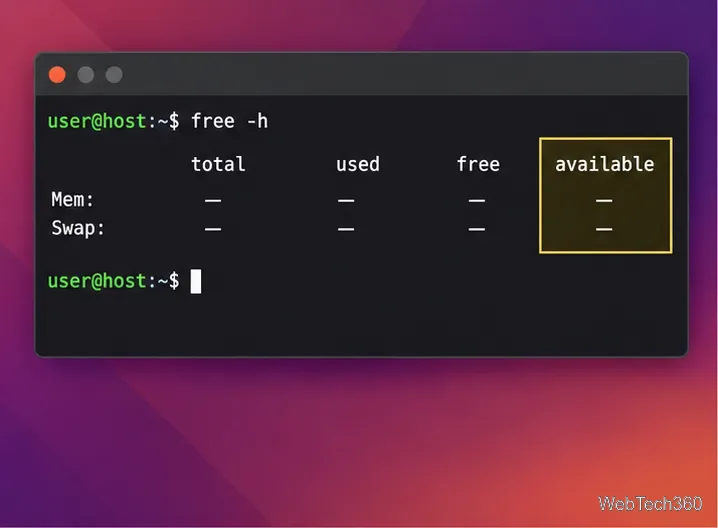
Learn how to reduce RAM usage on Linux by finding memory-hungry apps, trimming browser and startup load, and testing a lighter desktop safely.
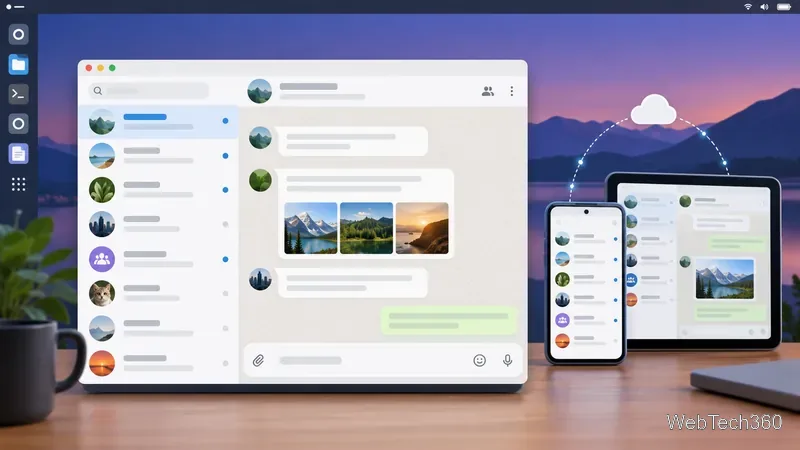
Compare four WhatsApp alternatives for Linux by privacy defaults, desktop support, setup requirements, and the people each app suits.
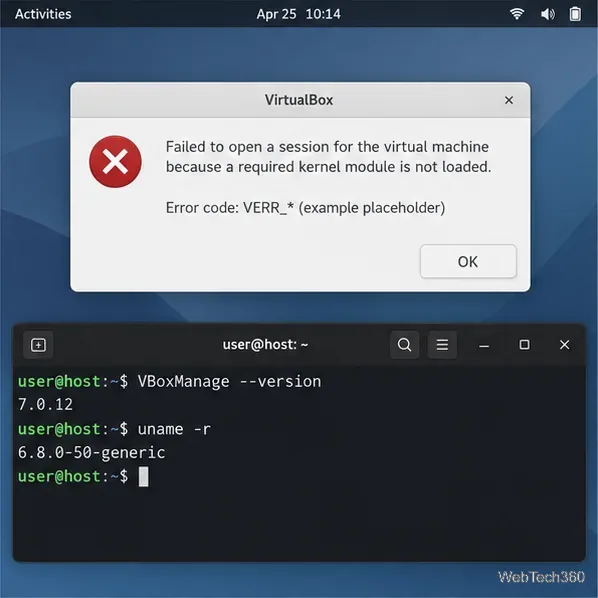
Troubleshoot a VirtualBox VM that will not start on Linux by checking vboxdrv, kernel headers, Secure Boot, Extension Pack versions, and VM logs.
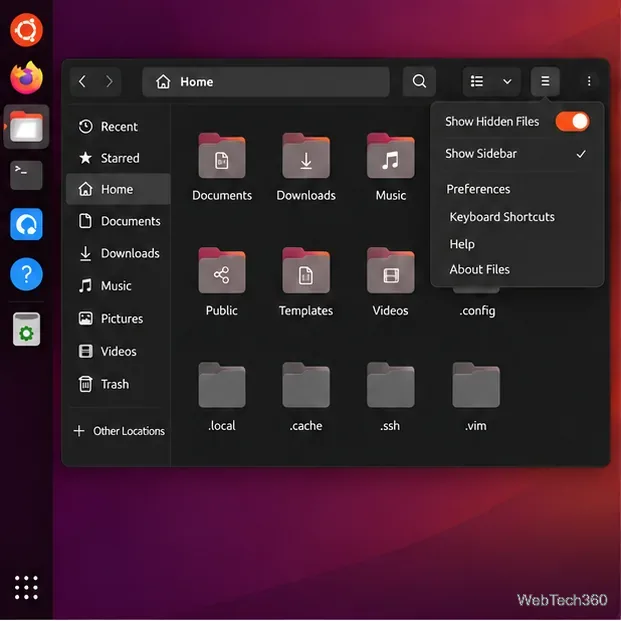
Transfer your Ubuntu user data with a tar archive and external drive, then restore personal files and selected settings without overwriting the new setup.
Install gThumb on Linux, browse and make simple photo edits, then set it as the default app for the image types you choose in GNOME.
Create an organized playlist in Rhythmbox or save a reusable XSPF playlist in VLC. Learn how to add tracks, name a list, and reopen it on Linux.
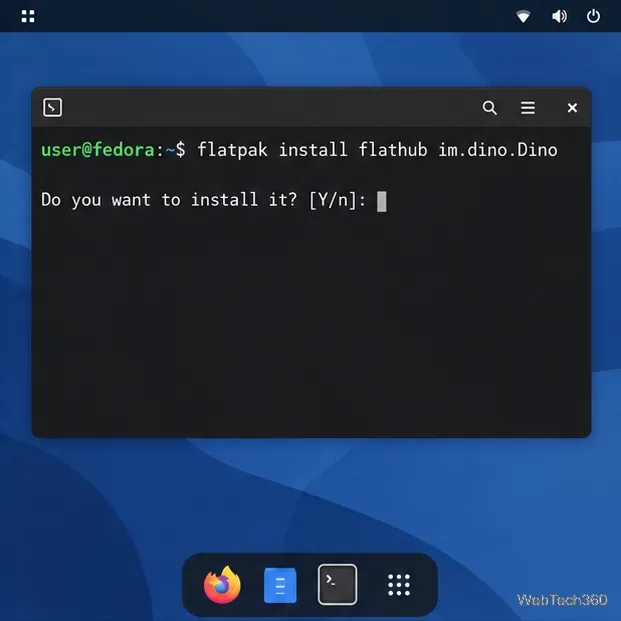
Install Dino on Linux with Flatpak or your distribution’s package manager. Get current Ubuntu, Debian, Fedora, and Arch commands, plus first-launch tips.
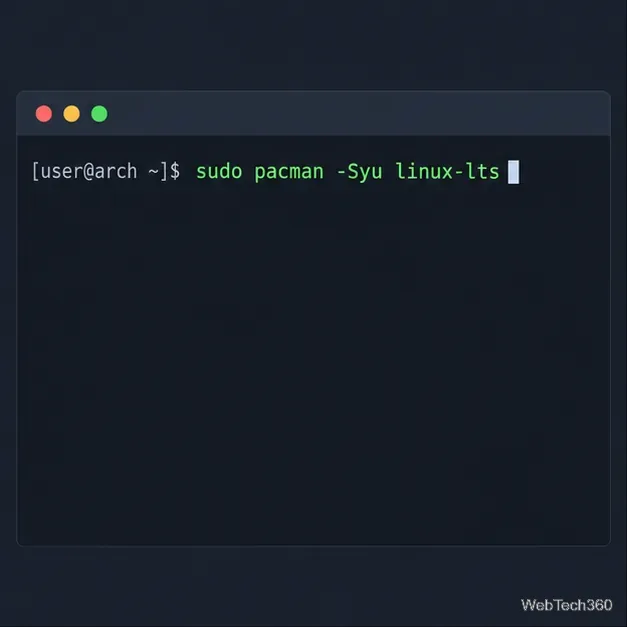
Install Arch Linux’s linux-lts kernel, add it to GRUB or systemd-boot, select it at startup, and verify it while keeping a fallback kernel.
Download the right Pi 4 image, write it to a microSD card, and complete LibreELEC’s first-run setup with Raspberry Pi Imager.