Home
» LINUX
»
How to Fix a Frozen KDE Window Manager (KWin)
How to Fix a Frozen KDE Window Manager (KWin)
If the KDE desktop stops moving, resizing, or focusing windows, KWin may be frozen. The safest quick fix is to restart the KWin process that matches your session: run kwin_wayland --replace in a Wayland session or kwin_x11 --replace in an older X11 session. First check whether only one application is hung, because restarting KWin can interrupt other open apps.
Check whether KWin or one application is frozen
KWin handles window placement, decorations, and desktop compositing. Plasma Shell handles the panel, widgets, and desktop background. If windows still move but the panel disappeared, KWin may be fine; restarting the shell is a different fix. KDE’s KWin debugging guide distinguishes these components.
If just one app is unresponsive, try Alt+F4 first. If it will not close, KDE’s default Ctrl+Alt+Esc shortcut activates Force Quit; click the stuck window to close that app. Unsaved work in that program may be lost. The KDE keyboard shortcut reference lists both shortcuts; customized shortcut settings can change them.
1. Identify your Plasma session
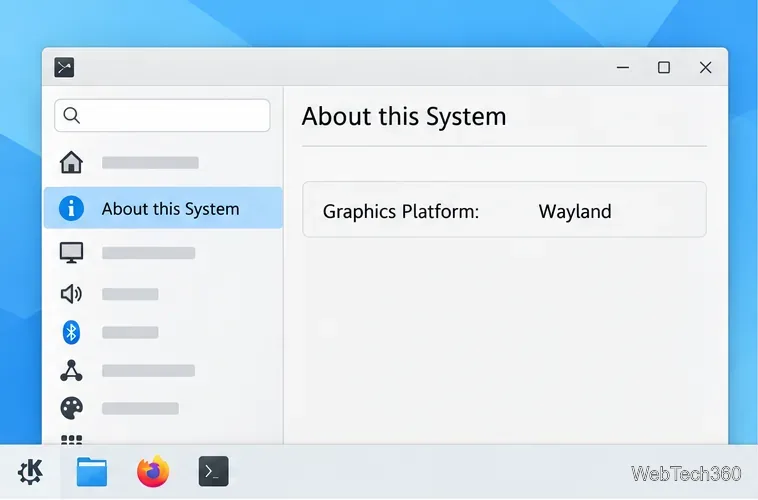
Open System Settings > About this System and look for Graphics Platform. It will say Wayland or X11. If you can open a terminal, echo "$XDG_SESSION_TYPE" prints the same session type.
Check the Graphics Platform row before choosing a KWin restart command.
This distinction matters because Wayland makes KWin the compositor and display server. KDE’s Plasma 6.8 release is Wayland-only, while older Plasma installations or some distributions may still offer an X11 session. See KDE’s announcement about the Plasma X11 session for the version change.
2. Restart KWin from KRunner
Press Alt+Space or Alt+F2 to open KRunner, Plasma’s built-in command launcher. Type the command for your session and press Enter. If the shortcut does nothing, try the other one; a fully unresponsive compositor may not be able to open KRunner.
For Wayland
Run this command in KRunner:
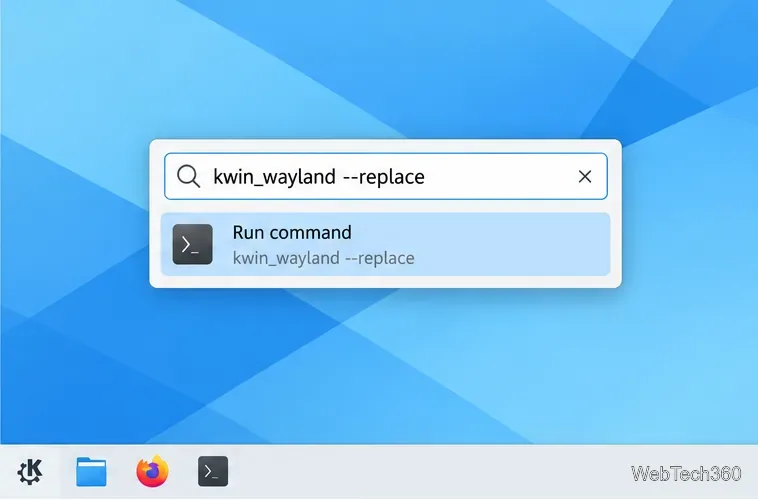
kwin_wayland --replace
In a Wayland session, enter the Wayland-specific replacement command in KRunner.
KWin maintainer Zamundaaa recommends kwin_wayland --replace for replacing KWin in a Wayland session. Apps that support compositor restarts may remain open, but other apps can freeze, close, or lose unsaved work. Do not run the command with sudo, and do not use killall kwin; the executable and restart behavior depend on the session.
For an older X11 session
Run:
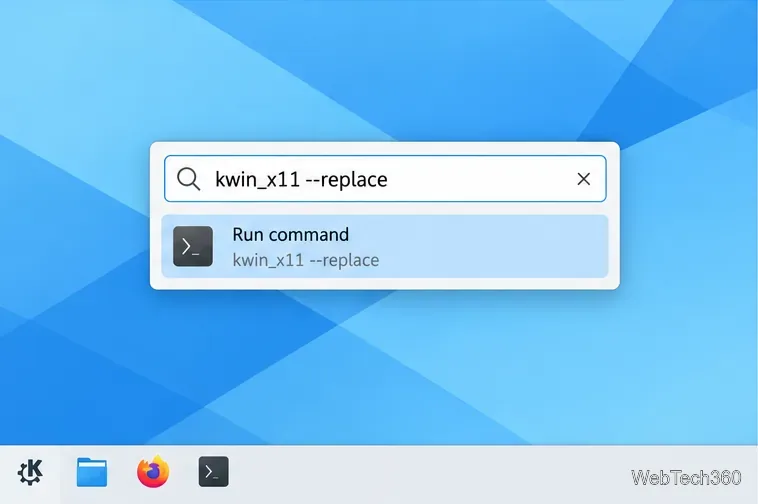
kwin_x11 --replace
Use the X11-specific command only when Graphics Platform says X11.
This tells KWin for X11 to replace the current window manager. KDE’s debugging documentation uses this option for replacing the running kwin_x11 process. If the command is not found, your distribution may not include the X11 session or may package the executable differently; do not guess at another process name.
3. If KRunner cannot open
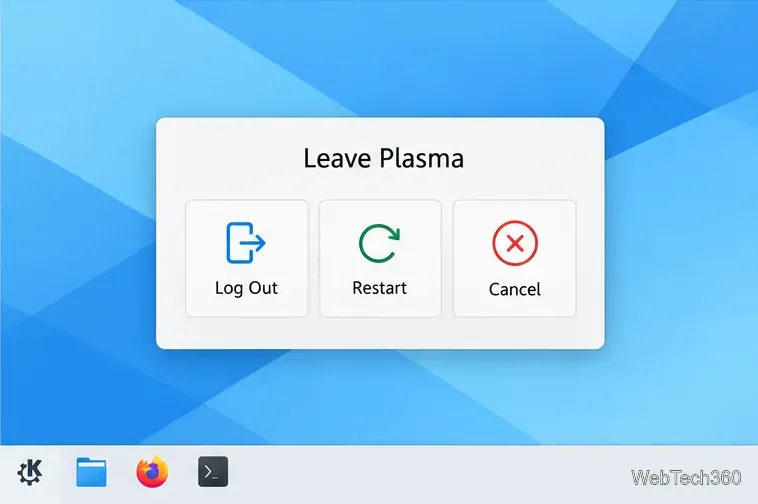
If global shortcuts still work, press Ctrl+Alt+Del to open Plasma’s leave-session screen, then choose Log Out and sign in again. Logging out closes running apps, so save any work you can first. KDE documents this as the workspace’s Leave shortcut.
Logging out and back in is the safer fallback when KRunner cannot restart KWin.
If the desktop ignores shortcuts, try Ctrl+Alt+F3 to switch to a text console. A console login can confirm that Linux is still responding; the key to return to the graphical session varies by distribution. If the desktop cannot be recovered, use your distribution’s normal reboot procedure only after accounting for unsaved work. Avoid killing the display manager or starting a second KWin instance from the console, as that can end the whole graphical session.
4. If the freeze keeps coming back
A restart restores control but does not identify the cause. After signing back in, install available Plasma and graphics-driver updates, and note whether the problem began after an update, resume from sleep, a display change, or launching a particular app. If a KDE crash notification appears, keep its report details. Repeated freezes are useful to report to KDE with the Plasma version, session type, graphics hardware, and steps that trigger the issue.
Frequently asked questions
Will restarting KWin restart Plasma?
It restarts the window manager or compositor, not every Plasma component. In Wayland, KWin also provides the display server, so a replacement can affect open windows more than an X11 window-manager replacement does.
Should I use the old kwin --replace command?
Prefer the session-specific executable shown above. Current KDE installations separate kwin_wayland and kwin_x11, and Plasma 6.8 no longer includes the X11 desktop session. Older builds may differ, so follow your distribution’s documentation if neither command exists.