4 Best Adobe Acrobat Alternatives for Linux: PDF Reading and Markup

Compare four Adobe Acrobat alternatives for Linux, from Okular’s signatures and markup to GNOME Papers, Atril, and MuPDF.
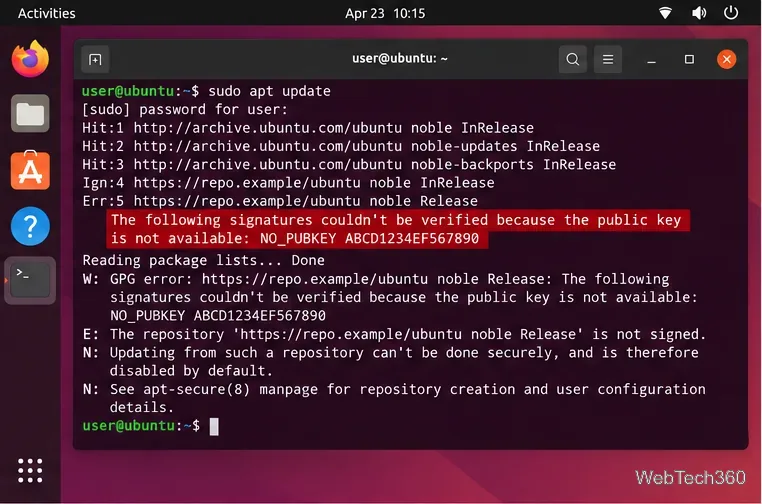
The NO_PUBKEY error means APT found a repository but cannot verify its signed package metadata because it lacks that repository’s public signing key. Identify the source, get its key from the publisher, verify the full fingerprint, and link it only to that repository with Signed-By. Then refresh APT. Do not bypass signature checks to hide the error.
APT’s checks protect package metadata and downloads from tampering. Ubuntu recommends scoping third-party keys to their own source. See Canonical’s third-party repository guidance and archive integrity documentation.
Open Terminal and run:
sudo apt updateNote the repository URL beside NO_PUBKEY. APT may show a short key ID, such as ABCD1234EF567890. It helps identify the missing key, but does not prove who owns it. Confirm which software source produced the error before changing its trust settings.
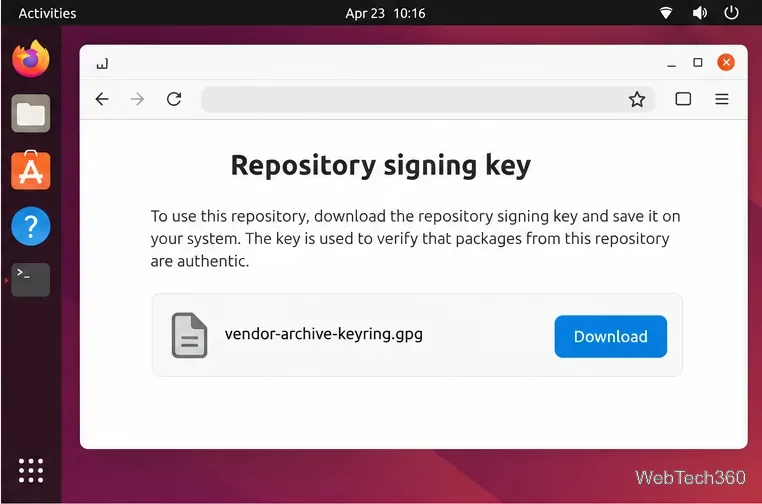
Use the repository owner’s official installation page or key download location. For a Launchpad PPA, confirm its owner and archive on Launchpad. Ubuntu documents adding a PPA with add-apt-repository, which sets up its key:
sudo add-apt-repository ppa:OWNER/ARCHIVEReplace OWNER/ARCHIVE with the exact PPA from its official page. For a vendor repository, download its key only from the vendor’s instructions. This example uses a placeholder URL; replace it with the published URL:
curl -fsSLo /tmp/vendor-archive-keyring.asc https://repo.example/ubuntu/vendor-archive-keyring.asc
gpg --show-keys --with-fingerprint /tmp/vendor-archive-keyring.asc
Compare the full fingerprint with the one the provider publishes through an official channel. Do not proceed if it differs or cannot be verified.
For an ASCII-armored .asc key, create a keyring directory, convert the key, and allow APT to read it:
sudo install -d -m 0755 /etc/apt/keyrings
sudo gpg --dearmor --yes --output /etc/apt/keyrings/vendor-archive-keyring.gpg /tmp/vendor-archive-keyring.asc
sudo chmod 0644 /etc/apt/keyrings/vendor-archive-keyring.gpg
If the publisher provides a binary .gpg key, save it in /etc/apt/keyrings and set its permissions to 0644; do not dearmor it. Name the file after its publisher so you can identify it later.
Edit the repository’s existing source file, usually under /etc/apt/sources.list.d/. Keep the URI, Ubuntu suite, and components from the publisher. Replace the placeholders below, and do not create a duplicate source.
In a deb822 .sources file, add a Signed-By field:
Types: deb
URIs: https://repo.example/ubuntu
Suites: YOUR_UBUNTU_CODENAME
Components: main
Signed-By: /etc/apt/keyrings/vendor-archive-keyring.gpg
In a legacy .list file, add the option to its existing deb line:
deb [signed-by=/etc/apt/keyrings/vendor-archive-keyring.gpg] https://repo.example/ubuntu YOUR_UBUNTU_CODENAME mainUse the format already in that source. The Ubuntu sources.list manual explains Signed-By and the supported formats.
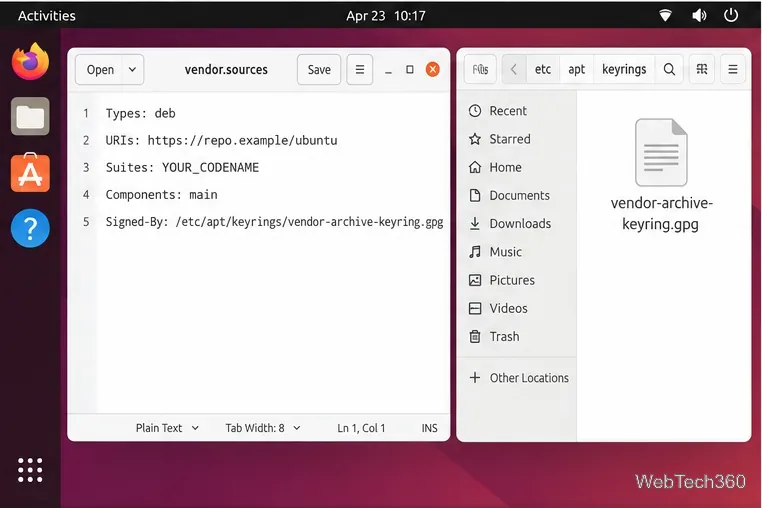
/etc/apt/keyrings.Save the source file and run:
sudo apt updateThe update should finish without that repository’s NO_PUBKEY warning. You can then install or update packages normally. This command refreshes package metadata; it does not upgrade installed packages.
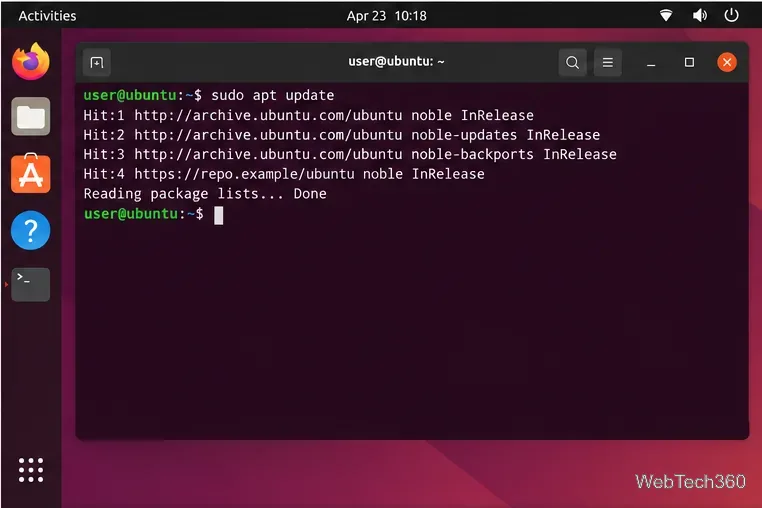
Signed-By path exactly matches the keyring file and that the file is readable.ubuntu-keyring is intact. Do not import an unofficial replacement key.On Ubuntu Desktop, if you no longer use a third-party source, open Software & Updates, disable it under Other Software, and reload package information. Labels vary by release. The older global Authentication import workflow is not a substitute for verifying a publisher’s current key and using Signed-By.
Do not use trusted=yes, --allow-unauthenticated, or insecure-repository settings as a workaround. If the publisher cannot confirm the key or no longer maintains the repository, disable it and use a supported source. See the Ubuntu APT archive-authentication manual.
Compare four Adobe Acrobat alternatives for Linux, from Okular’s signatures and markup to GNOME Papers, Atril, and MuPDF.
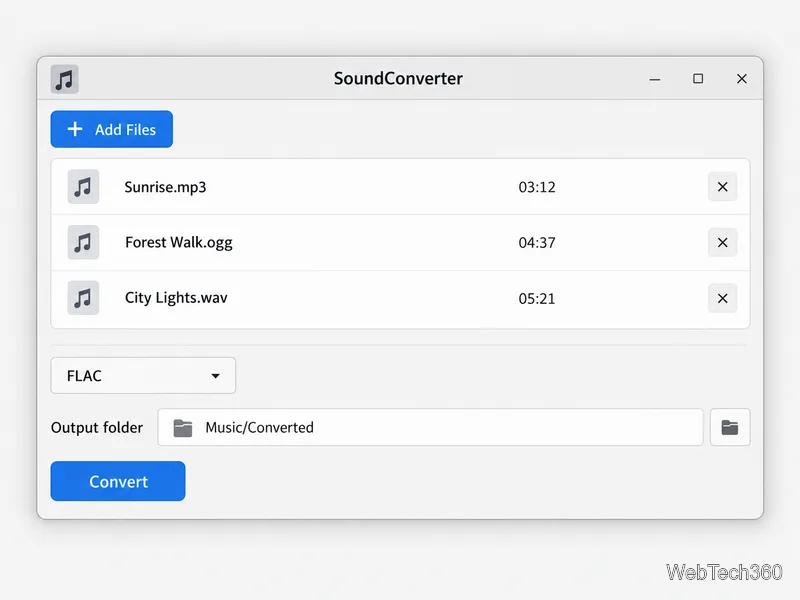
Compare Linux audio converters for batch jobs, CD ripping, editing, and command-line workflows, with practical format and codec notes.
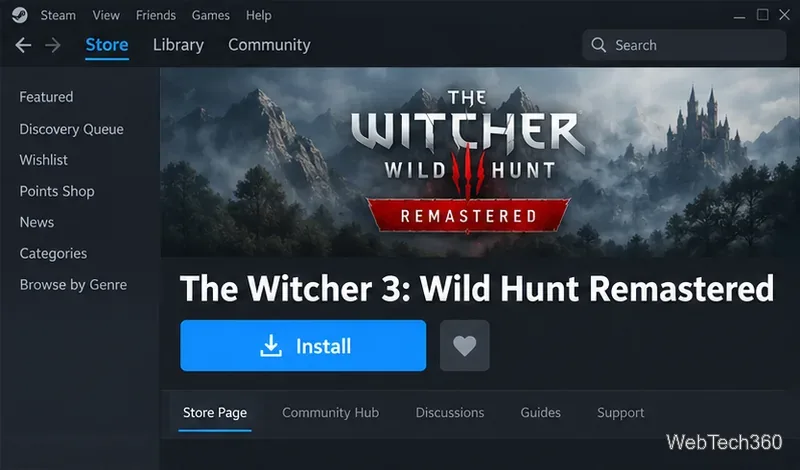
Set up The Witcher 3 on Linux with Steam Proton or a GOG copy in Heroic, with current guidance for Remastered compatibility issues.
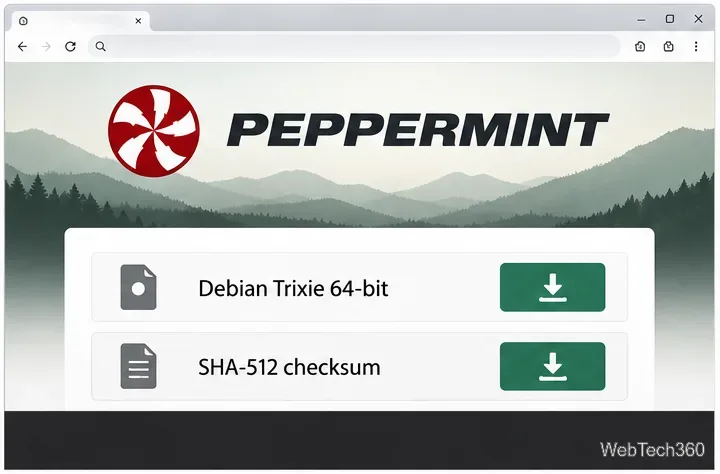
Install Peppermint OS from the Debian Trixie 64-bit ISO: verify the download, create a bootable USB, choose a disk layout, and complete setup safely.
Compare four Linux wallpaper apps for searching, filtering, saving, and rotating desktop backgrounds, with current install links and compatibility notes.
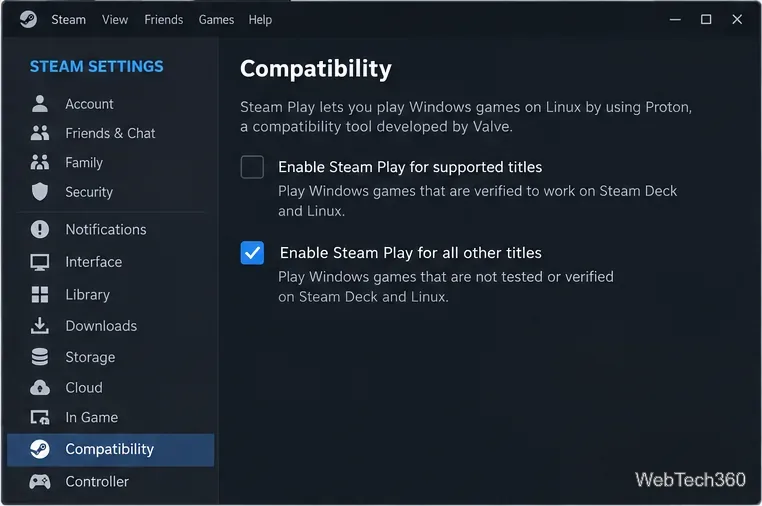
Install Fallout 4 from Steam on Linux, enable Proton for Windows games, and troubleshoot common launch problems with practical compatibility steps.
Use Steam Play and Proton to install The Sims 3 on Linux, or try a PC DVD copy with Wine. Follow current setup steps and compatibility tips.
Prepare a model-matched microSD card, install OSMC with the official desktop installer, and complete first-run setup on your Raspberry Pi.
Install the Steam version of No Man’s Sky on Linux with Proton, then troubleshoot launch failures, graphics issues, and compatibility settings.
Find the repository that raised NO_PUBKEY, verify its publisher’s signing key, scope it with Signed-By, and refresh APT safely without weakening signature checks.