4 Best Adobe Acrobat Alternatives for Linux: PDF Reading and Markup
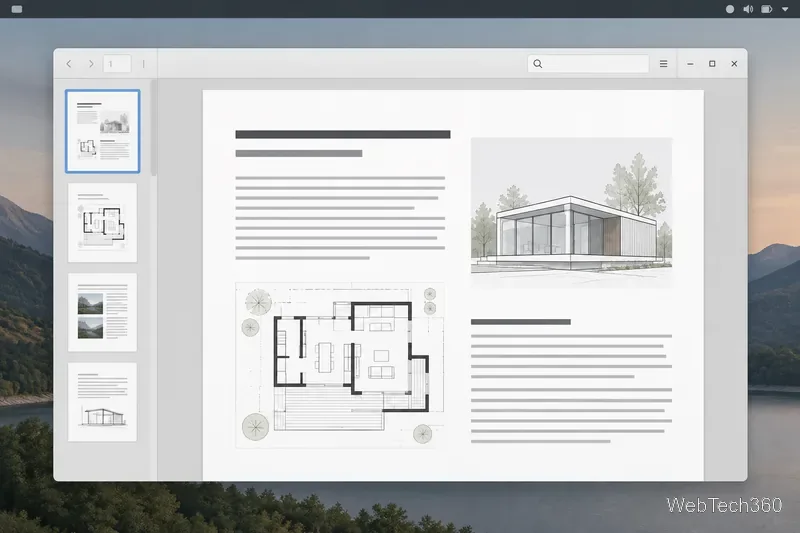
Compare four Adobe Acrobat alternatives for Linux, from Okular’s signatures and markup to GNOME Papers, Atril, and MuPDF.
You can run the Windows PC version of The Witcher 3: Wild Hunt on Linux with a compatibility layer. Steam’s built-in Proton is the simplest route; a GOG copy can run through Heroic using Wine or Proton.
The current release is The Witcher 3: Wild Hunt — Remastered, released September 29, 2026 as a free upgrade for existing Steam and GOG owners. The PC listing targets Windows, so Linux play relies on compatibility tools. Reports after the update describe issues on some Linux systems; these steps show how to set up Proton or Wine but cannot guarantee the current build will work on every machine. See the official Remastered release notes.
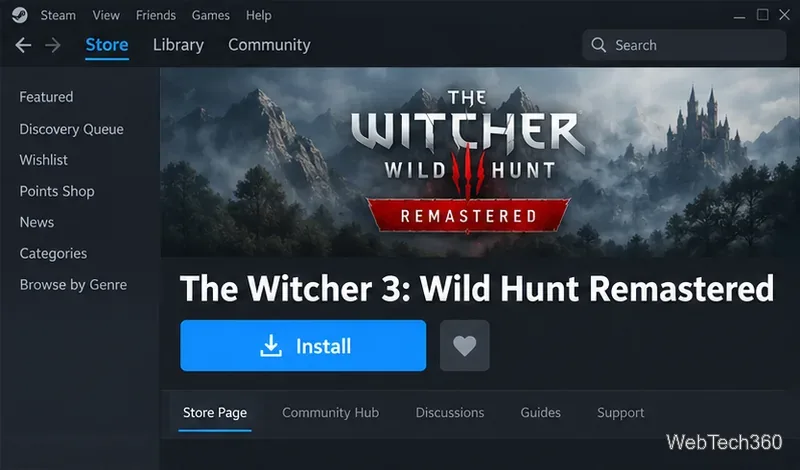
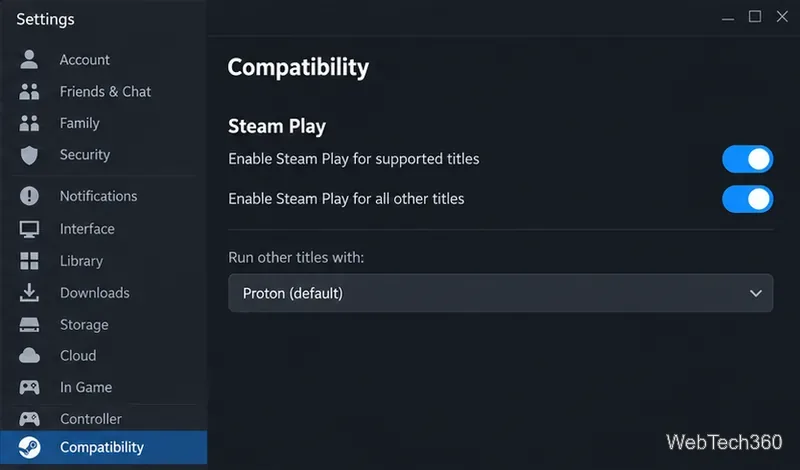
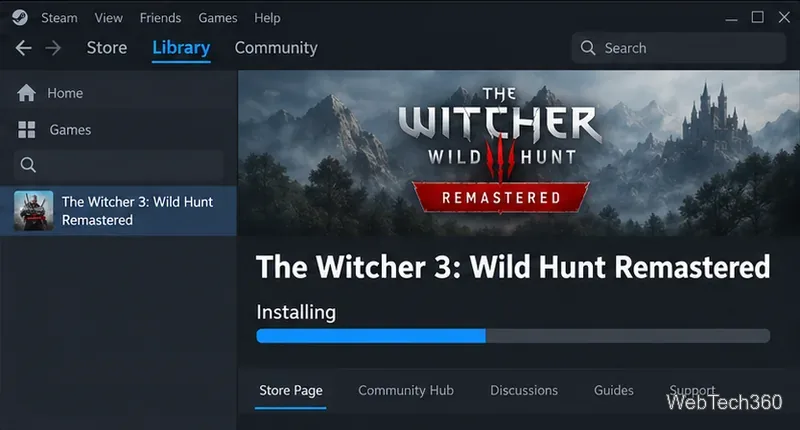
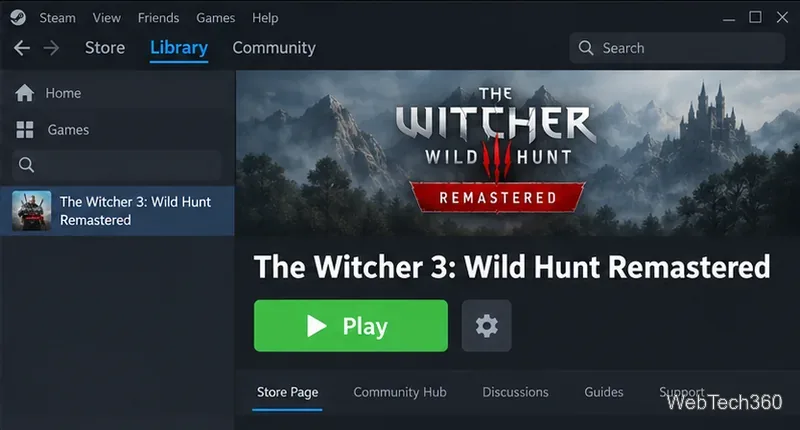
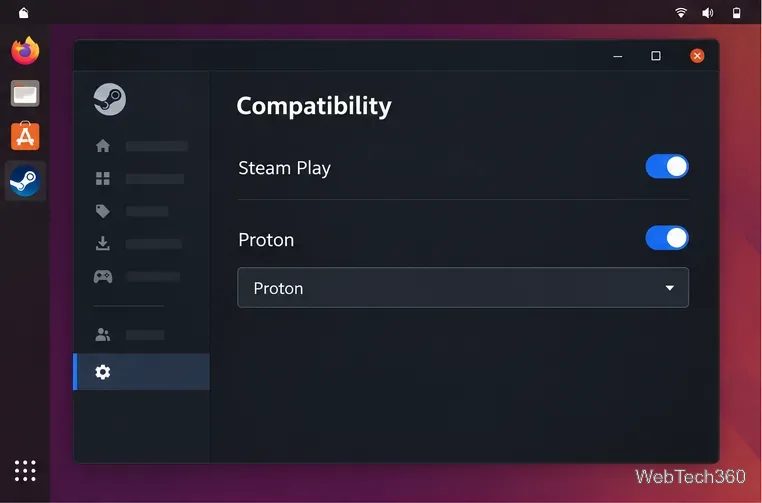
If the game does not start, open its Properties > Compatibility page and test one other Steam-provided Proton version at a time. Select the option to force a specific compatibility tool only for this game. Avoid changing several settings at once, so you can tell whether a change helped. Valve’s Proton project explains the tool and maintains a public issue tracker for compatibility reports.
Heroic is an open-source launcher that manages GOG games and Wine/Proton tools on Linux. Download it from the official page and install the package supported by your distribution.
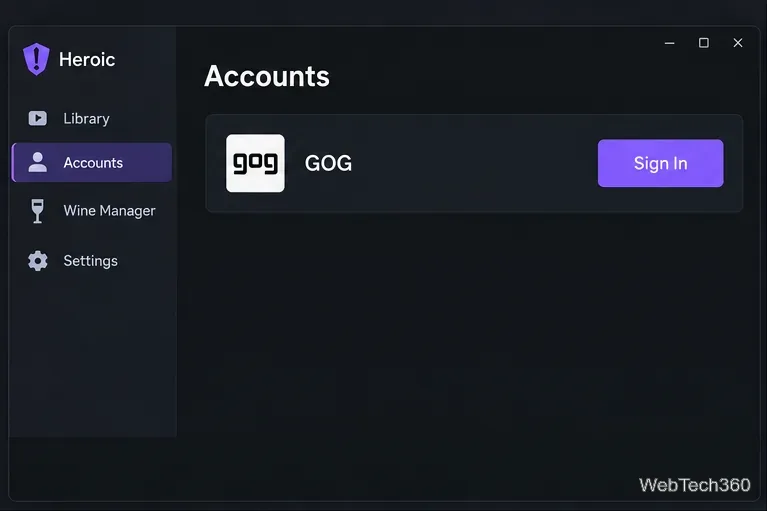
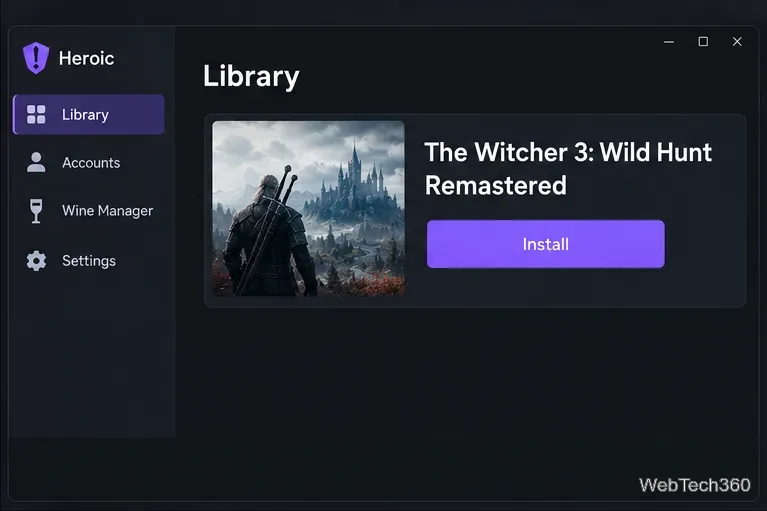
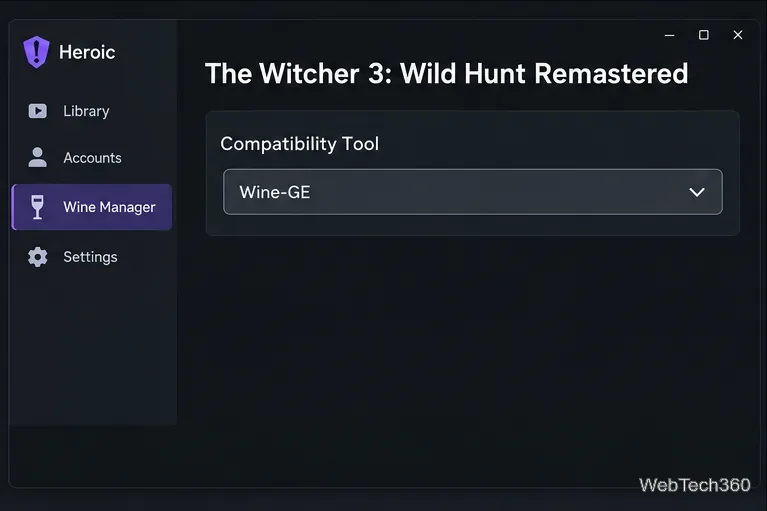
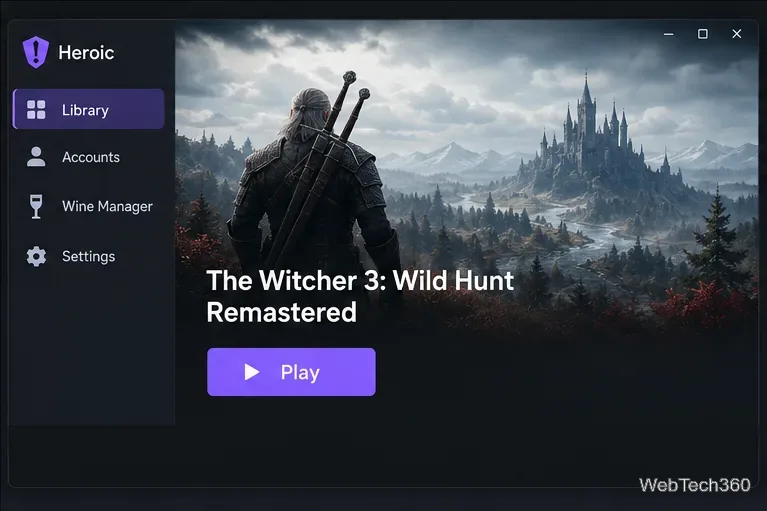
GOG also offers offline backup installers. For a manual Wine setup, download every required installer file, run the Windows setup in a dedicated Wine prefix, and launch the game through that same prefix. You must manage updates and expansions yourself; see GOG’s download instructions and Wine’s official site.
For the current Remastered release, Steam with its default Proton is the simplest configuration to try first. Heroic gives GOG owners a graphical Wine/Proton path, while manual Wine installation remains available for users who prefer GOG’s offline installers.
Compare four Adobe Acrobat alternatives for Linux, from Okular’s signatures and markup to GNOME Papers, Atril, and MuPDF.
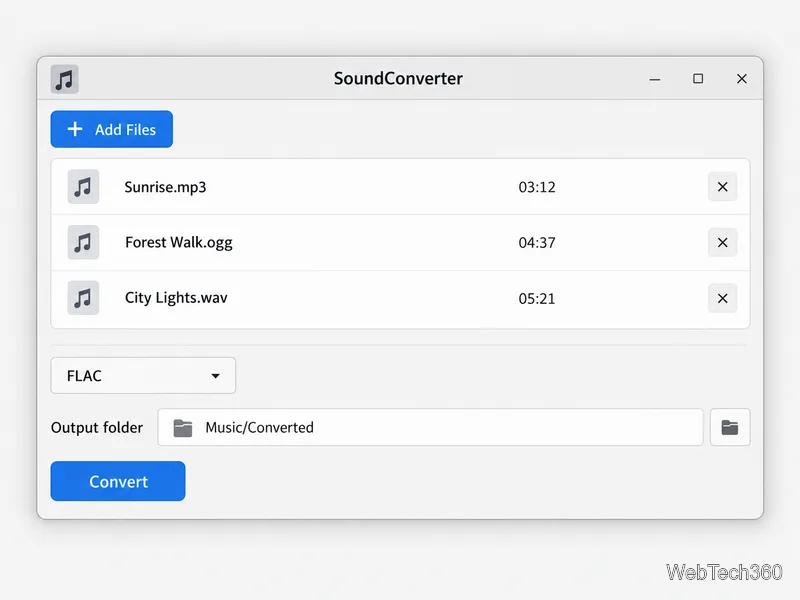
Compare Linux audio converters for batch jobs, CD ripping, editing, and command-line workflows, with practical format and codec notes.
Set up The Witcher 3 on Linux with Steam Proton or a GOG copy in Heroic, with current guidance for Remastered compatibility issues.
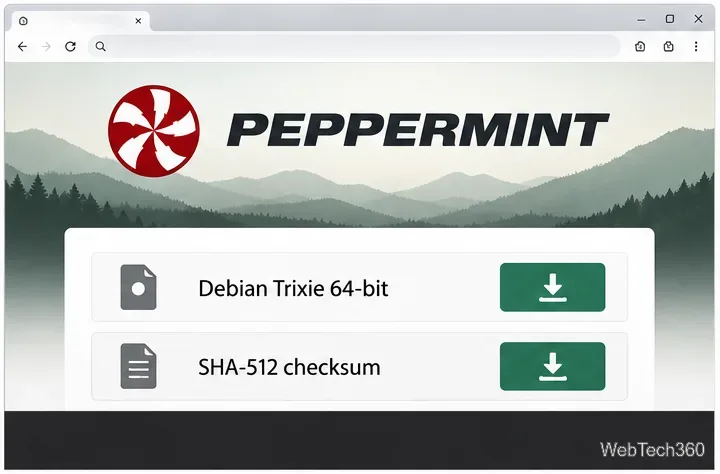
Install Peppermint OS from the Debian Trixie 64-bit ISO: verify the download, create a bootable USB, choose a disk layout, and complete setup safely.
Compare four Linux wallpaper apps for searching, filtering, saving, and rotating desktop backgrounds, with current install links and compatibility notes.
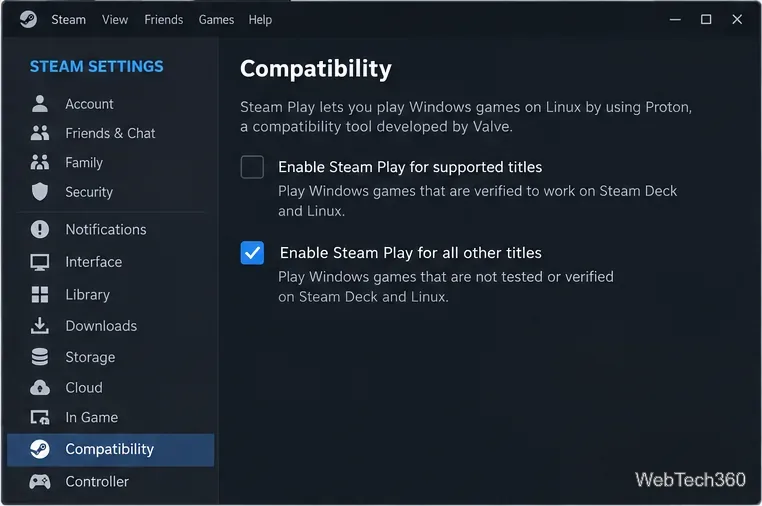
Install Fallout 4 from Steam on Linux, enable Proton for Windows games, and troubleshoot common launch problems with practical compatibility steps.
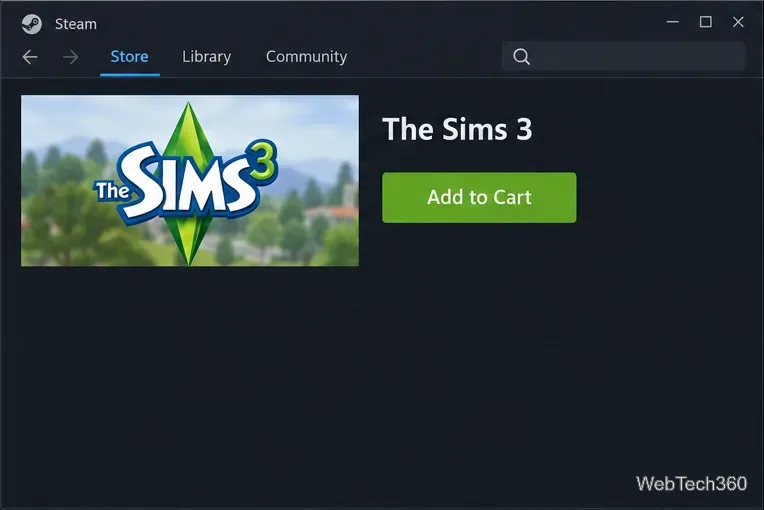
Use Steam Play and Proton to install The Sims 3 on Linux, or try a PC DVD copy with Wine. Follow current setup steps and compatibility tips.
Prepare a model-matched microSD card, install OSMC with the official desktop installer, and complete first-run setup on your Raspberry Pi.
Install the Steam version of No Man’s Sky on Linux with Proton, then troubleshoot launch failures, graphics issues, and compatibility settings.
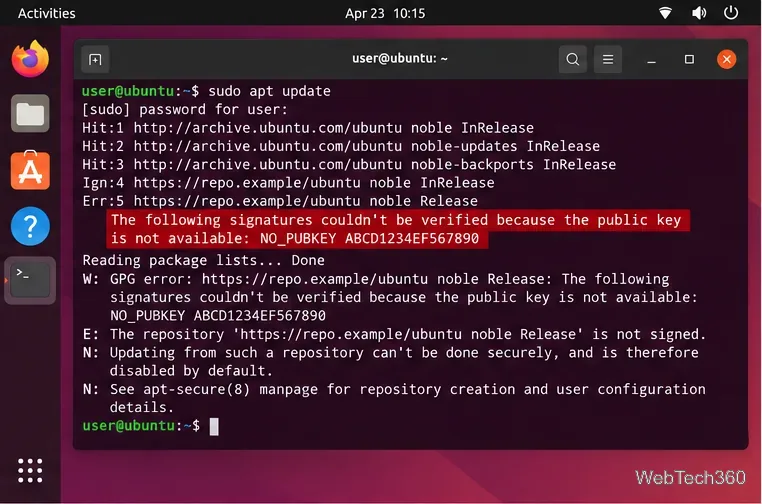
Find the repository that raised NO_PUBKEY, verify its publisher’s signing key, scope it with Signed-By, and refresh APT safely without weakening signature checks.