4 Best Adobe Acrobat Alternatives for Linux: PDF Reading and Markup
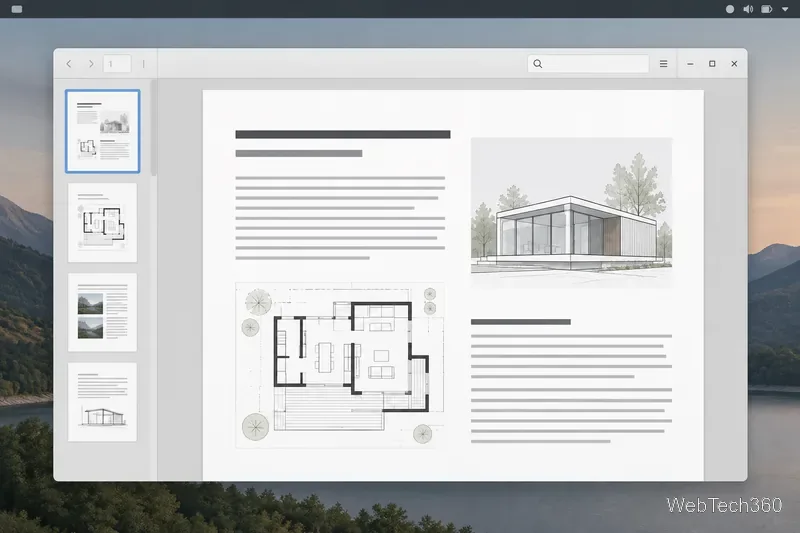
Compare four Adobe Acrobat alternatives for Linux, from Okular’s signatures and markup to GNOME Papers, Atril, and MuPDF.
You can play No Man’s Sky on Linux through Steam using Proton, Valve’s compatibility tool for Windows games. Install Steam, enable Steam Play for Windows titles, and launch the Steam edition from your Library. You do not need to run the game’s Windows installer yourself.
There is an important limitation: the Steam listing provides Windows and macOS system requirements, not a native Linux version. Proton can run many Windows games on Linux, but this remains a compatibility setup, and results can change with game updates, Proton releases, and graphics drivers. Valve describes Proton as a Steam client tool based on Wine and other components in its Proton documentation.
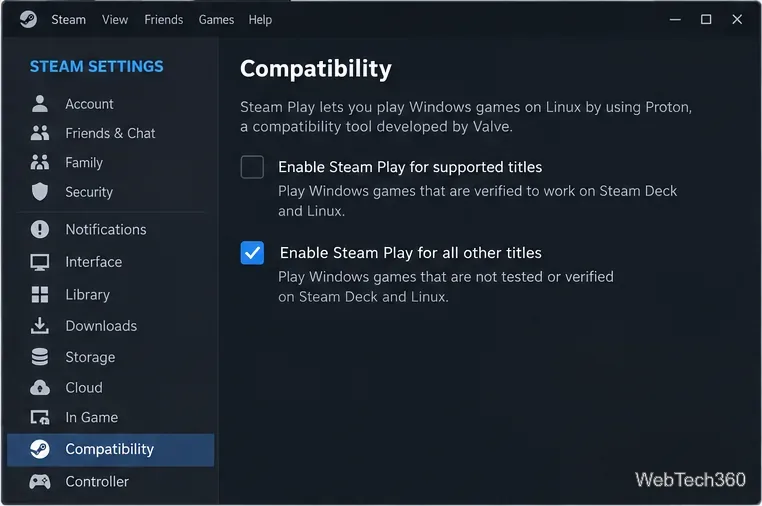
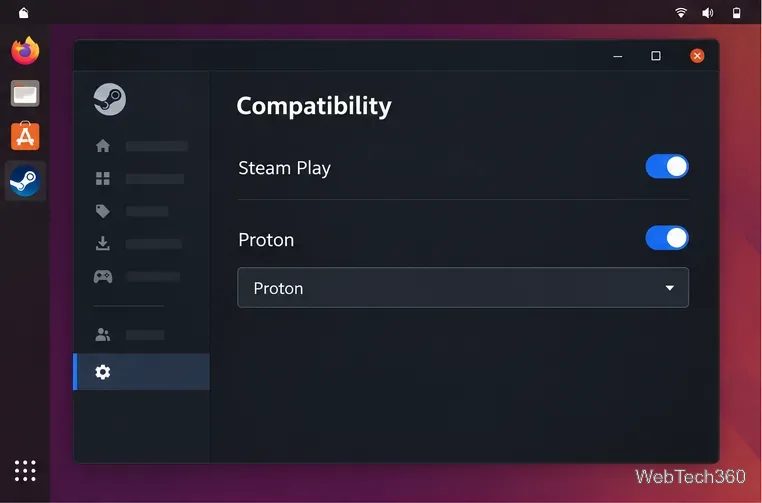
Open the Steam desktop client and go to Steam > Settings > Compatibility. Some client versions may still label this page Steam Play. Keep compatibility enabled for supported titles and turn on the option to enable Steam Play for other titles. If Steam asks you to choose a default tool, select a current official Proton release, save the change, and restart Steam if prompted.
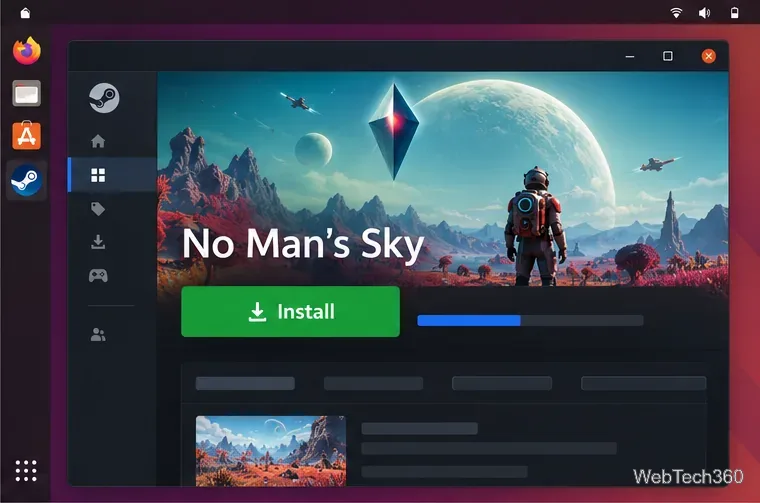
Open Library, search for No Man’s Sky, and select Install. Choose a Steam library with enough free space and wait for the download to finish. Steam manages the game files and Proton runtime for this copy, so you do not need to download a separate EXE installer.
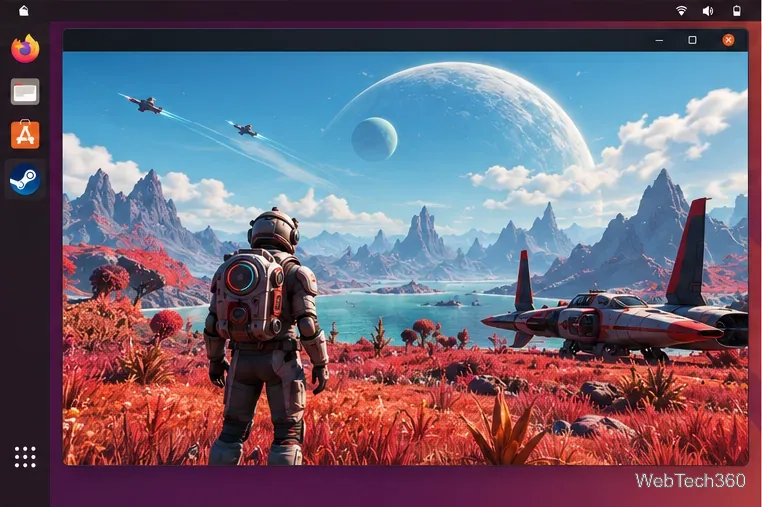
When installation completes, select Play. Let any first-run setup finish before deciding the game is stuck. If it opens, test the main menu and a short session, then adjust the in-game resolution and graphics settings for your hardware.
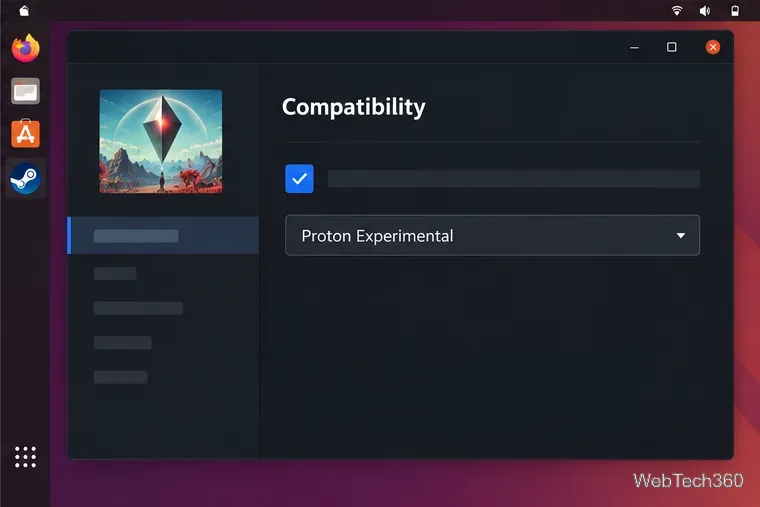
If the Play button returns to its idle state or the game closes immediately, right-click No Man’s Sky in your Library and choose Properties > Compatibility. Enable the option to force a specific Steam Play compatibility tool, then try an installed official Proton version. If the current stable release fails, test Proton Experimental. A per-game choice affects No Man’s Sky only; switch it back if a newer version causes a new problem.
GOG offers an offline installer, but its No Man’s Sky listing identifies Windows as the supported operating system. Running that installer through Wine is a separate, unofficial setup and requires more manual configuration than Steam Proton. The steps above are for the Steam edition; owning the GOG version alone does not make it appear in your Steam Library.
For most Linux players who own the Steam edition, Proton is the simplest place to start: enable Steam Play, install the game normally, and change the per-game Proton version only if the default does not launch correctly.
Compare four Adobe Acrobat alternatives for Linux, from Okular’s signatures and markup to GNOME Papers, Atril, and MuPDF.
Compare Linux audio converters for batch jobs, CD ripping, editing, and command-line workflows, with practical format and codec notes.
Set up The Witcher 3 on Linux with Steam Proton or a GOG copy in Heroic, with current guidance for Remastered compatibility issues.
Install Peppermint OS from the Debian Trixie 64-bit ISO: verify the download, create a bootable USB, choose a disk layout, and complete setup safely.
Compare four Linux wallpaper apps for searching, filtering, saving, and rotating desktop backgrounds, with current install links and compatibility notes.
Install Fallout 4 from Steam on Linux, enable Proton for Windows games, and troubleshoot common launch problems with practical compatibility steps.
Use Steam Play and Proton to install The Sims 3 on Linux, or try a PC DVD copy with Wine. Follow current setup steps and compatibility tips.
Prepare a model-matched microSD card, install OSMC with the official desktop installer, and complete first-run setup on your Raspberry Pi.
Install the Steam version of No Man’s Sky on Linux with Proton, then troubleshoot launch failures, graphics issues, and compatibility settings.
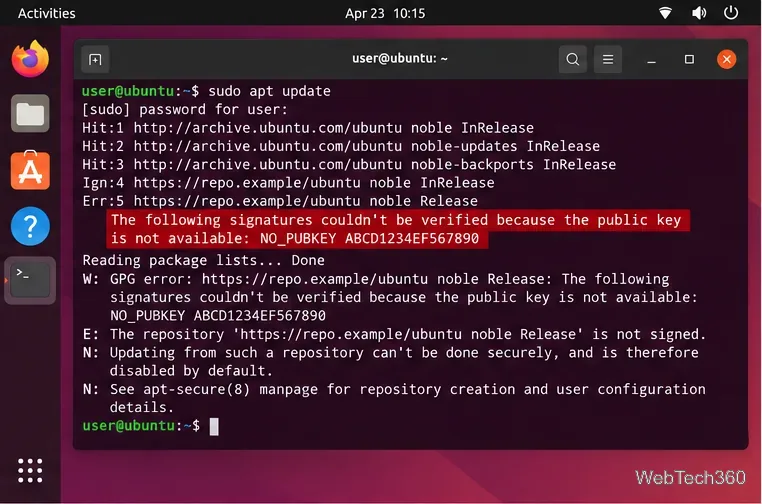
Find the repository that raised NO_PUBKEY, verify its publisher’s signing key, scope it with Signed-By, and refresh APT safely without weakening signature checks.