4 Best Adobe Acrobat Alternatives for Linux: PDF Reading and Markup
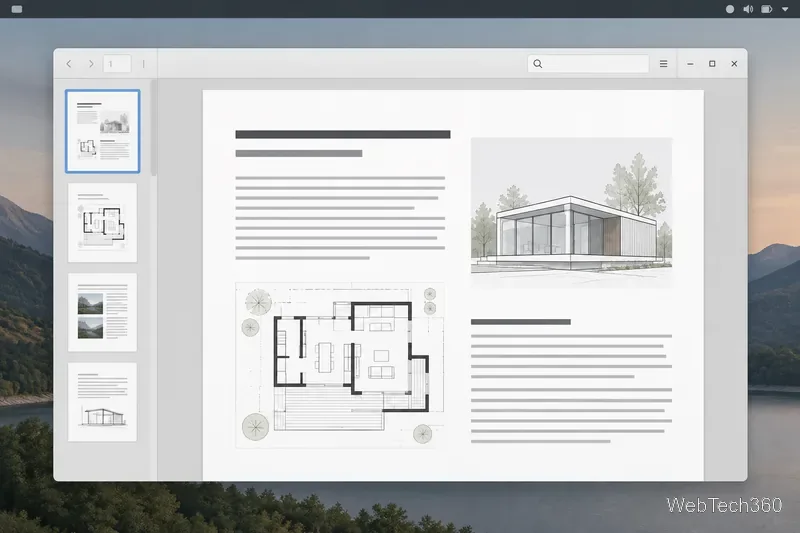
Compare four Adobe Acrobat alternatives for Linux, from Okular’s signatures and markup to GNOME Papers, Atril, and MuPDF.
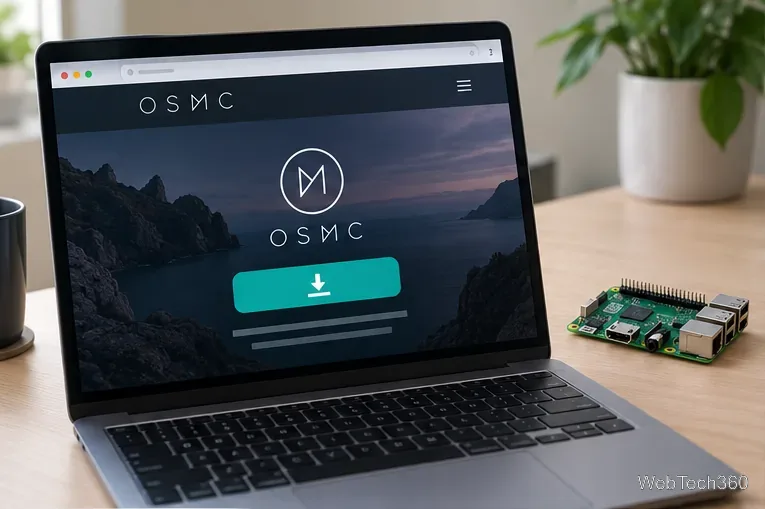
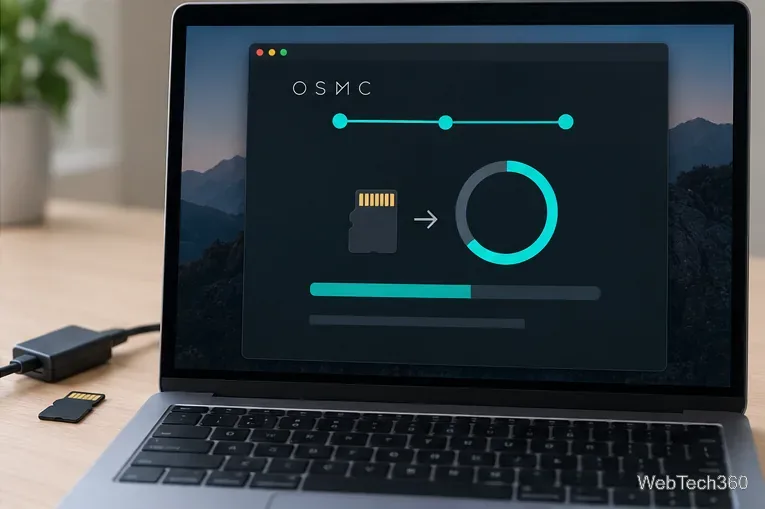
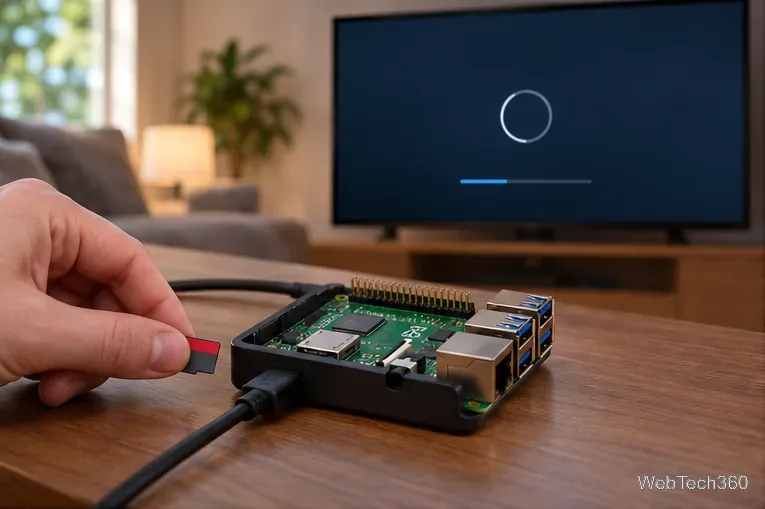
To install OSMC on a Raspberry Pi, download the official OSMC installer for your computer, use it to prepare a microSD card for your Pi model, then boot the Pi from that card and let the on-device installer finish. Check your model first: as of October 2026, Raspberry Pi 5 is not supported, and OSMC lists only an older 2020 release for the original Pi 1 and first-generation Zero models.
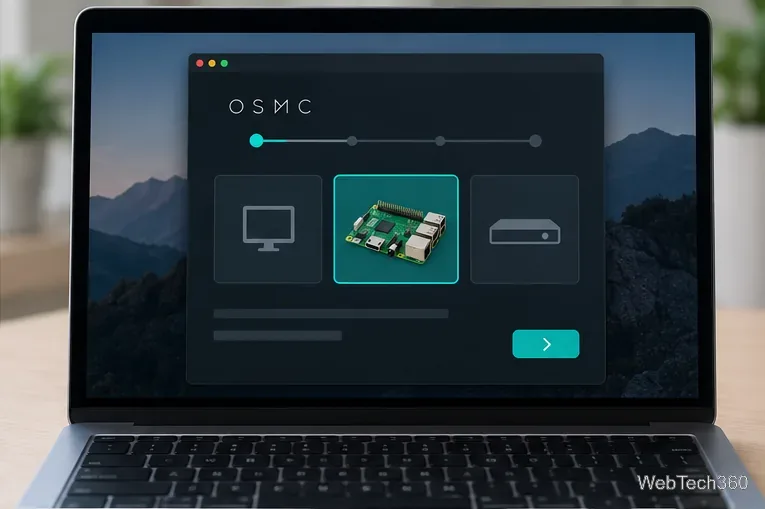
OSMC lists current images for Pi 2, 3, 3+, Zero 2 W, Pi 4, and Pi 400; the latest shown is 2026.05-2. Pi 1 and the original Zero/Zero W have only the 2020.11-1 legacy image, and Pi 5 is not supported. Check OSMC’s supported-device notes, then download the matching image from its official download page.
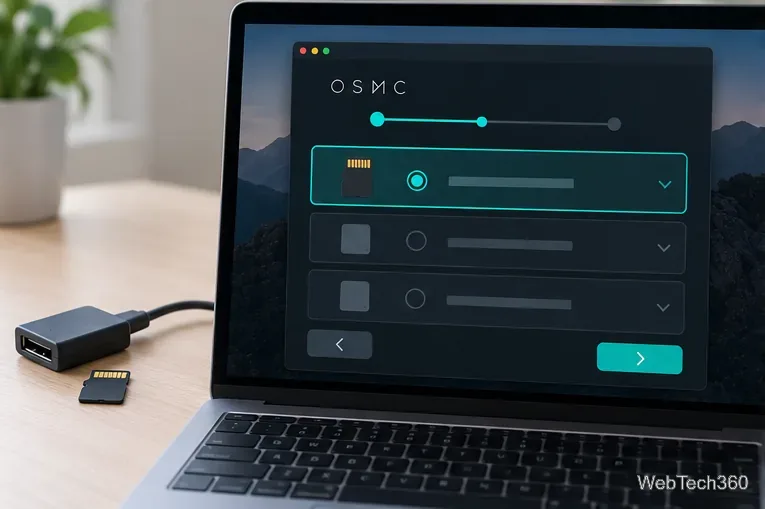
Gather a microSD card of at least 8 GB (Class 10 recommended), a card reader, HDMI display, and a stable power supply made for your Pi. A keyboard or compatible remote helps. The installer erases the selected card, so back it up first. Avoid TV USB power; an unstable supply can cause freezes or filesystem problems. See the Raspberry Pi FAQ.
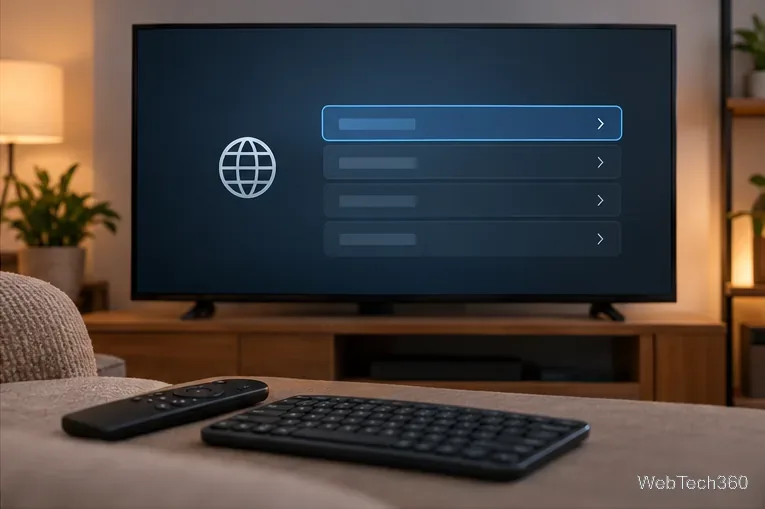
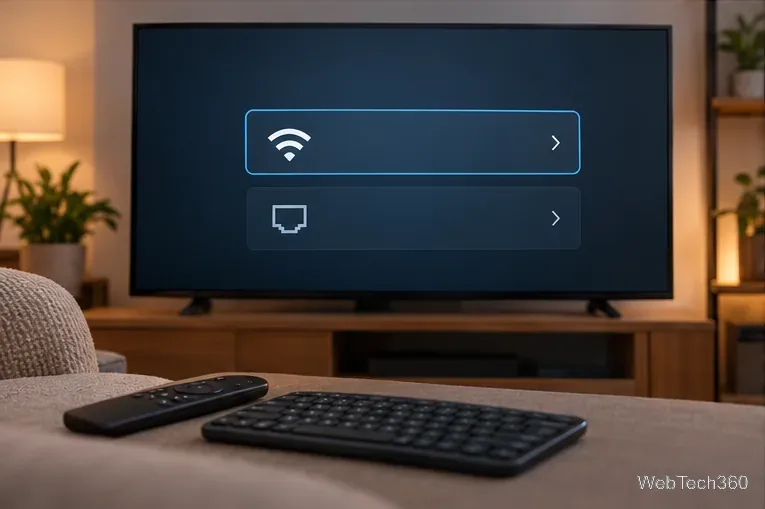

Check for updates before adding add-ons. If you enabled SSH, change OSMC’s documented default password (osmc) with passwd osmc and do not expose SSH through router port forwarding. See the command-line security guidance.
Compare four Adobe Acrobat alternatives for Linux, from Okular’s signatures and markup to GNOME Papers, Atril, and MuPDF.
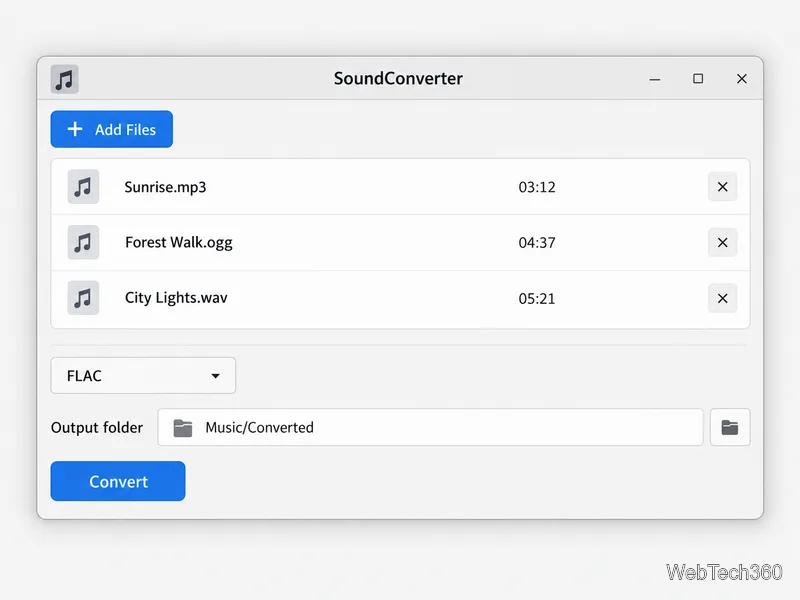
Compare Linux audio converters for batch jobs, CD ripping, editing, and command-line workflows, with practical format and codec notes.
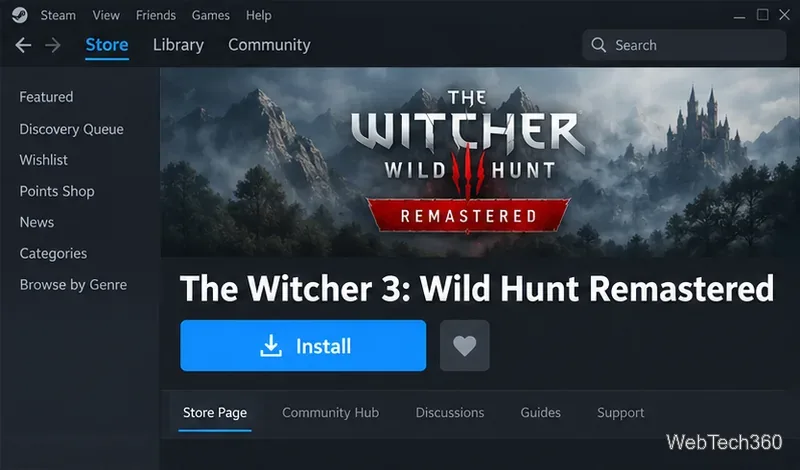
Set up The Witcher 3 on Linux with Steam Proton or a GOG copy in Heroic, with current guidance for Remastered compatibility issues.
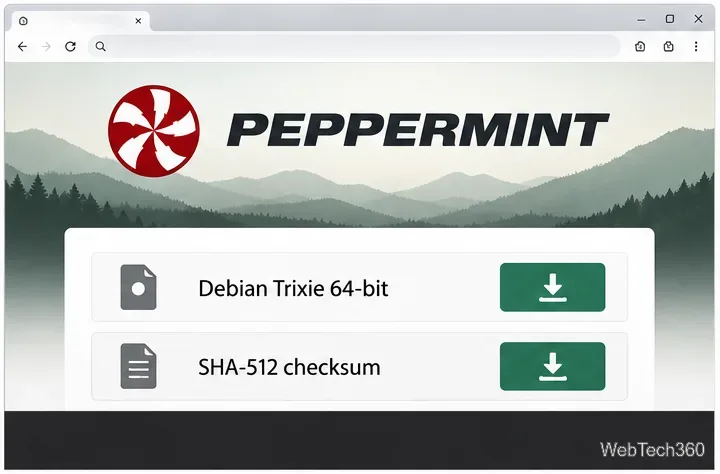
Install Peppermint OS from the Debian Trixie 64-bit ISO: verify the download, create a bootable USB, choose a disk layout, and complete setup safely.
Compare four Linux wallpaper apps for searching, filtering, saving, and rotating desktop backgrounds, with current install links and compatibility notes.
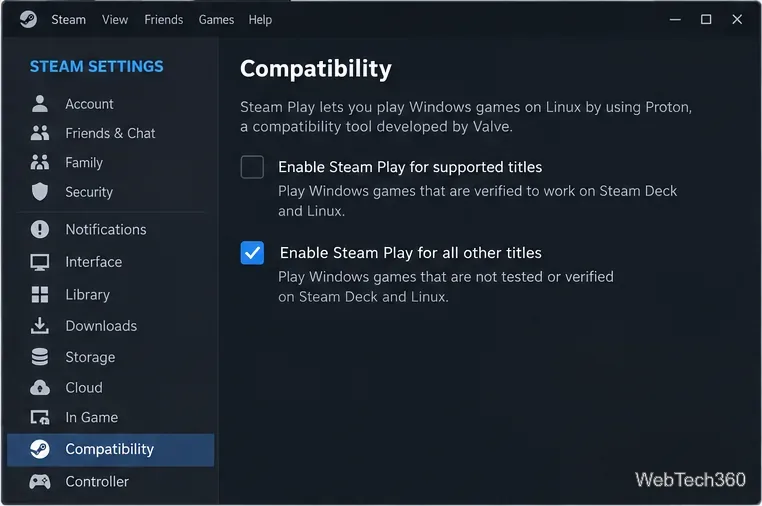
Install Fallout 4 from Steam on Linux, enable Proton for Windows games, and troubleshoot common launch problems with practical compatibility steps.
Use Steam Play and Proton to install The Sims 3 on Linux, or try a PC DVD copy with Wine. Follow current setup steps and compatibility tips.
Prepare a model-matched microSD card, install OSMC with the official desktop installer, and complete first-run setup on your Raspberry Pi.
Install the Steam version of No Man’s Sky on Linux with Proton, then troubleshoot launch failures, graphics issues, and compatibility settings.
Find the repository that raised NO_PUBKEY, verify its publisher’s signing key, scope it with Signed-By, and refresh APT safely without weakening signature checks.