Home
» LINUX
»
How to Get Microsoft Core Fonts on Linux
How to Get Microsoft Core Fonts on Linux
To install Microsoft Core Fonts on Linux, use the package for your distribution: Ubuntu and Debian provide ttf-mscorefonts-installer, Arch users can build ttf-ms-fonts from the AUR, and openSUSE Leap 15 SP7 lists the fetchmsttfonts helper in SUSE Package Hub. These are downloaders, so you need an internet connection and must review the font license shown during setup.
What the Microsoft Core Fonts package includes
The classic Core Fonts for the Web set includes Arial, Arial Black, Andale Mono, Comic Sans MS, Courier New, Georgia, Impact, Times New Roman, Trebuchet MS, Verdana, and Webdings. The Debian package also notes that these are a specific legacy font set, not every font currently shipped with Windows or Microsoft Office.
If your goal is to keep document line breaks close without installing Microsoft files, Debian recommends the free Liberation fonts as metric-compatible substitutes for Arial, Times New Roman, and Courier New. They are similar in width, but their letterforms are not identical.
Install on Ubuntu
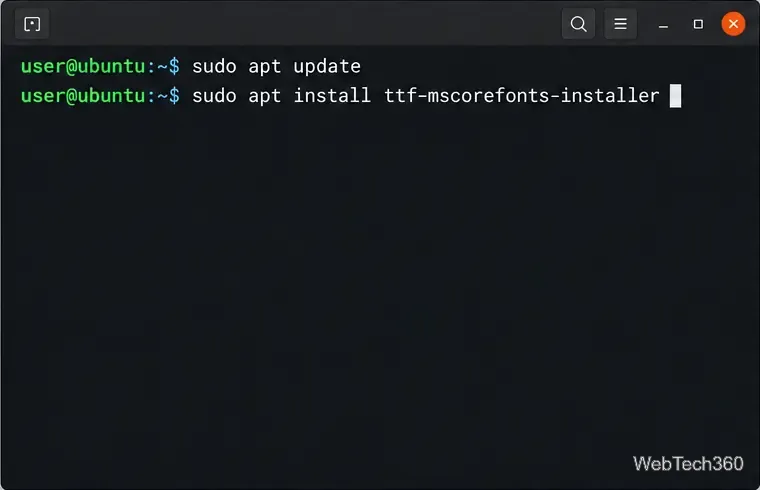
Refresh the package list and install the downloader:
Ubuntu terminal commands for installing the Microsoft Core Fonts downloader.
Ubuntu publishes this package in the Multiverse component. If APT says it cannot locate the package, enable Multiverse in Software & Updates, refresh the package list, and try again. During installation, read the Microsoft license prompt. Use the keyboard to select the confirmation options and accept only if the terms work for you; the font files are fetched after that step.
Install on Debian
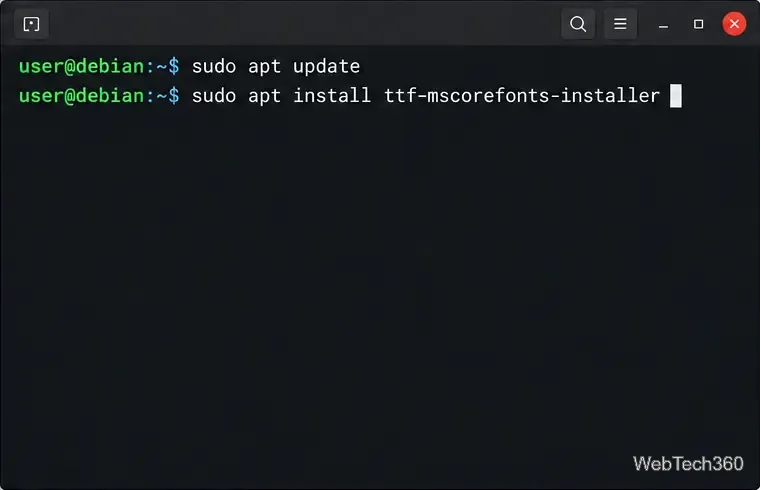
Debian places ttf-mscorefonts-installer in the contrib repository component. Add contrib to your active Debian source entries if it is missing, then run:
Debian uses the same installer package after the contrib component is enabled.
Review and accept the displayed license to let the package download the fonts. The package itself is small; it retrieves the font files separately, so a failed download can leave the fonts unavailable even if the installer package is present.
Install on Arch Linux
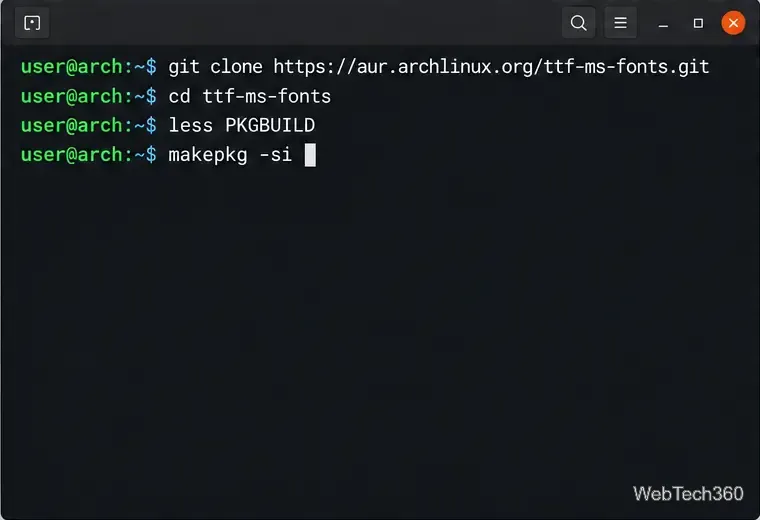
Arch does not ship this package in its official repositories. The community-maintained AUR package is ttf-ms-fonts. Install the build tools, inspect the build instructions, then create and install the package:
sudo pacman -S --needed base-devel git
git clone https://aur.archlinux.org/ttf-ms-fonts.git
cd ttf-ms-fonts
less PKGBUILD
makepkg -si
Review the AUR build file before running makepkg.
An AUR package is not an official Arch package: read its PKGBUILD before you run it, and stop if the sources or commands do not look right. Run makepkg as your regular user; its -i option prompts for installation after the build.
Install on openSUSE Leap
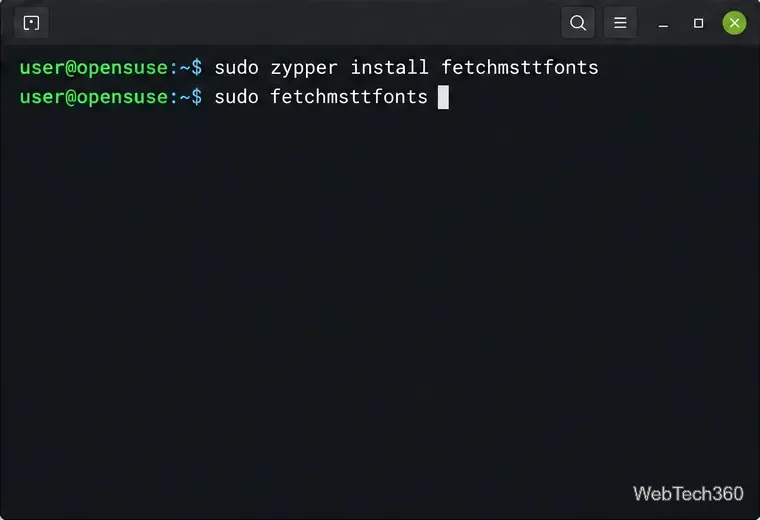
SUSE Package Hub lists fetchmsttfonts for Leap 15 SP7. If Package Hub is not enabled on your system, add the repository using SUSE’s instructions for your Leap release. Then install and run the helper:
The SUSE helper downloads the fonts and presents its license terms.
The helper displays the license text before downloading the fonts. Package availability can differ on Tumbleweed and newer Leap releases, so check the package search for your exact release before using these commands.
What about Fedora?
I could not verify a current Microsoft Core Fonts package in Fedora’s standard repositories. Older guides often point to the msttcore-fonts-installer RPM on SourceForge, but its files page shows that RPM was last updated in 2013. That installer is a third-party downloader, not a Fedora package; do not disable signature or digest checks just to force it onto a newer system. Look for a package maintained for your Fedora release, or use a compatible open font if exact Microsoft files are not essential.
Check that Linux can see the fonts
After installation, query Fontconfig for the family names and a match:
fc-list : family | grep -E 'Arial|Times New Roman|Verdana'
fc-match Arial
If the families do not appear, rebuild the cache with fc-cache -f and rerun the checks. Close and reopen LibreOffice, your browser, or any other app that should use the fonts; already-running applications may keep their old font list. If a license prompt was declined or a download failed, rerun the package’s installer after fixing the issue.
Understand the license before using the files elsewhere
These fonts are proprietary, not open-source. Read the exact EULA presented by your installer. Microsoft’s font redistribution FAQ explains that rights vary and that Windows-supplied fonts generally cannot be redistributed, converted, or bundled with applications. A desktop install does not automatically grant server, app-embedding, or redistribution rights.