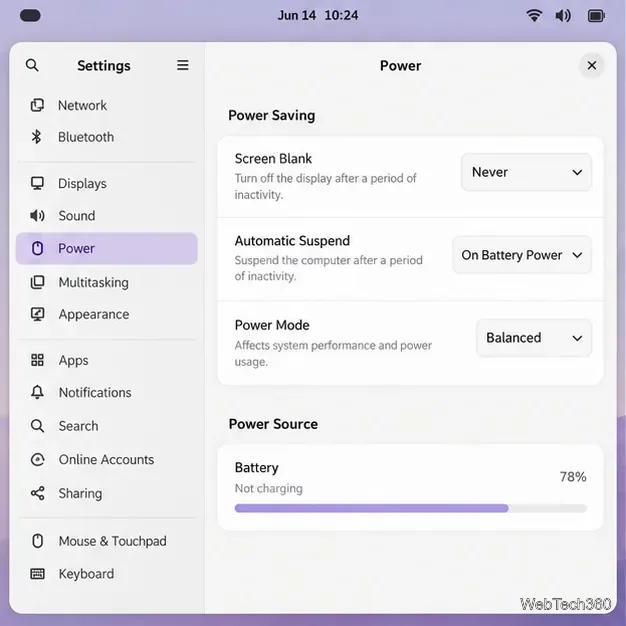
How to Share Files Over Bluetooth on Linux with Blueman
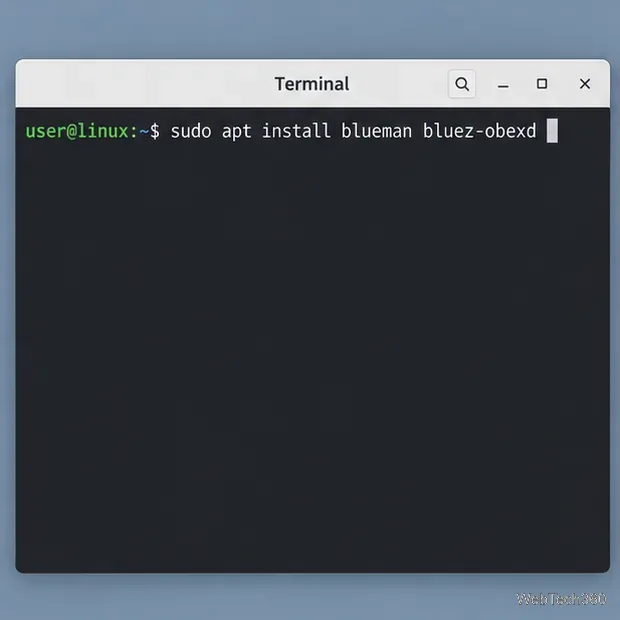
Send and receive files over Bluetooth on Linux with Blueman. Install OBEX support, pair devices, choose a file, accept transfers, and fix common issues.
To install BricsCAD Shape on Linux, download the BricsCAD V25 Linux installer and choose the Shape workspace after installation. Shape is not a separate installer. Bricsys says V25 was the last release to include it; Shape was removed from V26. Because this is now a legacy version, the V25 download may not be available to every account.
These steps use Bricsys’ official download flow and the Linux package formats shown for supported distributions. Use a 64-bit x86-64 Linux system, and check the requirements for the specific V25 build offered to your account before installing.
The interface figures are representative illustrations; exact controls and installer filenames can vary between BricsCAD builds and Linux desktops.
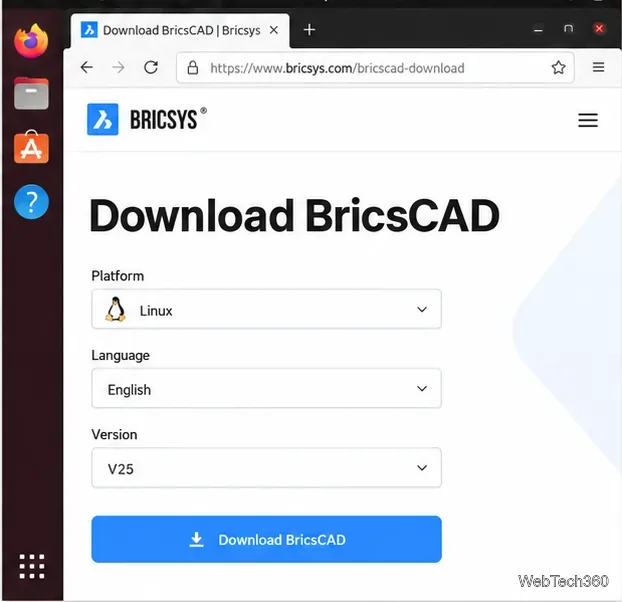
Bricsys documents that older releases can be selected from the version dropdown after signing in. If V25 is not listed for your account, contact Bricsys support; do not rely on an installer mirror you cannot verify. The official older-release instructions explain where to find that version selector.
Open the Downloads folder in a terminal before running a package command:
cd ~/DownloadsCheck the downloaded filename and use the package type that matches your distribution. The examples below assume only one BricsCAD V25 installer of that type is in Downloads. If you have more than one, replace the wildcard with the exact filename.
For Ubuntu or a compatible Debian-based system, download the Linux DEB package and run:
sudo apt install ./BricsCAD-*.deb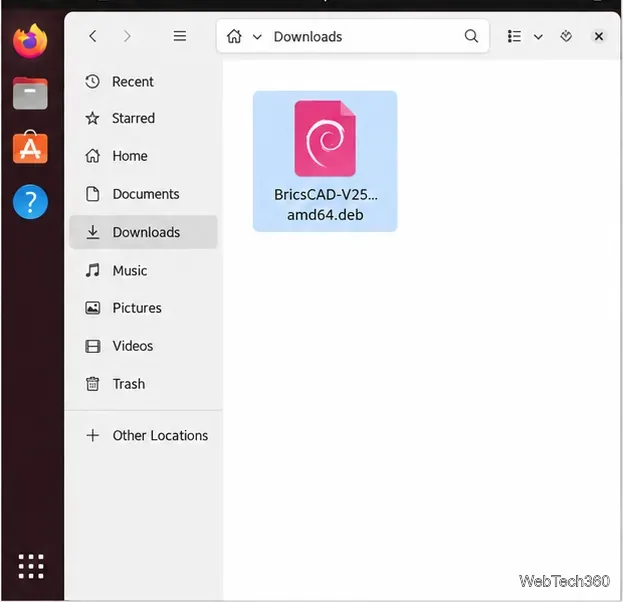
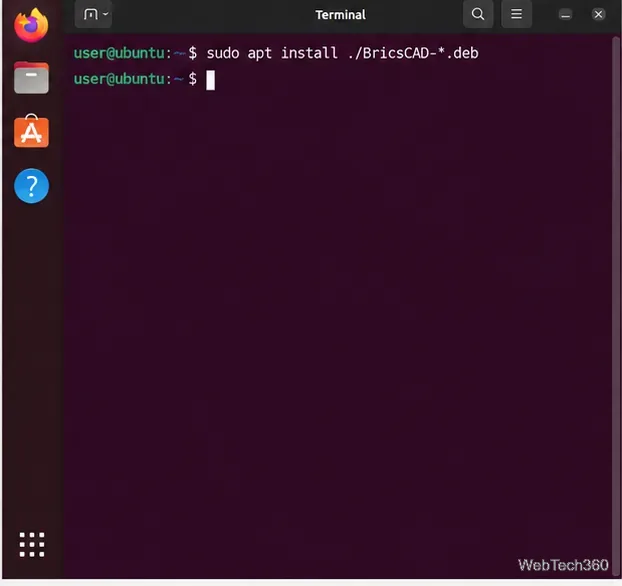
Enter your Linux password if prompted and approve the package changes. Using apt install with the local file lets apt resolve dependencies. This replaces the older two-command method of installing with dpkg and then repairing dependencies separately. Do not run both methods unless Bricsys support asks you to.
Choose the Linux RPM package in the BricsCAD download options. In a terminal opened in Downloads, run:
sudo dnf install ./BricsCAD-*.rpm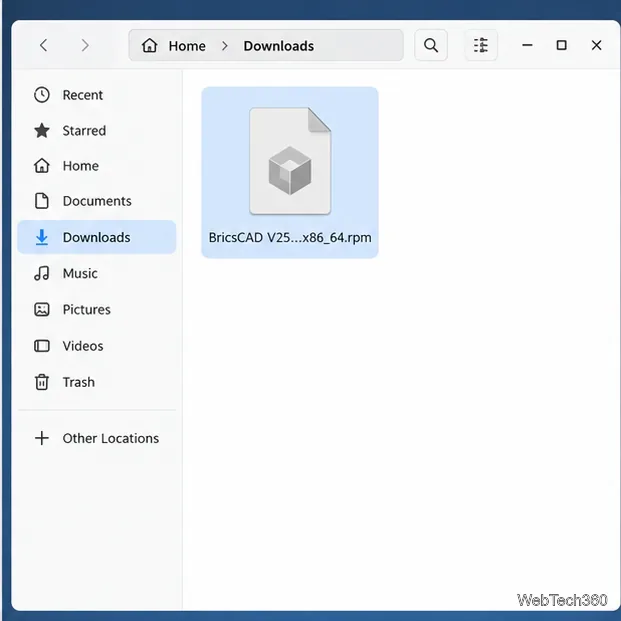
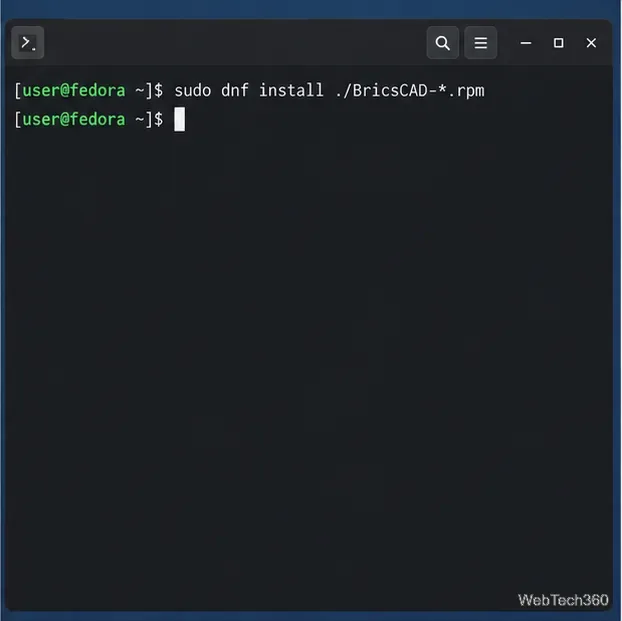
Review DNF’s proposed transaction, confirm it, and wait for it to finish. Bricsys’ Linux RPM installation guide also documents installing with DNF.
On openSUSE, use the RPM package and install it from the Downloads directory:
sudo zypper install ./BricsCAD-*.rpm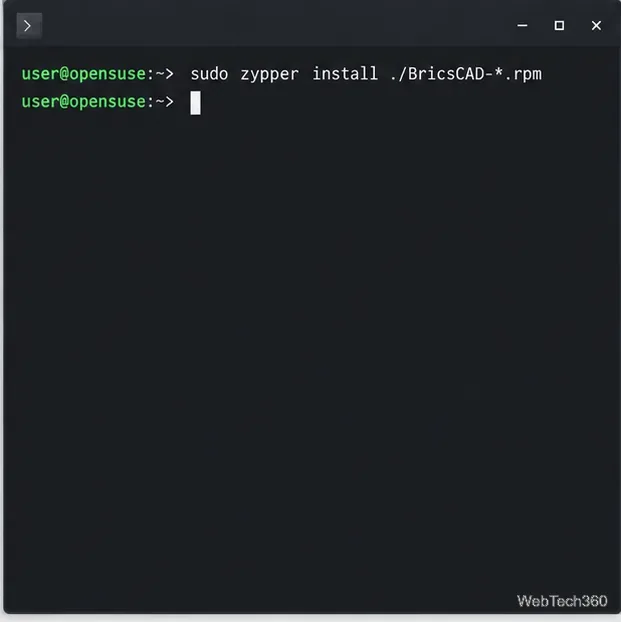
Review the packages Zypper plans to install and accept the transaction if it matches the BricsCAD package. If your distribution is not listed on the V25 download page, do not force an RPM or DEB onto it; check the BricsCAD requirements for that release or ask Bricsys support.
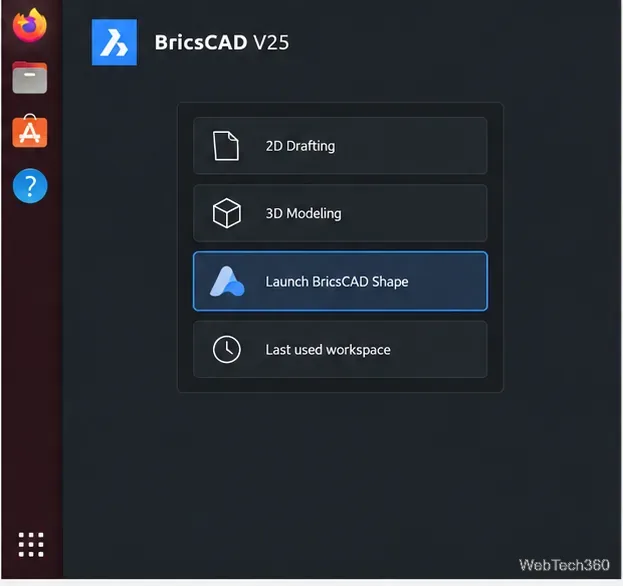
After installation, start BricsCAD from your desktop’s application menu. The V25 help instructions say to activate the BricsCAD trial before launching Shape. Follow the activation prompt if it appears, then choose Launch BricsCAD Shape in the BricsCAD Launcher. The V25 help page states that Shape remains available after the trial period ends.
You should now see the Shape modeling workspace. Shape is intended for conceptual 3D modeling; the screenshot-style workspace below shows the kind of model canvas you can reach after launching it.
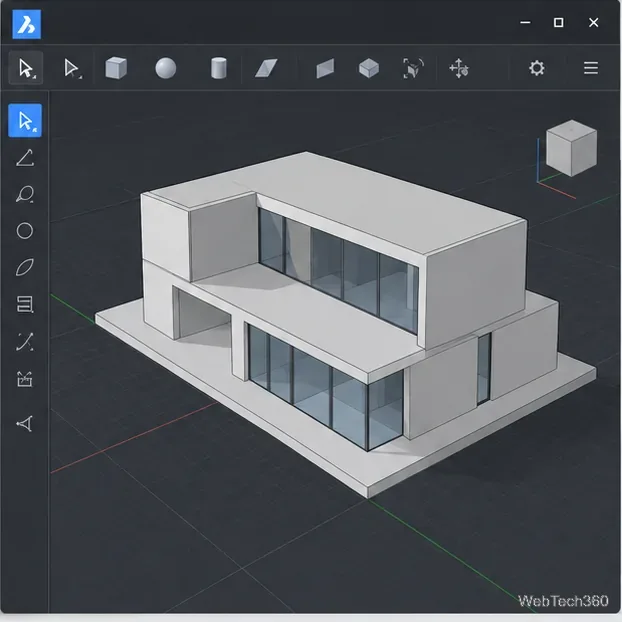
BricsCAD Shape remains a way to open the older free modeling workspace, but V25 is a legacy release. For a new installation, verify package availability and Linux compatibility with Bricsys before relying on it for ongoing work.
Send and receive files over Bluetooth on Linux with Blueman. Install OBEX support, pair devices, choose a file, accept transfers, and fix common issues.
Connect GNOME Files to SSH/SFTP, FTP, SMB, WebDAV, or NFS with the correct server URI, sign-in details, and fixes for common connection errors.
Open SFTP, SSH, SMB, FTP, NFS, and WebDAV locations in Dolphin, sign in safely, transfer files, and save network folders for later.
Connect a DualShock 4 to Linux by USB or Bluetooth, then check controller detection and configure Steam Input only when a game needs it.
Use DNF5 parallel downloads to reduce RPM install waits in GNOME Software, then tell when mirror or Flatpak delays need a different fix.
Access iCloud on Linux in a current browser. Learn how to sign in, use iCloud Drive and other web apps, and understand the limits of browser access.
Save GRUB settings, boot files, and UEFI entry details to removable storage, then use rescue media to repair the correct boot path safely.
Install Bitwarden on Linux with the right DEB, RPM, Snap, Flatpak, or AppImage package, then sign in and set a secure vault timeout.
Pick a screensaver theme in Xfce, preview it, choose when it starts, and configure automatic locking in the separate Lock Screen tab.
Stop GNOME Shell from blanking or locking your display automatically. Change Power and Screen Lock settings, or use Caffeine for a temporary keep-awake toggle.