Clang is available directly from Ubuntu's official repositories, so the simplest installation is to refresh APT and install the clang package. You do not need the old version-specific Clang 9, 11, or 12 instructions from earlier Ubuntu releases.
For most systems, run:
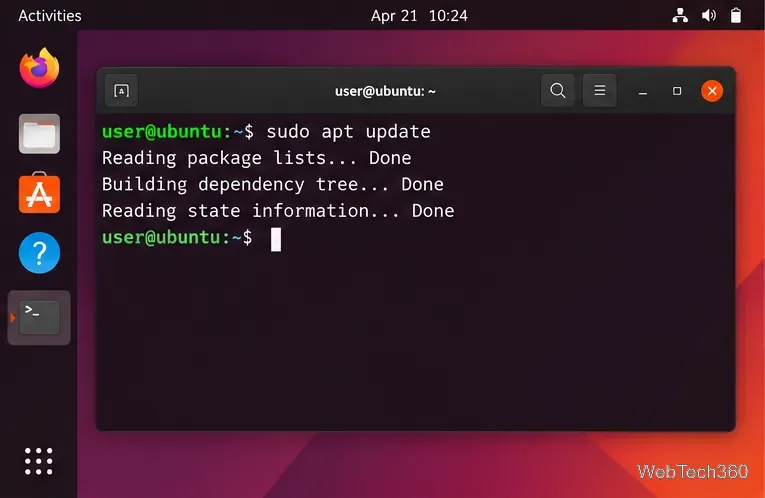
sudo apt update
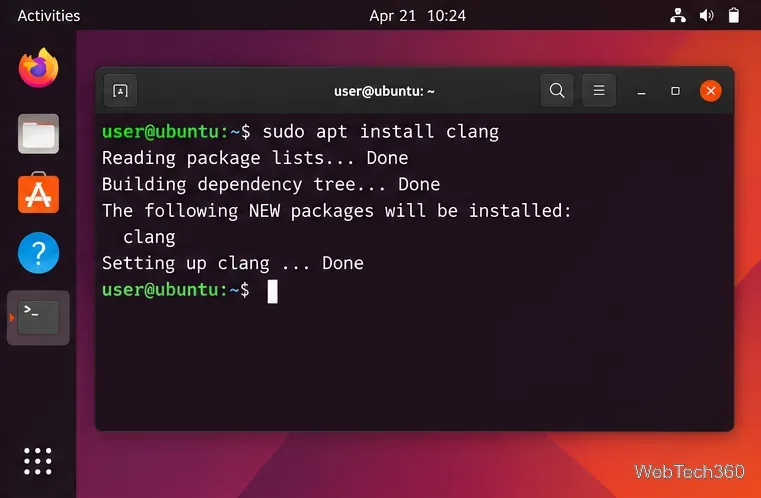
sudo apt install clang
Then confirm the compiler with clang --version. The unversioned clang package follows the default Clang release selected by your Ubuntu version.
Which Clang version does Ubuntu install?
Ubuntu keeps a default clang metapackage in the Universe repository. The underlying compiler version differs by release. Ubuntu's official package index currently lists the following defaults:
Ubuntu release
Default compiler behind clang
22.04 LTS
Clang 14
24.04 LTS
Clang 18
26.04 LTS
Clang 21
You can verify these packages in the official Ubuntu package index. On your own computer, apt-cache policy clang shows the exact candidate APT will install.
Install Clang on Ubuntu with APT
1. Refresh the package list
Open Terminal and update APT's local package index:
sudo apt update
Refresh Ubuntu's package list before installing Clang.
2. Install the Clang compiler
Install the default compiler package for your Ubuntu release:
sudo apt install clang
APT installs the compiler and its required dependencies. The old --install-suggests option is not necessary for a normal Clang installation.
The clang package installs Ubuntu's default Clang compiler.
If APT reports that it cannot locate the package, make sure the Universe repository is enabled, then refresh the index again:
On a minimal installation where add-apt-repository is missing, install software-properties-common first.
3. Verify Clang and Clang++
Check both the C and C++ compiler drivers:
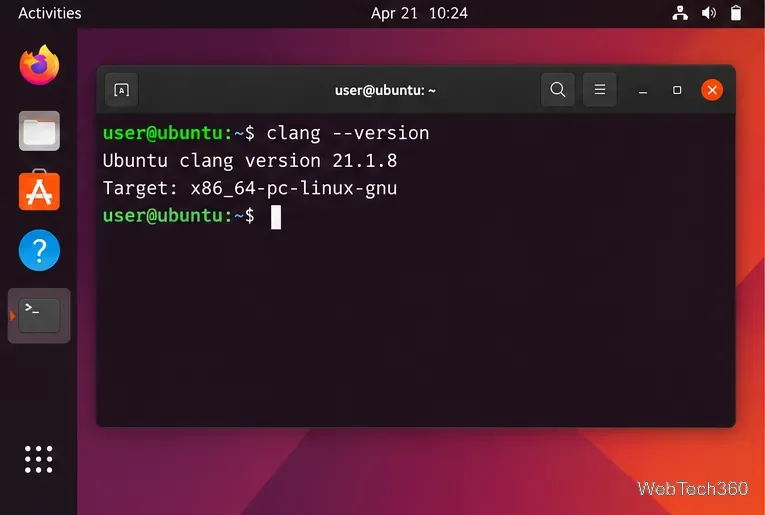
clang --version
clang++ --version
The version number may differ from the example image because it depends on your Ubuntu release and enabled updates.
Use clang --version to confirm which compiler Ubuntu installed.
4. Compile a small C program
Create a file named hello.c with this code:
#include <stdio.h>

int main(void) {
    printf("Hello, Clang!\n");
    return 0;
}
Compile it and run the executable:
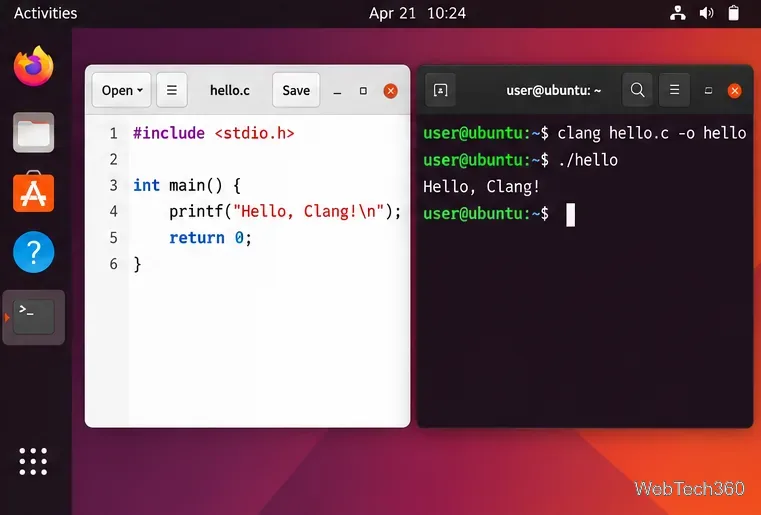
clang hello.c -o hello
./hello
You should see Hello, Clang!. The official Clang command guide explains additional compiler modes and options.
A successful test confirms that Clang can compile and link a simple C program.
Install a specific Clang version
If a project requires a particular toolchain, first see which versioned packages are available in your configured Ubuntu repositories:
apt-cache search '^clang-[0-9][0-9]*$'
Then install the version you need. For example, Ubuntu 24.04 LTS provides clang-18, while Ubuntu 26.04 LTS provides clang-21 as its default versioned compiler:
sudo apt install clang-18
# or, on a release that provides it:
sudo apt install clang-21
Use the matching executable such as clang-18 or clang-21 when you need to avoid ambiguity. Build systems can also be pointed at a specific compiler with variables such as CC=clang-21 and CXX=clang++-21.
Need a newer LLVM/Clang release?
If Ubuntu's repositories do not provide the version your project requires, LLVM maintains an official Debian/Ubuntu repository at apt.llvm.org. Its installer script can add the appropriate upstream repository and install a chosen LLVM version. A safer workflow is to download and review the script before running it:
wget https://apt.llvm.org/llvm.sh
less llvm.sh
chmod +x llvm.sh
sudo ./llvm.sh <version-number>
Packages from apt.llvm.org are upstream LLVM packages, not Ubuntu archive packages, so use them when you specifically need a newer toolchain rather than replacing Ubuntu's default without a reason.
Common installation problems
“Unable to locate package clang”: run sudo apt update, confirm Universe is enabled, and make sure the Ubuntu release is still supported.
The wrong Clang runs: check command -v clang and clang --version. If multiple versions are installed, call the versioned binary directly.
A C++ build fails: use clang++ for C++ linking, because it automatically handles the C++ standard library setup expected by typical projects.
A project needs more build tools: Clang is only the compiler. Projects may separately require packages such as build-essential, cmake, or ninja-build.