Home
» LINUX
»
How to Install VSCodium on Linux (Ubuntu, Fedora, Arch, and More)
How to Install VSCodium on Linux (Ubuntu, Fedora, Arch, and More)
VSCodium gives Linux users community-built, freely licensed binaries of the open-source VS Code codebase, with Microsoft branding and the project's default telemetry endpoints removed. The best installation method depends on your distribution: use the VSCodium package repository when you want updates through APT, DNF, or Zypper, or choose Flatpak or Snap for a distribution-independent setup.
The commands below follow the current official VSCodium installation instructions. They replace older guides that still use the deprecated apt-key workflow or the project's former repository URLs.
Install VSCodium on Ubuntu or Debian
For Ubuntu 24.04 or newer and Debian 13 or newer, add the repository signing key to a dedicated keyring, then create a Deb822 .sources file.
Debian 12 and older Ubuntu releases use the legacy one-line .list repository format instead. If you maintain one of those systems, copy the matching stanza from the official install page rather than using apt-key.
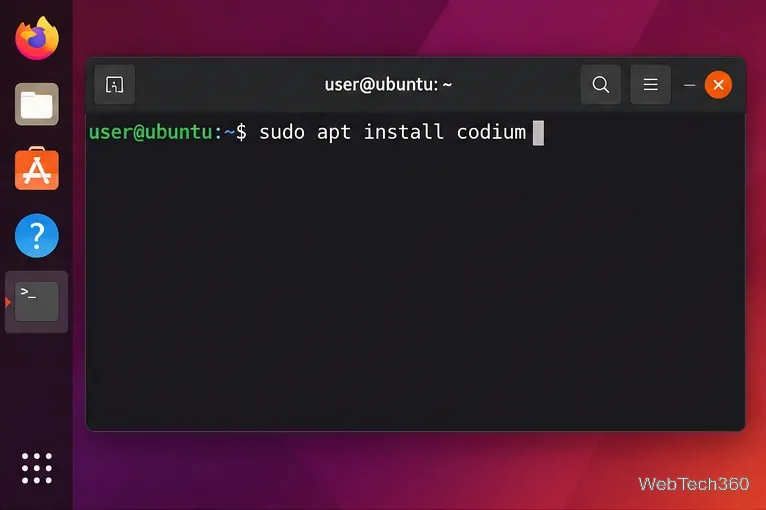
After the VSCodium APT repository is configured, install the package as codium.
Install VSCodium on Fedora, RHEL, CentOS, or Rocky Linux
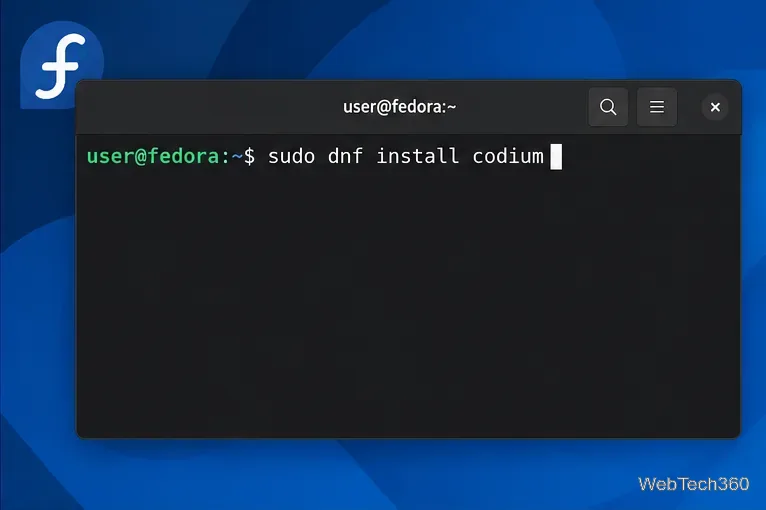
RPM-based distributions can add the community VSCodium repository and then install codium with DNF:
Fedora and related RPM distributions install VSCodium with DNF after the repository is added.
Install VSCodium on openSUSE
openSUSE uses the same RPM repository, but its repository file belongs under /etc/zypp/repos.d/:
sudo tee -a /etc/zypp/repos.d/vscodium.repo > /dev/null << 'EOF'
[gitlab.com_paulcarroty_vscodium_repo]
name=gitlab.com_paulcarroty_vscodium_repo
baseurl=https://paulcarroty.gitlab.io/vscodium-deb-rpm-repo/rpms/
enabled=1
gpgcheck=1
repo_gpgcheck=1
gpgkey=https://gitlab.com/paulcarroty/vscodium-deb-rpm-repo/raw/master/pub.gpg
metadata_expire=1h
EOF

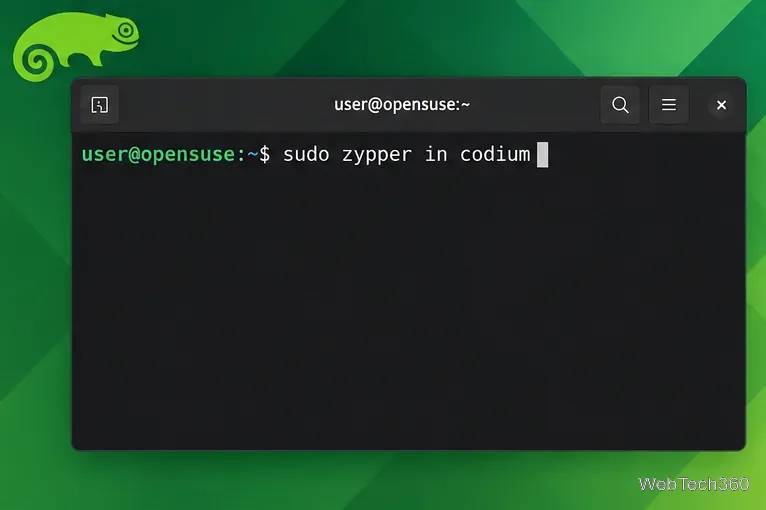
sudo zypper in codium
On openSUSE, Zypper installs the codium package from the configured VSCodium RPM repository.
Install VSCodium on Arch Linux
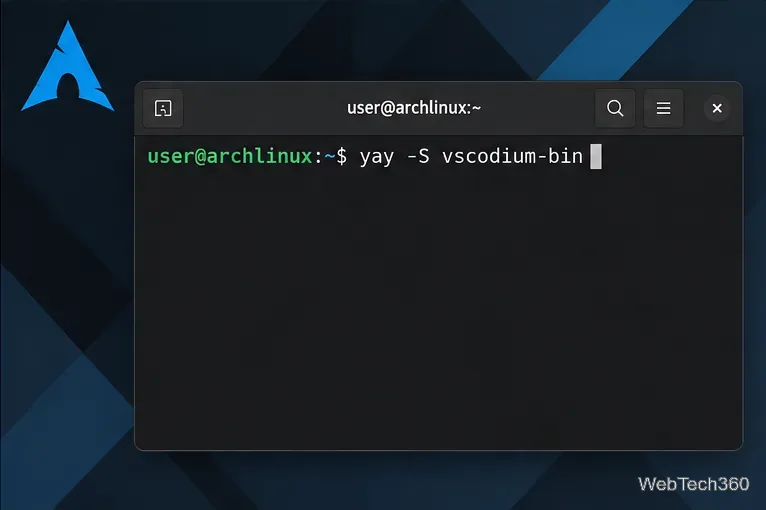
VSCodium is available through the Arch User Repository (AUR) as vscodium-bin. If you already use Yay, install it with:
yay -S vscodium-bin
The official VSCodium site also lists Aura as an AUR-helper option. AUR helpers are separate from Pacman, so install and review your chosen helper according to its own documentation before running the command above.
The stable binary package for Arch is named vscodium-bin in the AUR.
Install VSCodium with Flatpak
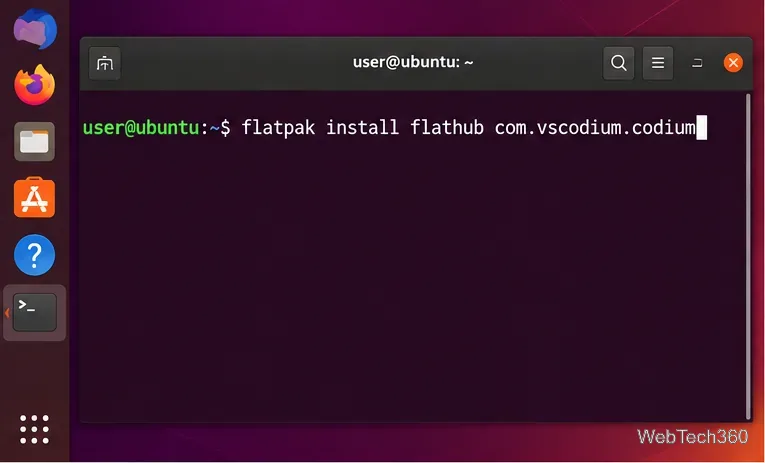
If Flatpak is already configured and Flathub is enabled, this is one of the simplest cross-distribution options:
flatpak install flathub com.vscodium.codium
Launch the Flatpak build with flatpak run com.vscodium.codium. The listing is available on Flathub. Flatpak sandboxing can affect access to some host tools or paths, so check the package documentation if a development workflow needs additional permissions.
The Flatpak application ID is com.vscodium.codium.
Install VSCodium with Snap
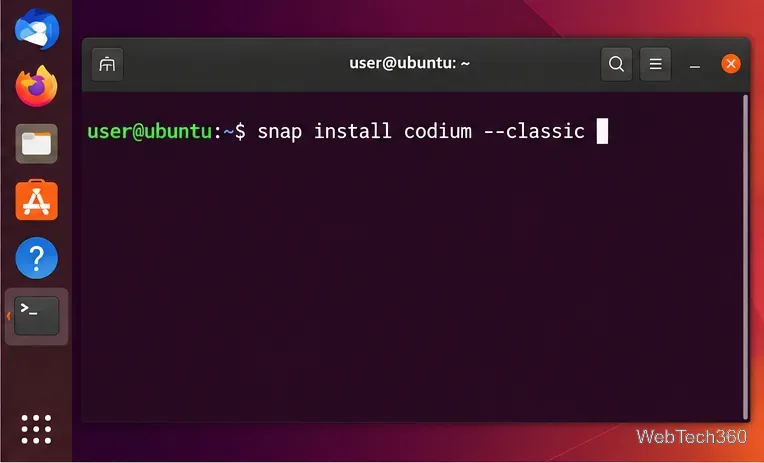
On distributions with Snap support, install the VSCodium-maintained Codium snap with classic confinement:
sudo snap install codium --classic
The VSCodium Snap package is installed as codium with --classic.
Open VSCodium and install extensions
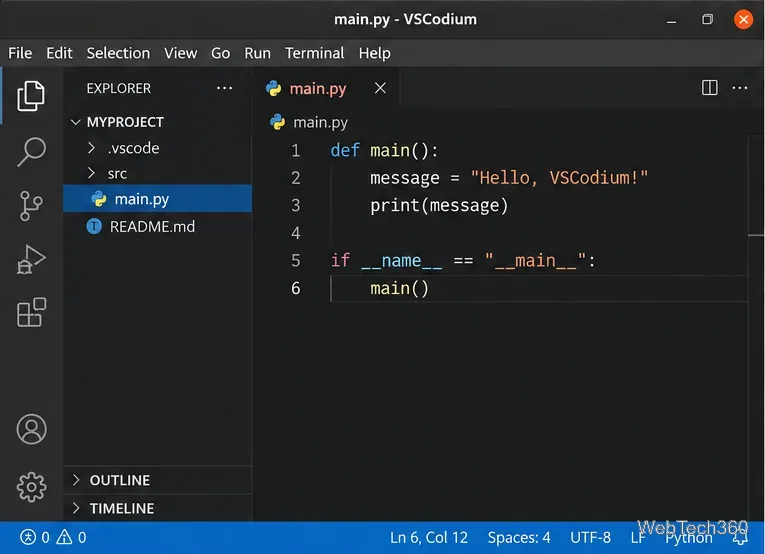
After installation, open VSCodium from your application menu and start or open a project as you would in VS Code. Native packages also use the codium command from a terminal.
VSCodium keeps the familiar VS Code-style editor layout while using the VSCodium build and defaults.
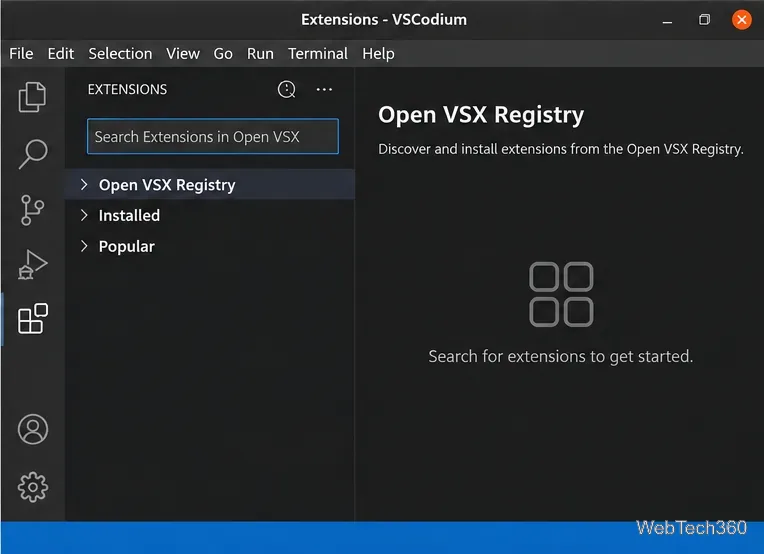
One important difference is the extension gallery. VSCodium uses Open VSX by default because Microsoft's Visual Studio Marketplace terms restrict Marketplace offerings to Visual Studio products and services. As a result, some extensions you know from VS Code may be missing or may have licensing or compatibility limits. The project documents these details in its official extensions and marketplace guide.
VSCodium searches the Open VSX Registry by default instead of Microsoft's Visual Studio Marketplace.
Which installation method should you use?
Choose the native APT, DNF, or Zypper repository if you want VSCodium to update with the rest of your system packages. Arch users can use the AUR package, while Flatpak is a convenient choice across many desktop distributions. Snap is similarly simple where Snap is already part of the system. If you prefer not to add a repository at all, the official VSCodium releases page also provides Linux packages and portable archives.