Home
» LINUX
»
How to Install WebTorrent on Linux: Desktop and CLI
How to Install WebTorrent on Linux: Desktop and CLI
WebTorrent on Linux can be installed as the WebTorrent Desktop app or as the command-line client. The simplest graphical route is to download the official Linux package from WebTorrent, then install the DEB on Ubuntu/Debian or the RPM on an RPM-based distribution. There is also a portable Linux ZIP. If you prefer a newer command-line stack, WebTorrent CLI is still actively maintained.
One important update from older guides: the official WebTorrent Desktop download still points to v0.24.0, released on August 29, 2020. The official site continues to offer that build and labels WebTorrent Desktop as beta. Its Linux release includes DEB, RPM, and ZIP files for x64 and ARM64. The WebTorrent library and CLI, however, continue to receive newer releases. See the official WebTorrent Desktop page and the v0.24.0 release assets on GitHub.
1. Download WebTorrent for Linux
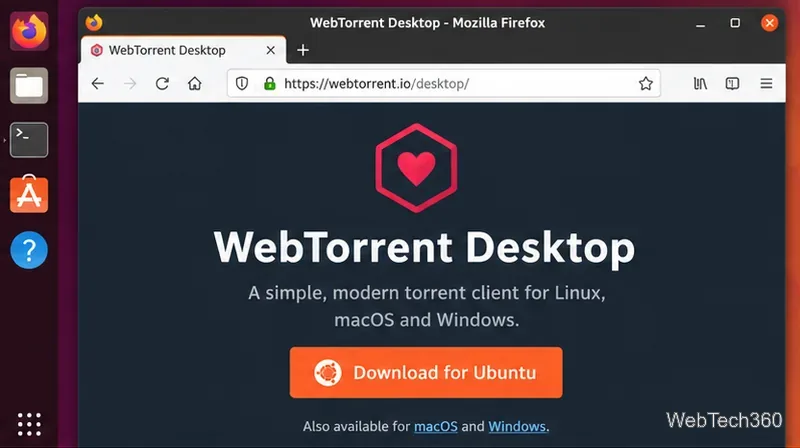
Open the official WebTorrent Desktop page and choose the Linux download. For Ubuntu and Debian, the direct Linux button targets a DEB package. If you need RPM, ARM64, or the portable ZIP, use the “Other Downloads” link to open the GitHub release assets.
The official WebTorrent Desktop page provides the Ubuntu download and links to other release formats.
2. Choose the package that matches your Linux system
Pick the package for both your distribution family and CPU architecture. You can check your architecture with:
uname -m
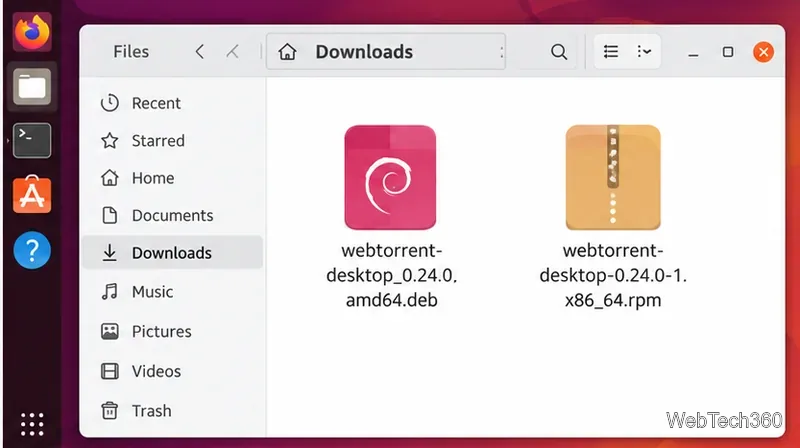
x86_64: use webtorrent-desktop_0.24.0_amd64.deb, webtorrent-desktop-0.24.0-1.x86_64.rpm, or WebTorrent-v0.24.0-linux-x64.zip.
aarch64/arm64: use the corresponding ARM64 DEB, RPM, or Linux ARM64 ZIP from the same release.
Use the DEB on Debian-based systems or the RPM on compatible RPM-based distributions.
3. Install the DEB on Ubuntu or Debian
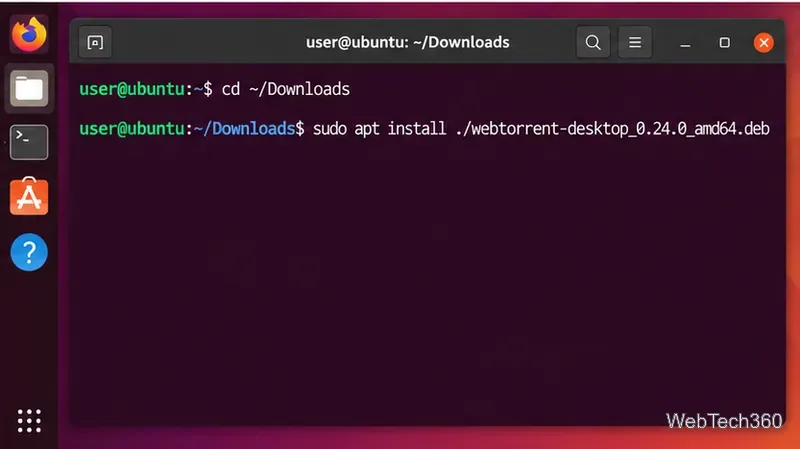
For Ubuntu, Debian, Linux Mint, and other Debian-based distributions, installing with apt is cleaner than the older dpkg plus dependency-repair method because apt can resolve package dependencies during installation.
cd ~/Downloads
sudo apt install ./webtorrent-desktop_0.24.0_amd64.deb
On an ARM64 system, replace the filename with the ARM64 DEB you downloaded.
Install the local DEB with apt install ./filename.deb so dependencies can be handled by APT.
Install the RPM on Fedora, RHEL-family systems, or openSUSE
The current official v0.24.0 release already includes RPM packages, so there is no reason to convert a DEB with Alien as older tutorials suggested. On Fedora and related systems, you can try:
cd ~/Downloads
sudo dnf install ./webtorrent-desktop-0.24.0-1.x86_64.rpm
On openSUSE, use:
cd ~/Downloads
sudo zypper install ./webtorrent-desktop-0.24.0-1.x86_64.rpm
Because this Desktop package is old, do not bypass signature or compatibility warnings blindly. If your package manager rejects it, use the portable Linux ZIP or the WebTorrent CLI instead of forcing an incompatible RPM.
4. Launch WebTorrent Desktop
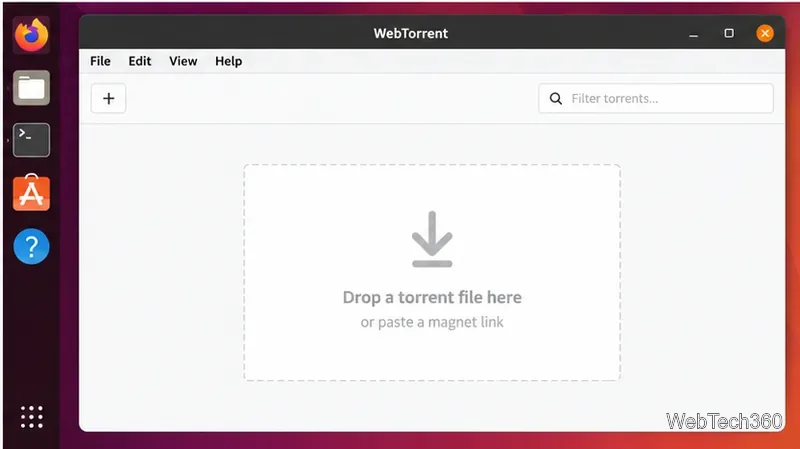
After installation, open WebTorrent from your application menu. You can add a legal torrent by dropping a .torrent file into the window or by pasting a magnet link. WebTorrent Desktop can connect to standard BitTorrent peers as well as WebTorrent/WebRTC peers, which is one reason it is useful for streaming media distributed through legitimate torrent sources.
After installation, launch WebTorrent and add a torrent file or magnet link from a source you are authorized to use.
Portable Linux ZIP option
If you do not want to install a system package, download the x64 or ARM64 Linux ZIP from the official release page. Extract it into a folder you control, enter that folder in a terminal, and run the WebTorrent executable. This is also a practical fallback when an older DEB or RPM conflicts with a newer distribution.
Do not confuse the Linux application ZIP with GitHub’s generic “Source code” archives. The source archives are intended for developers who want to build the project themselves.
Install the newer WebTorrent CLI instead
For a command-line workflow, the official WebTorrent CLI project is a better fit for users who want a more current WebTorrent package. Its current package metadata requires Node.js 20 or newer. After installing a compatible Node.js and npm setup, install the CLI globally:
npm install -g webtorrent-cli
webtorrent --help
To download or stream a torrent, pass a magnet URI or torrent file to the webtorrent command. The CLI supports normal BitTorrent transports plus WebRTC and includes streaming options for players and compatible devices.
What changed from older Linux instructions?
The obsolete DEB-to-RPM conversion workflow has been removed because WebTorrent Desktop v0.24.0 already provides native RPM assets.
The old Arch AUR instructions are not used here because the previously referenced webtorrent-desktop AUR package is not reliably present in current AUR search results.
The guide separates the aging Desktop build from the actively maintained CLI so you can choose the option that better matches your needs.
Whichever method you choose, use BitTorrent only for files you are authorized to download or share. WebTorrent itself is a general-purpose peer-to-peer client; the legality of a transfer depends on the content and your rights to distribute it.