Home
» LINUX
»
How to Manage AppImage, Flatpak, Snap, and AUR Apps on Arch Linux
How to Manage AppImage, Flatpak, Snap, and AUR Apps on Arch Linux
bauh is still a practical way to manage AppImage, Flatpak, Snap, and Arch/AUR software from one GUI on Arch Linux. The project currently supports all four formats, but each backend has its own prerequisites. The cleanest setup is to install bauh from the AUR, then add Flatpak and Snap support only if you plan to use them.
Install bauh on Arch Linux
bauh itself is distributed through the AUR. Arch notes that AUR build files are unofficial and are not thoroughly vetted, so review the PKGBUILD before building anything. The standard manual workflow is safer to document than relying on a particular third-party AUR helper.
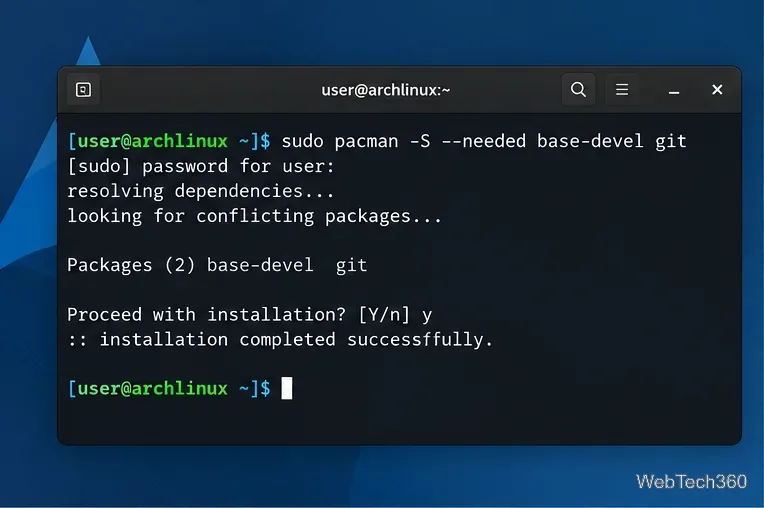
Install the build tools and Git:
sudo pacman -S --needed base-devel git
Install the tools Arch uses for building AUR packages.
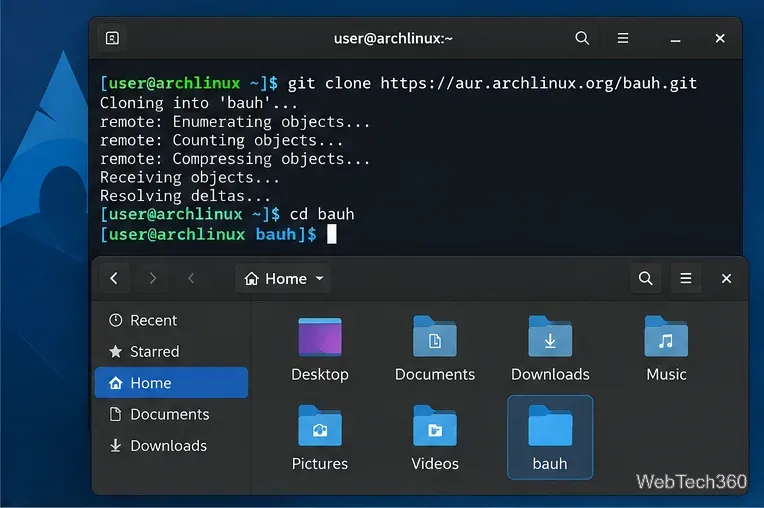
Clone the bauh AUR package and enter its directory:
git clone https://aur.archlinux.org/bauh.git
cd bauh
Clone the current bauh package build files from the AUR.
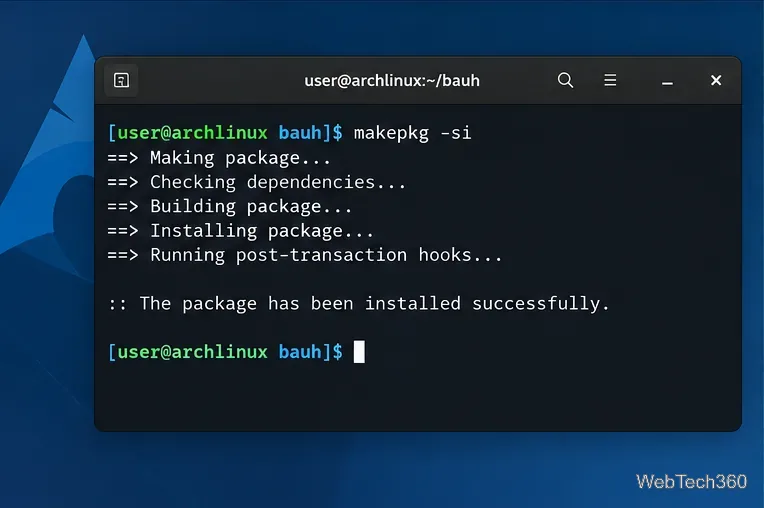
Inspect the PKGBUILD, then build and install the package:
makepkg -si
Build and install bauh with makepkg after reviewing the package files.
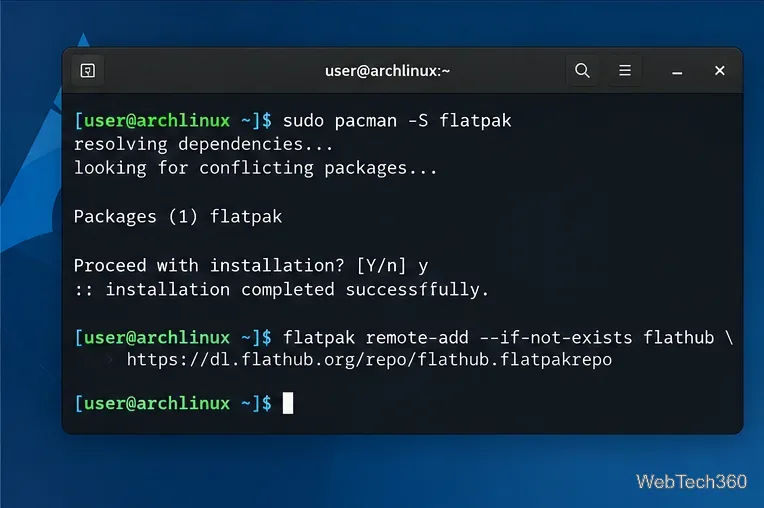
Flathub's Arch setup recommends restarting after the initial Flatpak installation. Afterward, run flatpak remotes. If Flathub is not listed, add it with:
Install Flatpak and add Flathub if it is not already configured.
Flatpak supports both system-wide and per-user installations, so bauh may ask which level to use. The official Flathub Arch setup and Flatpak documentation explain remotes and installation scopes.
Enable Snap support
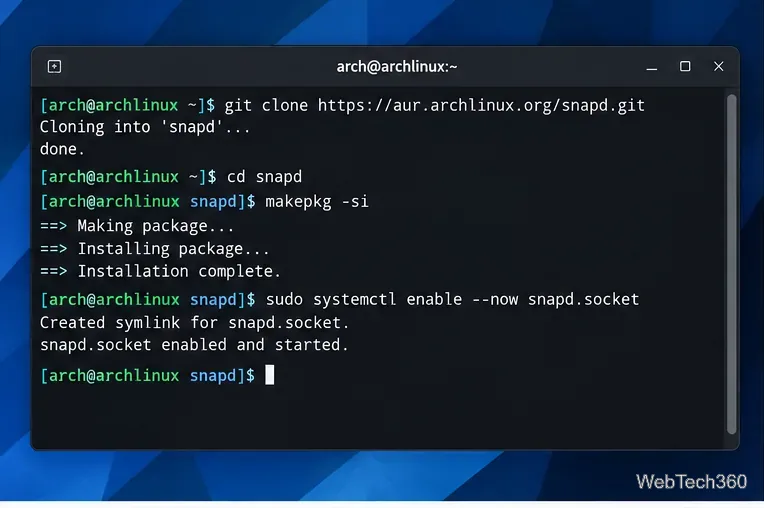
Snap is not in Arch's official repositories. Canonical's current Arch instructions install snapd from the AUR, then enable its systemd socket:
Build snapd from the AUR and enable its socket before using Snap packages in bauh.
If you need snaps that use classic confinement, Canonical also documents creating /snap as a symlink to /var/lib/snapd/snap, then logging out and back in or restarting. If AppArmor is already enabled on your system, Snap's documentation also covers the matching AppArmor service. See the official Snap on Arch instructions.
AppImage and AUR support in bauh
AUR management is available on Arch-based systems and is enabled by bauh for Arch packages. For AppImage, there is no repository service to enable in the same way as Flatpak or Snap. bauh can search supported AppImages and can also install an external AppImage file from its extra actions.
There are two useful caveats. First, bauh's current AppImage search is limited to x86_64 items in its supported AppImage source. Second, if an AppImage reports a FUSE error on Arch, the official AppImage documentation recommends installing fuse2:
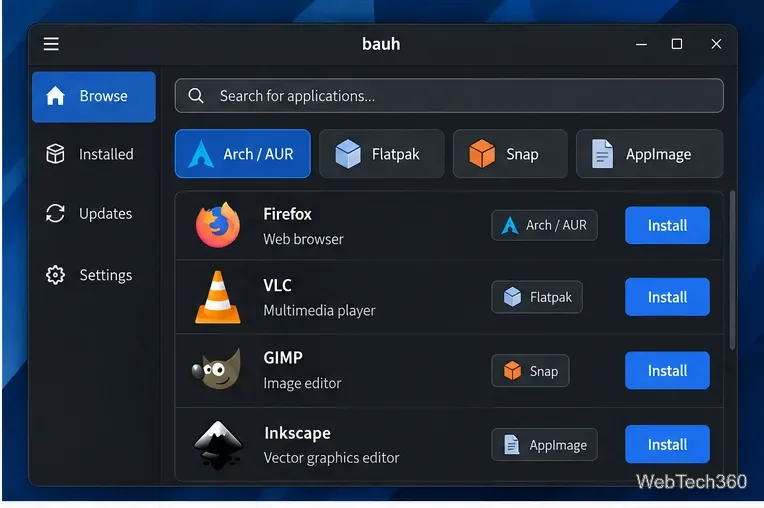
Launch bauh from your desktop menu or a terminal. Its management panel can search, install, uninstall, upgrade, downgrade, and launch supported applications. Use the format filters to narrow results to Arch/AUR, Flatpak, Snap, or AppImage.
Use bauh's format filters to focus the search on one packaging system.
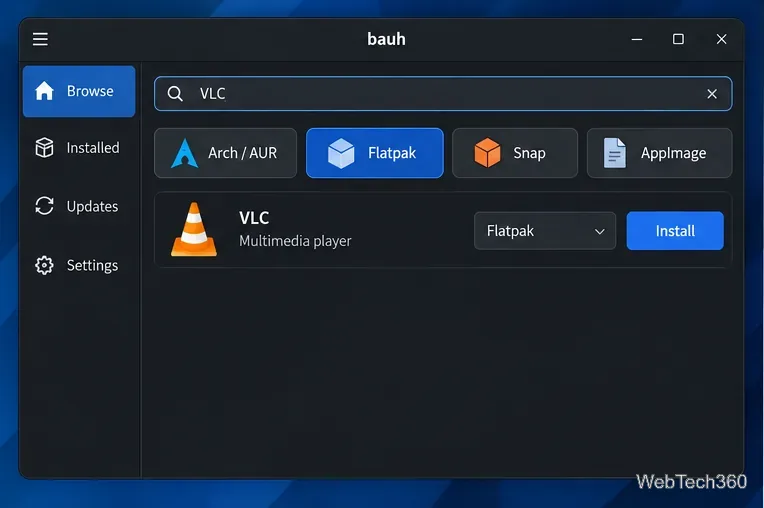
Search for the application you want, confirm the package source, and choose Install. The same application can exist in more than one format, so check whether you are installing an AUR package, Flatpak, Snap, or AppImage before approving the transaction.
Confirm the source format before installing an application.
Some operations require authentication because they change system-level packages or services. User-level Flatpaks and AppImages may not need the same privileges.
Update or uninstall apps
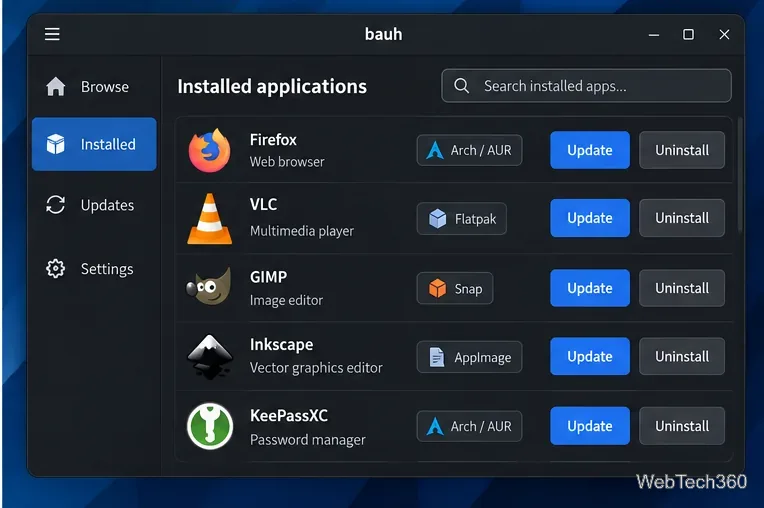
Open the installed-applications or updates view to manage software that bauh already knows about. Use the available update action for a package, or choose Uninstall to remove it. Because the backend differs by format, bauh passes the operation to the appropriate package technology rather than treating every app as the same kind of package.
Manage updates and removals from the installed-applications view.
If a backend does not appear, first verify the prerequisite outside bauh: flatpak --version, snap version, or the required FUSE support for AppImages. That is usually more useful than reinstalling bauh itself.