How to Access a Windows BitLocker Partition in Linux
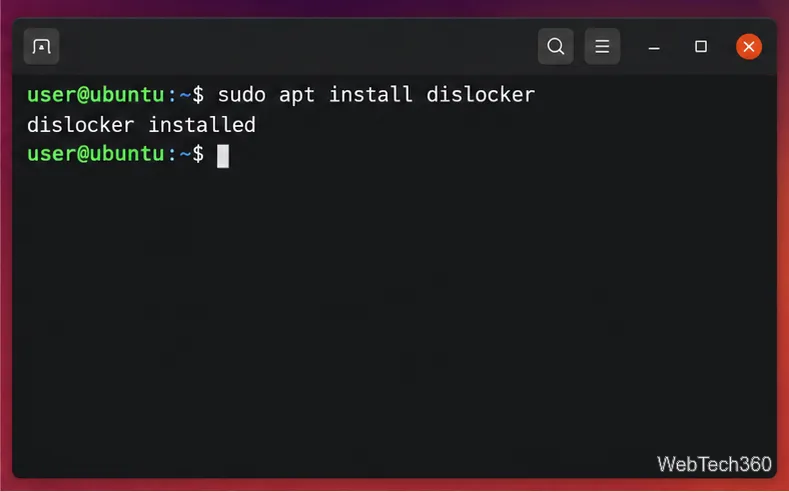
Use Dislocker to unlock a BitLocker volume in Linux, mount its virtual NTFS file read-only, and safely unmount it without exposing your password in a command.
Illustrative scenario: Maya maintains a Debian 12 Bookworm workstation used for development. She wants the newer packages in Debian Testing, but cannot afford to leave APT with a half-upgraded package set. The safest approach is to move through the currently supported stable release first, then switch the clean stable system to the current Testing codename. This example explains a cautious procedure; it is not a report of a real upgrade or a guarantee that every machine will have the same package plan.
As of October 6, 2026, Debian identifies Debian 13 “Trixie” as Stable and Debian 14 “Forky” as Testing. Debian’s Testing guidance says to move to Testing from the current Stable release; it warns that starting from an older stable release can lead to unexpected errors. For a Bookworm installation, that means following the official Bookworm-to-Trixie upgrade instructions before changing repositories to Forky. Check the release pages again on the day you work, because Testing’s codename changes when Debian publishes a new stable release.
APT resolves dependencies using the package indexes and release suites configured on the system. If you point an older installation directly at Testing, APT may propose changes across core libraries, the kernel, the desktop, firmware, and third-party packages in one operation. A simulation can expose a questionable plan, but it cannot make an unsupported starting point safe.
Testing is a moving target. Packages migrate from Unstable after meeting archive criteria, but temporary dependency gaps and regressions can still occur. Debian also does not provide the same permanent security support for Testing that it provides for Stable. This route reduces avoidable package conflicts; it cannot make Testing as dependable as Stable or prevent every future breakage.
Maya first checks that this is Debian itself and records the current system state. She reads the current release details and repository files before editing anything:
cat /etc/os-release
cat /etc/debian_version
apt-cache policy
dpkg --audit
apt-get check
apt-mark showhold
She reviews /etc/apt/sources.list, every file in /etc/apt/sources.list.d/, and APT preferences in /etc/apt/preferences and /etc/apt/preferences.d/. The goal is to identify vendor repositories, locally built packages, pinned releases, and held packages before they become confusing during an upgrade. If dpkg --audit reports unfinished package configuration, or apt-get check reports broken dependencies, Maya fixes that condition on Bookworm first rather than layering a distribution change over it.
Before touching package sources, Maya creates a tested backup of personal data and important configuration, including application databases and service data where applicable. A full disk image or VM snapshot gives her a way to recover the operating system; a home-directory copy alone does not. She also makes sure she has local console access, a bootable rescue medium, enough free space in /, /var, and /boot, and a working network connection.
If the machine is remote, she schedules downtime and uses an out-of-band console if available. A package upgrade that restarts networking or replaces SSH components can disconnect a remote session. For an important server, Maya tests the entire sequence on a clone first. Debian’s release notes include preparation and recovery guidance; they should be read before each release upgrade.
Maya follows the Bookworm-to-Trixie procedure in the official Debian 13 Release Notes, including its checks for third-party archives, APT preferences, package status, and available disk space. She does not skip Bookworm’s supported upgrade step by rewriting all sources to Forky. Debian explicitly documents the upgrade from Debian 12 to Debian 13; use that release-specific document for the exact package and configuration prompts that may apply to the system.
Once the machine is fully upgraded, she reboots into Trixie and confirms that it starts normally. She checks critical services, network access, storage mounts, graphics or desktop login, and any hardware that depends on firmware. This checkpoint is valuable: if something is wrong, she can diagnose a single release transition before introducing Testing.
After the system is healthy on Trixie, Maya saves a copy of its APT source and preference files. She disables third-party repositories and Trixie-specific backports or update entries temporarily. Mixing stable, testing, and unstable suites without a clear pinning policy can produce mismatched libraries and dependency conflicts. Packages from vendors outside Debian may not yet exist for Forky; she checks each vendor’s compatibility information rather than assuming that a Trixie repository is suitable.
On current installations, sources may use either the older one-line format or the deb822 .sources format. Edit the format already in use, and make sure no active Debian entry still points to bookworm or trixie when the Testing upgrade begins.
For this date-specific example, Forky is the current Testing codename. A deb822 source file such as /etc/apt/sources.list.d/debian.sources can use the following structure. Keep the components that match the installation; this example includes common firmware and non-free areas but does not enable them automatically on every system.
Types: deb
URIs: https://deb.debian.org/debian
Suites: forky
Components: main contrib non-free non-free-firmware
Signed-By: /usr/share/keyrings/debian-archive-keyring.gpg
Do not copy this stanza on top of an existing configuration without inspecting it. Preserve mirror choices and components that the system needs, and remove or comment out duplicate Debian entries. Avoid using the moving alias testing if the intention is to remain on Forky after it becomes Stable. A codename tracks Forky through its release transition; the suite name testing follows whichever release is Testing in the future.
For Testing, do not blindly retain a Stable security URL such as trixie-security or replace it with a guessed forky-security suite. Debian’s FAQ says Testing does not receive the same dedicated security updates as Stable; fixes may need to migrate from Unstable, and timing can vary. Readers should review the current Debian Testing guidance and vulnerability information and decide whether that support model is acceptable.
With the sources edited, Maya refreshes package metadata and asks APT to simulate the full upgrade:
sudo apt update
sudo apt -s full-upgrade
The simulation is a review step, not an approval prompt that should be accepted automatically. Maya reads the list of packages to install, upgrade, keep back, and remove. She stops if the proposal removes the desktop metapackage, SSH server, bootloader, network manager, database, or another package she depends on; if it removes a large set of unrelated packages; or if APT reports unresolved dependencies. She checks whether the cause is an enabled third-party source, a hold, a pin, insufficient disk space, or a temporary Testing transition.
A package that is held back is not automatically broken. It may require dependency changes that the conservative upgrade operation will not make. Do not force-install a library or remove a metapackage merely to make the package count reach zero. If the plan is not understandable, wait for the archive transition to settle, consult the relevant Debian package bug or transition information, or remain on Stable.
If the simulation is reasonable and the backup is current, Maya first performs an upgrade that does not remove installed packages:
sudo apt upgrade --without-new-pkgsShe reads any configuration-file questions carefully and keeps a record of local changes. Then she simulates again because the package plan may have changed:
sudo apt -s full-upgradeOnly when the proposed removals and additions make sense does she run the actual operation:
sudo apt full-upgradefull-upgrade can install new dependencies and remove packages to complete a release transition. That is why the simulation and human review matter. If it proposes unexplained removals or fails with dependency errors, Maya stops and saves the exact output. She does not chain random apt --fix-broken install, forced version selection, or manual library removals; those actions can deepen the inconsistency. First inspect APT’s error, source configuration, holds, and package status, then retry only after understanding the cause.
Keep the machine powered and connected during package unpacking and configuration. Avoid starting another package manager at the same time. If the process is interrupted, use the recovery guidance for the observed error and complete pending package configuration only after confirming the package database state.
After APT completes without unresolved errors, Maya checks package state and reboots when appropriate:
sudo dpkg --audit
sudo apt-get check
sudo apt update
sudo reboot
After reboot, she confirms the installed release with /etc/os-release, checks that the expected kernel is running with uname -r, reviews systemctl --failed, and tests her essential applications and services. She can inspect recent package activity in /var/log/apt/history.log and /var/log/dpkg.log. A successful APT run is not enough if the system no longer boots, networking is unavailable, or an important service has failed.
Only after Debian packages are healthy does she consider re-enabling third-party repositories, one at a time, and only when the vendor documents support for Forky. She then runs apt update and simulates any resulting upgrade before accepting it. She keeps the recovery backup until the machine has been stable under normal use.
Maya considers the migration complete when the machine boots into the expected Testing codename, dpkg --audit is clean, apt-get check reports no broken dependencies, APT updates from the intended repositories without signature or release errors, and her critical workloads pass their own checks. She also records the date, source changes, package removals, and any manual configuration decisions so a later regression can be traced.
If the goal is only a newer application, staying on Stable and using an official backport, vendor-supported package, container, or isolated test environment may be less disruptive. If the computer is business-critical, internet-facing, or cannot be restored quickly, Debian Stable is generally the more appropriate choice. Testing is for users prepared to monitor updates, read package plans, and troubleshoot temporary archive or dependency problems.
Use Dislocker to unlock a BitLocker volume in Linux, mount its virtual NTFS file read-only, and safely unmount it without exposing your password in a command.
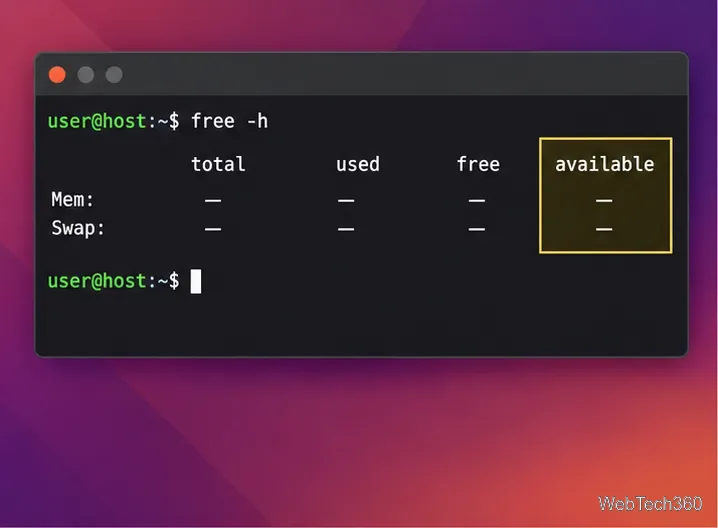
Learn how to reduce RAM usage on Linux by finding memory-hungry apps, trimming browser and startup load, and testing a lighter desktop safely.
Compare four WhatsApp alternatives for Linux by privacy defaults, desktop support, setup requirements, and the people each app suits.
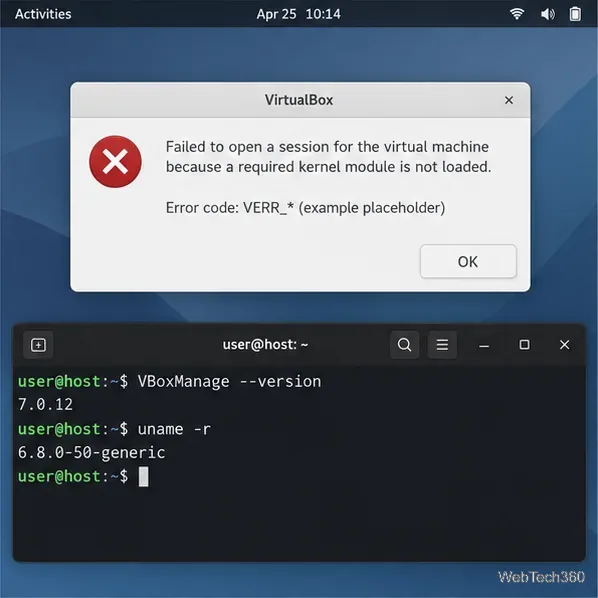
Troubleshoot a VirtualBox VM that will not start on Linux by checking vboxdrv, kernel headers, Secure Boot, Extension Pack versions, and VM logs.
Transfer your Ubuntu user data with a tar archive and external drive, then restore personal files and selected settings without overwriting the new setup.
Install gThumb on Linux, browse and make simple photo edits, then set it as the default app for the image types you choose in GNOME.
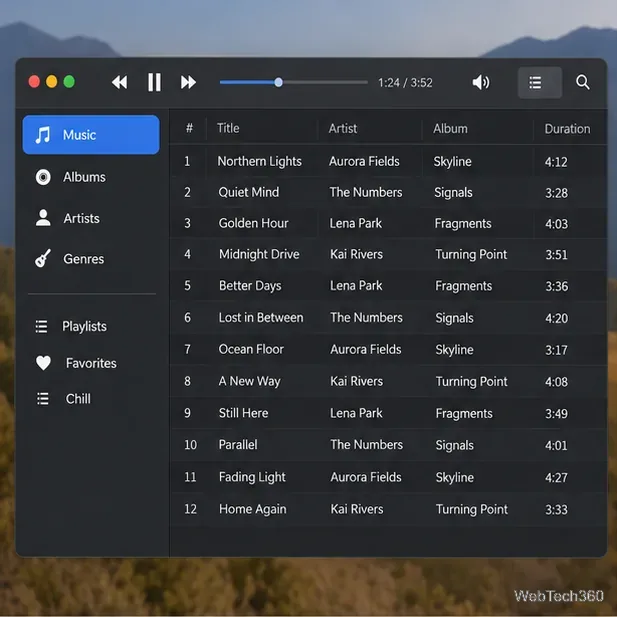
Create an organized playlist in Rhythmbox or save a reusable XSPF playlist in VLC. Learn how to add tracks, name a list, and reopen it on Linux.
Install Dino on Linux with Flatpak or your distribution’s package manager. Get current Ubuntu, Debian, Fedora, and Arch commands, plus first-launch tips.
Install Arch Linux’s linux-lts kernel, add it to GRUB or systemd-boot, select it at startup, and verify it while keeping a fallback kernel.
Download the right Pi 4 image, write it to a microSD card, and complete LibreELEC’s first-run setup with Raspberry Pi Imager.