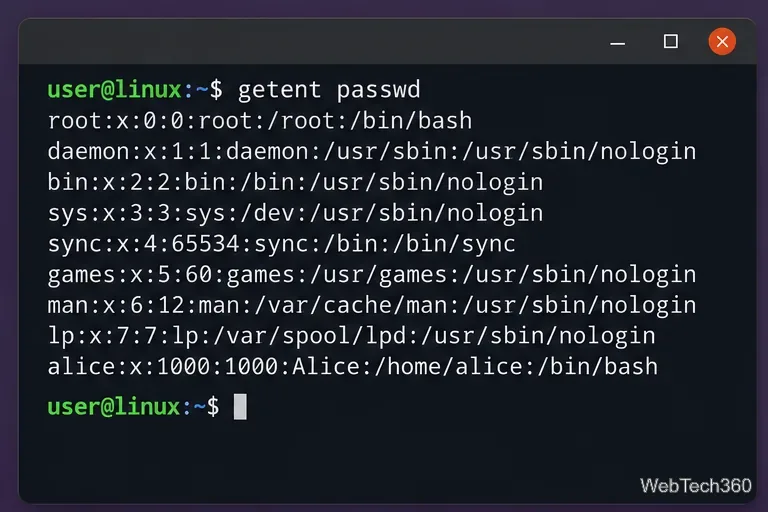
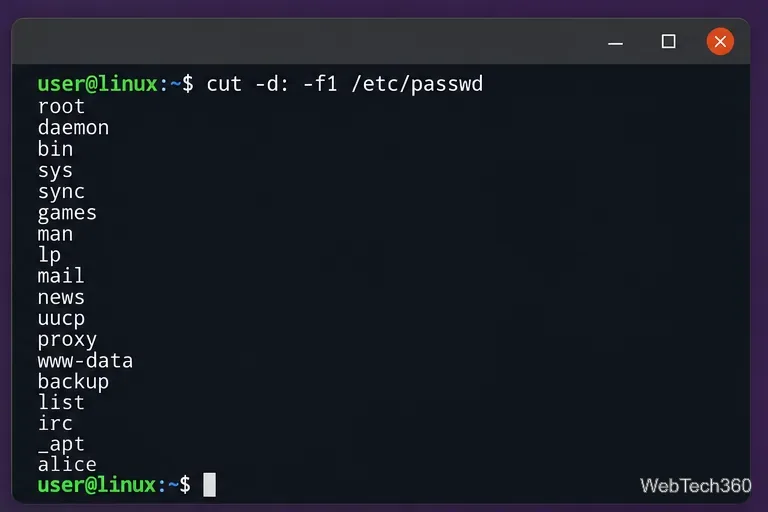
To list all users on Linux, the best general-purpose command is getent passwd. If you only want usernames, run getent passwd | cut -d: -f1. This is usually more complete than reading /etc/passwd directly because getent follows the system's Name Service Switch (NSS) configuration, so it can include accounts supplied by services such as LDAP or other configured identity sources.
List all users with getent
Open a terminal and run:
getent passwd
Each line is a user record. To show only the login names, use:
getent passwd | cut -d: -f1
You can also inspect one known account without scrolling through the full list:
getent passwd alice
The GNU C Library documentation explains that NSS controls how system databases such as passwd are resolved through /etc/nsswitch.conf. See the GNU C Library NSS documentation.
getent passwd shows account records available through the configured user database sources.
List local users from /etc/passwd
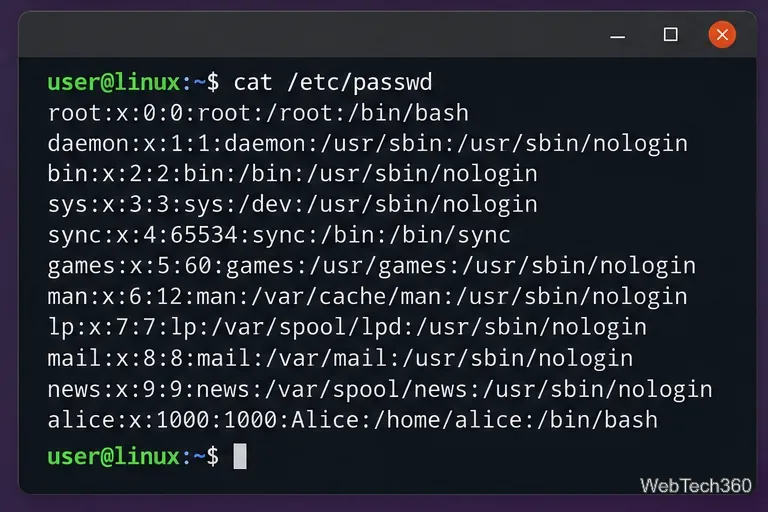
If you specifically want accounts stored in the local password database, read /etc/passwd. The file contains one colon-separated record per local account. A typical record includes the username, password placeholder, UID, primary GID, comment field, home directory, and login shell.
For usernames only:
cut -d: -f1 /etc/passwd
The same result can be produced with awk:
awk -F: '{print $1}' /etc/passwd
This list normally includes both human users and service accounts such as root, daemon, or accounts created by installed software.
The cut command extracts only the first field, which is the username.
View complete local account records
To inspect the complete local file, use less so you can scroll comfortably:
less /etc/passwd
You can also print the file directly:
cat /etc/passwd
On modern Linux systems, the password field commonly contains x. That does not mean the password is stored as plain text in /etc/passwd; password hashes are normally kept separately in /etc/shadow, which has more restrictive permissions. The Linux man-pages project documents the seven fields and this shadow-password behavior in passwd(5).
A full /etc/passwd entry contains the username, UID, GID, home directory, shell, and other account fields.
List usernames with Bash compgen
If you are using Bash, compgen can generate username completion candidates:
compgen -u
For a long result, page through it with:
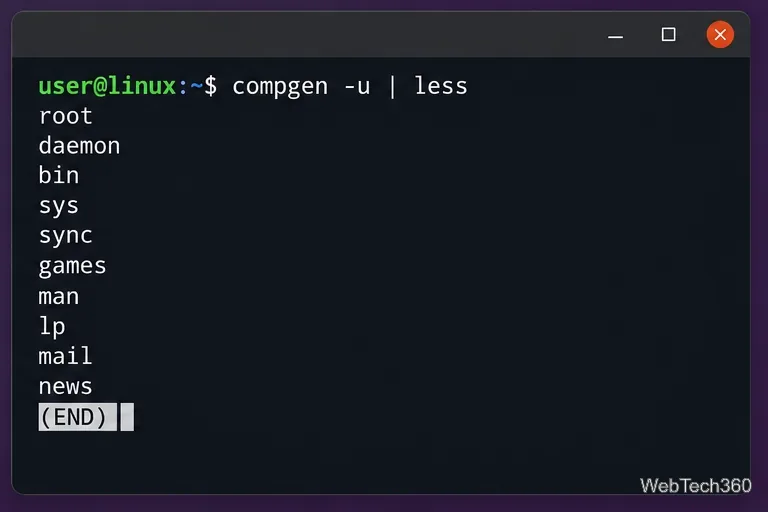
compgen -u | less
Or remove duplicate names and sort the output:
compgen -u | sort -u
compgen is a Bash builtin, so it is less universal than getent for scripts that must work across different shells. The GNU Bash manual documents compgen as part of Bash's programmable completion facilities.
In Bash, compgen -u | less provides a paged username list.
How to show regular users instead of service accounts
There is no single UID cutoff that is correct for every Linux distribution or organization. Many systems reserve lower UIDs for system accounts and assign regular users from a configured minimum, but that policy can vary. If your system uses /etc/login.defs, you can check its configured minimum with:
grep '^UID_MIN' /etc/login.defs
You can also look for accounts with interactive shells as a practical clue:
This is only a heuristic: an account can have an interactive shell without being a normal desktop user, and externally managed users may follow different UID policies.
Save, count, or search the user list
Once you have the list you need, standard shell tools make it easy to reuse:
Save usernames:getent passwd | cut -d: -f1 > ~/linux-users.txt