10 Best Ping Sweep Tools for Finding Devices on Your Network
Compare 10 ping sweep tools for quick LAN discovery, cross-platform scanning, and IP address management. Learn what a sweep can—and can’t—tell you.
The best wireless scanning and analysis tool depends on what you need to diagnose. For nearby access points, signal strength, and channel overlap, start with a Windows or Android Wi-Fi analyzer. For enterprise monitoring, use a network platform that polls access points and controllers. On iPhone and iPad, expect more limits: most apps focus on the connected network, speed, or devices on your LAN rather than a full radio scan.
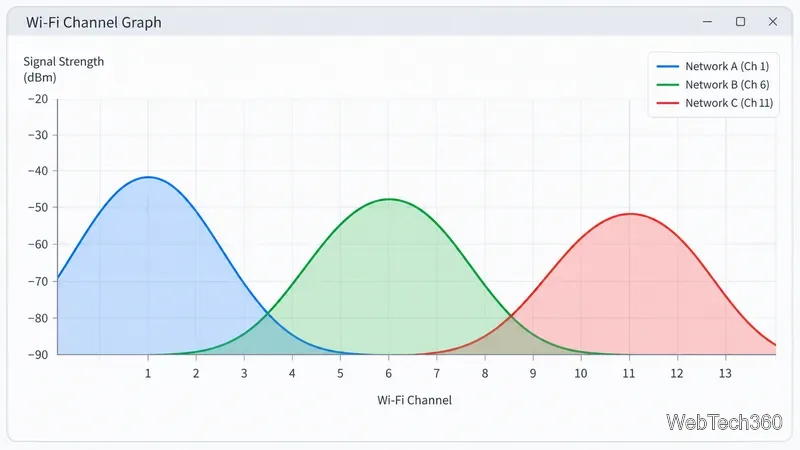
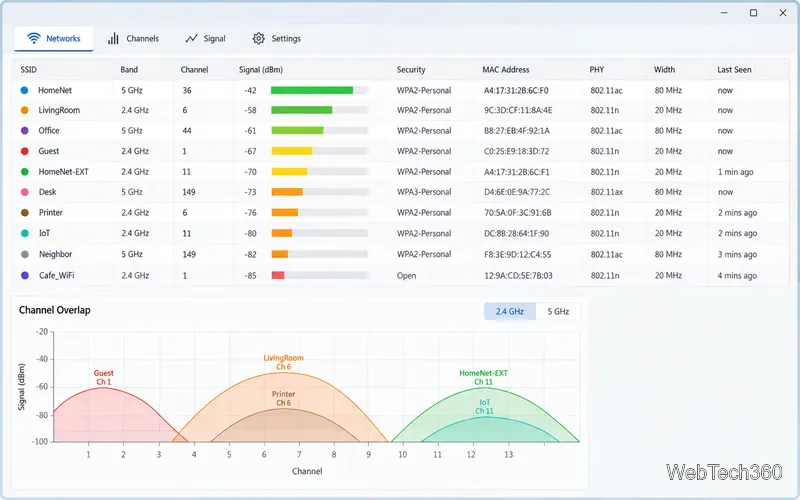
A Wi-Fi scanner lists nearby access points and details such as network name (SSID), band, channel, security, and received signal strength (RSSI). A channel graph can help spot nearby networks using overlapping channels, but it does not prove that Wi-Fi is the only source of interference. For non-Wi-Fi radio interference, you may need a dedicated spectrum analyzer and compatible hardware.
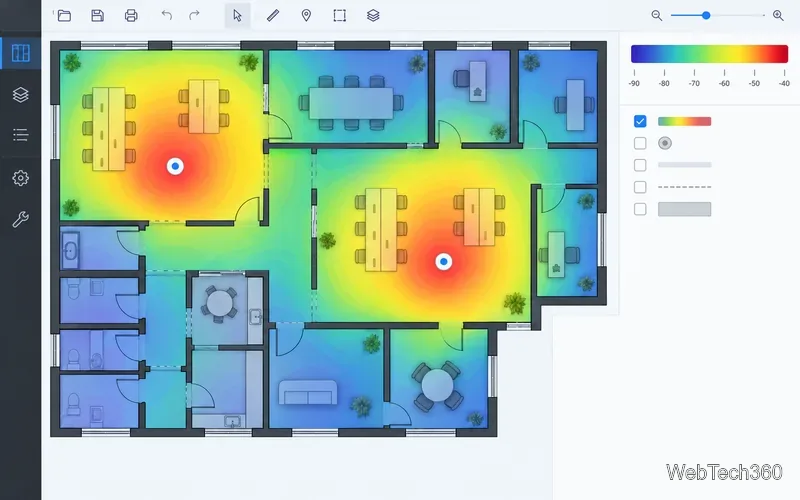
A site survey is different: you take readings at multiple points and place them on a floor plan to make a Wi-Fi heat map. The result depends on the survey method, device, adapter, walls, and current network load. Infrastructure-monitoring products work differently again; they gather performance data from managed access points or controllers, commonly through polling, rather than simply listening for nearby radio networks.
Apple’s Wi-Fi APIs limit what ordinary iOS apps can retrieve about the surrounding radio environment. In practice, iPhone tools are useful for active surveys, connection tests, and LAN discovery, but they are not interchangeable with a Windows scanner that lists every nearby access point and channel. Apple outlines the available interfaces in its iOS Wi-Fi API overview.
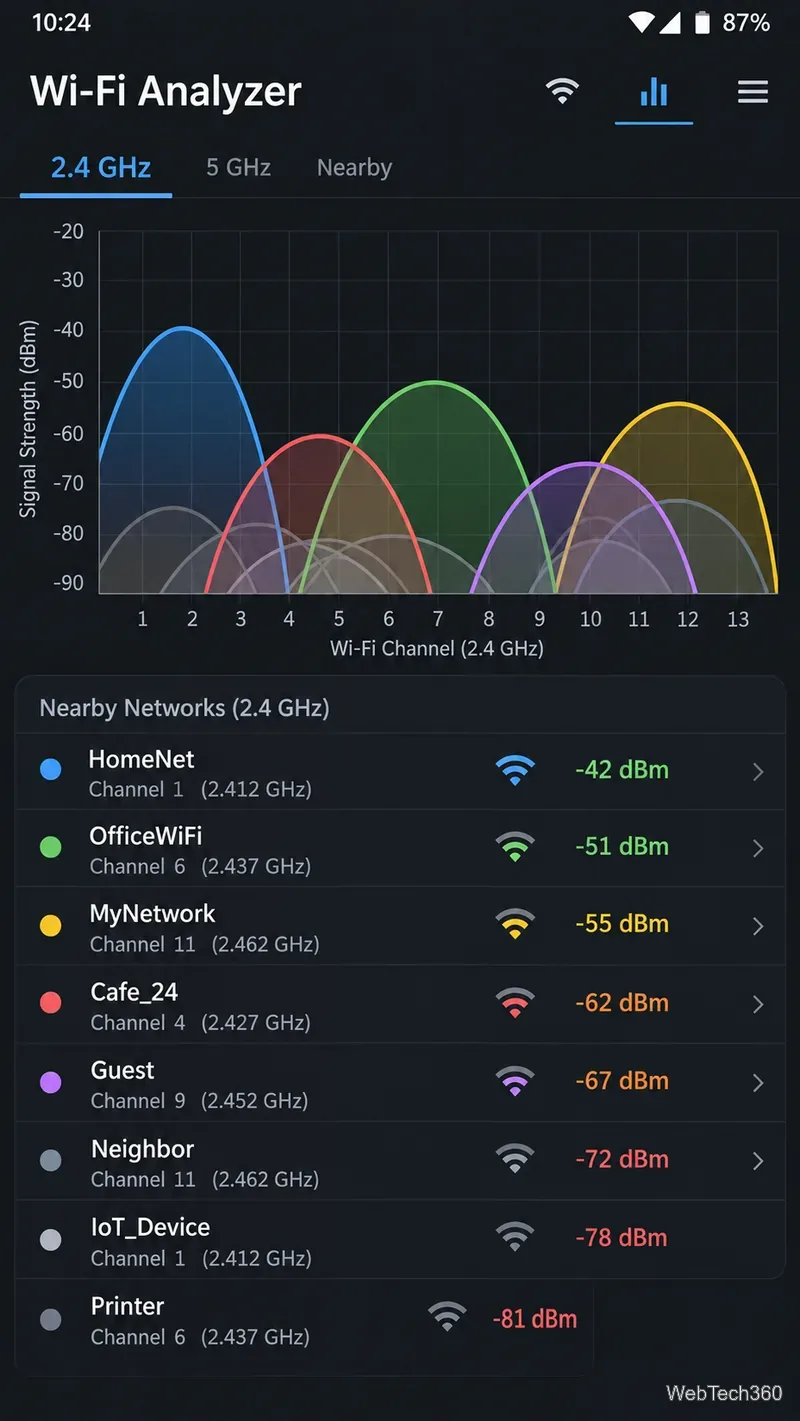
Android generally exposes more nearby Wi-Fi scan information than iOS, but scan results still depend on Android permissions, device hardware, and manufacturer behavior. If an app returns an empty list, check its requested permissions and the phone’s location or nearby-device settings; Android documents the requirements in its Wi-Fi scanning guide.
Do not treat a strong RSSI reading as proof of fast internet. Signal, interference, access-point capacity, client hardware, and the broadband connection all affect performance. Compare scan data with a speed or latency test, and verify changes from the places where people actually use the network.
Compare 10 ping sweep tools for quick LAN discovery, cross-platform scanning, and IP address management. Learn what a sweep can—and can’t—tell you.
Compare six network management tools for performance monitoring, including SNMP coverage, mapping, alerts, deployment models, and cost tradeoffs.
Compare Wi-Fi analyzer picks for Windows, iPhone, and Android, including tools for channel congestion, signal coverage, heat maps, and network troubleshooting.
Compare seven free, open-source ping monitors, from full network suites to focused latency probes, and choose the right fit for availability, packet loss, and history.
Learn what QoS means in networking, how DSCP markings and traffic queues prioritize voice, video, and business applications, and what QoS cannot fix.
Compare reliable SFTP server software for Windows and Linux, including OpenSSH, Bitvise, SolarWinds, and SFTPGo. Find the right fit for your security and file-transfer needs.
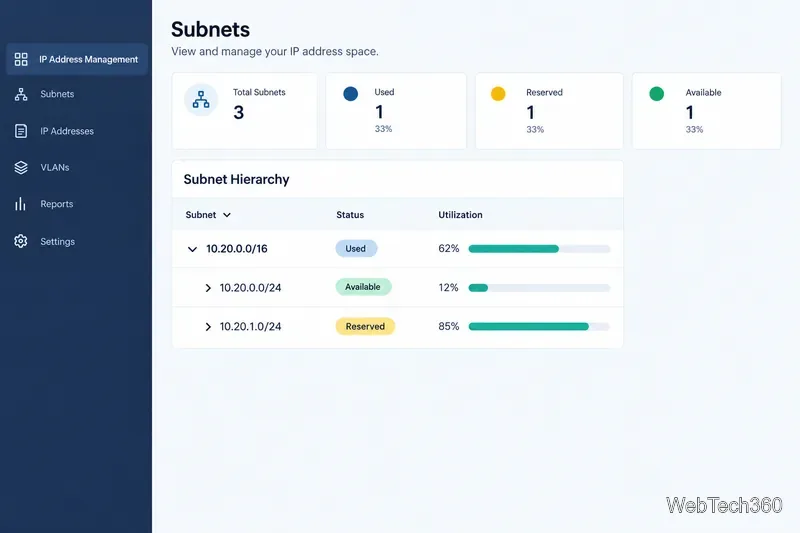
Compare seven IP address manager tools for subnet discovery, DNS and DHCP coordination, network inventory, and open-source IPAM.
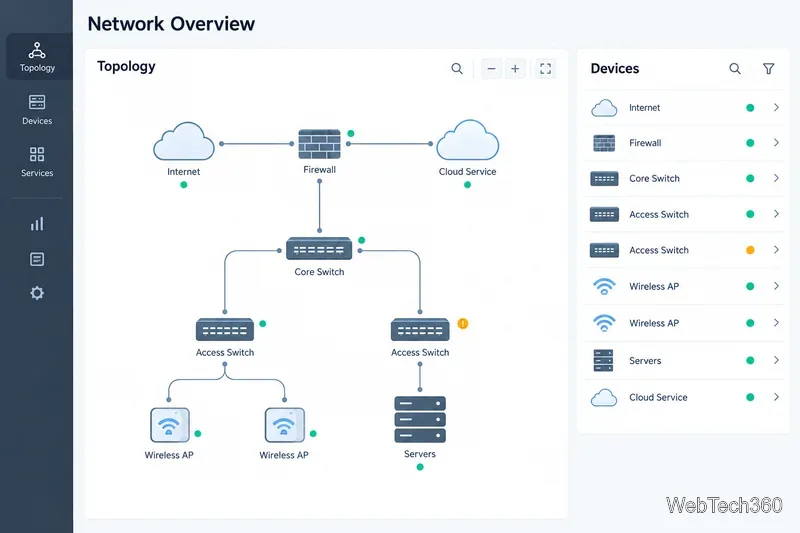
Build practical network monitoring with clear device coverage, useful performance metrics, actionable alerts, and a comparison of SolarWinds NPM, PRTG, and OpManager.
Compare network scanner tools for quick device discovery, cross-platform IP scans, and enterprise IPAM, with guidance on matching each option to your network.
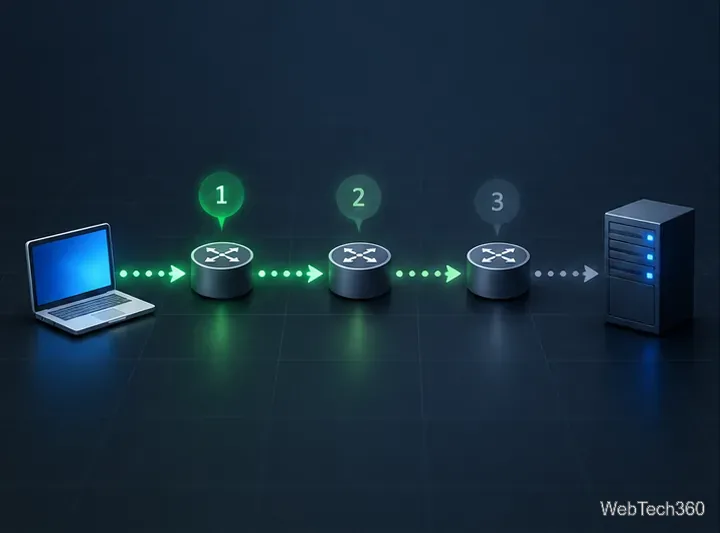
Use Nmap’s --traceroute option to map hops to an authorized host, understand hop and RTT output, and troubleshoot missing responses without over-scanning.