Home
» NETWORK ADMIN
»
Fix Kopano Search Engine Python Service Crashing
Fix Kopano Search Engine Python Service Crashing
Start with the crash log, not the search index. On a classic Kopano Core server, the search engine is the kopano-search service. The Debian source package describes this generation as a process-based indexer built on python-kopano. It connects to kopano-server, maintains per-store search indexes, and can optionally call attachment-parsing tools. Review the Kopano Search source package. A missing Python module, a server-socket mismatch, a permissions or disk-space problem, or a failing attachment parser can each cause different symptoms. Restarting or deleting the whole index before identifying the failure can hide useful evidence and create more work.
This guide covers installations that run the classic kopano-search daemon, including older Kopano Core packages. The Kopano documentation currently available for this service is versioned for Kopano Core 8.0, while Ubuntu’s archived man pages cover older package builds such as 8.7. Confirm your installed Kopano release and its local manual before applying version-specific commands. Kopano Cloud or container deployments may use different service names and management procedures.
What should you check before changing anything?
You need shell access with permission to read Kopano logs and configuration. Before editing configuration or touching index files, record the package version and make a backup of the relevant config. Do not copy an index path from another server: the default and configured paths differ across package versions. The Kopano administrator manual describes /etc/kopano/search.cfg, per-store index files, the service socket, and attachment parsing; it also warns against changing index files while the service is running. Kopano’s Search configuration section is the primary reference for those settings.
1. Confirm that kopano-search is actually crashing
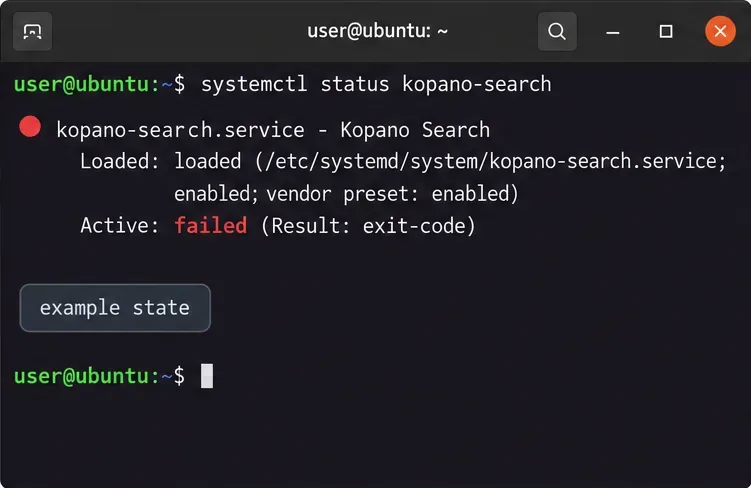
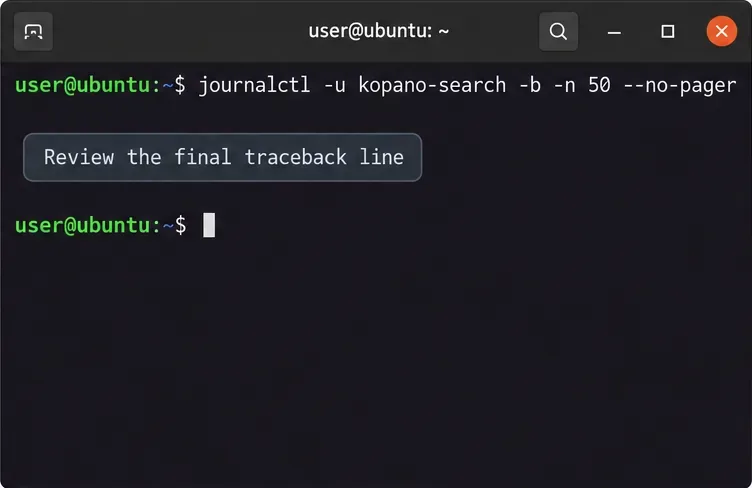
On a system using systemd, inspect the unit and recent log entries:
Look for repeated start attempts, an exit code, a Python traceback, or a specific final exception. The final line of a traceback is often more useful than the first line because it names the error that stopped the process. If your installation uses the older SysV init scripts, check with sudo service kopano-search status and inspect the configured log file or system log instead. The service may log to a file or syslog depending on search.cfg, so an empty journal does not prove that no error occurred.
Check the Kopano Search service state first. The failed state in this example is illustrative; compare it with your server’s own output.
Save the relevant log lines before restarting. If the service exits and systemd starts it again, you want to know whether every attempt fails at the same stage or whether one event triggered the crash.
2. Check whether the search service can reach Kopano Server
The search daemon must connect to the correct Kopano Server socket. Check both services and compare their configured socket values:
The exact set of keys present can vary by release. In the classic Core configuration, search_enabled = yes enables full-text search in server.cfg; search_socket tells the server where to contact the search service. The search service’s server_socket setting points back to the Kopano Server. A mismatch, a missing socket, or a stopped server can produce connection errors that look like a search crash. The server can fall back to direct database search while the search socket is unavailable, but full-text indexing is not restored until the search service is healthy.
Use the service log to identify the failure category. The command and reminder are shown for orientation; output depends on your logging configuration.
3. Match Python packages to the Kopano build
kopano-search uses Kopano’s Python bindings and native MAPI components. An ImportError, missing shared library, or module load error can appear after a partial upgrade, a repository change, or a manual Python package install. Record the installed packages and the interpreter used by the packaged executable:
The second command is useful only if kopano-search is found in the current shell’s path. Compare these details with the repository and install instructions for the Kopano package set you actually use. If the server is managed with RPM, containers, or a vendor appliance, use that platform’s package tools rather than the Debian commands above.
Do not repair a packaged Kopano server by running sudo pip install into the system Python. Python-MAPI includes native components, and mixing them with unrelated Python packages can make the interpreter find incompatible modules. Restore or reinstall the matching Kopano packages from the same trusted repository, then restart the service and recheck the log. If the machine was upgraded across operating-system releases, verify that the Kopano repository supports that OS/Python combination before attempting a package reinstall.
4. Check permissions, free space, and attachment parsing
Read the configured index_path, log_file, tmp_path, and attachment-parser settings in /etc/kopano/search.cfg. Confirm that the filesystem has free space and that the service account can write where the configuration expects. For example:
Replace the example index directory with the value in your own configuration. Errors such as “permission denied,” “no space left,” or a failed temporary-file creation point to storage access rather than a general Python crash. Restore the intended owner and permissions using your server’s documented package defaults; do not recursively change ownership across all of /var/lib/kopano without verifying what other services use it.
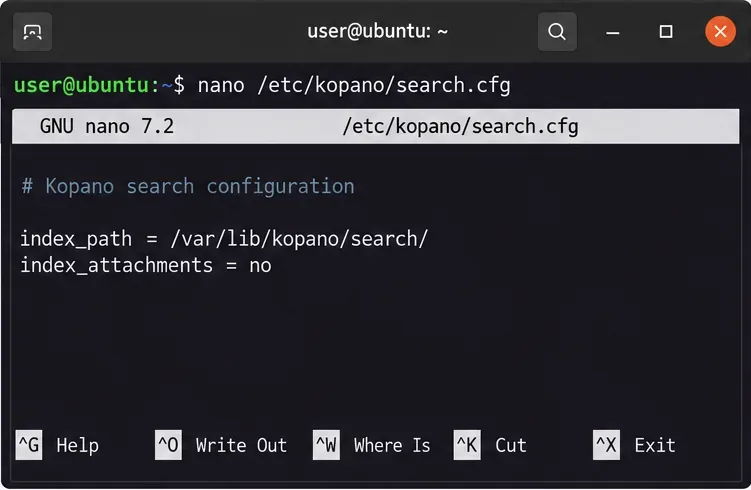
If the traceback or timing implicates attachment extraction, check whether index_attachments = yes and inspect index_attachment_parser plus the parser database and external utilities it calls. The Kopano manual explains that attachment contents are converted to text by a configured script and that attachment size, memory, and CPU limits can be set. As a diagnostic, you can temporarily set index_attachments = no, restart the service, and see whether the crash stops. This disables searching inside attachment contents; it does not disable message-body indexing. If the failure disappears, repair the specific parser or dependency before enabling attachment indexing again.
The configuration example shows the index path and attachment setting. Check your installed manual and current file before changing either value.
5. Rebuild only the affected store index when logs point to index damage
Reindexing is appropriate when the service starts correctly but repeatedly fails while opening or updating one store’s index, or when Kopano’s logs identify that specific index as damaged. It is not the first fix for a Python import error, a socket mismatch, or a full disk.
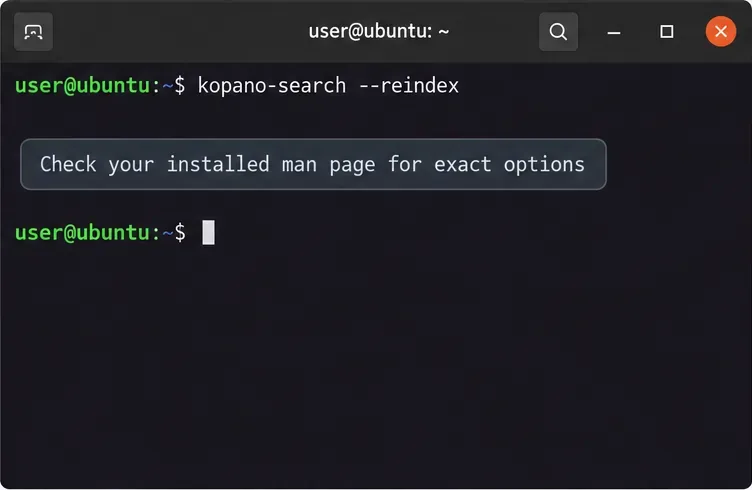
Kopano’s administrator manual says to stop kopano-search before deleting an individual store’s index file. It also describes a state file in the index directory, so do not remove the entire directory or all user indexes as a routine repair. First back up the relevant index file and confirm the user or store identity and path. If your local man kopano-search documents the --reindex option, prefer its package-supported syntax for rebuilding one store; the option format differs between archived builds. The Ubuntu Focal manual, for example, documents a targeted reindex option and notes that the daemon must already be running.
A broad rebuild can consume disk and CPU, and search results may be incomplete while indexing catches up. If you are unsure which store file is affected, stop before deleting anything and collect the service log, package versions, and configured index_path for a Kopano administrator or support channel.
Reindex syntax depends on the installed Kopano build. Use the local manual and target one confirmed store instead of deleting the full index directory.
6. Restart and verify the result
Once you have corrected the cause, restart only the search service:
For a SysV installation, use the service command documented by that package. Confirm that the process stays active, that the same traceback no longer repeats, and that the search socket appears after initial indexing. Kopano notes that the socket may not be created until the initial index has been built. Test a normal mail search and, if attachment indexing is enabled, test a known attachment only after the parser has been repaired.
Quick diagnosis guide
Log symptom
First check
Python ImportError or missing module
Package and Python binding versions; undo mixed package sources
Connection refused or socket missing
kopano-server status and matching socket configuration
Permission or disk error
Configured log, temporary, and index paths; free space and service-user access
Crash occurs on one attachment
Attachment parser command, parser dependencies, and size limits
Repeated failure opening one store index
Back up and reindex only that confirmed store using local-version syntax
The most reliable fix follows the error in the log: repair the package environment for Python import failures, restore the correct socket for connection failures, fix the specific path or parser for access and extraction errors, and reindex only when the evidence points to damaged index data. The available Kopano manuals cover older Core releases, so use them alongside the package’s own manual rather than assuming every current deployment uses the same service manager or option syntax.