Home
» NETWORK ADMIN
»
How to Purge ownCloud File Version History from the Command Line
How to Purge ownCloud File Version History from the Command Line
ownCloud’s command line can free storage by removing file versions, but the right command depends on what you mean by “purge.” You can let ownCloud expire only versions that violate the configured retention policy, remove every saved version for one or more accounts, or remove all versions system-wide. Those choices differ sharply in reversibility and scope. First confirm whether your server is ownCloud Server or ownCloud Infinite Scale; they use different command-line tools.
The commands below are based on the current ownCloud Server 10.16 and 11.0 administration documentation and the Infinite Scale 8.2 guide, checked October 6, 2026. Paths, service names, and account IDs vary by installation, so adapt the examples before running them on a production server.
Choose the cleanup method that matches your goal
Method
What it removes
Best fit
Main trade-off
versions:expire on ownCloud Server
Versions considered expired by the configured retention rule
Routine maintenance and quota control
It preserves versions still covered by the policy, so it may not reclaim as much space immediately as a full purge.
versions:cleanup USER_ID on ownCloud Server
All saved versions for the named account or accounts
Removing history for a specific account
That user loses the ability to restore earlier versions, including published versions.
versions:cleanup with no user IDs
All saved versions for all ownCloud Server users
A planned, organization-wide reset
It is a broad destructive operation, and the documented command has no preview option.
ocis revisions purge on Infinite Scale
Revisions in all spaces by default, or a narrower resource scope when specified
Infinite Scale deployments that need revision cleanup
Its dry-run behavior and storage path options are different from ownCloud Server’s occ commands.
For recurring storage management, start with the retention policy and versions:expire. Use versions:cleanup only when you deliberately want to erase the selected history now.
1. Confirm your ownCloud product and command location
For ownCloud Server, connect to the host or container that runs the PHP application and change to the ownCloud installation directory, where the occ script is located. A common Linux pattern is to run commands as the web-server account, often www-data or wwwrun:
cd /var/www/owncloud sudo -u www-data php occ status
Use the actual installation path and web-server account for your system. Running occ as root can leave files owned by the wrong account, so use the documented service account. Confirm that the Versions app, files_versions, is enabled; the version commands are unavailable when that app is disabled and are not available in single-user maintenance mode.
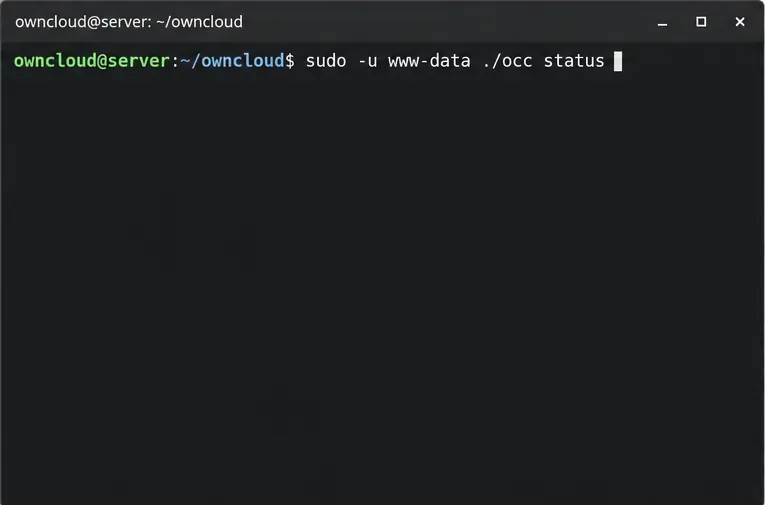
The occ status command checks the ownCloud Server installation before version cleanup.
If ownCloud Server runs in Docker, execute the command inside the application container. For example, from the directory containing your Compose configuration, a deployment may use docker compose exec owncloud occ status; replace owncloud with the actual service name in your Compose file. Do not use the occ examples for Infinite Scale.
2. Decide whether to enforce retention or erase history
Use expiration when you want a policy-based cleanup
versions:expire evaluates versions against the versions_retention_obligation setting in config.php. Without a user ID, it applies to all users; you can also list one or more user IDs. For a single account, the command is:
sudo -u www-data php occ versions:expire alice
Substitute the real account ID, not the person’s display name or email address unless that is how the account is identified in your installation. To run the expiration process across all accounts, omit alice. This choice respects the configured retention rule: it will not necessarily delete recent or otherwise retained versions.
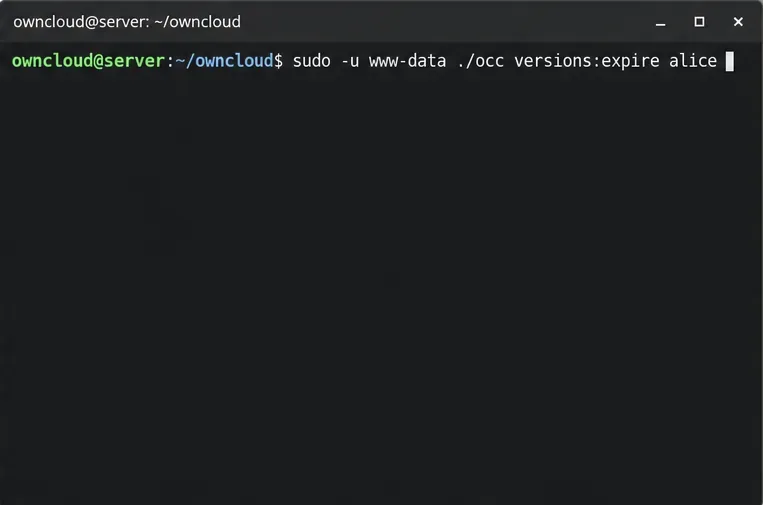
The versions:expire command applies the configured retention policy to one named account.
The ownCloud Server documentation describes auto as the default retention pattern and also documents time-based alternatives. Review your policy before running expiration, especially if your organization has legal or operational retention requirements. For normal recurring expiration, ownCloud runs this as a background job. The administration manual recommends system cron for background jobs; manually invoking expiration is useful for a deliberate maintenance run, but it should not become an improvised substitute for a correctly configured scheduler.
Use cleanup when you intend to delete every version in scope
For one account, run:
sudo -u www-data php occ versions:cleanup alice
For several accounts, provide their IDs separated by spaces:
sudo -u www-data php occ versions:cleanup alice bob
With no IDs, the command removes all versioned files for all users:
sudo -u www-data php occ versions:cleanup
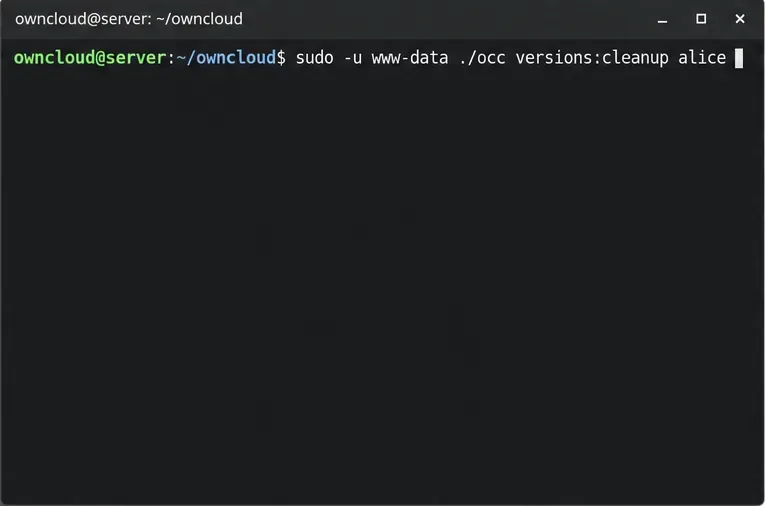
Passing an account ID scopes the full-history cleanup to that user.
Take a backup first if the versions may be needed for recovery, and confirm the account IDs before execution. The documented command deletes the version data and the associated files_versions folder for its scope. It also removes published versions that would otherwise persist beyond normal retention. There is no supported “preview only” flag documented for ownCloud Server’s versions:cleanup, so a typo or omitted ID can have a larger impact than intended.
3. Understand the difference between ownCloud Server and Infinite Scale
ownCloud Infinite Scale (oCIS) does not use the PHP occ versions:cleanup command. Its administration documentation describes revision cleanup with ocis revisions purge. The command defaults to a dry run, which reports what it would remove without deleting revisions. The configured users storage path is required; this example uses a placeholder path:
ocis revisions purge -p /base/path/storage/users
Inspect the dry-run results and verify that the storage path is correct. To actually remove the revisions listed by that run, explicitly disable dry run:
By default, the Infinite Scale command targets revisions across all spaces. Its --resource-id option can narrow the operation to a space or an individual file when you have the correct ID. If the path or scope is uncertain, stop at the dry run and confirm both with your deployment configuration. The docs note that alternate globbing modes can increase CPU and memory use on large spaces; keep the default unless you have measured a need to change it.
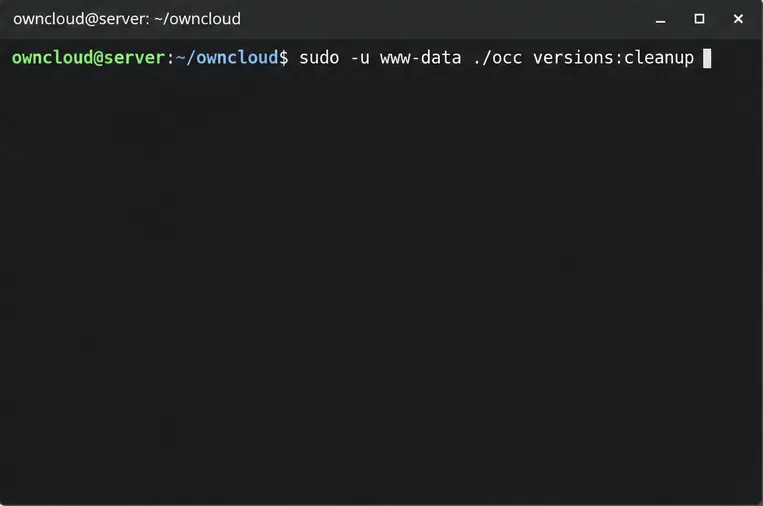
Without a user ID, versions:cleanup targets every ownCloud Server user.
4. Verify the result without deleting more data
After a Server cleanup, inspect a few representative accounts in the web interface and confirm that old entries are no longer shown in each file’s version history. Check the command output for the users it processed. For Infinite Scale, compare the purge results with the dry-run output and review the command’s completion status. Then check storage usage at the layer that matters to your deployment: ownCloud quota reporting, the local filesystem, or the configured object store.
Do not remove files manually from files_versions to “finish” a purge. ownCloud’s supported commands coordinate version cleanup with application metadata; deleting storage objects behind the application can leave inconsistent records. Also, reclaiming server disk space may differ from the number of versions removed if your storage backend has snapshots, replication, or its own delayed-deletion behavior. That part depends on the backend and must be checked with its administrator or provider.
Which option should you use?
Choose versions:expire when your goal is ongoing quota management with existing retention rules.
Choose scoped versions:cleanup USER_ID when you need to remove all history for known accounts and have accepted the loss of restore points.
Choose global versions:cleanup only for an intentional system-wide reset after backup and scope review.
Choose the Infinite Scale purge workflow only on oCIS, and review its default dry run before setting --dry-run=false.
Version note: Command behavior and examples were checked against the ownCloud Server 10.16/11.0 and Infinite Scale 8.2 documentation on October 6, 2026. Verify the matching manual for your installed release before running a destructive operation.